ERP OVERVIEW
Welcome to our community page where you will find updates on the modules with versions under drop down menu to get the information you've been searching for. Each modification implemented and the issue getting resolved from it gets highlighted. To open the particular module, click on the 'ERP' visible on the left side. After clicking on it, a list will be viewable. Once the specific module is selected, the new features functionalities with infographics and the way to navigate are shared as well. At the end, we request you to subscribe us so that an alert/notification is sent to you to be in sync with the module's update ASAP.
LMS OVERVIEW
Description of the Learning Management System.
MOBILE OVERVIEW
Description of the Mobile Application.
CHATBOT OVERVIEW
Description of the Chatbot system.
SCHOOL ONLINE MODULE
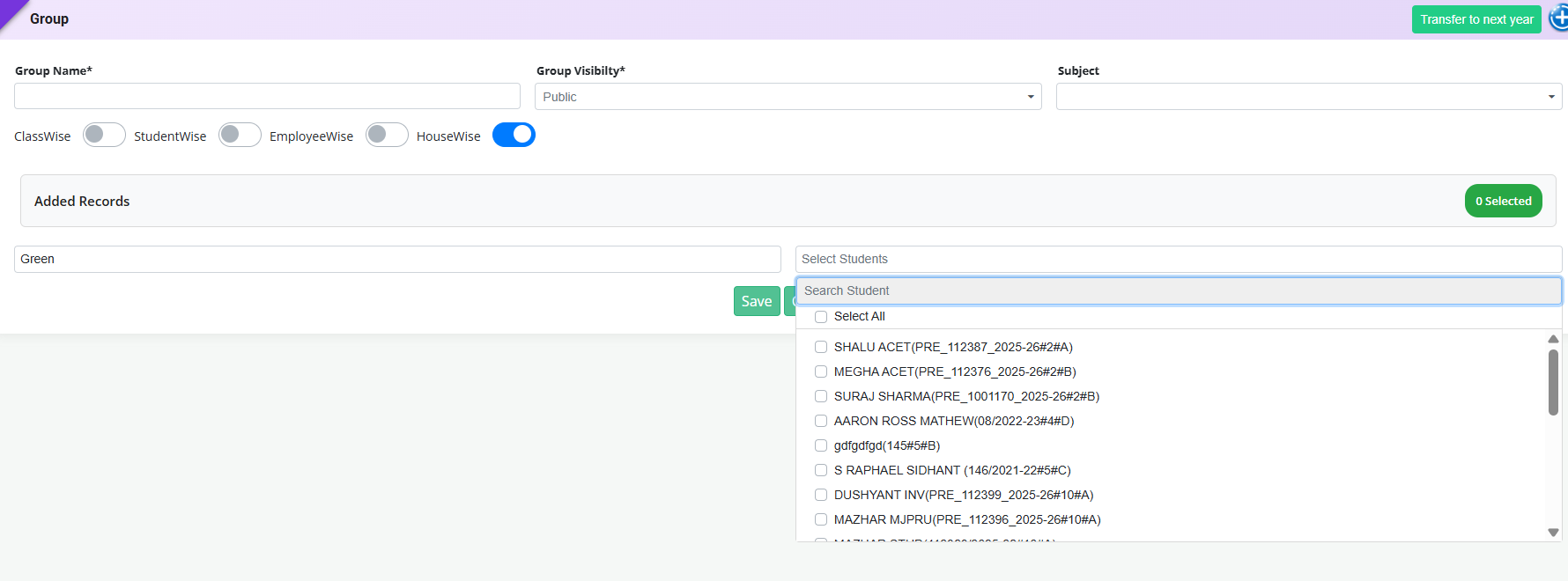
Feature 1: ClassWise Student Display in HouseWise Group Selection
Added a provision in School Online → Group to display students in a ClassWise order when creating a group using the HouseWise filter.
Key Features
- Added ClassWise sorting for the student list displayed under the HouseWise filter.
- Students are now displayed in an organized sequence based on their respective Classes/Sections, instead of appearing in a jumbled order.
- Makes it easier for users to locate and select students from a particular class while creating or managing groups.
- Improves clarity and usability when handling many students across multiple classes.
- Reduces the possibility of missing or incorrectly selecting students due to an unorganized student list.
Feature 1: Student Profile Edit Permission – Parent Signature Fields
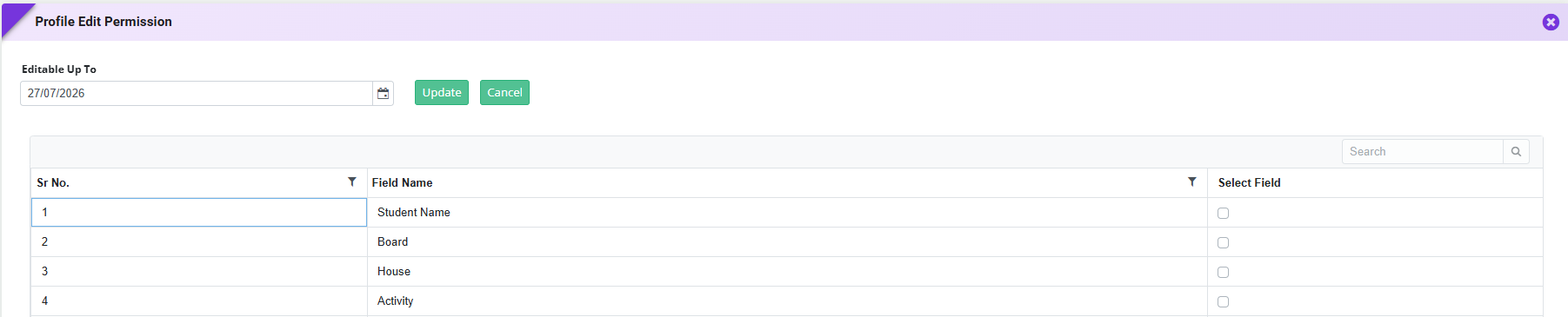
Added a provision in School Online → Student Profile Edit Permission to configure editing access for Father's Signature and Mother's Signature fields.
Key Functionality
- Added Father's Signature and Mother's Signature options under Student Profile Edit Permission.
- Schools can enable or disable edit permission for these signature fields independently.
- When enabled, parents can upload or update the respective signatures through the Parent Portal.
- When disabled, the signature fields remain view-only, preventing any modifications by parents.
- Provides schools with better control over sensitive profile information while maintaining flexibility based on their policies.

Feature 1: Gender-Based Employee Circular Distribution
Purpose
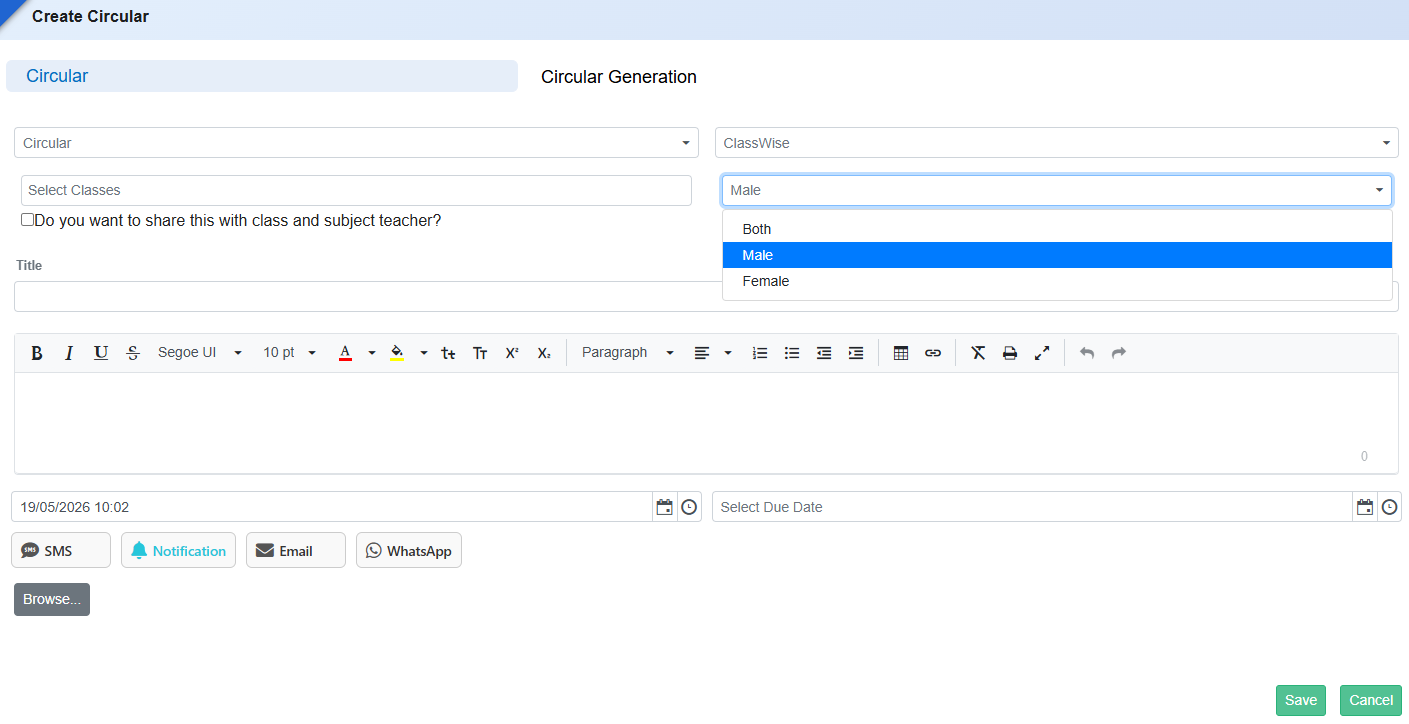
To enable schools to send circulars selectively to Male, Female, or Both employee groups based on communication requirements.
Key Functionality
- Add a Gender Selectiondropdown in School Online → Circular → Employee Circular with options: Male, Female, Both.
- Circulars will be delivered only to employees matching the selected gender criteria.
- Existing circular generation flow (SMS, Notification, Email, WhatsApp) should support gender-based filtering.
Key Benefits
- Enables targeted communication for gender-specific announcements or notices.
- Reduces irrelevant circular distribution and improves communication efficiency.
- Provides better control and flexibility for school administration.
Feature 1: Password Expiry Prompt on 10X Login (Admin & Employee Roles)
Purpose
To enhance account security and enforce periodic password updates, a password expiry mechanism with timely reminders has been introduced for Admin and Employee roles on the 10X login page.
Key Functionality
-
Role-Based Applicability
- Applicable only for:
- Admin
- Employee
- Applicable only for:
-
Expiry Logic
- Password expiry is calculated based on credential creation date.
- Expiry cycle:End of the respective month.
-
Pre-Expiry Notifications (Login-Time Popups)
-
3 Days Before Expiry
- Title: Password expiring soon
- Message: Your password will expire in 3 days. We recommend changing your password.
-
Buttons
- Change Password → Redirect to Change Password screen
- Continue → Proceed with login
-
2 Days Before Expiry
- Same structure with updated message: “Your password will expire in 2 days…”
-
1 Day Before Expiry
- Same structure with updated message: “Your password will expire in 1 day…”
-
3 Days Before Expiry
-
On Expiry (Last Day of the Month)
- Title: Password expired
- Message: Your password has expired. Please change your password to continue.
- Button: Change Password only
- Restriction : User cannot proceed to login until password is changed.
-
Change Password Flow
- Redirects to Change Password screen with fields:
- Old Password
- New Password
- Confirm Password
- Successful update allows user to log in.
Key Benefits
- Enhanced Security: Enforces periodic password updates.
- Proactive Alerts: Users are notified before expiry to avoid disruption.
- Controlled Access: Prevents login with expired credentials.
- Improved Compliance: Aligns with security best practices.
- Better User Experience: Clear prompts with guided actions.
What’s New in School Online
This release strengthens parent communication and usability across the School Online module by ensuring instant notifications, clearer student identification, and configurable messaging control. Parents now receive real-time push alerts when diary entries are assigned, while staff can select students more accurately in circulars using admission number and class details. Schools also gain the flexibility to enable or disable the Student Message tab centrally, allowing communication channels to align with institutional policies and improving overall engagement and responsiveness.
Feature 1: Push Notification on Diary Assignment to Students
Purpose
To improve parent communication and ensure timely awareness of academic updates, the Diary Assigner feature has been enhanced with automatic push notifications. Parents are now instantly notified on the mobile app whenever a diary entry is assigned to their child, strengthening engagement and reducing missed information.
Key Functionality
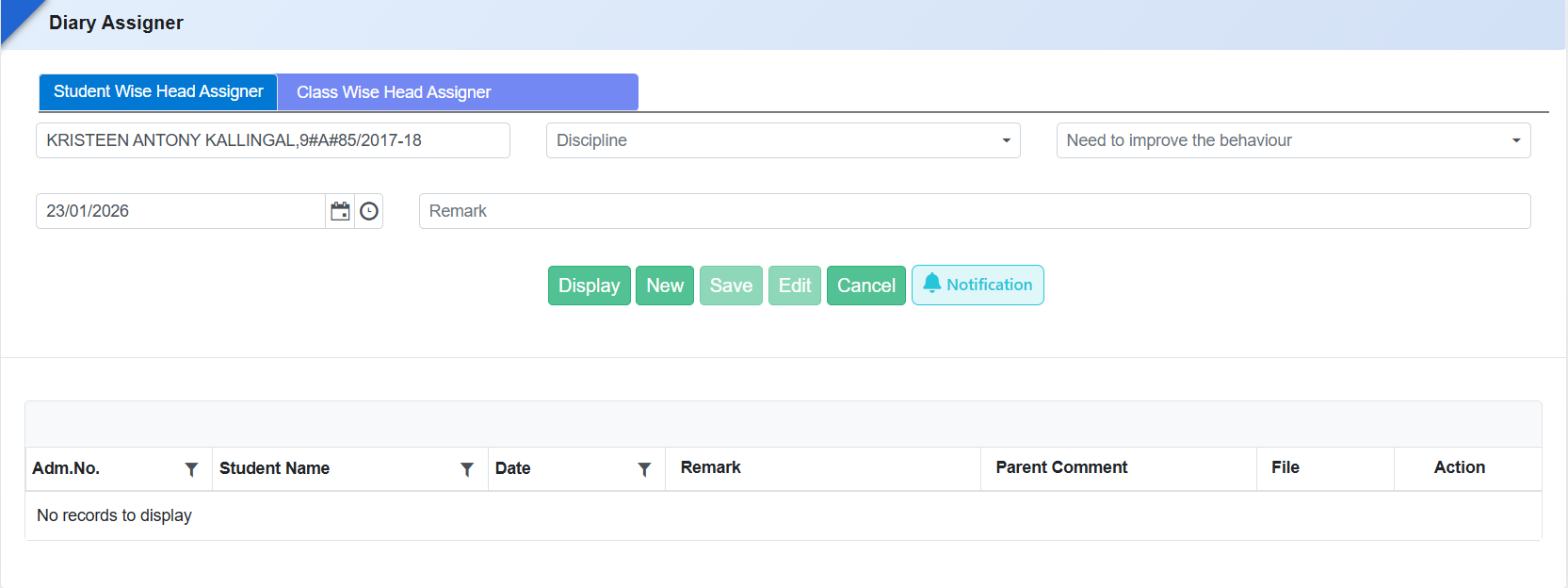
- Introduced a “Notification” button in the Diary Assigner form.
- The button is enabled by default, ensuring parents are notified automatically.
- On diary assignment, a push notification is sent to parents via the mobile app only.
- A Notification button is available on the form to manage or trigger notifications as required.
Benefits
- Timely Parent Updates: Parents receive instant alerts for diary assignments.
- Improved Engagement: Keeps parents informed about daily academic activities.
- Reduced Missed Communication: Ensures diary updates are not overlooked.
- User-Friendly Control: Default notification setting with manual override if needed.
- Digital-First Communication: Strengthens mobile app usage and communication efficiency.
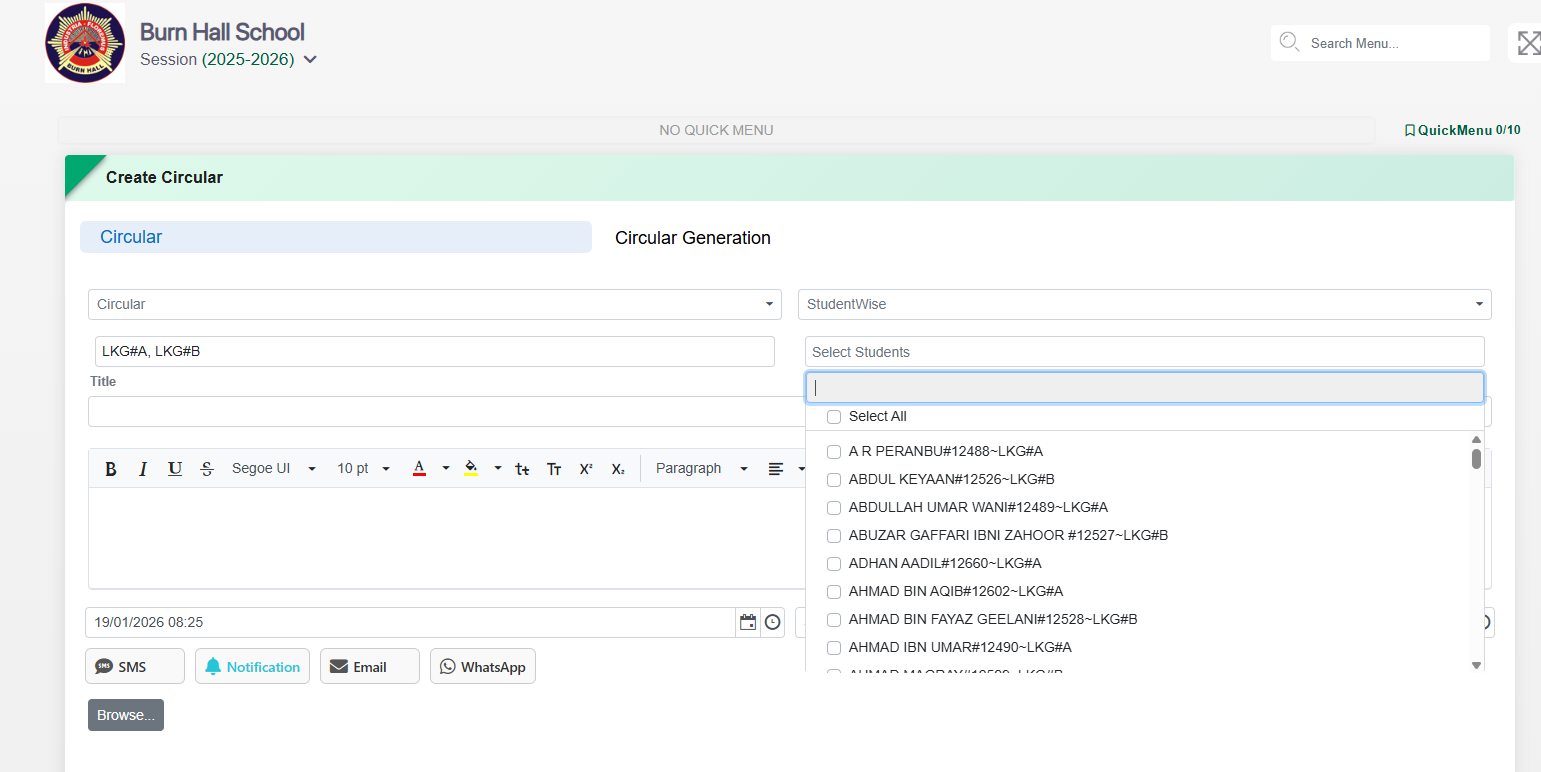
Feature 2: Enhanced Student Identification in Student-wise Circular
To avoid ambiguity while sending circulars and help schools accurately identify students, the Student-wise Circular selection has been enhanced to display additional student details along with the name.
Key Functionality
-
In Student-wise Circular, the student list now displays:
- Student Name
- Admission Number
- Class & Section
- Helps users clearly distinguish between students with similar names while selecting recipients.
Feature 3: Student Message Tab Enable/Disable Setting
Purpose
To give schools better control over student communication visibility, a new configuration has been introduced to enable or disable the Student Message tab as required.
Key Functionality
- Added a Message Enable / Disable toggle in General Settings.
- Allows schools to show or hide the Student Message tab for students.
- Setting applies centrally based on school communication policy.

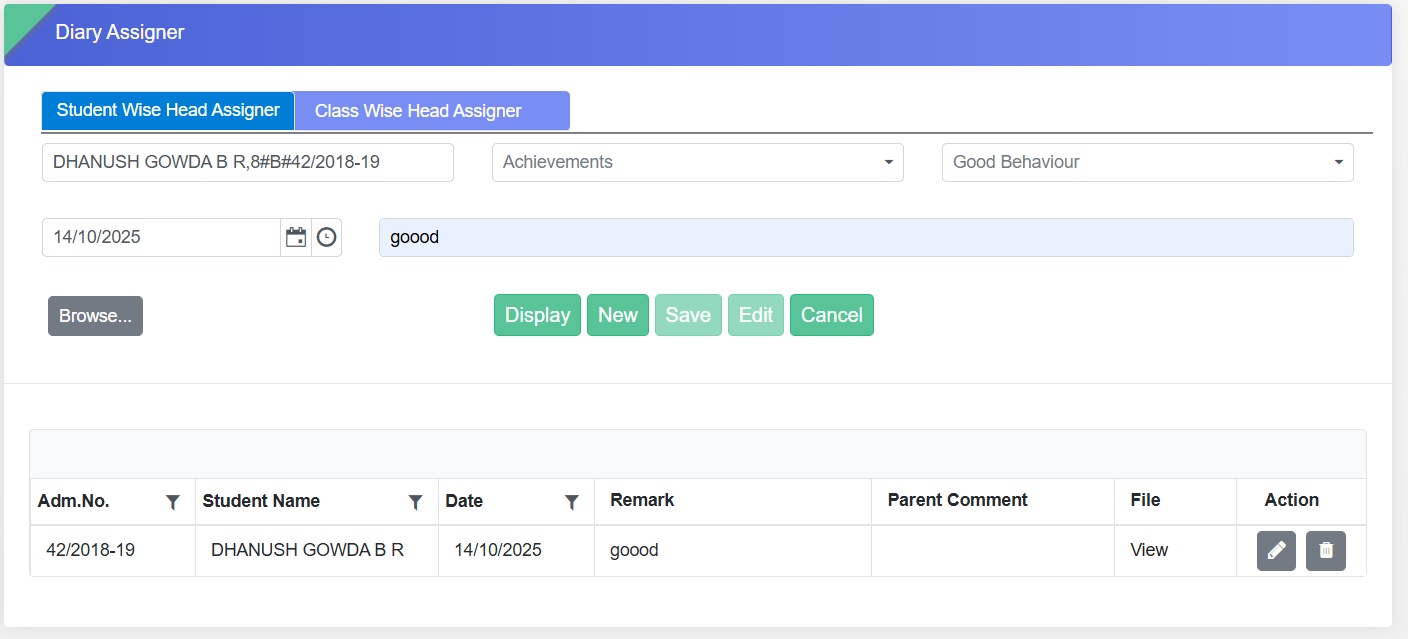
Feature 1: Provision to Delete Assigned Diary Entries
This enhancement provides schools with greater flexibility and control by allowing the deletion of incorrectly assigned diaries for both student-wise and class-wise assignments.
Navigation
School Online → Diary Assigner
Key Functionality
- Delete option has been introduced for:
- Student-wise Head Assigner
- Class-wise Head Assigner
- Enables users to remove wrongly assigned diary entries easily.
- Ensures that only valid and accurate diary assignments are maintained in the system.
Benefits
- Allows quick correction of wrongly assigned diary entries.
- Improves accuracy and reliability of diary records.
- Enhances administrative control and reduces dependency on backend support for corrections.
Feature 2: Group Report Enhancement
To provide schools with a clear and structured overview of all groups created in the system, along with visibility into how many users are assigned under each group.
Key Functionality
- Added a new report under School Online → Reports → Group Report.
- The report includes the following filters:
- Group Name
- Group Visibility
- Group Type – Classwise, Student Wise, Employee Wise, or Housewise
- Displays details of each group along with the count of users assigned to it.
Benefits
- Enables schools to easily monitor and manage group structures.
- Helps identify unassigned or duplicate groups to maintain data consistency.
- Provides quick insights for administrative decisions related to class, employee, or house-based grouping.
- Enhances transparency and control over group management across the school system.
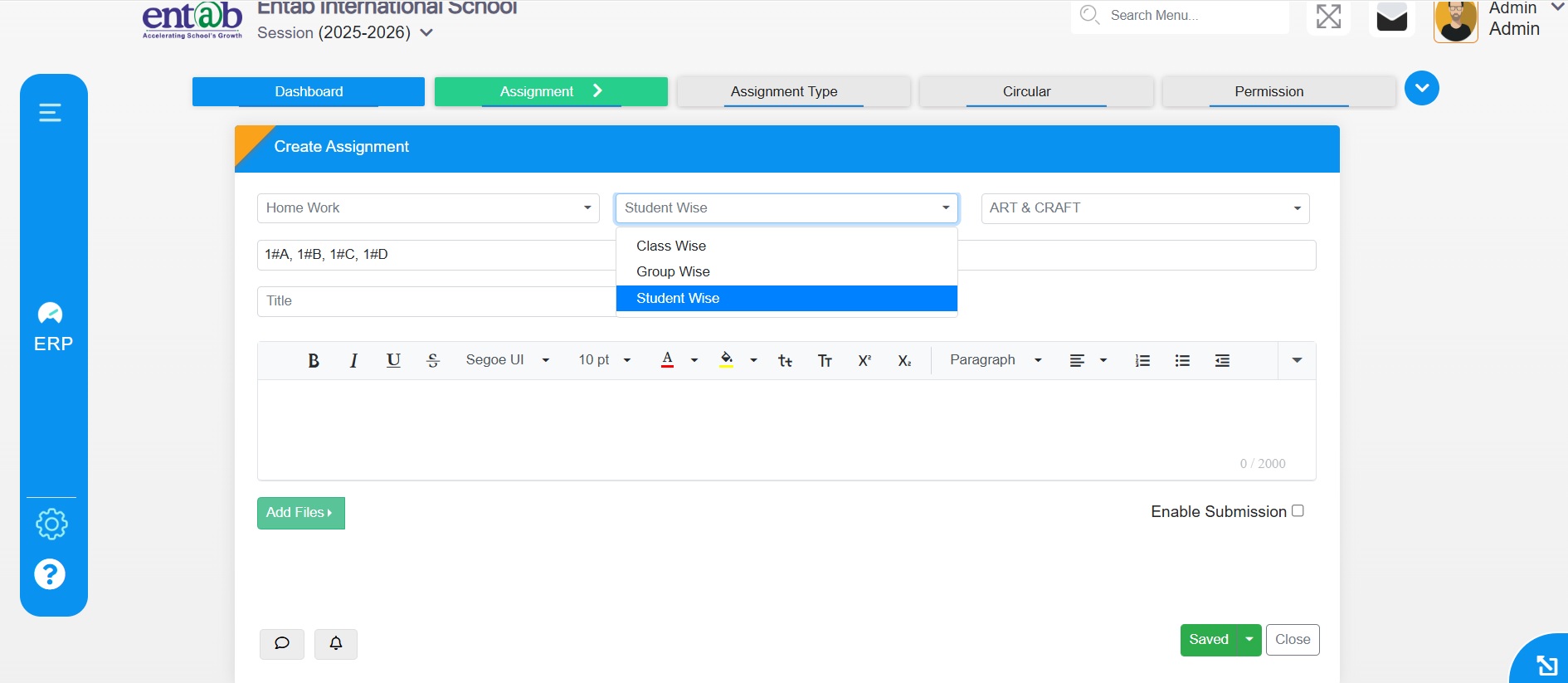
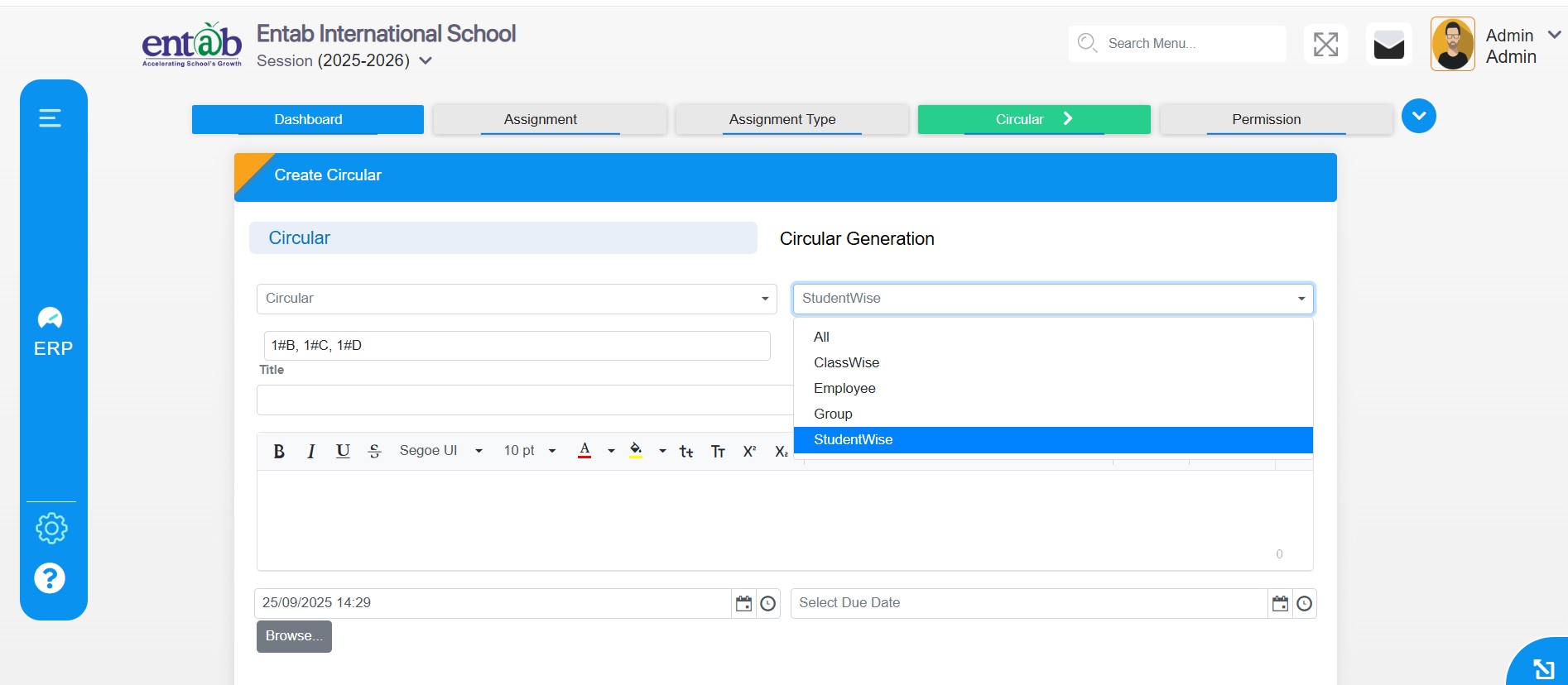
Feature 1: Provision for Student-wise Assignment, Circular, Student Vault
We are excited to introduce enhancements in the Student Online Module that bring more personalized and secure management of student activities and information.
Key Functionality
- Student-wise Assignment: Teachers can now create, assign, and track assignments for individual students.
- Student-wise Circular: Notices can be sent directly to selected students.
- Student Vault: Secure repository for storing and managing student documents.
Navigation
School Online → Assignment → Click (+) Button → Select Student Wise
Student Wise Circular
Student Vault
School Online → Learning Resource → Select Student Vault
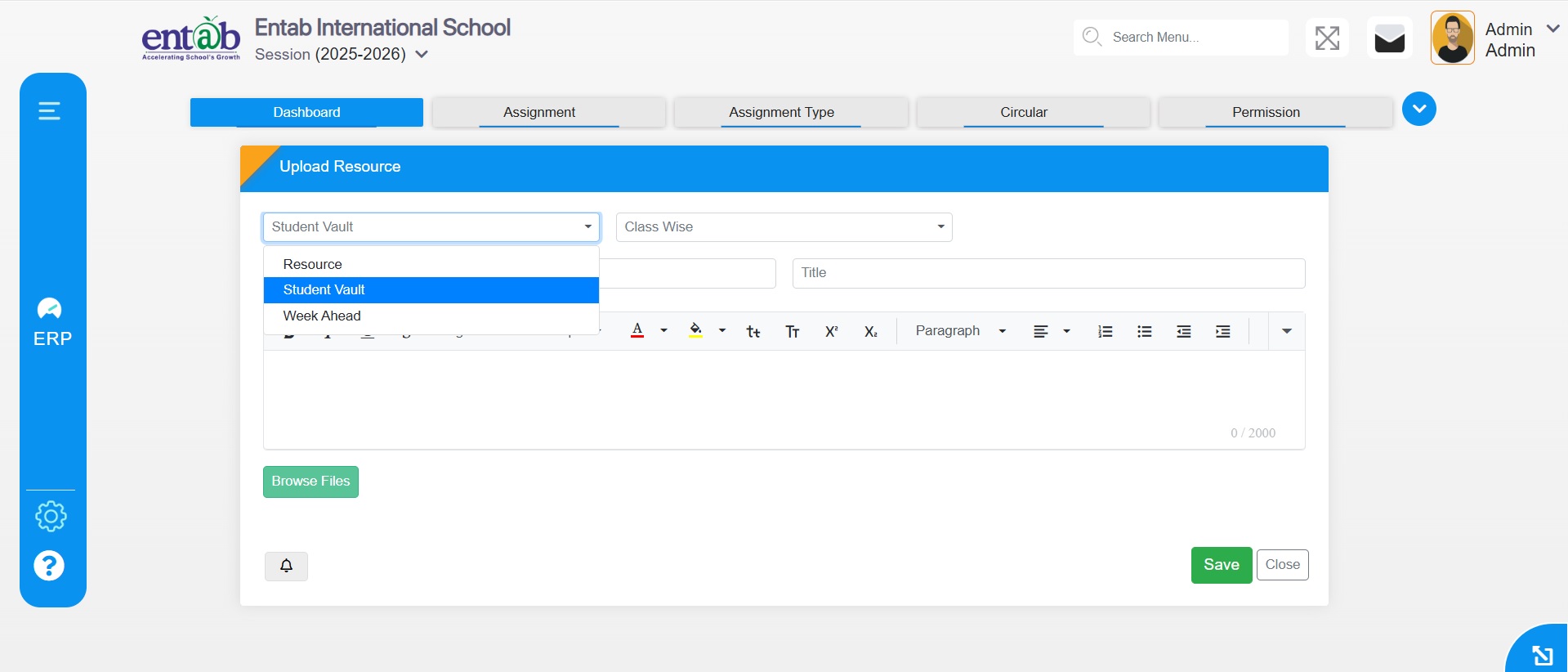
Benefits
- Improves personalization in assignments.
- Targeted communication to students.
- Secure storage of student documents.
For further details, please reach out to the support team.
Feature 2: Form for Student Syllabus
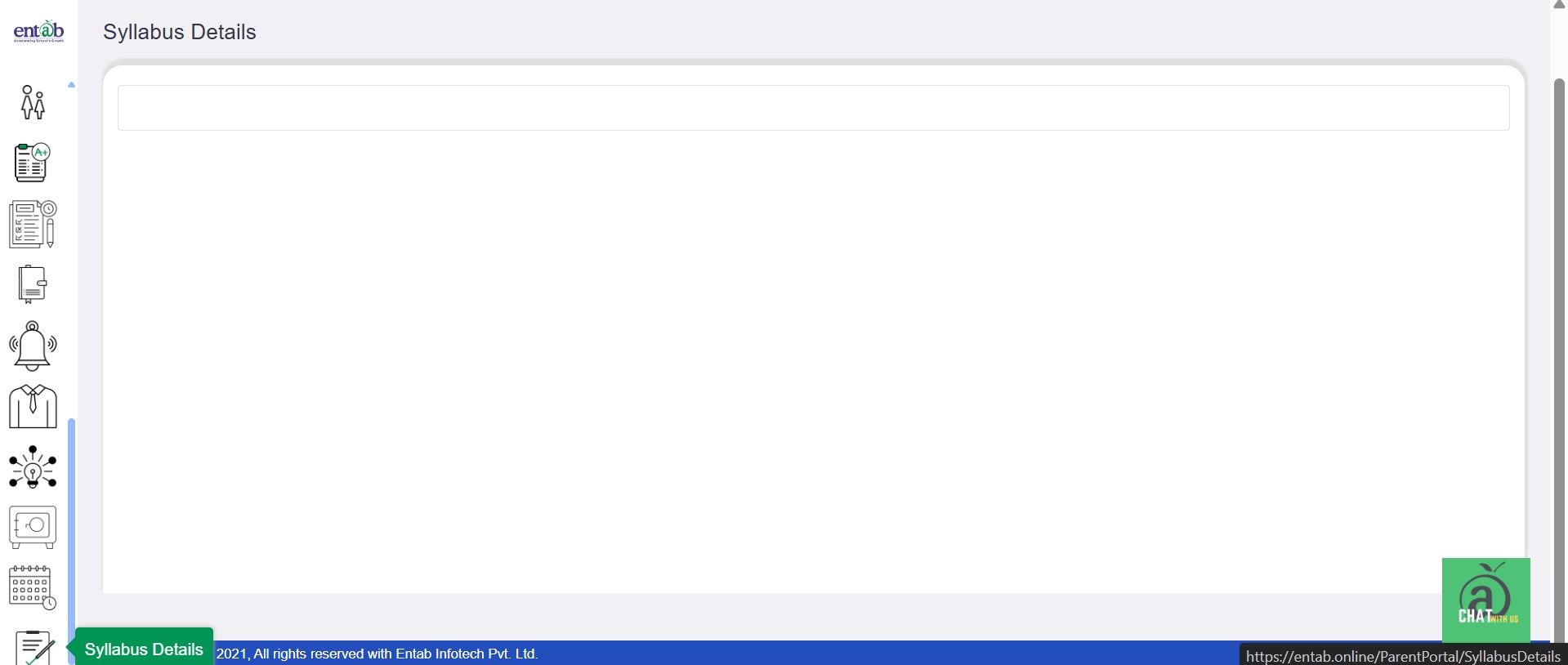
Parents and students can now easily view class-wise syllabus in the portal.
Key Benefits
- Transparent Access
- Improved Planning
- Convenient & Digital
Navigation
Login → Side Menu → Syllabus Details
Feature 3: Send Circulars from Principal Portal
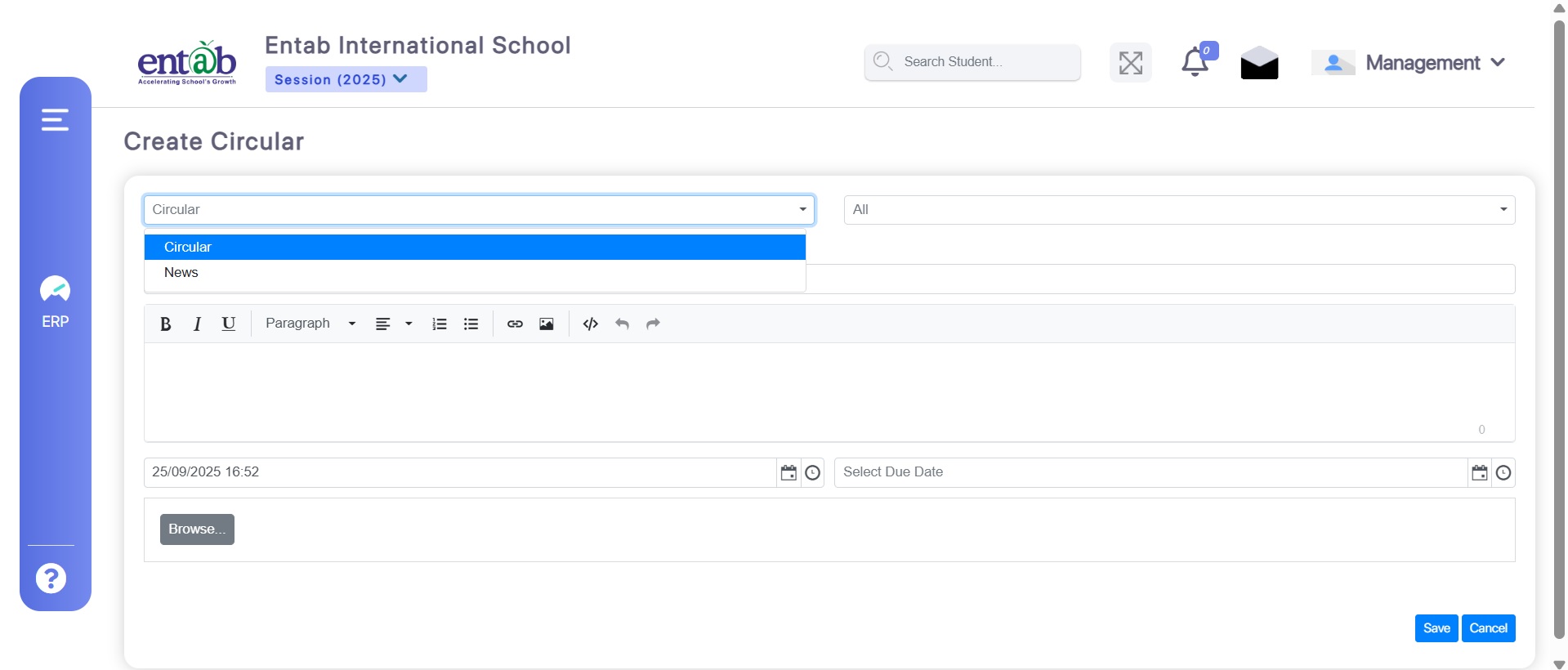
Principals can now send circulars directly.
Benefits
- Direct Communication
- Targeted Messaging
- Streamlined Process
Navigation
Circular → Click (+) Button → Select Circular
Feature 4: New Form - Assignment Type
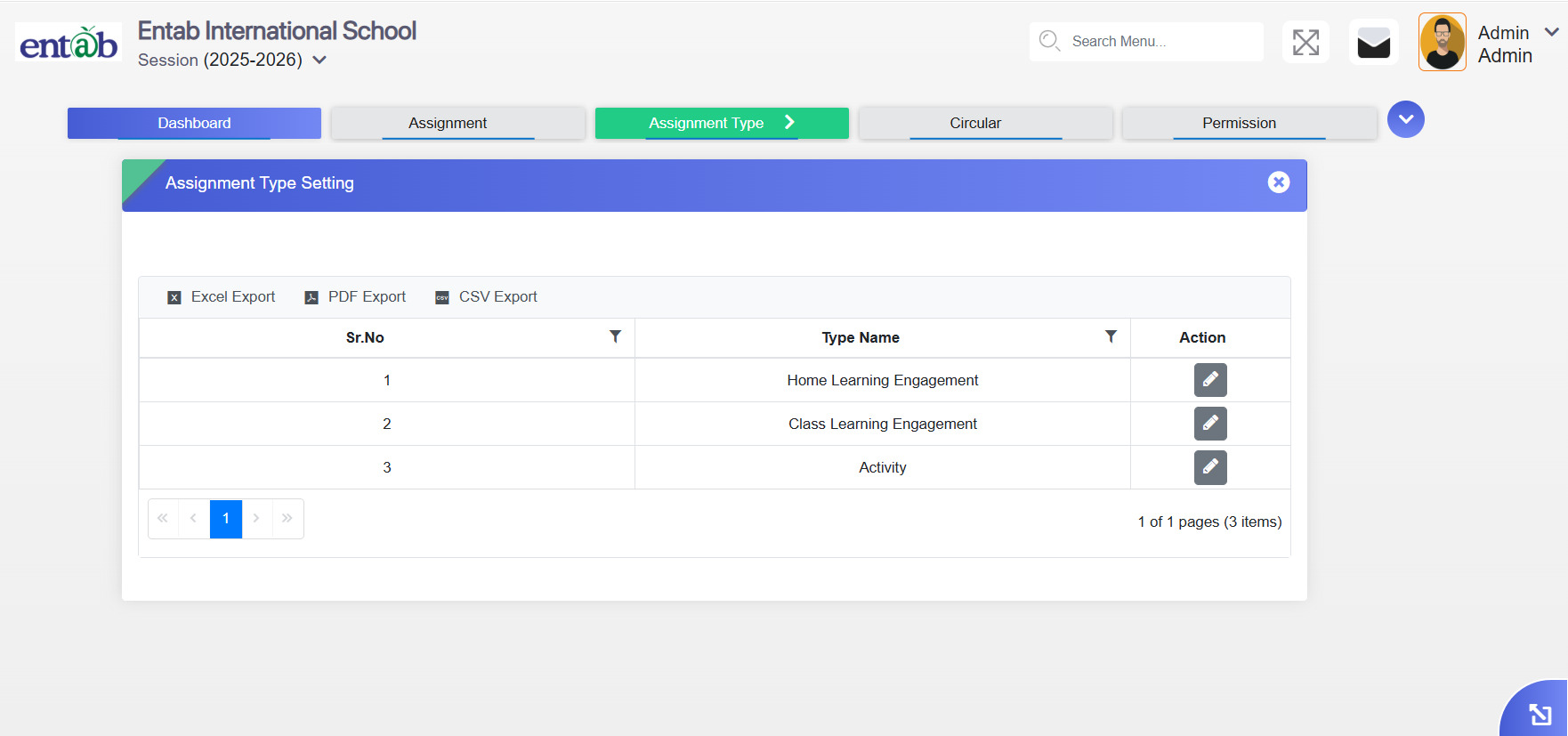
A new Assignment Type form has been added.
Navigation
School Online → Assignment Type Form
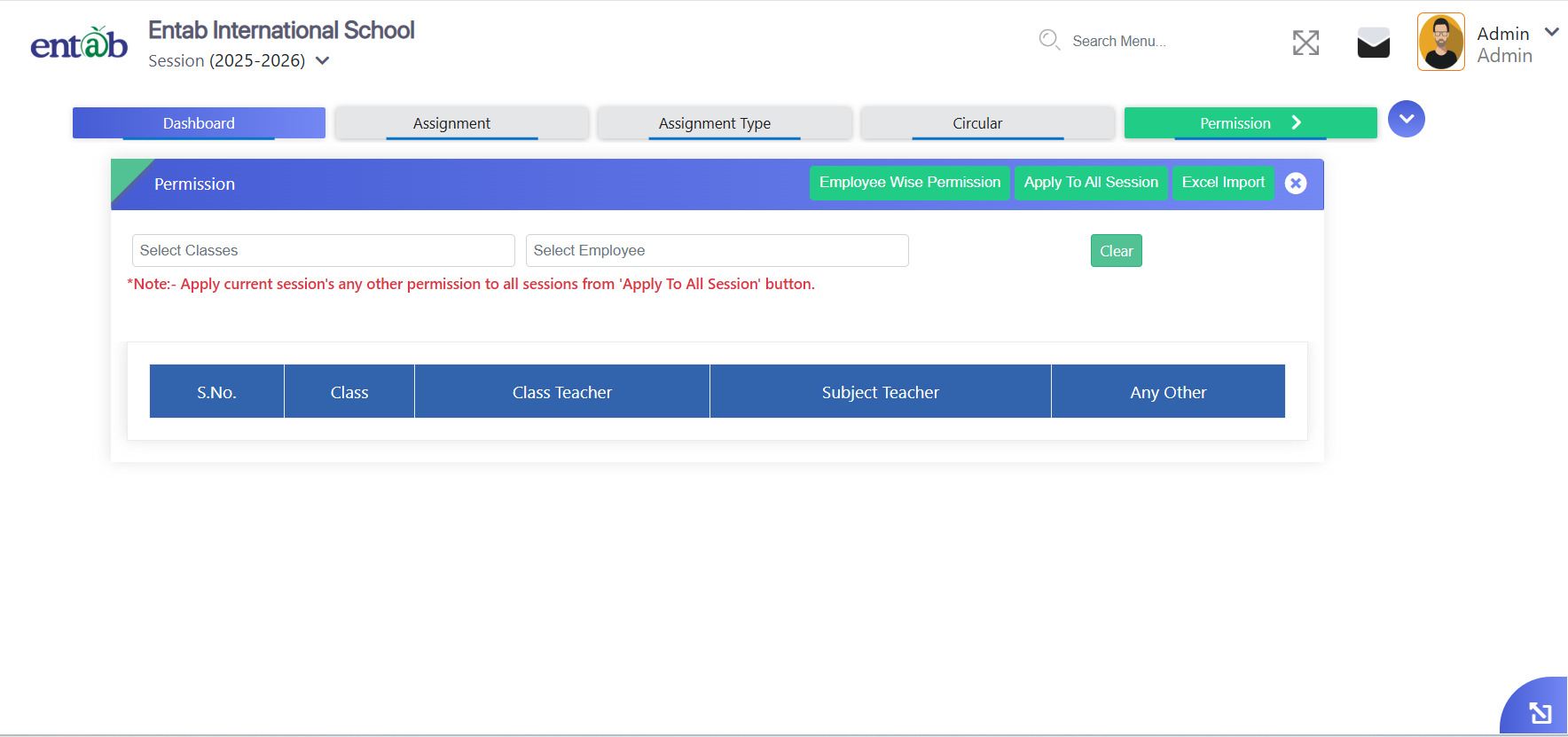
Feature 5: New Tab Added - Employee-wise Permission
A new Employee-wise Permission tab has been added.
Key Functionality
- Assign permissions per employee.
- Clear tracking of assigned permissions.
- Control over module-wise access.
- Role-based access aligned with responsibilities.
Navigation
School Online → Permission → Employee-wise Permission
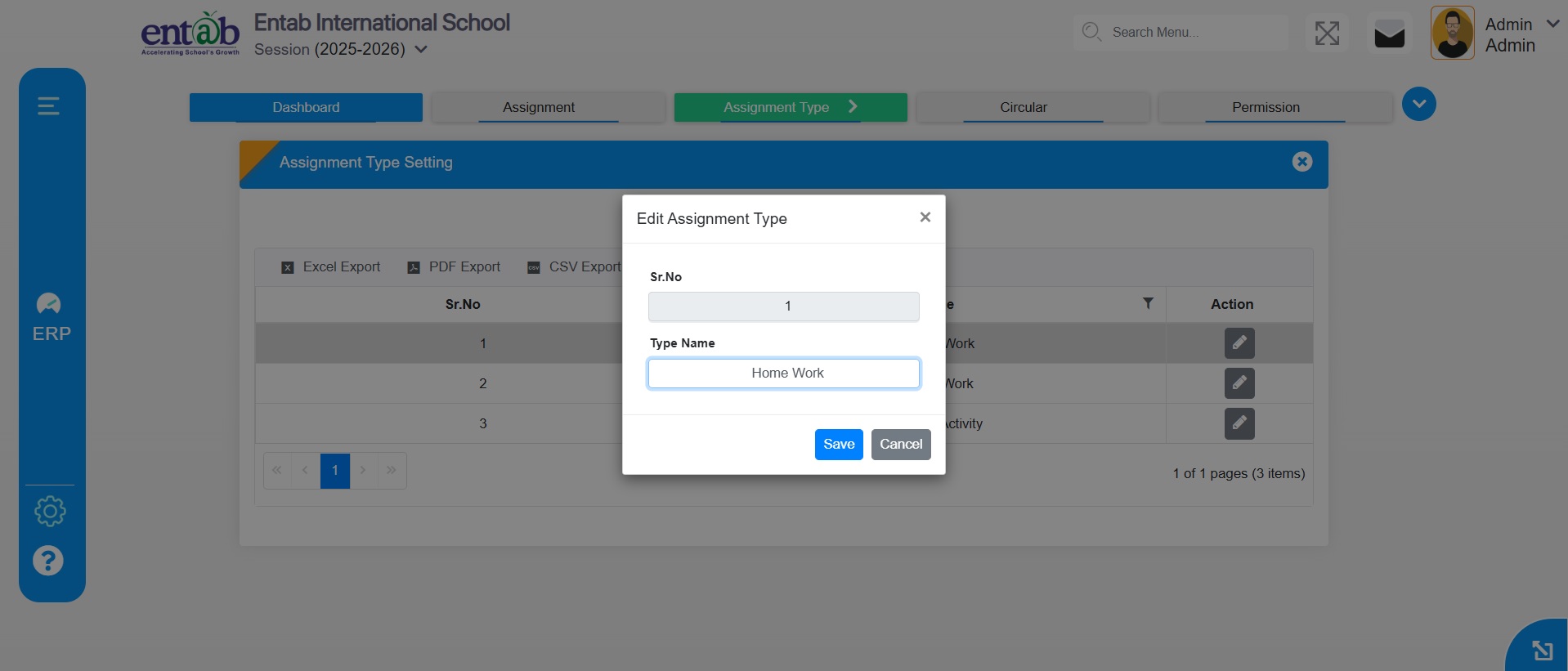
Feature 6: Changed Captions
Rename labels and headings without changing functionality.
Navigation
School Online → Assignment Type → Assignment Type Setting → Edit
ADMISSION REGISTRATION MODULE
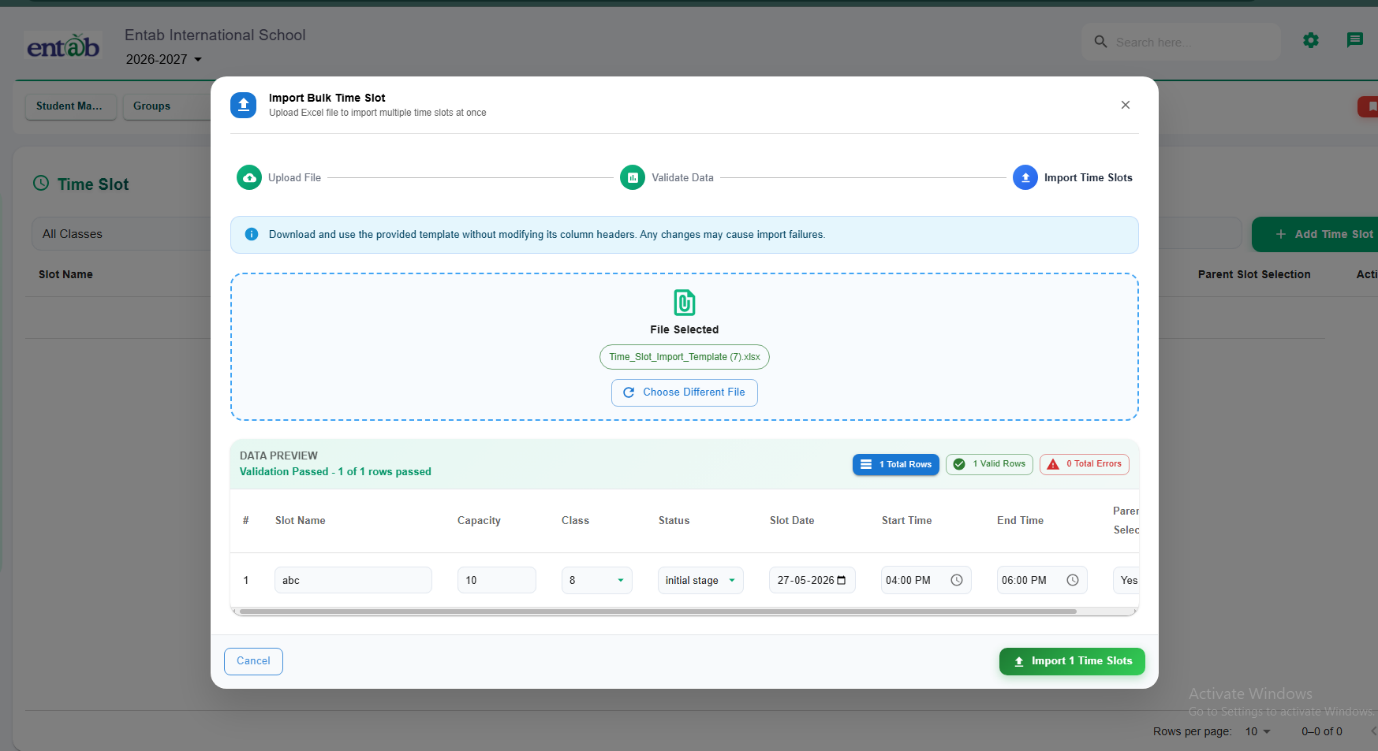
Feature 1: Excel Import Provision for Time Slot Master
Purpose
To simplify and speed up the creation of Time Slot Master records by providing a bulk Excel import facility in the Registration module.
Key Functionality
- Added Excel Import Provision in:Registration → Time Slot Master
- Users can download a predefined Excel template and upload multiple time slot records in a single action.
- System validates uploaded data before import and displays valid/error records for correction.
- Supports bulk creation of details such as Slot Name, Capacity, Class, Slot Date, Start Time, End Time, and Parent Slot Selection.
-
- Reduces manual entry effort for large numbers of time slots.
- Improves operational efficiency during admission and interaction scheduling.
- Minimizes data entry errors through validation mechanism.
- Enables faster setup and management of Time Slot Master records.
- Sibling Details Align sibling fields properly in separate rows and provide an option to add details for a third sibling.
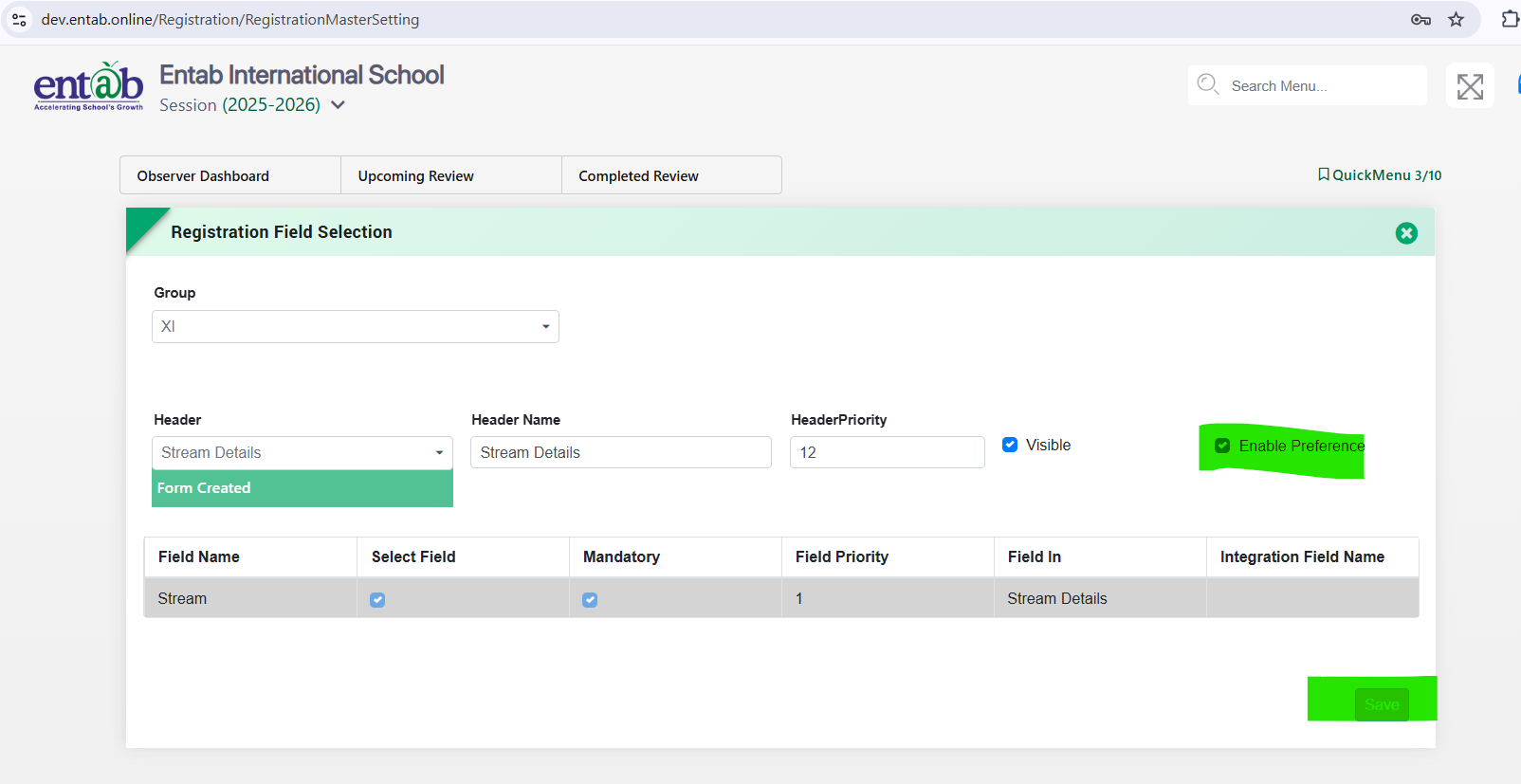
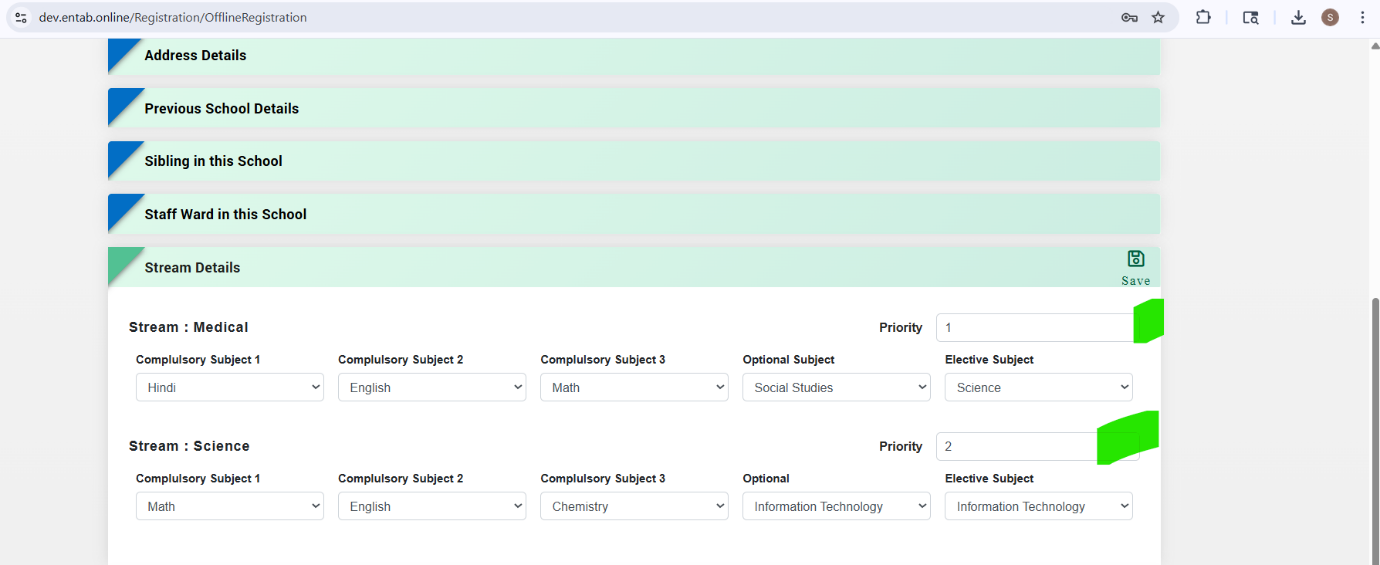
- Stream Details: Add front-end configuration for the Enable Preference option in Registration Settings.
- Step 1: Click on the Enable Preference checkbox and save the settings.
- Step 2: Preference field should display in the Stream Details section during Online/Offline Registration preview and allow priority-based stream selection.
- Improves registration form UI and readability.
- Enables proper stream preference management for admissions.
- Enhances online registration preview and overall user experience.
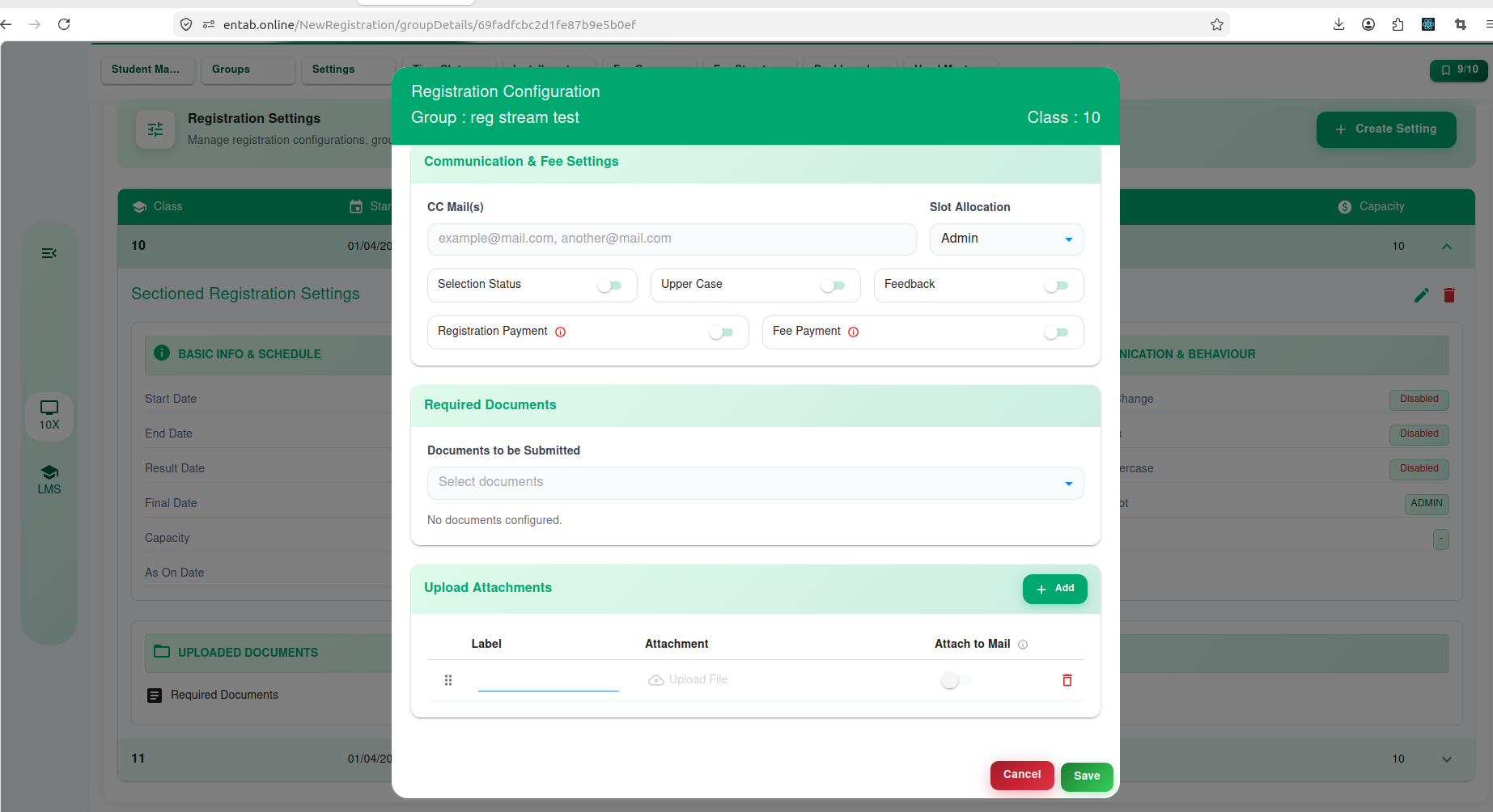
- In Registration → Registration Settingsprovide a provision to upload and configure attachments such as:
- Print Form
- Acknowledgement
- Syllabus
- Any other supporting document
- Add an "Attach to Mail"option against each uploaded document to control whether the document should be included in registration emails.
- System will automatically send the configured attachments through email at the following stages:
- Registration Without Payment– upon successful form submission.
- Registration With Payment – upon successful payment completion.
- Multiple documents can be attached and sent in a single email based on configuration.
- Ensures parents receive all relevant registration documents immediately.
- Eliminates manual document sharing by admission staff.
- Improves communication and registration experience for applicants.
- Provides flexibility to schools to configure and manage document attachments as per their admission process.
-
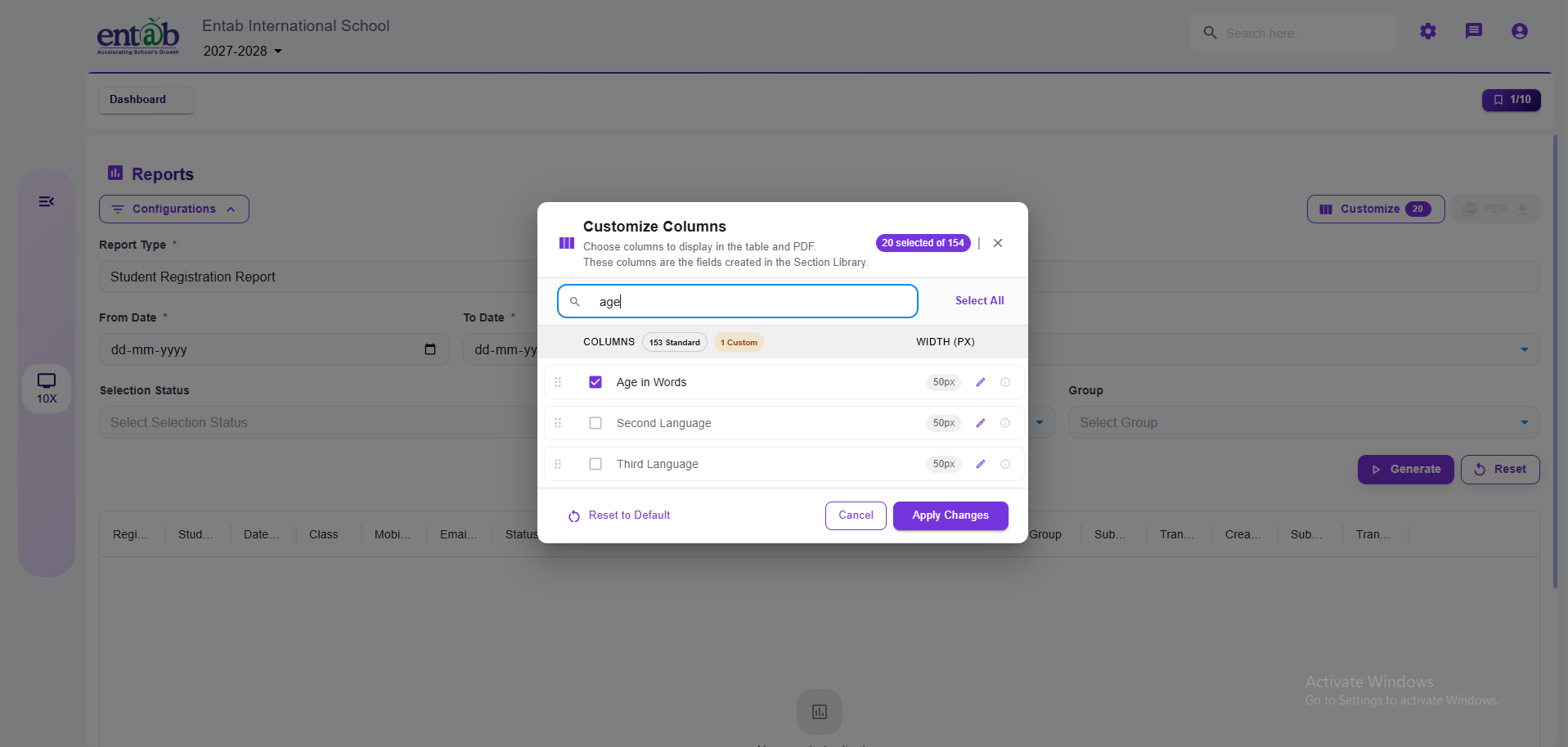
Registration Date Column
- Add a new column "Registration Date" in Registration → Reports → Student Registration Report.
- The column will display the date on which the registration form was submitted by the applicant.
-
Age as on Date Enhancement
- Modify the existing "Age as on Date" column to display age in Years, Months, and Days.
- Current Format: Years & Months.
- Proposed Format: Years, Months & Days (e.g., 10 Years 5 Months 12 Days).
Key Benefits
Feature 2: Enhancement in Sibling Details & Stream Preference Configuration in Registration Form
Purpose
To improve the registration form layout, usability, and provide proper configuration for stream preference selection.
Key Functionality
Key Benefits
Feature 3: Registration Email Attachments Configuration
Purpose
To provide schools with the ability to automatically send important registration-related documents as email attachments to applicants/parents during the registration process.
Key Functionality
Key Benefits
Feature 4: Enhancements in Student Registration Report
Purpose
To provide additional registration tracking information and more accurate age representation in theStudent Registration Report.
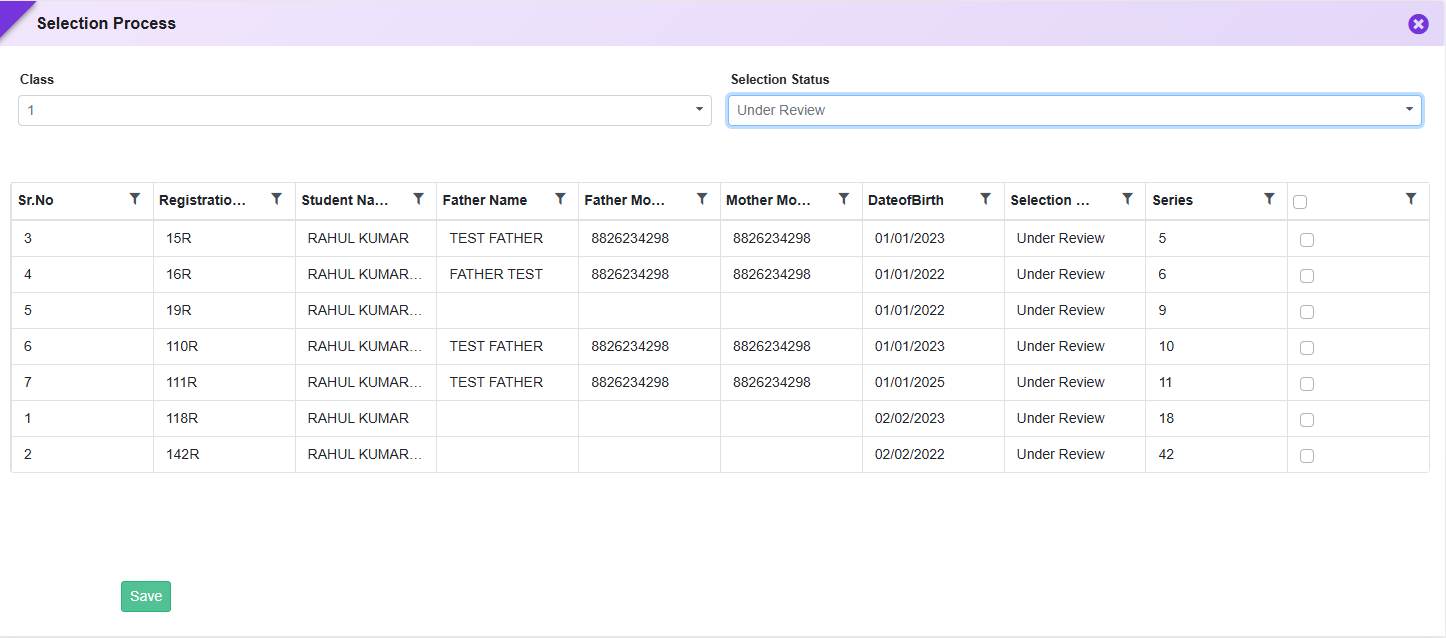
Feature 1: Registration Details Preview & Bulk “Apply All” Action
Purpose
To improve efficiency in registration processing and provide quick access to student information, enhancements have been introduced in the Registration Details screen. These updates enable instant document preview and simplify bulk actions during selection and student transfer processes.
Key Functionality
-
Document & Registration Form Preview
-
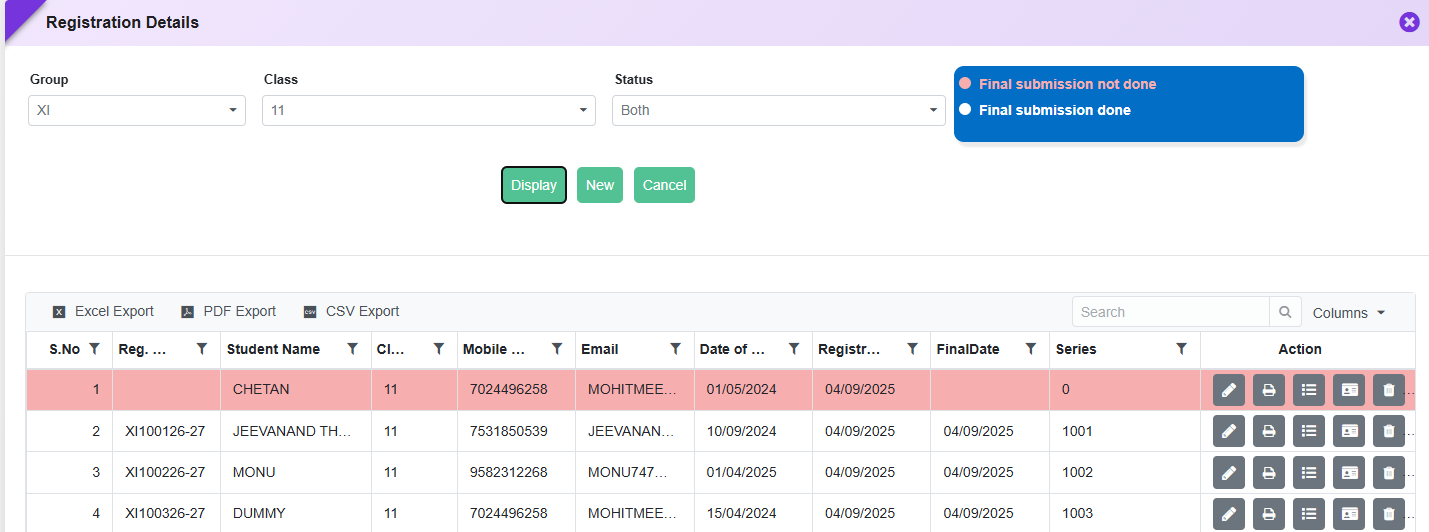
Added a new Date of Birth column in:
- Registration Module → Entry → Registration
-
Uploaded Documents Preview
- Staff can click to preview uploaded documents such as:
- Aadhaar Card
-
Added a new Date of Birth column in:
-
Registration Form Preview
- Clicking on the Student Name will open the complete registration form preview.
- Displays all submitted details including personal, academic, and uploaded documents.
-
“Apply All” Option for Bulk Processing
-
Added “Apply All” option in:
- Selection Process Form
- Transfer to Student Form
-
Functionality:
- Allows applying a selected action/status to all listed students in one click.
- Eliminates the need for individual selection.
-
Example Use Cases:
- Mark all students asSelected / Rejected / Waitlisted
- Transfer all eligible registrations to Student Master in bulk
-
Added “Apply All” option in:
Key Benefits
- Faster Verification: Instant preview of documents without download.
- Improved Decision Making: Easy access to complete registration form.
- Bulk Efficiency: “Apply All” reduces repetitive manual actions.
- Time Saving: Speeds up admission and selection workflows.
- Better User Experience: Simplifies navigation and reduces clicks.
Feature 2: Separate Admission & Print Form Management in Registration
Introduced separate upload options for Print Form and Registration (Admission) Form in Certificate Settings to support different document formats. Additionally, enabled Admission Form download from Offline Forms and included it in Registration Bulk Download, allowing schools to share admission forms without transferring students to the Student Information module.
Feature 3: Extended Sibling Mapping in Online Registration
Enhanced the Online Registration form to support mapping of up to 4 siblings under Master Setting → Registration Field Selection → Header → Sibling in this school. Added two additional sibling sections with fields including Admission No, Name, Class & Section, Father Name, and Mother Name, enabling schools to capture complete sibling details in a single registration form.
Feature 4: Time Slot Selection for Parent Interaction
Introduced a Time Slot Master to allow schools to define available time slots for parent interactions related to registration, enquiries, etc. Parents can select a preferred time slot from the available options during the process, enabling better scheduling and organized communication.
Feature 5: OTP Resend & Student-Based Document Naming Enhancement
Enhanced the registration experience by introducing a “Resend OTP” option in the OTP verification screen to handle cases where OTP is not received. Additionally, improved document downloads by ensuring thatPrint Forms and Slips are saved using the Student’s Name instead of system-generated file names, enabling easier identification and better usability.
Feature 6: Registration Form Preview for Parents (Post Submission)
After successful registration submission and payment, parents can log in to their account andpreview the submitted registration form. Editing of details is restricted after final submission,ensuring data integrity while still allowing parents to review the entered information.
What's New in Registration
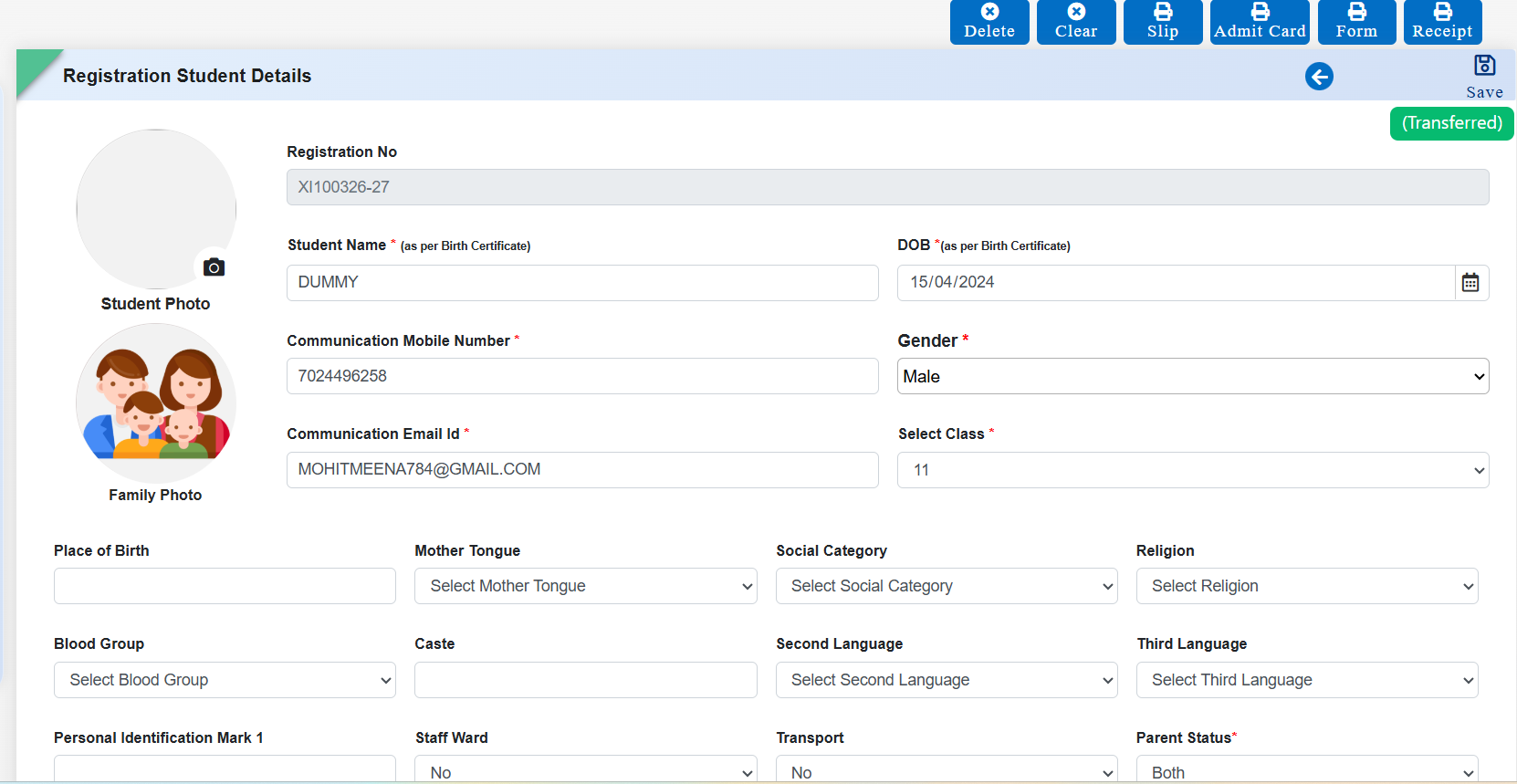
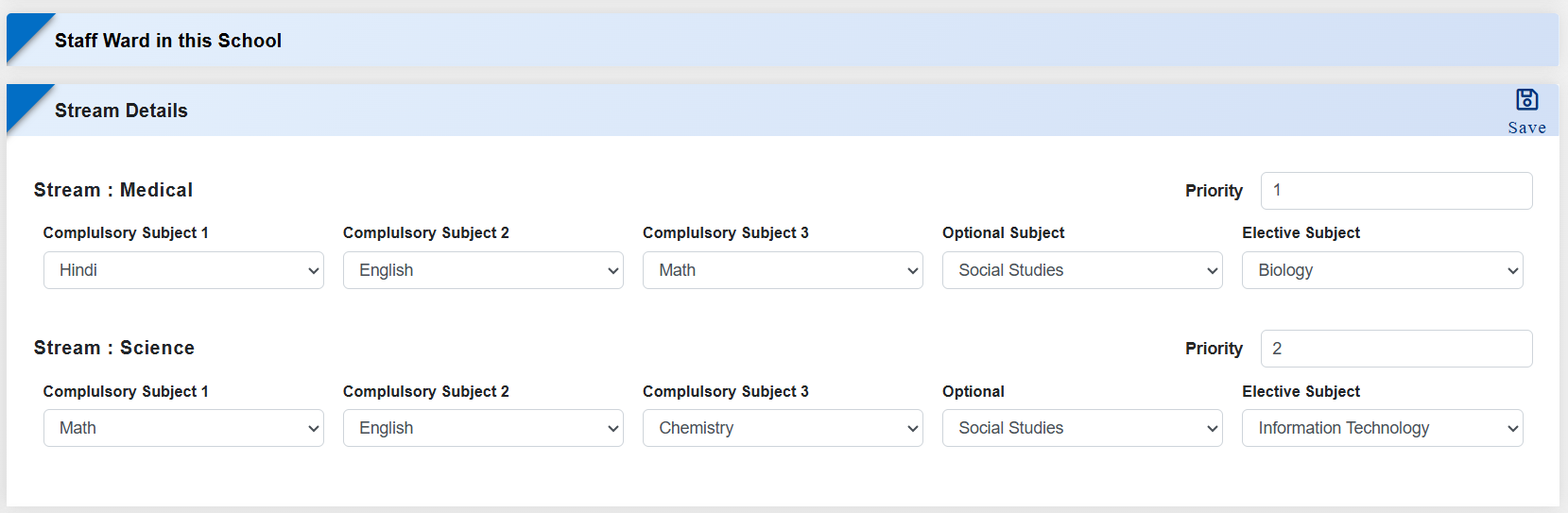
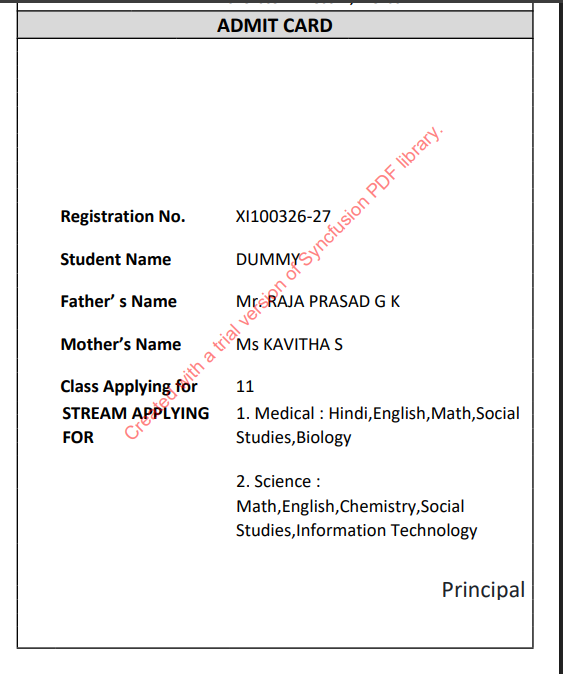
The Registration module has been strengthened to ensure that Admit Cards accurately reflect each student's selected stream and subject preferences captured during registration. Schools can now configure admit cards to display stream details priority-wise (e.g., only Priority-1 or multiple preferences) along with the exact subjects chosen by the student. This eliminates data mismatches, improves clarity for parents and students, and supports schools managing multiple streams with flexible admission policies.
Feature 1: Stream & Subject Display Configuration in Admit Card
Purpose
To make admit cards more informative and aligned with the student's registration choices, new provisions have been introduced to display stream and subject details directly on the Admit Card. This enhancement ensures that the admit card accurately reflects the stream preference and subject selection made by the student during registration, reducing ambiguity and improving communication with students and parents.
Navigation
Registration → Certificate Setting → Admit Card
Key Functionality
- Added new tags for Stream and Subject in Admit Card Certificate Settings.
- Enables schools to fetch and display stream data preference-wise:
- Print only Priority 1 stream, or
- Automatically fall back to the next priority if Priority 1 is unavailable, or
- Display multiple preferences (e.g., Priority 1 to 3) as configured.
- Subjects are displayed based on the student's selected subjects during registration.
- Ensures the admit card prints the actual stream selected/filled by the student, with priority-based control.
Key Benefits
- Accurate Representation: Admit cards now clearly reflect the student's chosen stream and subjects.
- Preference-Based Control: Schools can decide whether to show only Priority 1 or multiple stream preferences.
- Reduced Confusion: Eliminates mismatch between registration data and admit card details.
- Professional Documentation: Produces clear, complete, and reliable admit cards for examinations.
- Flexible Configuration: Supports multiple-stream schools with varying admission and preference policies.
Feature 1: Health Card Upload and Download Option
This enhancement introduces an option to upload and download the Health Card (Medical Form) within the Registration module, simplifying health record management for both administrators and parents.
Navigation
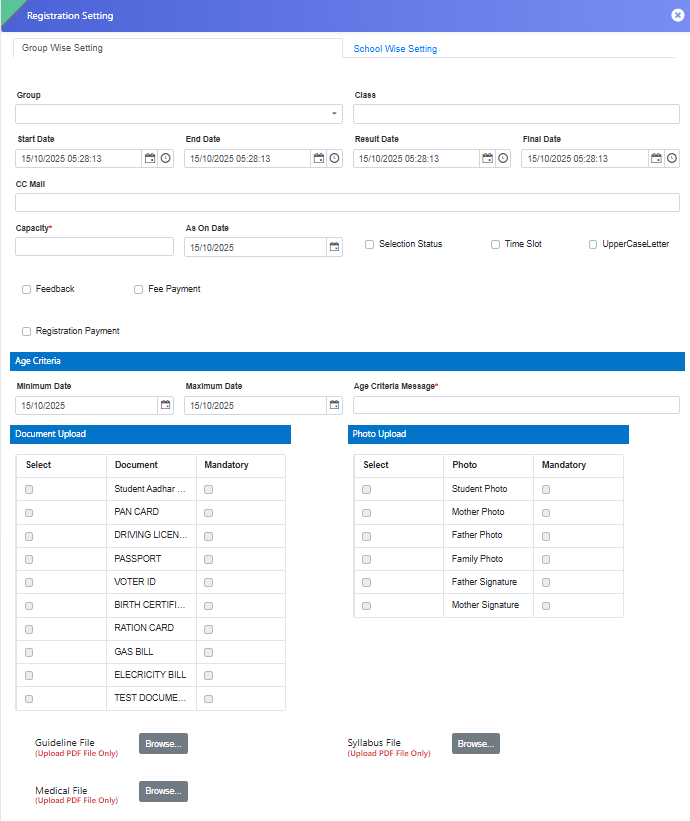
Registration → Master Setting → Registration Setting → Group Wise Setting
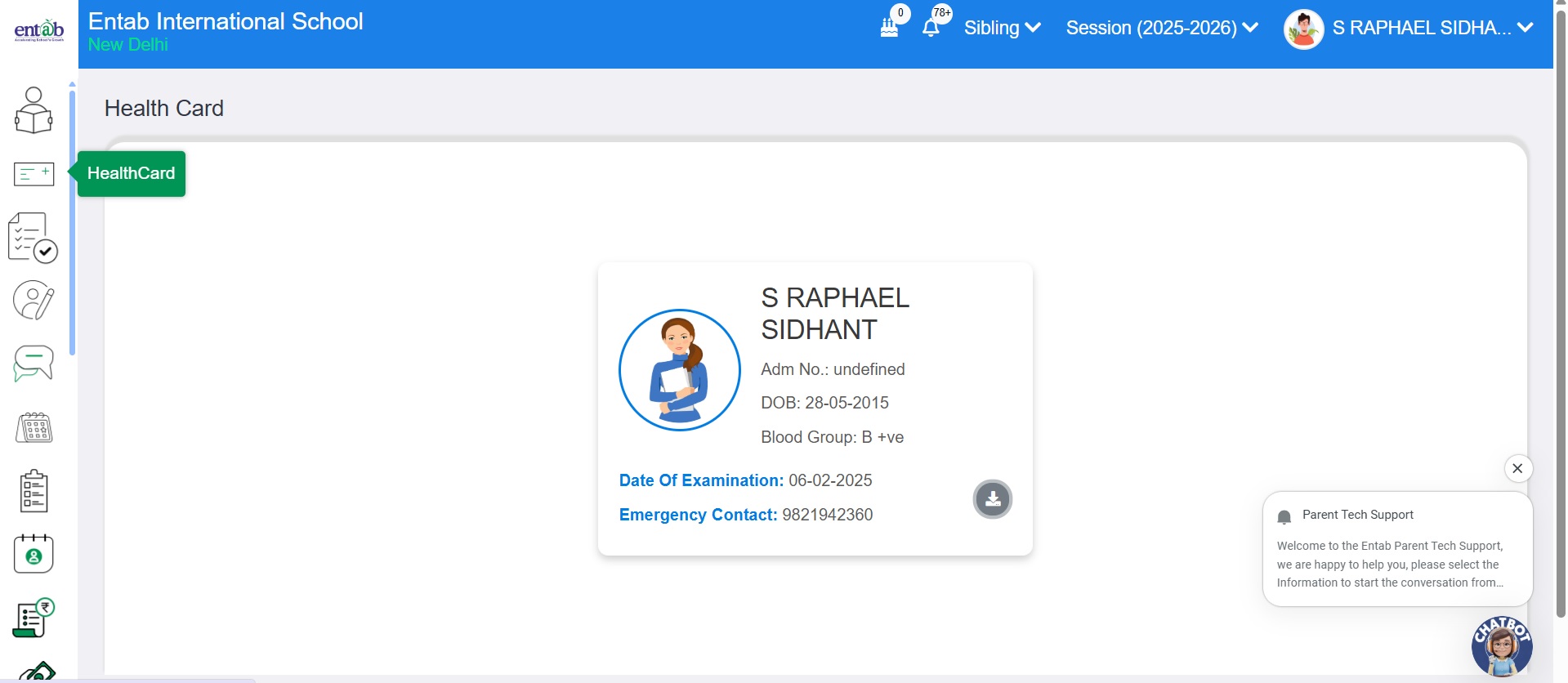
Parent Portal: Side Menu → Health Card → Download
Key Functionality
- Under Group-wise Setting, an option has been added to Upload and Download the Health Card (Medical Form).
- On the Parent Portal, Health Card module is available in the side menu.
- Parents can conveniently download the Health Card directly from this module or from the Download Guidelines section during registration.
Key Benefits
- Provides a centralized and organized way to manage student health records.
- Enables parents to easily access and download the Health Card without manual support.
- Improves efficiency and transparency in the health document submission process.
Feature 2: Addition of APAAR ID and SRN Fields in Registration Form
To enhance student identity management and align with updated institutional requirements, two new fields — APAAR ID and SRN — have been added to the Registration form.
Navigation
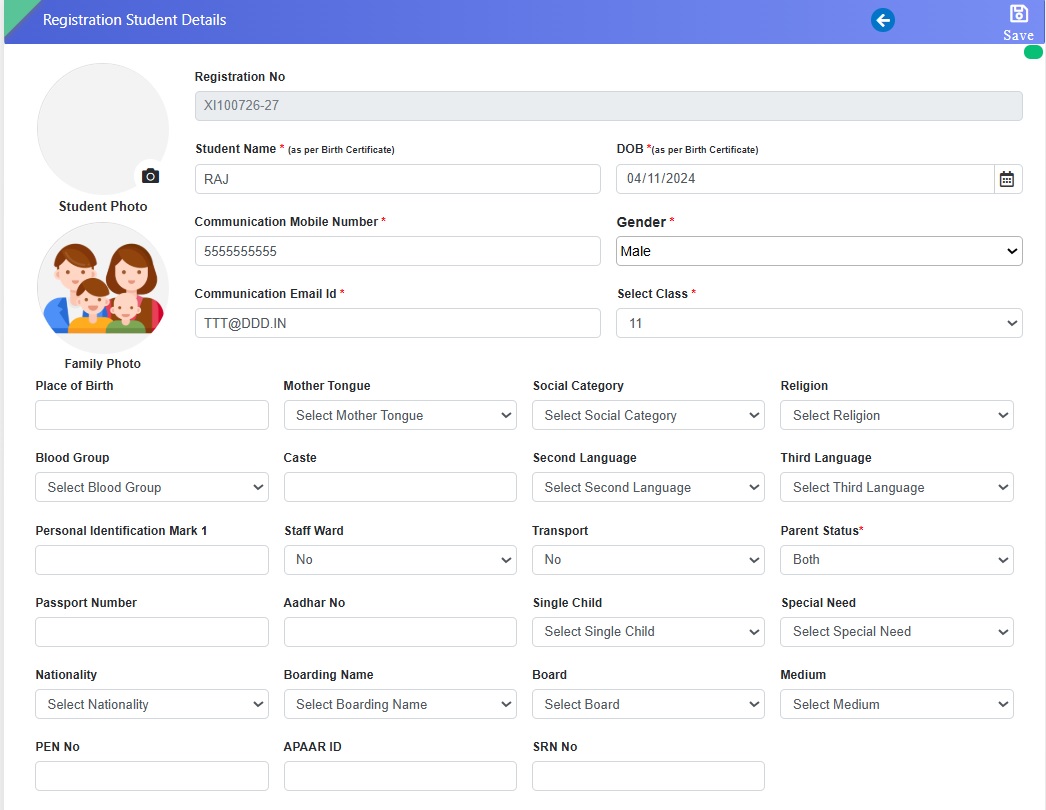
Registration → Entry → Registration
Key Functionality
- New fields APAAR ID and SRN have been introduced alongside PEN and Aadhaar Number in the Registration form.
- Both fields are alphanumeric in nature and can be entered during the registration process.
- The captured details will be stored along with other student information for future reference and reporting.
Key Benefits
- Supports compliance with updated student identification and record-keeping standards.
- Ensures a more comprehensive and accurate student information database.
- Facilitates smoother data exchange and verification with external educational systems.
Feature 3: Auto-Assignment of Roll Number on Student Transfer
This enhancement ensures accurate and sequential roll number assignment when students are transferred from the Registration module to the Student Information (SI) module.
Key Functionality
- When a student is registered and transferred to the SI module, the system will now automatically assign a Roll Number based on the Max +1 series logic.
- This replaces the earlier behavior where the Roll Number was assigned as 0 by default.
- Ensures consistent roll number sequencing without manual intervention.
Key Benefits
- Automates roll number generation, reducing manual effort and errors.
- Maintains proper sequencing and data consistency across modules.
- Improves accuracy and reliability during the student transfer process.
Feature 4: Registration Receipt Download Provision
With this update, users can now instantly download registration receipts post offline entry, bringing greater convenience and efficiency to the registration process.
Key Functionality
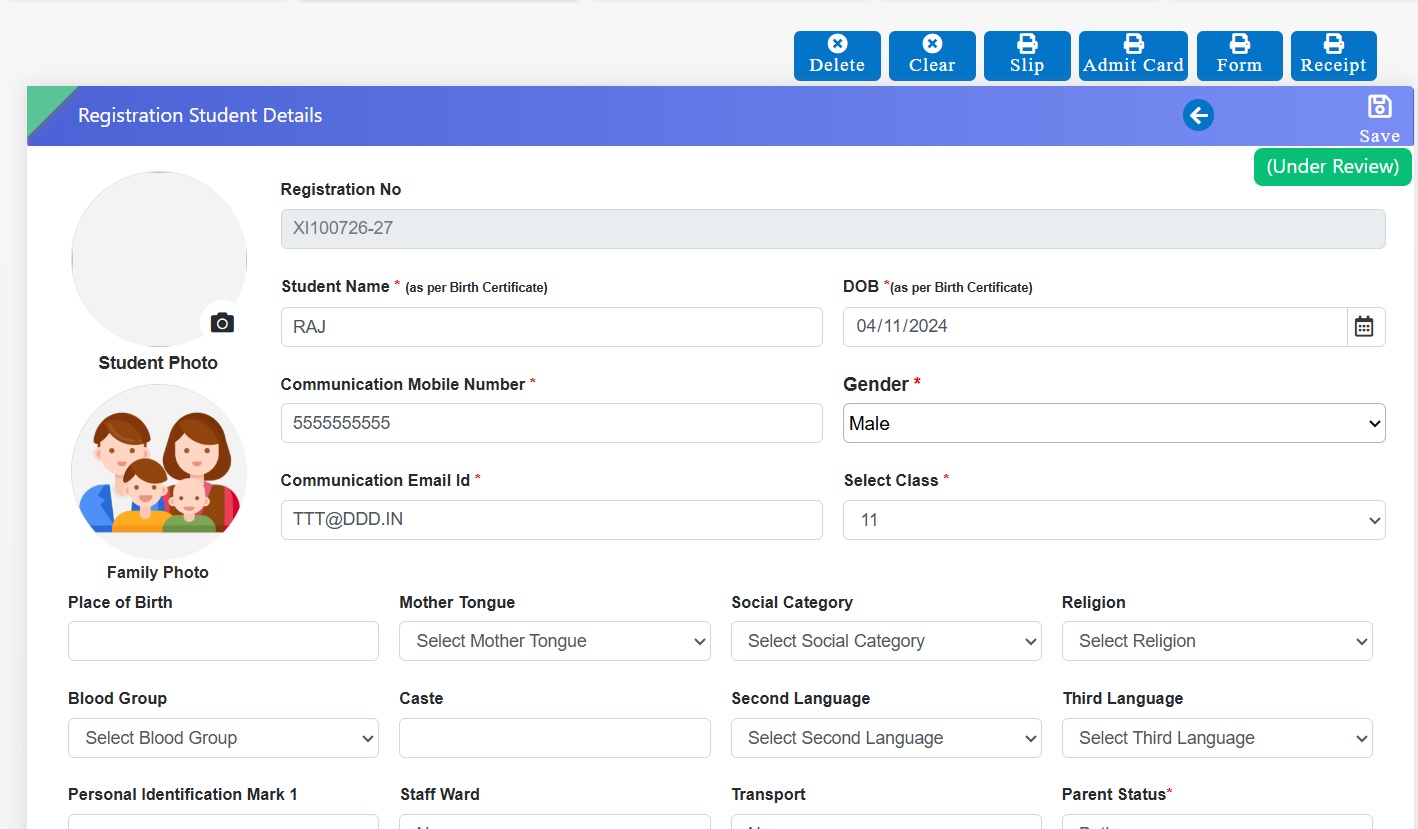
- A new Registration Receipt tab has been introduced in the Registration section.
- Once an offline registration entry is saved, users can directly download the receipt from the same form.
- Alternatively, after saving the offline registration, the system can auto-redirect to the Registration Collection page, where the Receipt Download option is also available.
Key Benefits
- Provides quick access to registration receipts without navigating to multiple pages.
- Enhances efficiency in managing offline registrations and payment confirmations.
- Improves user experience with a seamless, one-click receipt download process.
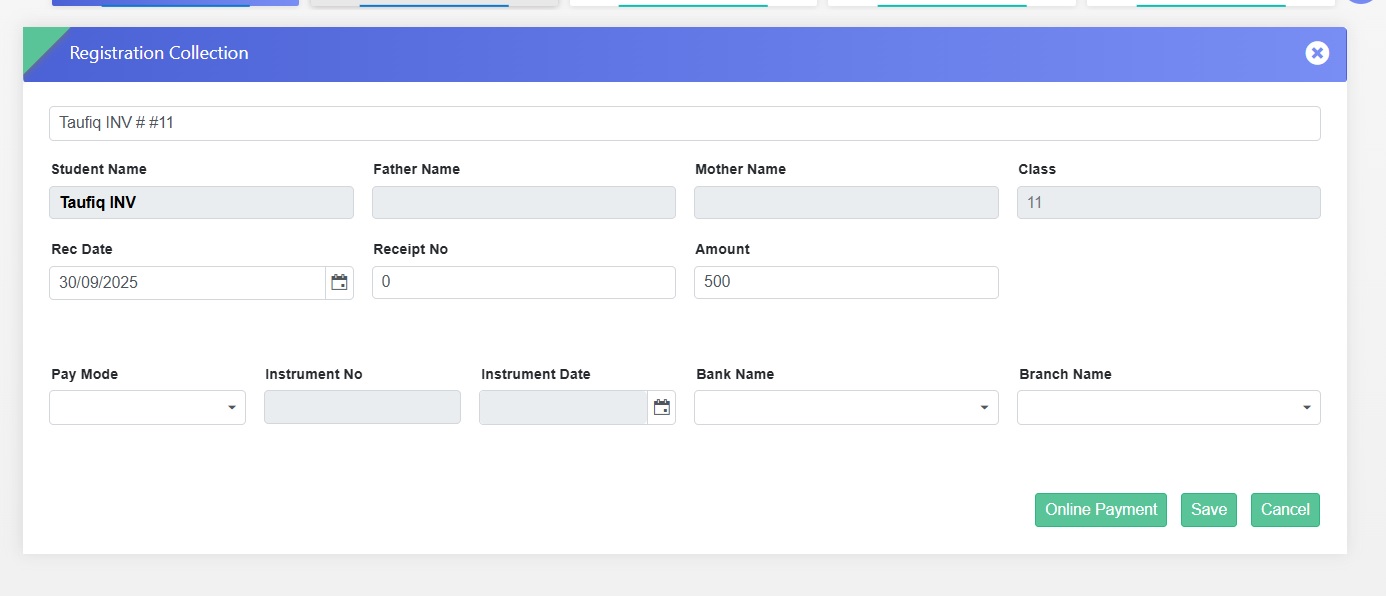
Feature 1: Scan & Pay Enabled for Registration Fee Collection
The Registration module has been upgraded to support Scan & Pay at the school counter, alongside other payment modes, for collecting registration fees more conveniently.
Navigation
Registration → Registration Collection → Online Payment
Key Benefits
- Flexible Payments: Supports both Scan & Pay and traditional payment options.
- Parent Convenience: Enables quick and hassle-free registration fee payment at the counter.
- Simplified Workflow: Makes fee collection faster and more efficient for school staff.
Feature 2: Scan & Pay Enabled for School Fee Post-Registration
Once a registration is confirmed, schools can now collect school fees directly through the Registration module at the counter, using Scan & Pay along with other enabled payment modes.
Navigation
Registration → Registration Collection Transfer → Online Payment
Key Benefits
- Seamless Transition: Move smoothly from registration confirmation to fee collection.
- Multiple Payment Options: Supports Scan & Pay and other payment modes.
- Convenient for Parents & Staff: Reduces steps and simplifies the collection process.
Feature 3: Auto-Generate Receipt Numbers for Registration Collection
The Registration module now supports automatic receipt number generation during registration fee collection, ensuring accurate tracking and streamlined record management.
Key Benefits
- Better Tracking: Each payment is linked to a unique receipt number.
- Improved Transparency: Easy reference for parents and school staff.
- Organized Records: Simplifies reconciliation and audit processes.
STUDENT INFORMATION MODULE & TRANSPORT MODULE UPDATES
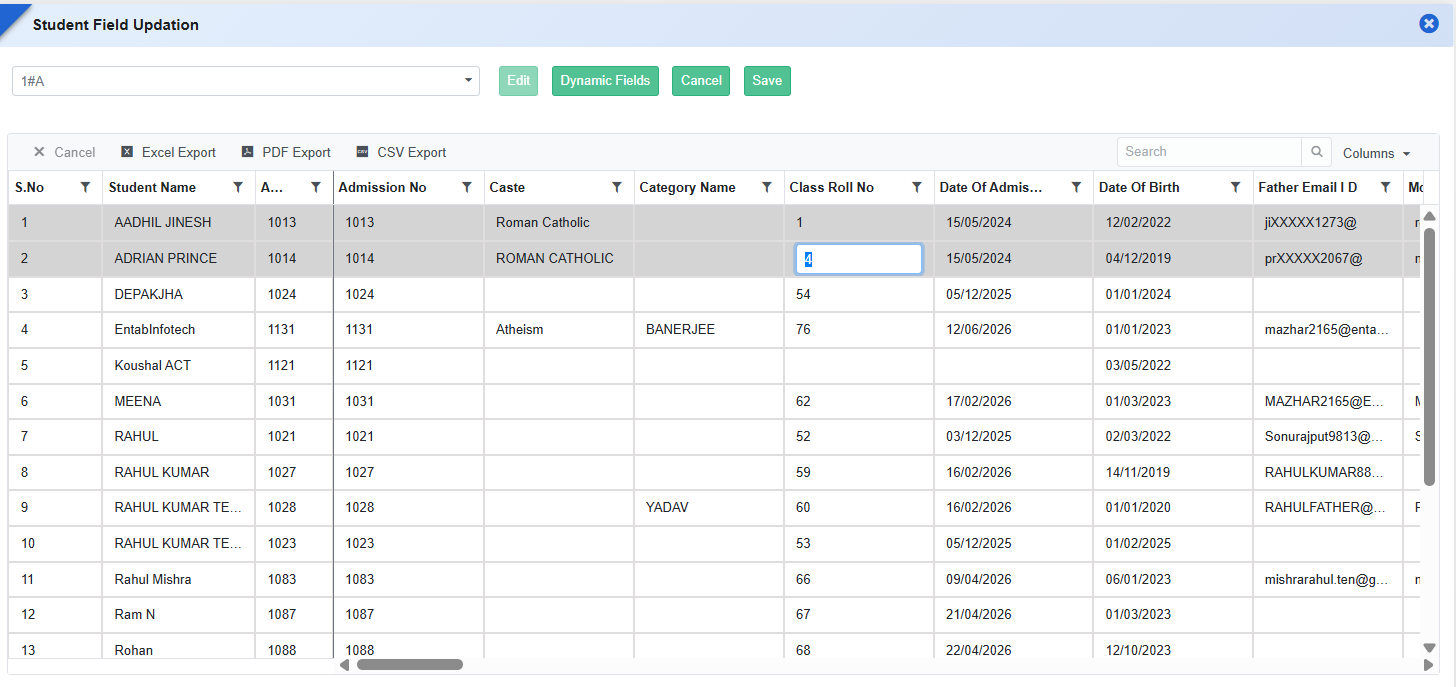
Feature 1: Single-Tap Field Editing in Student Field Updation
Purpose
To improve usability of the Student Field Updation form on browsers and enable faster data entry by teachers.
Key Functionality
- On Student Information → Student Field Updation, once the Edit button is clicked, users can place the cursor directly into any editable field with a single tap/click.
- Removes the dependency on double-tap for field activation/editing.
- Prevents unintended browser Zoom In/Zoom Out actions caused by double-tapping on mobile devices.
Key Benefits
- Simplifies student data updation for teachers using mobile devices.
- Reduces time required for editing and correcting student information.
- Minimizes user frustration caused by accidental screen zooming.
- Helps schools distribute data maintenance tasks to class teachers and improve overall operational efficiency.
Feature 2: Transport-Based Image Display in ID Card
Purpose
To automatically display the appropriate image on the student ID card based on the student's transport status.
Key Functionality
- Introduced support for the TransPortImage tag in ID Card templates.
-
When the TransPortImage tag is used:
-
The configured Bus Image will be displayed for students who have opted for transport.

-
The configured Walking Student Image will be displayed for students who have not opted for transport.

-
- The image displayed will be determined automatically based on the student's transport record at the time of ID card generation.
Usage
Use the TransPortImage tag in the ID Card template wherever the transport-specific image needs to be displayed.
Key Benefits
- Eliminates the need for separate ID card templates for transport and non-transport students.
- Ensures accurate and automated image display based on student transport allocation.
Feature 1: Quick Save Option in Student Field Updation
Purpose
To enable users to save changes directly after updating student information, reducing extra navigation and improving data update efficiency.
Key Functionality
- Add a dedicated Save button alongside the existing Edit button in Student Information → Student Field Updation.
- Once a field is modified and updated, users can directly save the changes without performing additional actions.
- Display appropriate success/error messages after save completion.
- Maintain existing validation rules before allowing data to be saved.
Feature 2: Class-wise Student Selection for ID Card Generation
To simplify the Student ID Card generation process by displaying all students of the selected class with selection checkboxes, allowing users to generate ID cards only for the required students.
Feature 3: Attendance-Based Working Days & Present Days Tags in Certificate Generation
Purpose
To automatically fetch and display student attendance information in certificates (TC/NOC) during certificate generation, irrespective of whether a Transfer Certificate (TC) has been issued.
- Enable the following tags to fetch data directly from student attendance records:
- Total Working Days With Values
- Present Days With Values
- The system should calculate and display:
- Total No. of Working Daysfor the student’s attendance period.
- Present Daysbased on attendance records available in the system.
- The attendance data should be available during certificate generation before and after TC issuance.
- The functionality should work for all relevant certificates, including Transfer Certificate (TC)andNo Objection Certificate (NOC).
- Tag values should be auto populated in the certificate template at the time of generation without any manual intervention.
Feature 1: Student Reports Formatting & Analysis Enhancements
Purpose
To improve report readability, optimize page utilization, and reduce manual formatting efforts in exports (PDF/Excel), enhancements have been introduced in Student Report Settings and Analysis Reports.
Key Functionality
-
Student Summary Age-wise Report Enhancement
- Gender in short format: M (Male), F (Female).
- Added option to configure column width from report settings.
- Ensures report fits within single-page view (PDF).
- Introduced a new report: “Social Category-wise and Gender-wise Report”.
-
Displays data with bifurcation based on:
- Social Category (e.g., General, OBC, SC, ST, etc.)
- Gender (Male/Female)
- Provides combined analytical view in a single report.
- Added alignment options for report values: Left / Center / Right alignment.
- Added provision to make border lines bold.
- Aligns formatting with Page Setup configuration.
- Applies to both PDF and Excel outputs.
Key Benefits
- Optimized Page Usage: Reports fit in one page, reducing paper wastage.
- Improved Readability: Cleaner format with proper alignment and spacing.
- Reduced Manual Effort: Eliminates need for post-export formatting in Excel.
- Better Analysis: Social category and gender combined view aids decision-making.
- Flexible Reporting: Users can customize layout as per requirement.
What’s New in Student Information
This release strengthens student data quality, reporting flexibility, and statutory readiness across the Student Information module. Schools can now create richer custom reports with student and parent images, present clearer tenure details in certificates, and generate UDISE submissions aligned with configured exam results.
The new Student Field Status tool enables proactive monitoring and correction of missing data through export and bulk upload. This helps institutions maintain accurate, compliant, and well-organized student records with reduced manual effort.
Feature 1: Student & Parent Image Fields in Custom Reports
Purpose
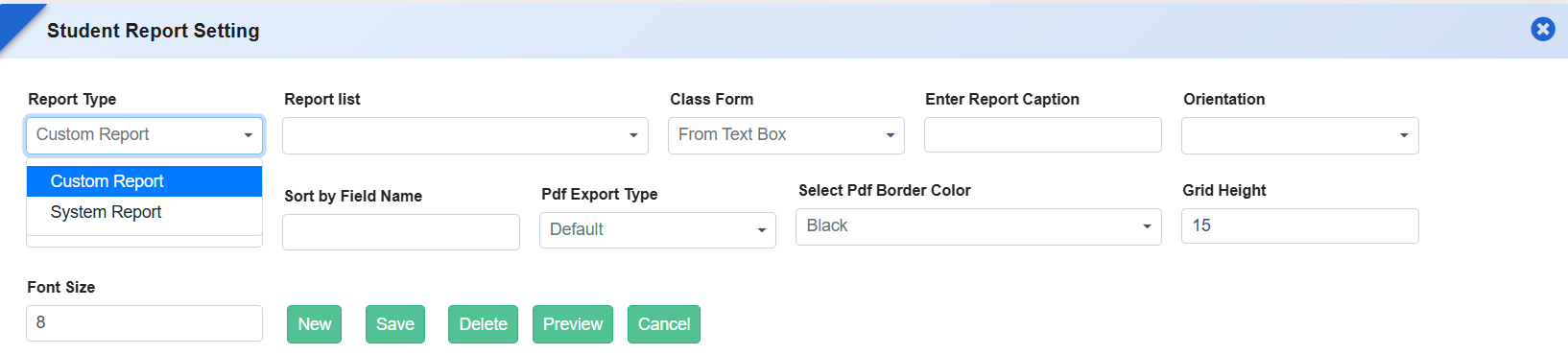
To enhance report personalization and improve visual identification, additional image fields have been introduced in System Report Settings for Custom Report Types. Schools can now include student and parent photographs directly in custom reports.
Key Functionality
-
Added the following fields under Report Settings → System Reports → Custom Report Type:
- Student Photograph
- Father’s Image
- Mother’s Image
- Guardian’s Image
- Users can select these fields while designing custom reports.
- Selected image fields are automatically rendered in generated reports.

Key Benefits
- Enhanced Report Presentation: Improves visual clarity and completeness.
- Flexible Report Design: Schools can choose where images are required.
- Reduced Manual Effort: Eliminates the need to attach photos separately.
- Better Identification: Useful for certificates and verification documents.
Feature 2: Date of Joining & Date of Leaving Tags in Certificate
Purpose
To support clearer academic timeline representation in certificates, new date-related tags have been introduced with a Month–Year format. This ensures certificates display student tenure information in a clean, standardized, and readable manner.
Key Functionality
-
Added new tags in Student Reports → Certificate Setting:
- Date of Joining
- Date of Leaving
- Dates are displayed in Month Year format (e.g., January 2025, July 2026).
- Tags can be used in all applicable certificate templates.
Feature 3: Student UDISE Static Report with Exam-Based Configuration
Purpose
To support accurate statutory reporting and ensure consistency in UDISE submissions, a new Student UDISE Static Report has been introduced. This report is generated based on exam configuration settings, ensuring that the final academic result reflected in the UDISE report aligns with the school’s defined exam structure.
Key Functionality
- Introduced a new Student UDISE Static Report under Student Information → Reports.
- Requires Exam Settings selection to generate the final result in the UDISE report.
- The report fetches result data based on the configured exam (e.g., Current Exam / Previous Exam) as defined in Report Settings.
- Ensures consistency between academic results and UDISE reporting data.
Key Benefits
- Accurate Statutory Reporting: Ensures UDISE data reflects correct final exam results.
- Configuration-Driven Output: Schools can control which exam data is used for reporting.
- Reduced Data Mismatch: Aligns report output with academic settings and evaluations.
- Audit & Compliance Ready: Supports reliable data submission to education authorities.
Feature 4: Student Field Status & Data Updation Management
Purpose
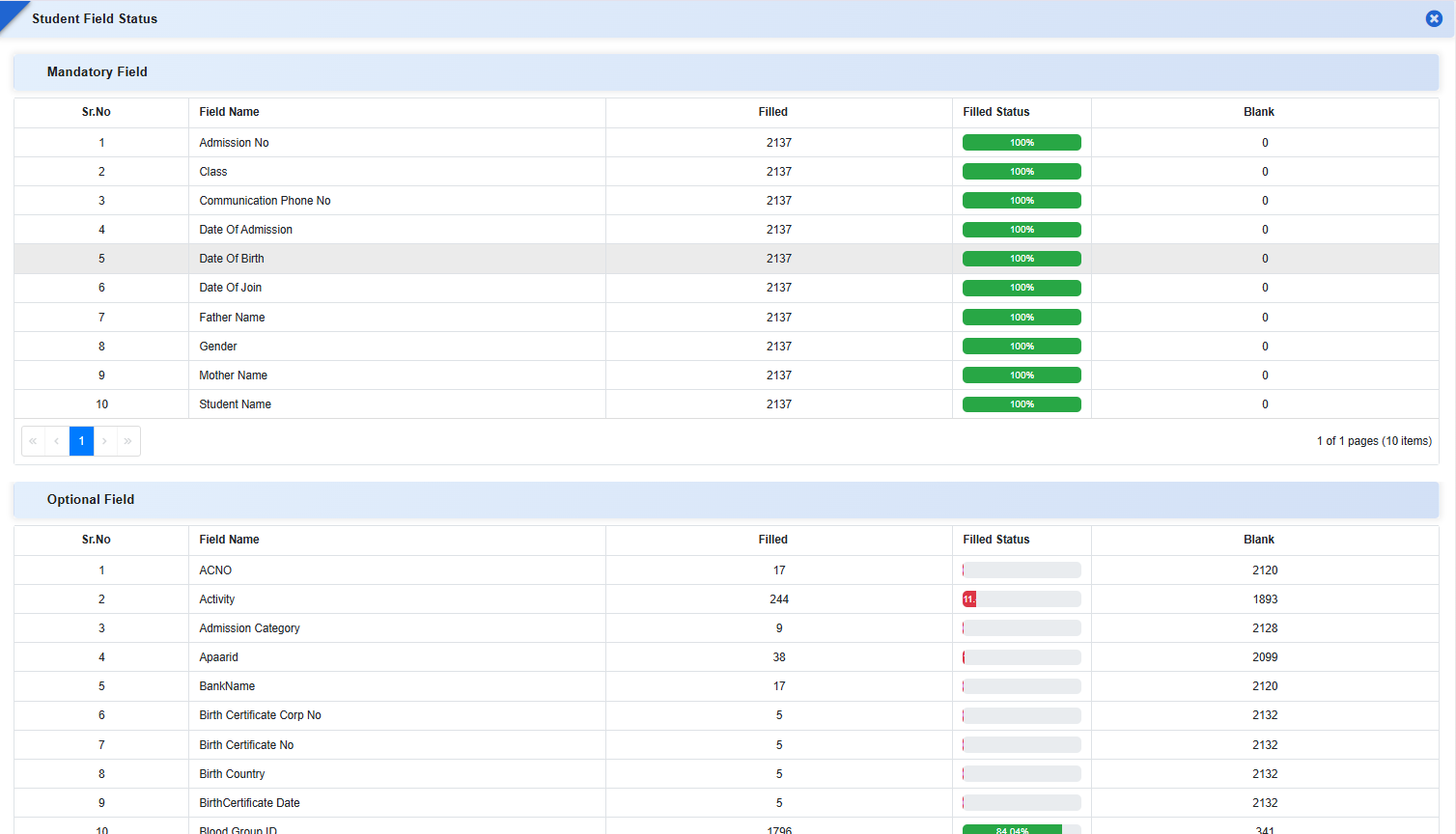
To help schools monitor data completeness and correct missing student information efficiently, a new Student Field Status form has been introduced. This enhancement provides field-wise visibility of filled and blank data, along with export and upload options, enabling schools to improve data accuracy and maintain compliance with reporting requirements.
Key Functionality
-
Student Field Status
- Displays field-wise statistics for both:
- Mandatory Fields
- Optional Fields
- For each field, the system shows:
- Count of records filled
- Count of blank records
- Completion percentage (visual indicator)
- Helps quickly identify data gaps across the student database.
- Displays field-wise statistics for both:
-
Export of Blank Data
- Provides an export option to download details of students where fields are blank.
- Enables offline correction and review before re-uploading data.
-
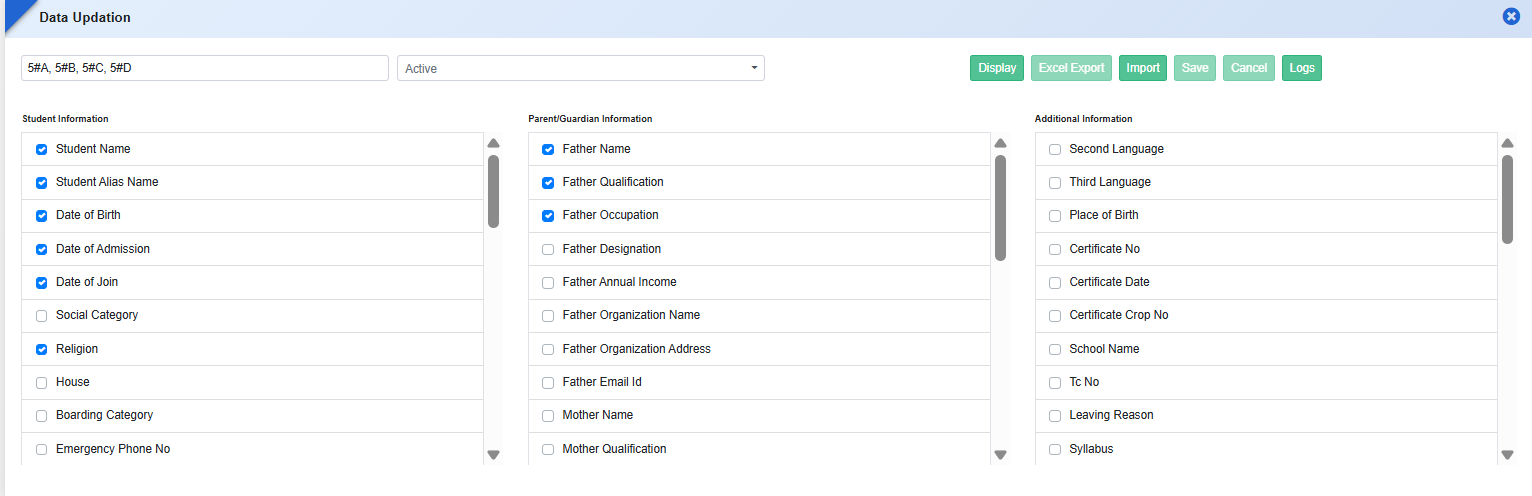
Data Updation via Upload
- Allows schools to upload corrected data directly using the Data Updation Form.
- Supports bulk updates for faster correction of incomplete records.
- Includes validation during upload to ensure data consistency.
-
Role-Based Access Control
- Access to Student Field Status is permission-based.
- Permissions must be assigned from Role Master to control visibility and usage.
Feature 5: Additional Staff Detail Tags in Report Templates
Staff Report Templates under Student Information → Reports → Certificate Setting → Template now include additional tags for comprehensive reporting.
Key Functionality
- New tags include: Nationality, Mother Tongue, Religion, Marital Status, Aadhaar No., Caste, Place of Birth, Marriage Date, Spouse Name, Official Email ID, Identification Mark, Reporting Person, Highest Qualification, Social Category, Probation Upto, Date of Confirmation, Nature of Appointment.
-
Also includes complete datasets for:
- Children Details
- Qualification Details
- Training Details
- Enables dynamic retrieval of staff data in certificates and reports.
Key Benefits
- Complete Data Visibility: Instantly identify incomplete student fields.
- Improved Data Accuracy: Enables systematic correction of missing information.
- Time-Saving: Reduces manual checking and individual record updates.
- Compliance Ready: Ensures student data meets audit, statutory, and reporting standards.
- Secure Access: Role-based permissions maintain data governance and control.
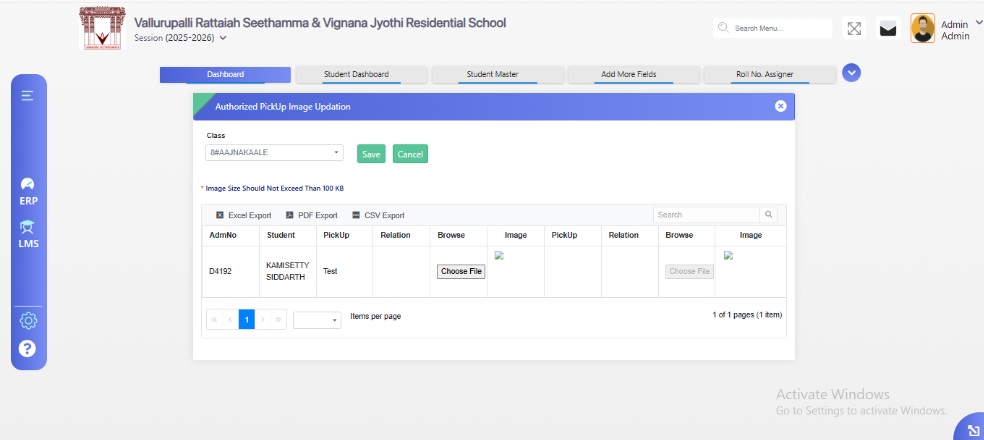
Feature 1: Authorized Pick-Up Person Image Updation
A new form, Authorized Pick-Up Person Image Updation, has been introduced to allow schools to maintain images of individuals authorized to pick up students.
Key Functionality
- Schools can upload or update the image of each authorized person linked to a student.
- Ensures that student pick-up records are accurately associated with the correct authorized individual.
Navigation Path
Student Information → Authorized Pick-Up Person Image Updation Form
Benefits
- Enhances student safety and security during pick-up.
- Simplifies identification of authorized persons for school staff.
- Reduces the risk of unauthorized pick-ups and improves administrative control.
Feature 2: Student Signature Upload in Student Master
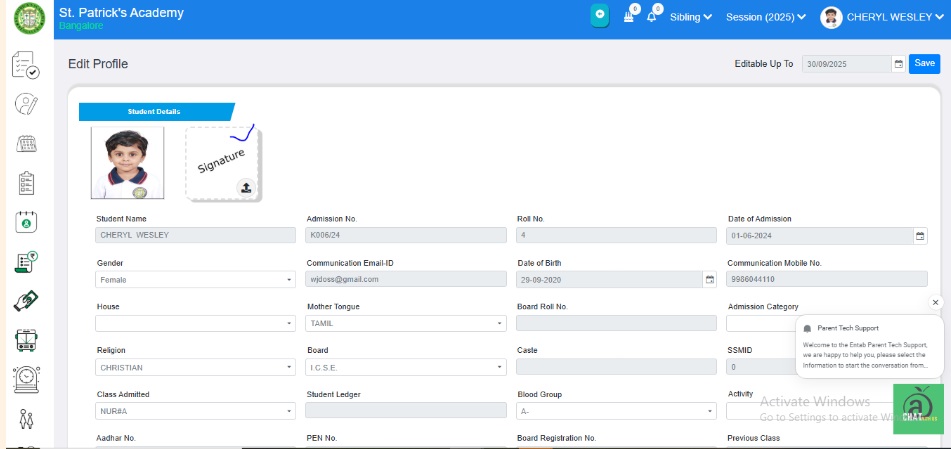
The Student Master module now supports uploading student signatures in addition to student images.
Key Functionality
- Schools can upload and update student signatures directly from the Student Image Updation form.
- Uploaded signatures are also accessible and visible via the Parent Portal for verification and official purposes.
Benefits
- Enables schools to maintain authentic student signatures for academic and administrative records.
- Supports official documentation and report card verification.
- Simplifies administrative processes by centralizing signature management.
Feature 3: Sibling Details Tags in Student ID Card
The Student ID Card generation module now supports displaying sibling information through new tags:
- Sibling Admission Number
- Sibling Name
These tags will only display on the ID card if the student has a sibling recorded in the system.
Benefits
- Provides a quick reference to sibling details on the student ID card.
- Enhances administrative convenience and family record visibility.
- Ensures ID cards remain clean and relevant by showing sibling information only when applicable.
Feature 4: Additional Staff Detail Tags in Report Templates
The Staff Report Detail Templates under Student Information → Reports → Certificate Setting → Template have been enhanced to include new staff-related tags for more comprehensive reporting.
Key Functionality
- Newly added tags include: Nationality, Mother Tongue, Religion, Marital Status, Aadhar No, Caste, Place of Birth, Marriage Date, Spouse Name, Official Email Id, Identification Mark, Report Person, High Qualification, Social Category, Probation Upto, Date of Confirmation, Nature of Appointment, Children Details (all fields), Qualification Details (all fields), Training Details (all fields).
- These tags allow dynamic retrieval of staff information when generating certificates or reports.
Feature 1: Transport Information New Reports Added
New reports have been introduced in the Transport Module to enhance tracking and management of student transport data. The following reports are now available:
- Bus Stop Group Detail – Displays comprehensive details of all defined bus stop groups.
- Transport Availed Students - Stop Group Wise – Lists all students availing transport, categorized by stop group.
- Transport Availed Student Count - Stop Group Wise – Provides a summarized count of students availing transport for each stop group.
Benefits
- Improves visibility of transport utilization by stop group.
- Facilitates better planning and allocation of transport resources.
- Enables administrators to analyze student transport data efficiently.
Feature 2: Improved Visibility for Installment Name in Route Assigner
To enhance data readability and user experience, the Installment Name column in the Route Assigner screen has been adjusted for better visibility. The column width has been increased by optimizing the width of the Rate and No. of Times columns, ensuring that full installment names are clearly displayed.
Benefits
- Improves clarity and readability of installment details.
- Enhances user experience while managing transport fee installments.
- Reduces confusion and minimizes the need for manual scrolling or hovering to view complete information.
Feature 1: New Data Point - Attendance Percentage
We have added a new data point labeled "AttendancePercentage" in the Excel sheet used for template creation. This data point allows users to include student attendance percentage through the mail merge process while generating certificates and other documents.
- The "AttendancePercentage" tag for fetching the student's data in the certificate.
- The ERP system calculates the attendance percentage using the formula: (Present Days of Student / Total Working Days) × 100
Navigation:
Student Information Module → Certificate Setting → Template Button → Click on Student Template → Download Excel Sheet → Navigate to GE Column

Benefits:
- Automated attendance calculation for seamless document generation.
- Flexible template customization using mail merge.
- Efficient student attendance tracking in reports and certificates.
Feature 2: Additional Data Points for Mail Merge
We have added new data tags to enhance the mail merging process for generating Student ID Cards and Certificates.
- PresCity - Displays the Present City on the Student ID Card (Available in the Student ID Card Template on the Certificate Setting page).
- StPincode - Displays the Pin Code of the student's address on the Student ID Card (Available in the Student ID Card Template on the Certificate Setting page).
- WorkingDays - Displays the Total Working Days for a particular class on the Student Certificate (Available in the Student Template on the Certificate Setting page).
This enhancement streamlines the mail merge process, ensuring accurate and efficient certificate and ID card generation. 🏫📜
Feature 3: Attendance Summary Fields Added
We have enhanced the Attendance Tab by adding three new read-only fields to provide a quick summary of a student's attendance records.
- Total Working Days - Displays the total number of working days for the student.
- Total Days Attended - Shows the total number of days the student was present.
- Total Absentee - Reflects the total number of days the student was absent.
How to Access?
Navigation: Student Master → Select a Student → Click Details Tab → Tap on Attendance Tab
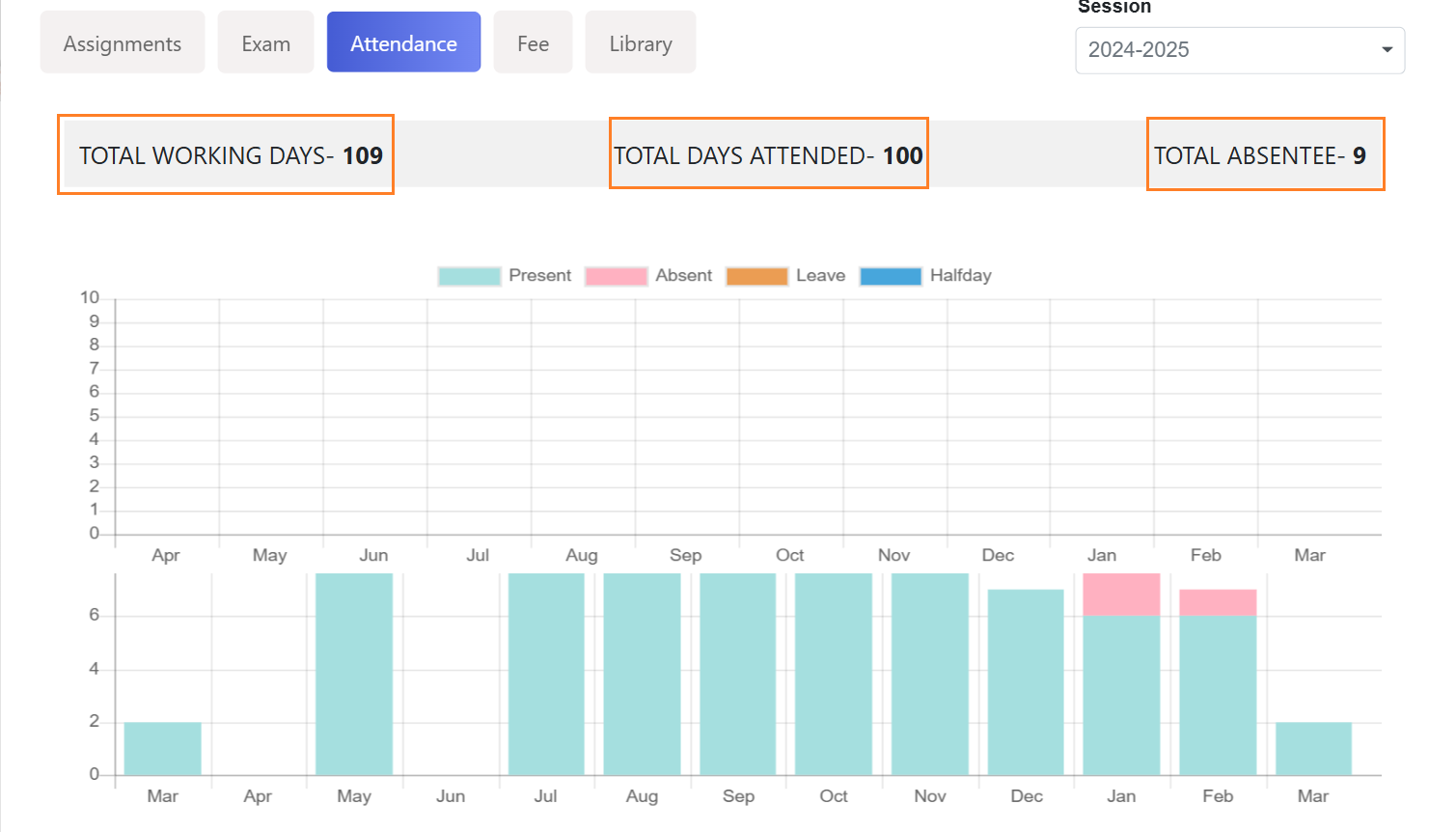
This update helps administrators and staff quickly review student attendance records at a glance. 📊✅
Feature 4: House Strength Visibility in Student Enrollment Process
We have introduced a new feature that allows admins to view the strength of each house while adding a new student to the ERP system.
- The "House" dropdown now displays the house names along with their current strength when enrolling a student.
- Upon selecting the class, the particular house list and strength will populate, ensuring only relevant houses linked to the selected Class & Section are shown.
- If no class is selected above, then all the houses and their strengths will be displayed.
How to Access?
Navigation: Student Master → Click (+) to add a student → Student Details Form
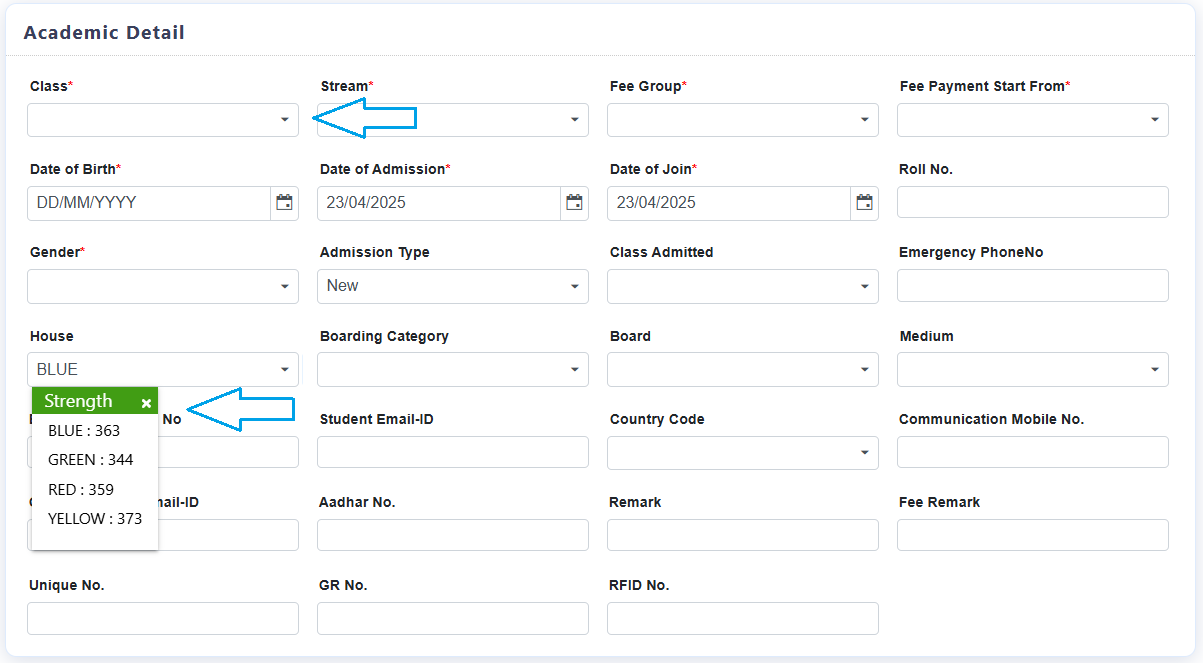
This enhancement provides better visibility and control over house allocations, ensuring balanced student distribution across houses. 🏫📋
TRANSPORT MODULE
Feature 1: New Transport Report - Route Wise Defaulters
We are pleased to introduce a new transport report titled "Route Wise Defaulters" in the system. This report helps users identify students who have not paid their transport fees for a selected installment.
How to Generate the Report?
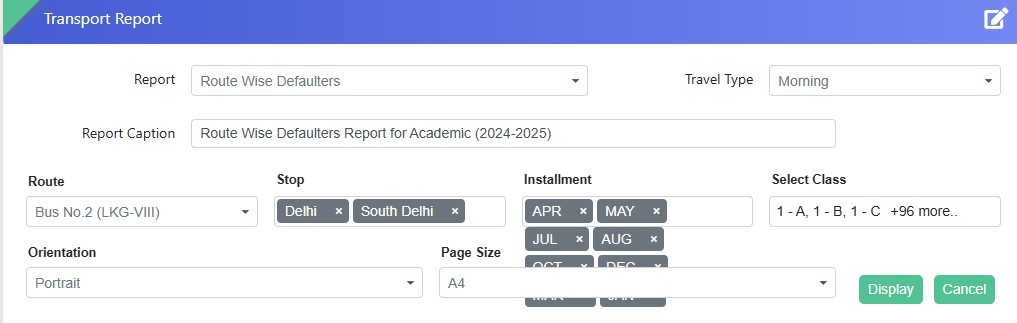
- Select the Travel Type
- Choose the Route Name and Stop
- Select the relevant Installment Names
- Choose the Class or Multiple Classes
- Click the Display button
The report will be displayed in a grid format, listing
students from the selected class(es) who are defaulters for
the chosen installment. Download the report in PDF or Excel
sheet as per your requirement.
This feature enhances fee tracking and helps administrators
take necessary follow-up actions efficiently.
For further details, please reach out to the support team.
🚀
FEE & BILLING MODULE - NEW FEATURE
Feature 1: Security Refund & Adjustment Integration with Financial Accounting- 1871918
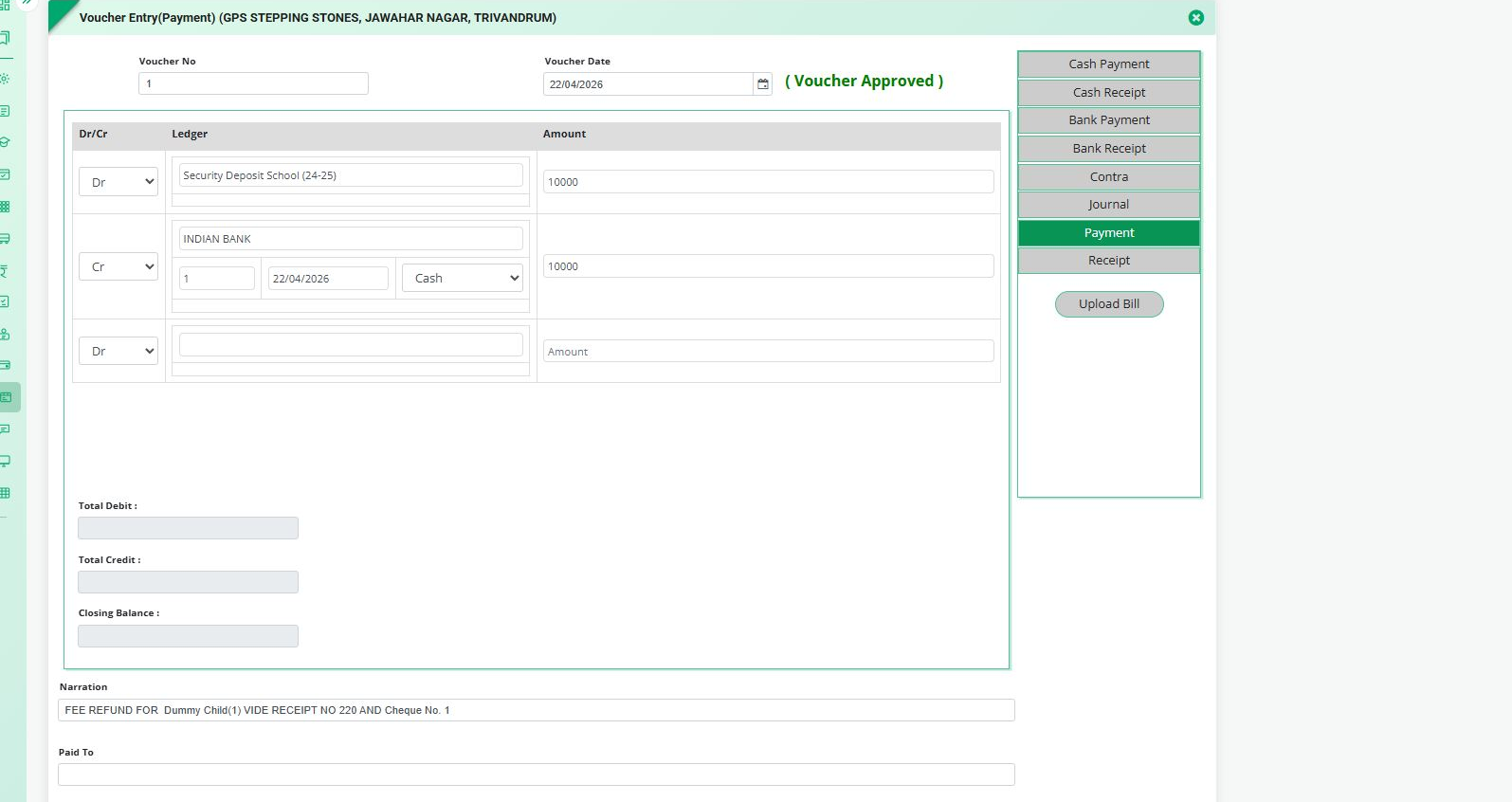
Integrated the Security Refund & Adjustment process with the Financial Accounting (FA) module to ensure that refund and adjustment transactions are properly reflected in the accounting system.
Key Features
- Integrated Security Refund & Adjustment transactions with the Financial Accounting module.
- Security refund transactions can now be recorded through the Voucher Entry (Payment) process.
Feature 1: Online Payment (Mobile App) → Activity Fee
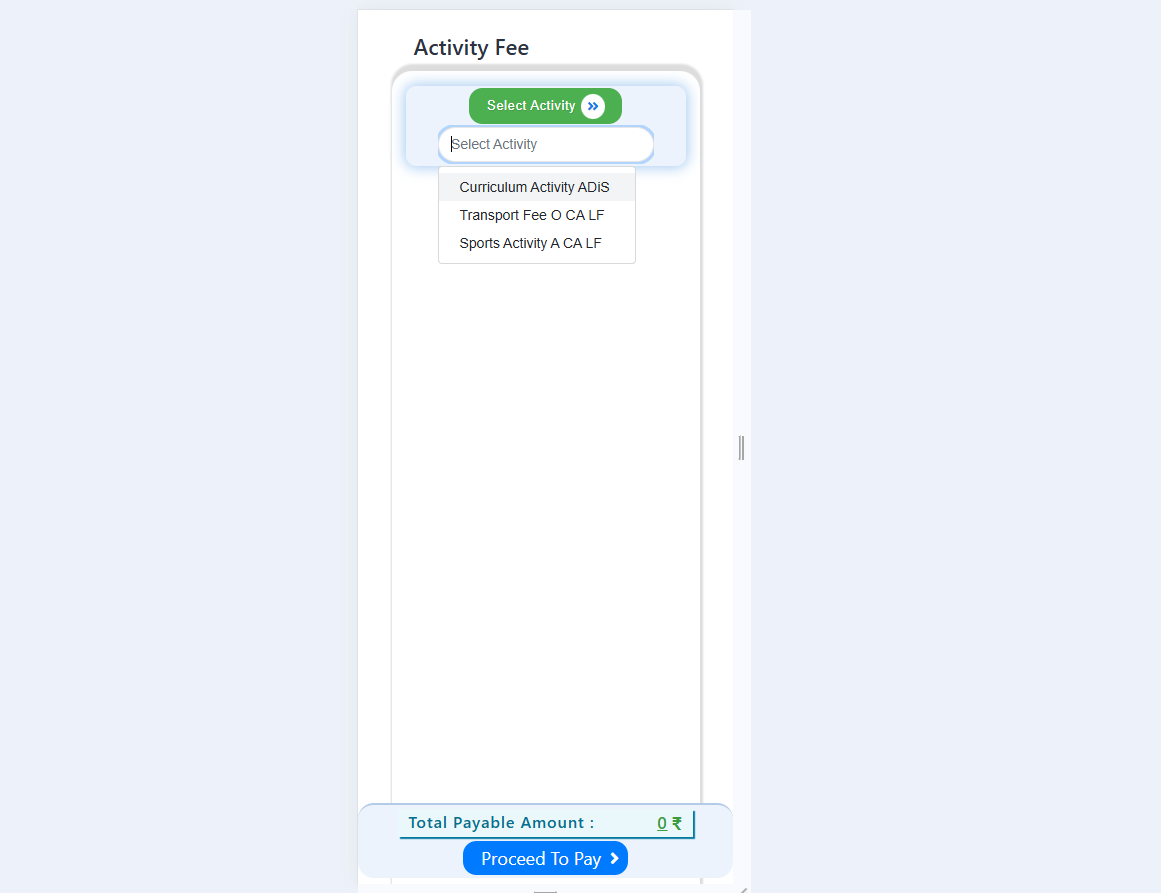
Enhanced the Activity Fee selection screen to improve the visibility of activity head names. The system now provides a provision to display the complete Activity Head name, enabling users to easily identify activities without confusion This can be viewed by displaying the full name on hover (where supported) or by automatically showing the complete activity name, improving usability and reducing the chances of incorrect fee selection.
Feature 2: Carry Forward Previous Year Dues along with the Applicable Previous Year Late Fee
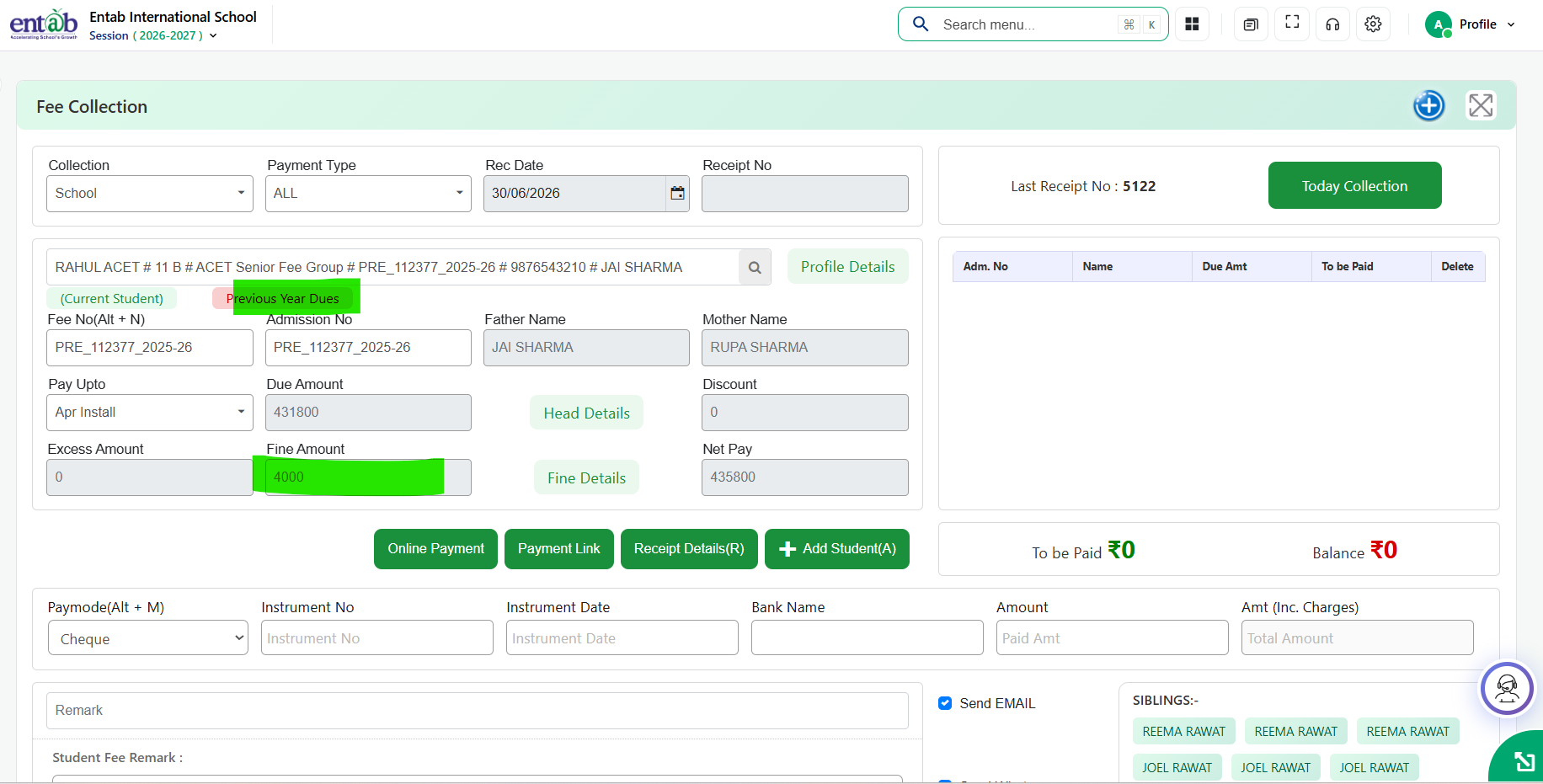
Added a provision to carry forward Previous Year Dues along with the applicable Previous Year Late Fee during fee collection.
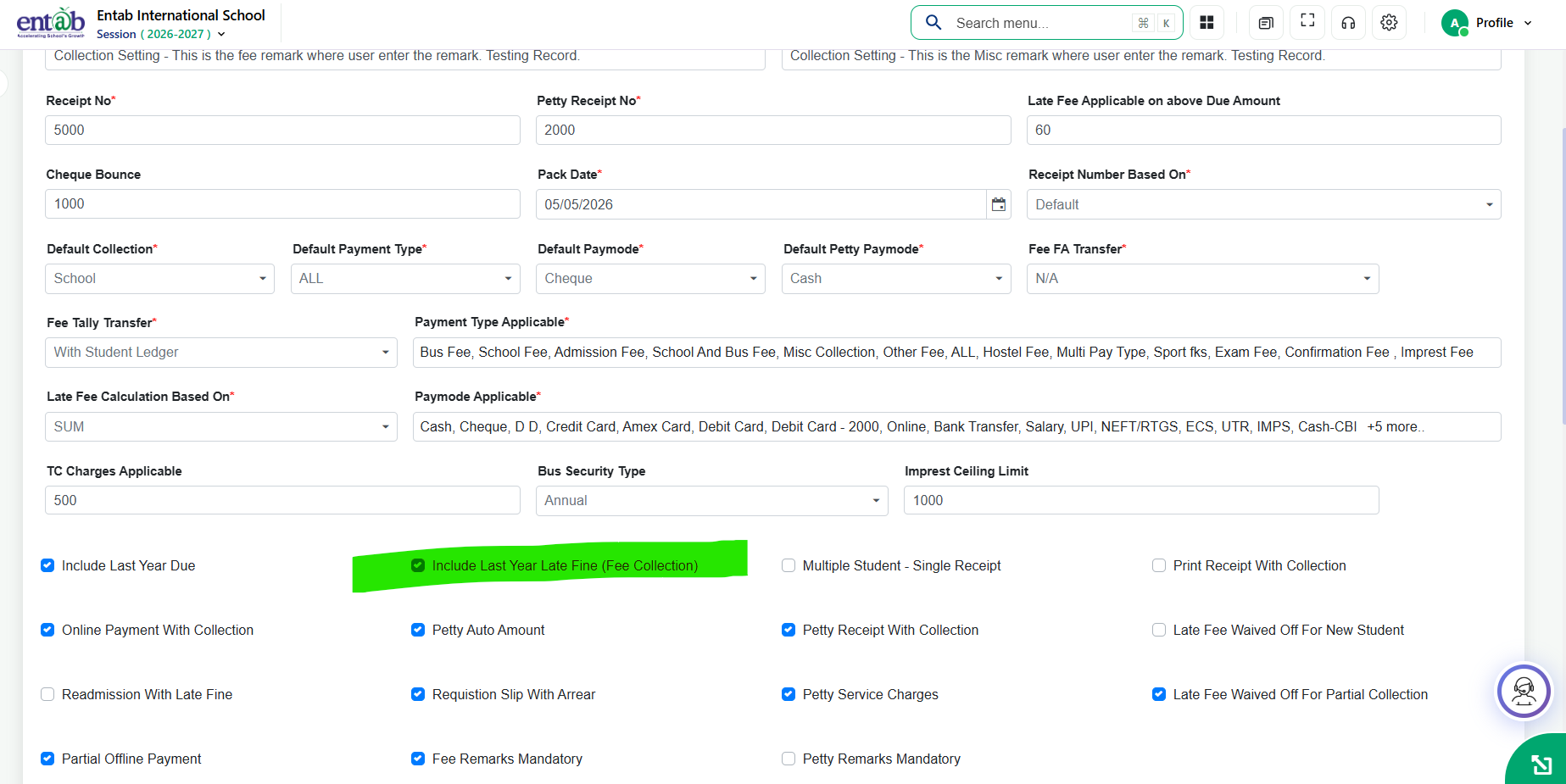
A new setting, Include Last Year Late Fine (Fee Collection), has been introduced in Fee → Collection Setting. When enabled, the system automatically transfers the previous year's outstanding dues and their corresponding late fee separately, ensuring accurate fee collection and eliminating the need for manual late fee calculations and adjustments.

Feature 3: Fee Adjustment – Added Provision to Adjust Late Fee and Readmission Fee
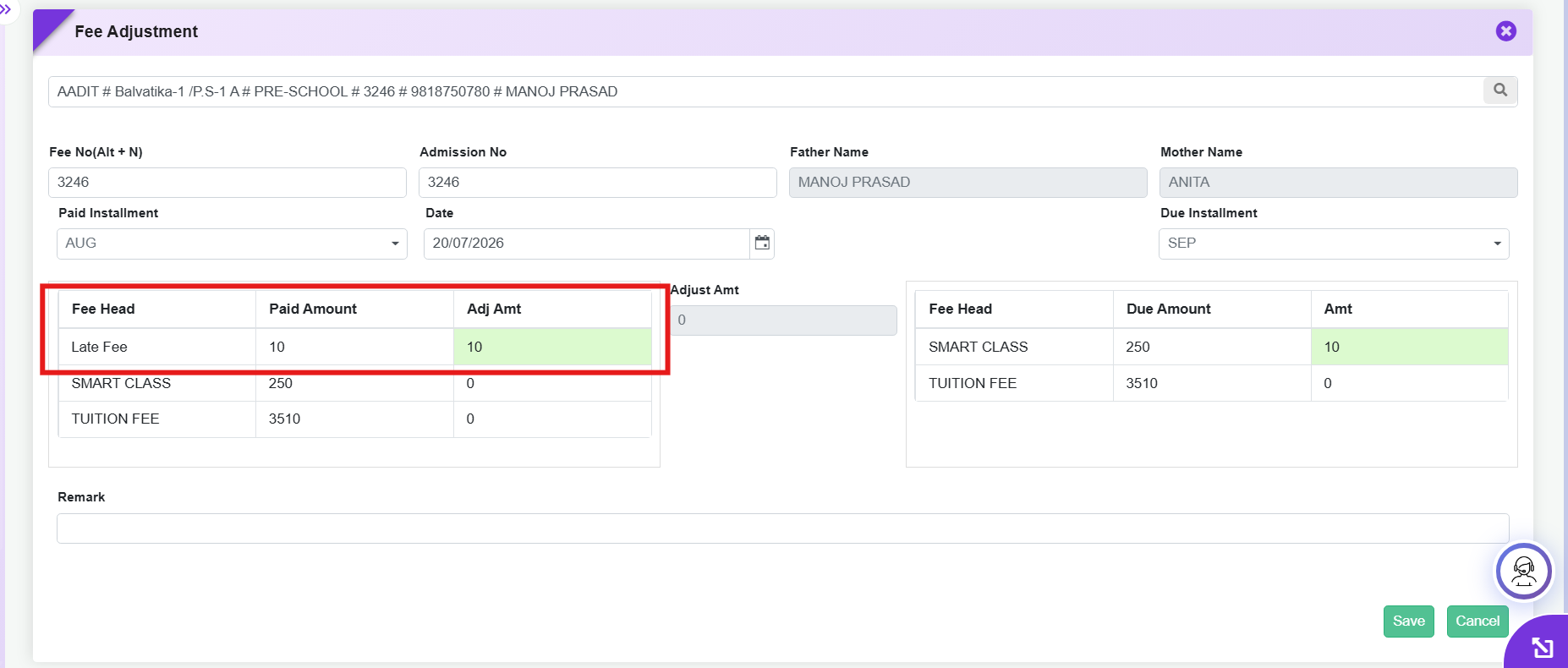
Enhanced the Fee Adjustment form by adding support for Late Fee and Readmission Fee as adjustable fee heads. Schools can now directly adjust, transfer, or reimburse these fee components along with other fee heads without requiring manual workarounds or separate accounting entries.
Key Benefits
- Simplifies the adjustment and reimbursement of Late Fee and Readmission Fee.
- Eliminates manual calculations and offline adjustments.
- Ensures accurate fee reconciliation and accounting.
- Reduces administrative effort while improving the overall fee adjustment process.
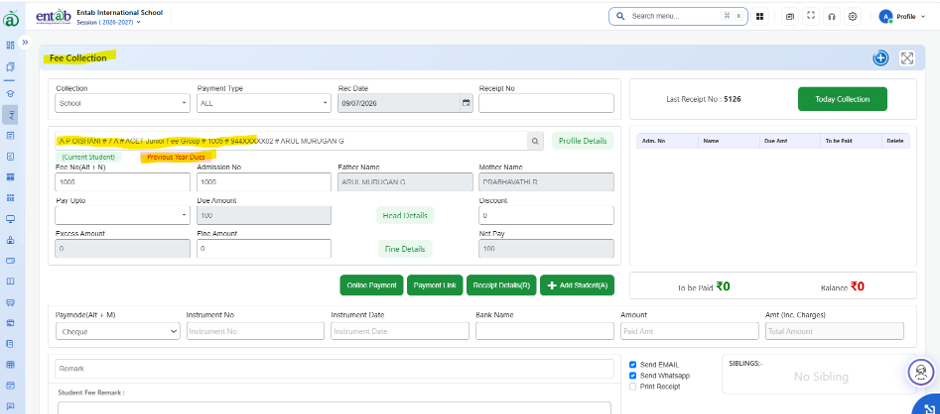
Feature 4: Previous Year Dues Indicator in Fee Collection
Key Functionality
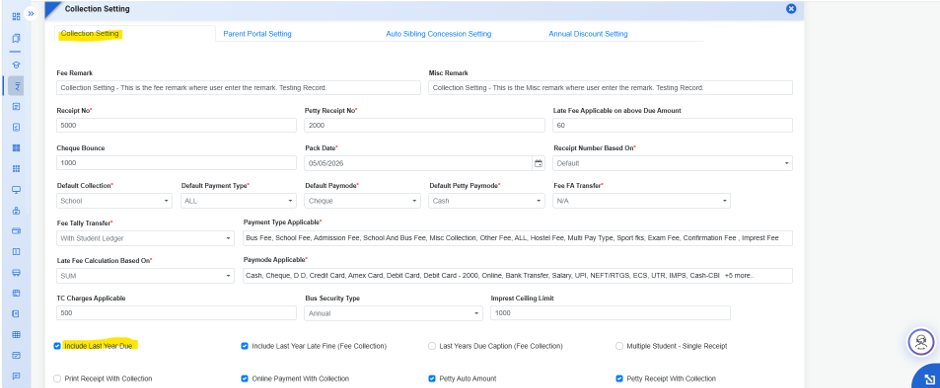
- Added a "Previous Year Dues" indicator in the Fee Collection screen to highlight students with outstanding dues from the previous academic session.
- The indicator is displayed when Include Last Year Due is enabled in Fee & Billing → Fee Settings → Collection Settings and the student has pending dues from the previous session.
- Provides a clear visual alert to fee collection operators during offline fee collection.
- Helps identify students with pending previous-year dues without automatically including those dues in the current fee collection.
- Improves visibility of outstanding dues, reducing the chances of missed collections and manual verification.
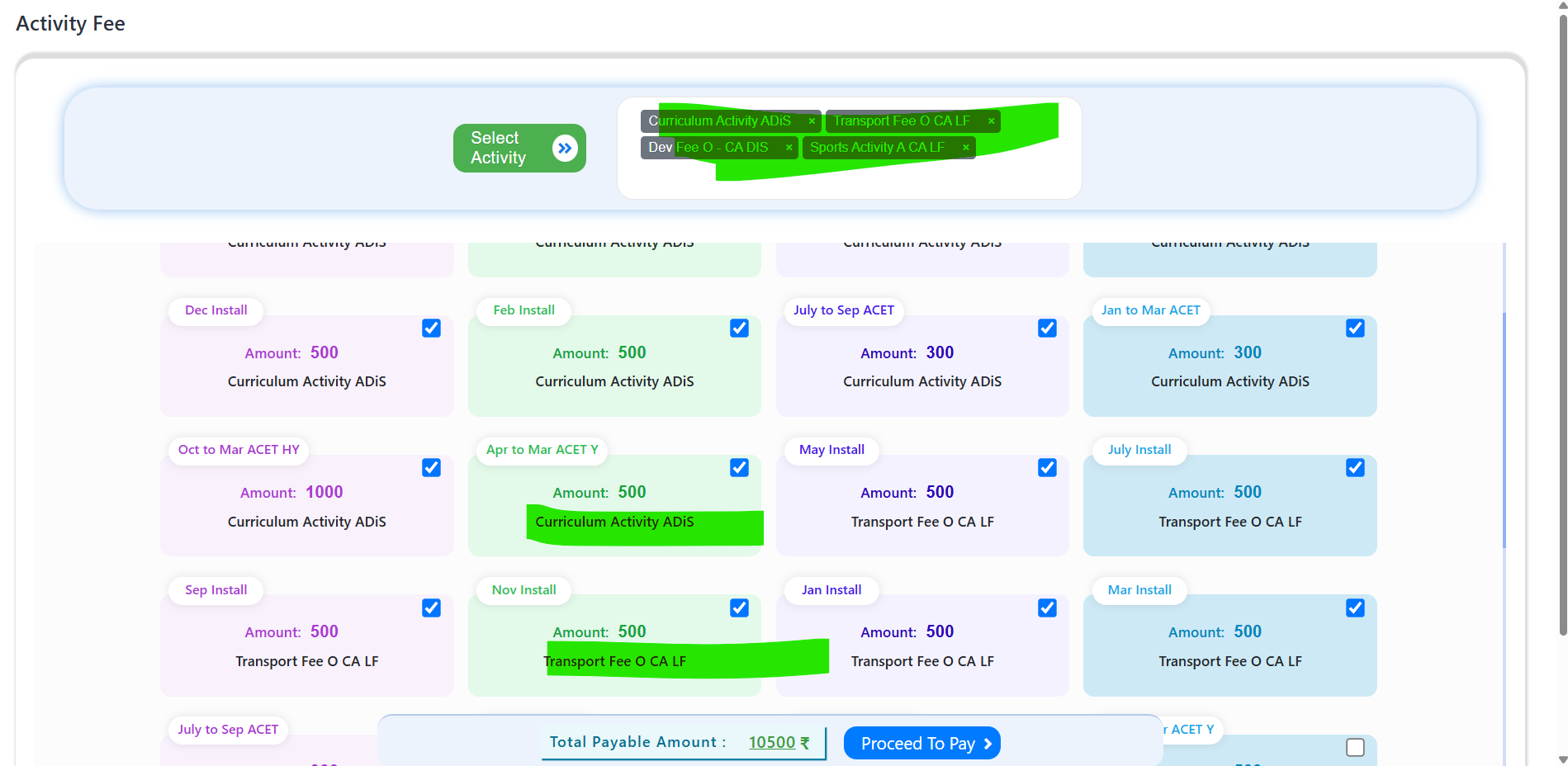
Feature 1: Online Payment – Multi-Select Activity Head Selection in Parent Portal
Purpose
To simplify the payment process by allowing parents to select multiple activity fee heads simultaneously and complete the payment in a single transaction.
Key Functionality
- Enhanced Fee & Billing → Fee Collection → Online Payment → Other Activity in the 10X Parent Portal.
- Replaced the existing Activity Head dropdown with a multi-select checkbox list.
- All available activity heads are displayed along with their respective payable amounts.
- Parents can select one or multiple activity heads simultaneously using checkboxes.
- The system automatically calculates the total payable amount based on the selected activity heads.
- All selected activities can be paid through a single online payment transaction, eliminating the need for multiple payment attempts.
Key Benefits
- Enables parents to pay for multiple activities in one transaction.
- Eliminates the repetitive process of selecting activity heads individually from a dropdown.
- Reduces the number of online payment transactions required.
- Improves user experience by making activity fee payment faster and more intuitive.
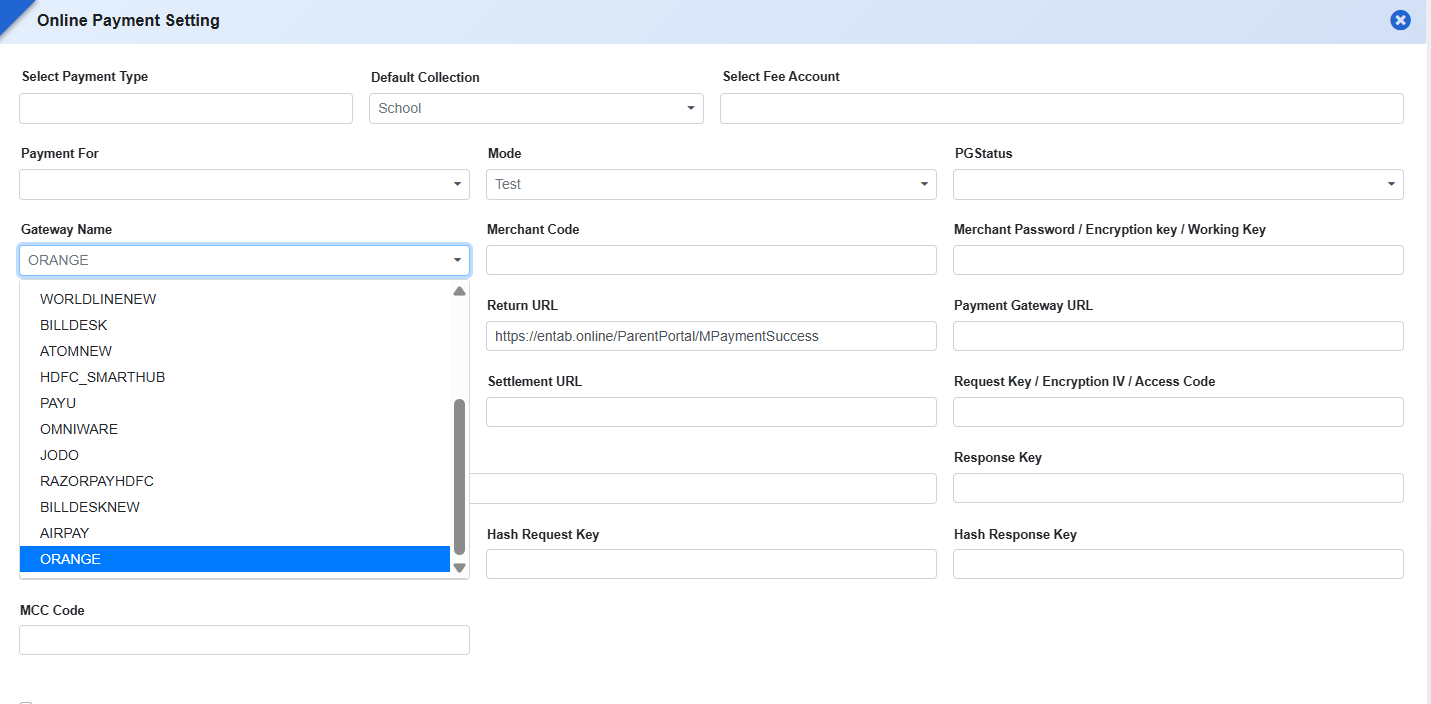
Feature 2: Campus Care 10X – ICICI Paymode Integration (Orange Payment Gateway)
Key Functionality
- Integrated ICICI Paymode in Fee & Billing → Online Payment Settings for Campus Care 10X.
- Utilizes the existing Orange Payment Gateway integration for processing online fee payments.
- Once configured, ICICI Paymode will be available as a payment option in the Parent Portal/10X during online fee payment.
Feature 3: Default Payment Gateway Priority Configuration
To provide a centralized reporting interface for analysing fee, petty fee, adjustment, refund, and collection transactions through multiple summary and detail reports, enabling schools to track collections efficiently across different fee heads.
Feature 4: Fee Petty Heads Wise Summary Report
Purpose
To provide a centralized reporting interface for analysing fee, petty fee, adjustment, refund, and collection transactions through multiple summary and detail reports, enabling schools to track collections efficiently across different fee heads.
Key Functionality
A new menu Fee Petty Heads Wise Summary has been introduced under Fee & Billing → Reports.
The report provides the following report types:
-
Fee Petty Overall Summary Report
- Displays head-wise summary of all Fee, Petty Fee, Adjustment Fee, Refund Fee, and other configured collection types.
- Groups data by collection type and displays the corresponding amount along with subtotals and grand totals.
-
Student Collection Summary Paymode Report
- Generates a summarized collection report based on payment mode.
- Option to include report header and signature.
- Export available in Excel and PDF formats.
-
Student Collection Detail Report
- Generates a detailed student-wise collection report.
- Allows report generation as well as Excel and PDF export.
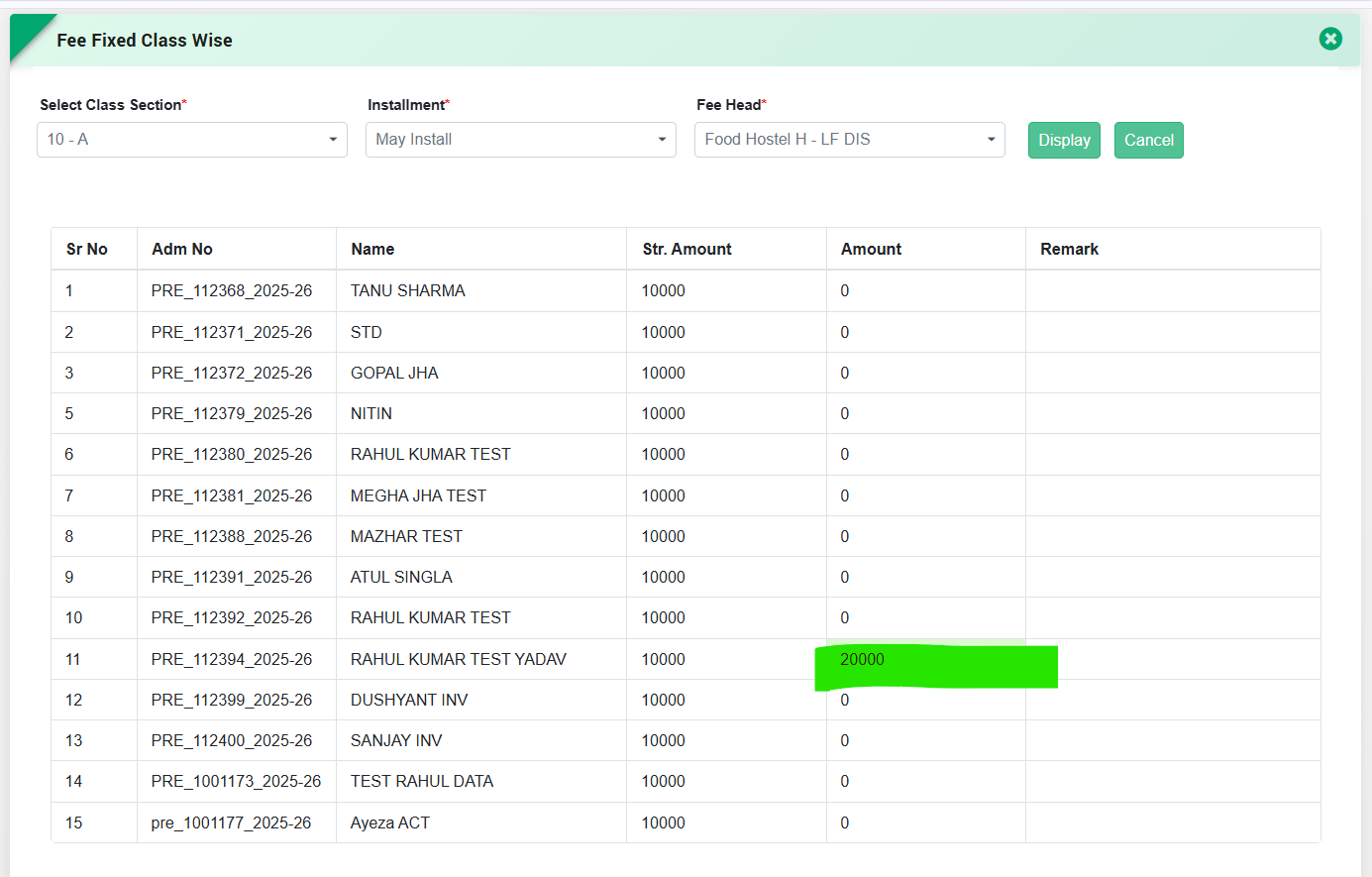
Feature 5: Class-Section Wise Fixed Fee Amount Configuration
Fee & Billing → Entry → Class Wise Fixed AmountA newClass Wise Fixed Amountprovision has been introduced to simplify the process of configuring fixed fee amounts for students belonging to a particular Class & Section. Previously, users were required to manually enter the Student Admission Number and Student Nameindividually while assigning fixed amounts, making the process time-consuming and prone to errors.
With this enhancement:
- A new Class Wise Fixed Amount page has been added, which can be accessed through the Apply To option available against each Fee Head in the Fee Structure page.
- Users can select the Class & Section, Fee Installment, and Fee Head. Upon clicking Display, the system automatically fetches all students of the selected Class & Section.
-
The system automatically populates the following details for each student:
- Admission Number
- Student Name
- Structure Amount (Configured Fee Structure Amount)
- Users only need to enter the Fixed Amount and Remark (if applicable) for the respective students.
- The configured fixed amount is automatically considered during Fee Collectionfor the selected Fee Head.
Feature 1: ICICI Orange Payment Gateway Integration
Purpose
To enable schools to process online fee payments throughICICI Bank’s Orange Payment Gateway based on institutional payment preferences and banking requirements.
Key Functionality
- Added a new Orange Payment Gateway configuration under:Fee & Billing → Online Payment Settings
- Supports integration with ICICI Bank Orange Payment Gatewayas per provided API/documentation specifications.
- Enables schools to configure gateway credentials and activate Orange Gateway for online fee transactions.
- Allows parents/students to make fee payments through the newly configured payment gateway.
- Supports transaction status handling, payment confirmation, and reconciliation processes.
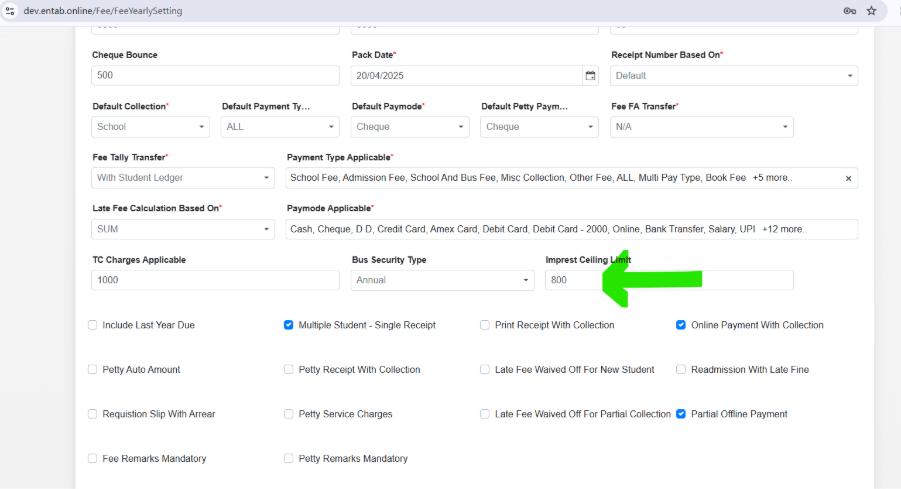
Feature 2: Student Imprest Management & Expense Adjustment System
Purpose
To automate the collection, adjustment, utilization, and tracking of student imprest amounts across academic sessions while maintaining complete visibility of expenses and balances.
Key Functionality
-
Imprest Amount Collection
- Provide a dedicated provision to collect the Imprest Amount from students through the Fee & Billing module.
- The imprest amount should be configurable academic session-wise.
-
Installment-wise Collection Logic
- New Students: The imprest amount will be collected in the 1st Installment.
- Existing Students: The imprest amount will be collected in the 2nd Installment.
-
Previous Session Balance Adjustment
- For existing students, the system will automatically consider the unutilized imprest balance from the previous academic session.
- Payable Imprest = Current Session Imprest Amount − Previous Session Available Balance
Example:
- Session 2025-26 Imprest Collected = ₹3,000
- Expenses Booked = ₹2,000
- Balance Available = ₹1,000
- Session 2026-27 Imprest Amount = ₹4,000
- Net Payable Imprest = ₹4,000 − ₹1,000 = ₹3,000
-
Additional Recovery for Excess Expenses
- If total expenses exceed the collected imprest amount, the outstanding amount will be automatically recovered in the Last Installment of the academic session.
- The system should calculate and post the additional recoverable amount automatically.
-
Expense Head-wise Tracking
- Provide a provision to record and display imprest utilization under different Expense Heads.
- Examples: Books, Stationery, Activities, Laboratory, Transport, Uniform, Miscellaneous, etc.
- Maintain complete expense history with date, amount, expense head, and remarks.
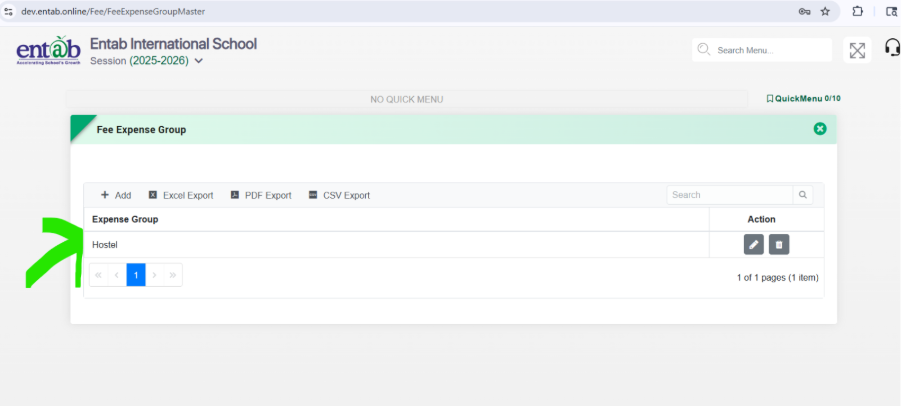
Step 1– To Verify Expense Head Grouping Page
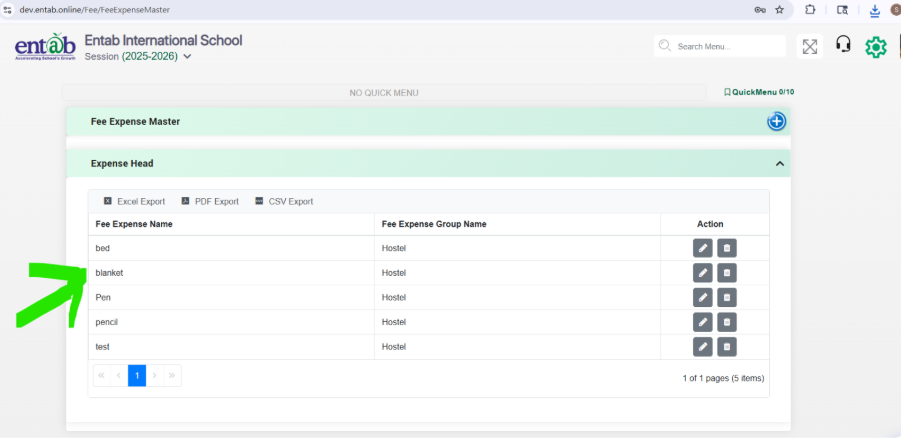
Step 2–To Verify Fee Expense Master Page.
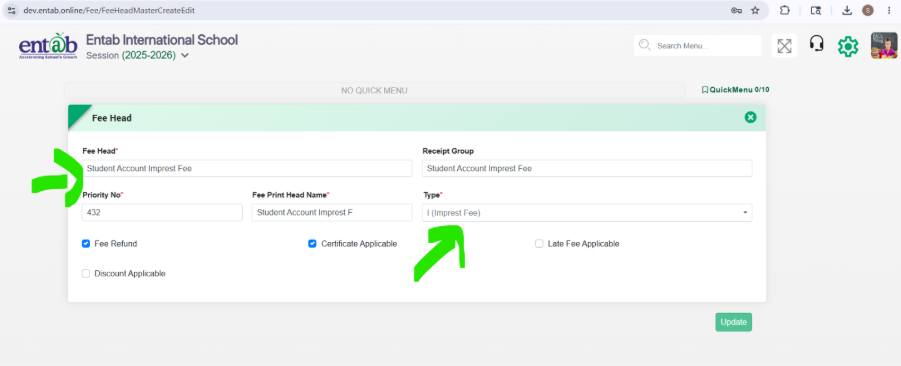
Step 3–To Verify Fee Head Page
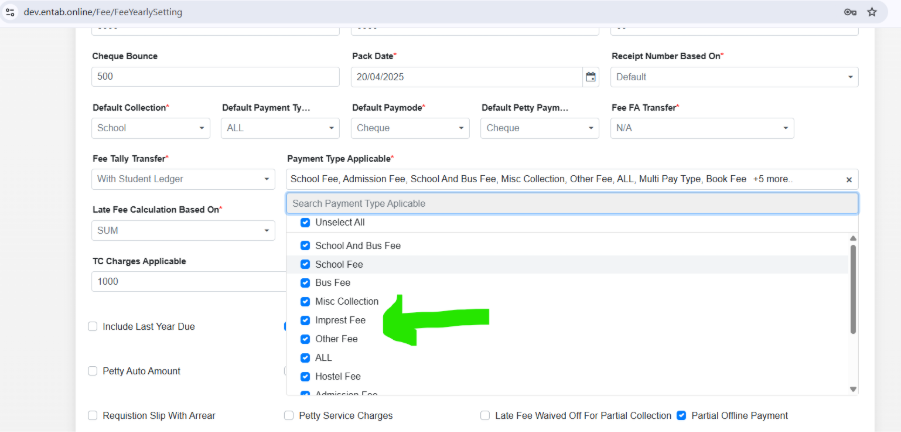
Step 4-To Verify Collection setting Page.
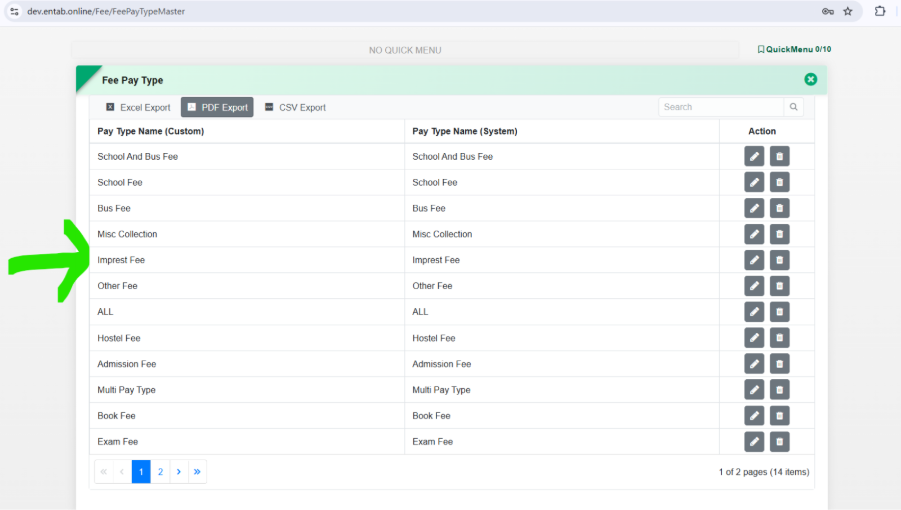
Step 5-To Verify Fee Pay Type Page
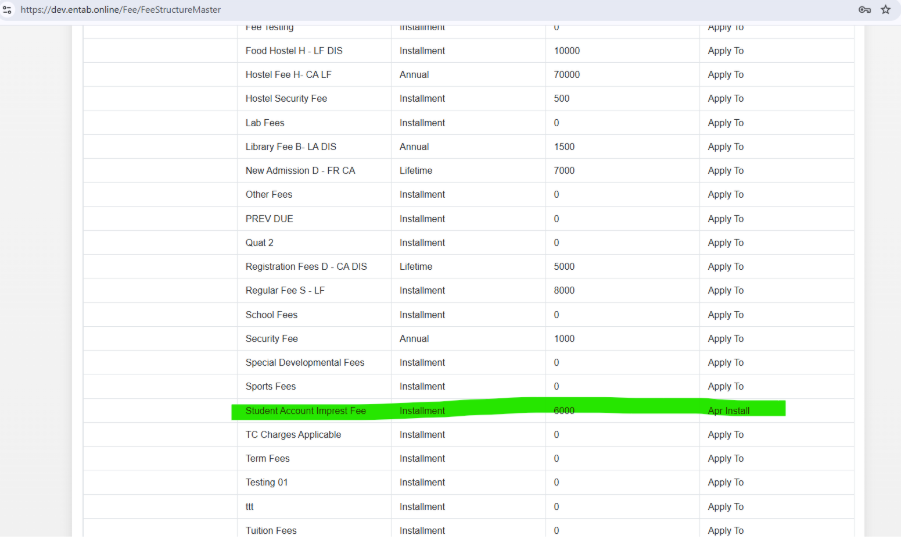
Step 6-To Verify Fee Structure Master Page
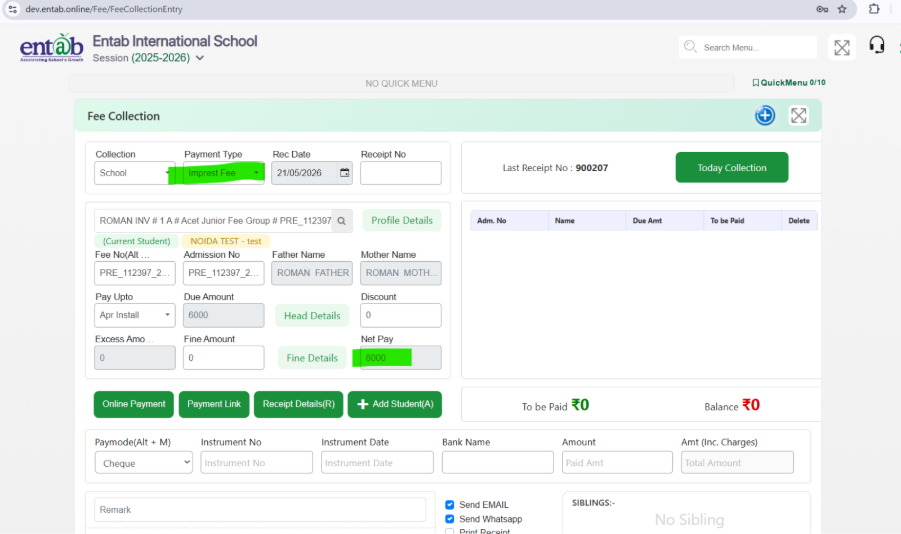
Step 7-To Verify Fee Collection Page
Step 8-To Verify Fee Expense Entry Page
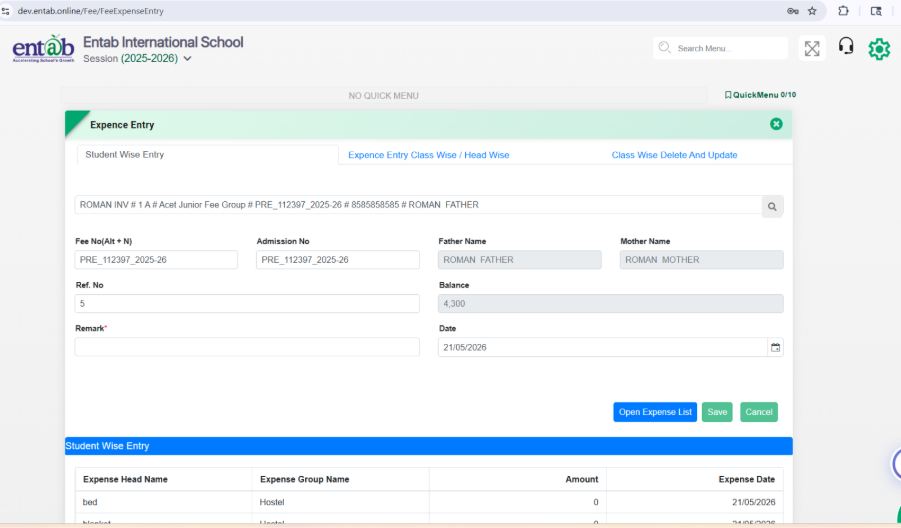
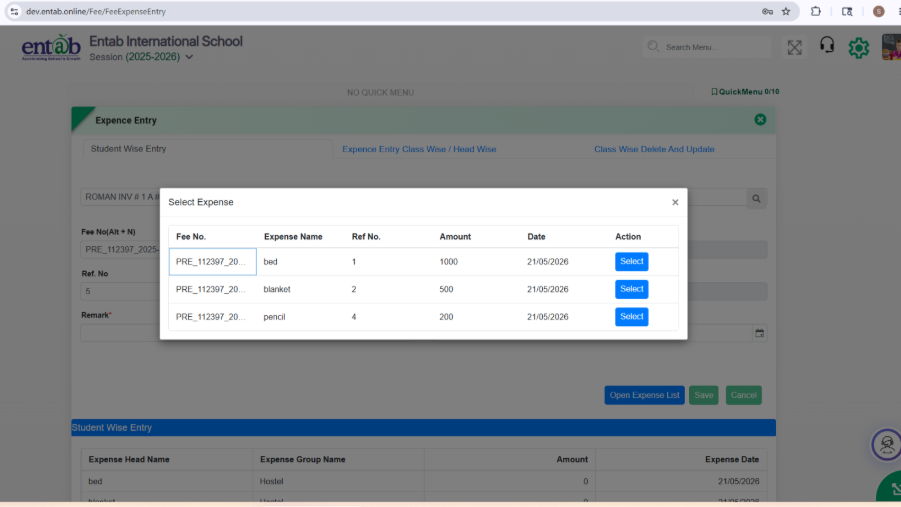
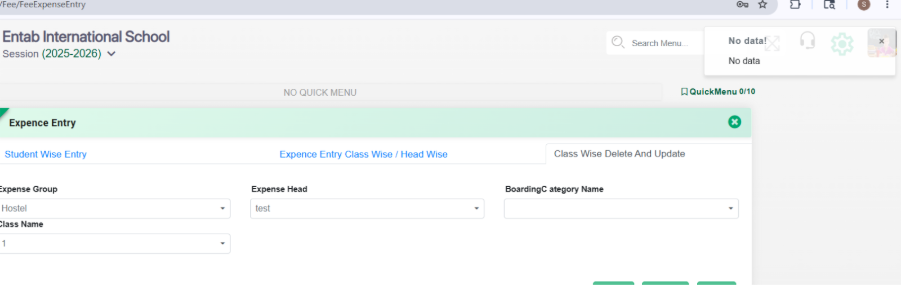
> Class wise delete and update
Key Benefits
- Automates imprest collection and balance adjustment across sessions.
- Eliminates manual calculation of carry-forward balances.
- Ensures accurate recovery of excess expenses.
- Provides transparent expense tracking for schools and parents.
- Maintains detailed audit trail of imprest utilization by expense category.
Feature 3: Unadjusted Excess Amount Column in Final Fee Due List Report
Purpose
To provide visibility of students' unadjusted excess fee amounts in the Final Fee Due List Reportand ensure accurate outstanding balance calculation.
Key Functionality
- Added a new column "Unadjusted Excess Amount" immediately after the "Discount/Concession" column in Fee & Billing → Reports → Final Fee Due List Report.
- The column will display any excess fee Amount received from the student that is yet to be adjusted against future dues.
-
The Balance calculation has been revised as follows:
- Balance = Total Due − Paid Amount − Discount/Concession − Unadjusted Excess Amount
Key Benefits
- Provides clear visibility of excess fee collections pending adjustment.
- Ensures accurate due amount reporting by considering unadjusted excess balances.
- Reduces manual reconciliation efforts and improves financial reporting accuracy.
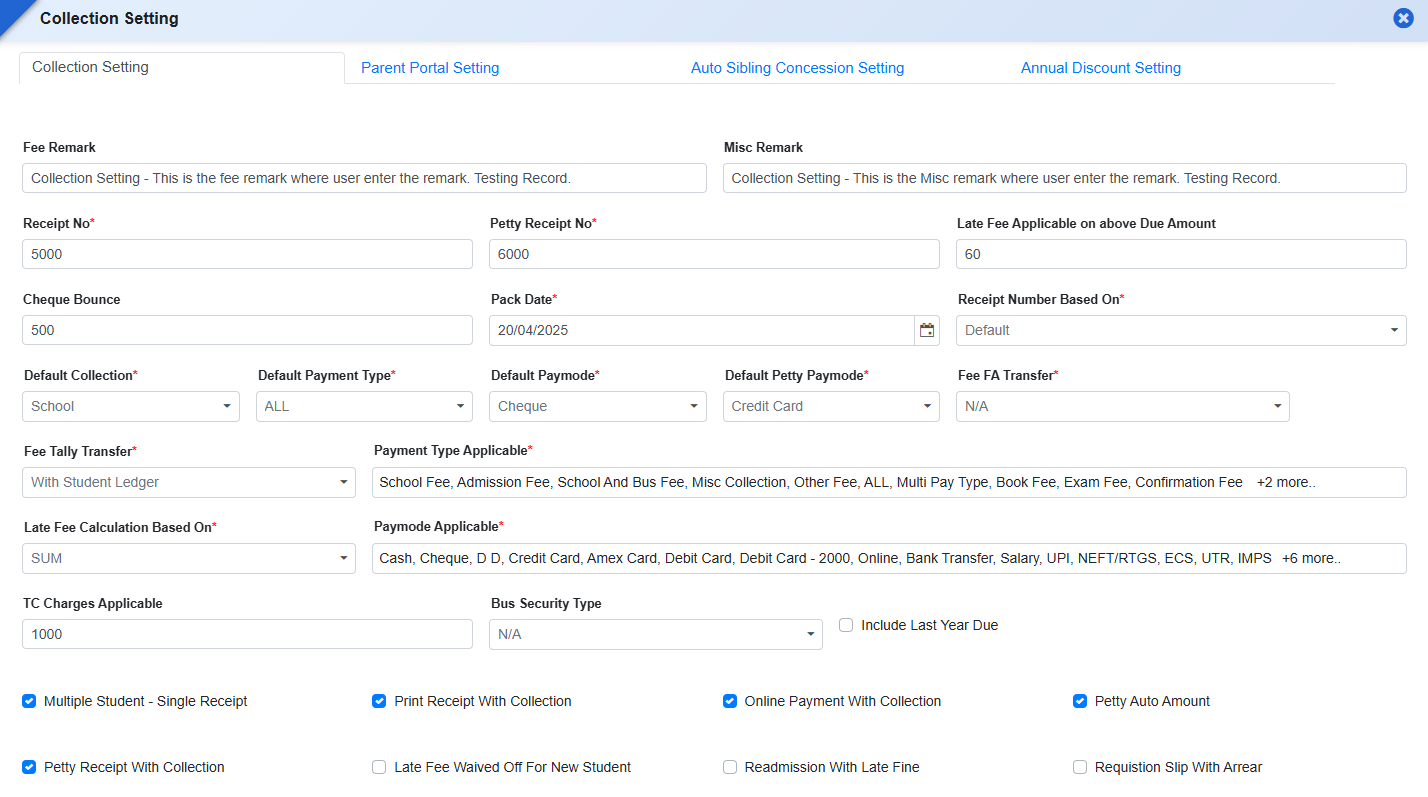
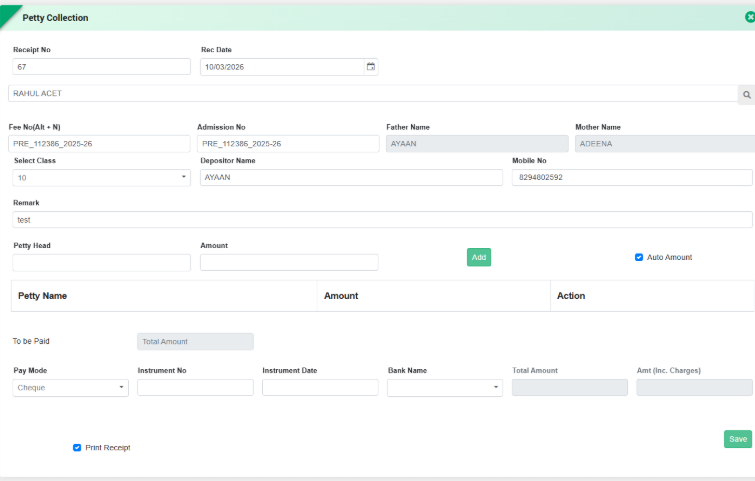
Feature 1: Default Pay Mode Configuration for Petty Collection
Purpose
To streamline petty cash transactions and reduce manual selection errors during collection, a provision has been added to configure a default payment mode specifically for petty collections.
Navigation
Fee & Billing → Collection Setting
Key Functionality
- Introduced a Default Pay Mode setting for Petty Collection in Collection Settings.
- Admin can configure the preferred default payment mode (e.g., Cash, Card, UPI, etc.).
- The selected default mode will automatically appear in the Petty Collection entry form during transaction processing.
Key Benefits
- Faster Data Entry: Reduces the need to select payment mode repeatedly.
- Operational Efficiency: Simplifies petty cash collection workflow.
- Reduced Errors: Minimizes incorrect payment mode selection.
- Consistent Transaction Recording: Ensures standardized payment mode usage across petty collections.
Feature 2: Fee Report Enhancements
-
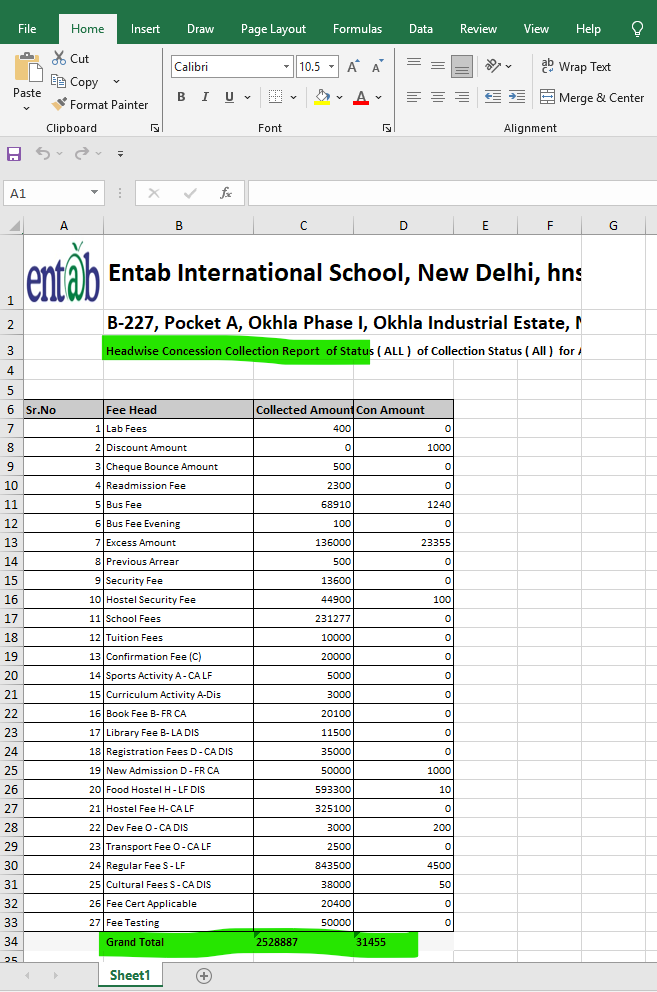
“TOTAL” Caption in Head wise Concession Collection Report
- In Fee & Billing → Fee Reports → Head wise Concession Collection Report, the last row now displays the caption “TOTAL”.
- The caption appears alongside the aggregated values for Collected Amount and Concession Amount.
- Ensures clearer identification of the final summarized row in the report.
Functionality Added
Benefits
- Improves report readability and presentation.
- Provides clear visibility of summarized financial totals.
- Aligns report format with standard financial reporting practice.
-
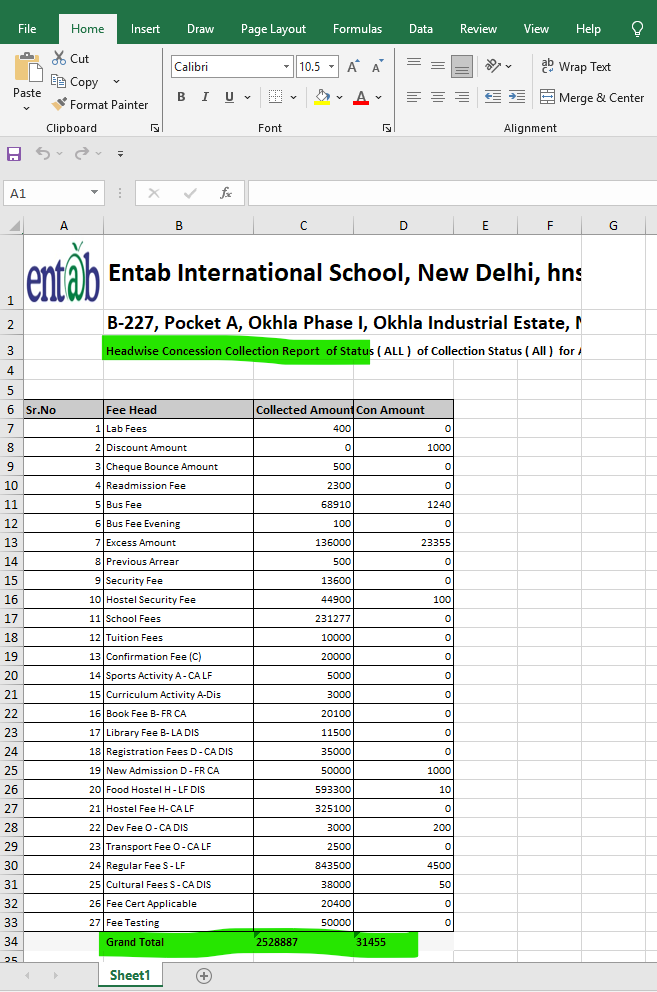
2.Bold Report Caption Display
- The Report Caption configured in Fee Report Settings will now be displayed in Bold format in the generated reports.
- Applies to report preview as well as PDF and Excel exports.
Functionality Added
Benefits
- Enhances report header visibility.
- Improves professional formatting of exported reports.
- Makes report identification easier for users and auditors.
-
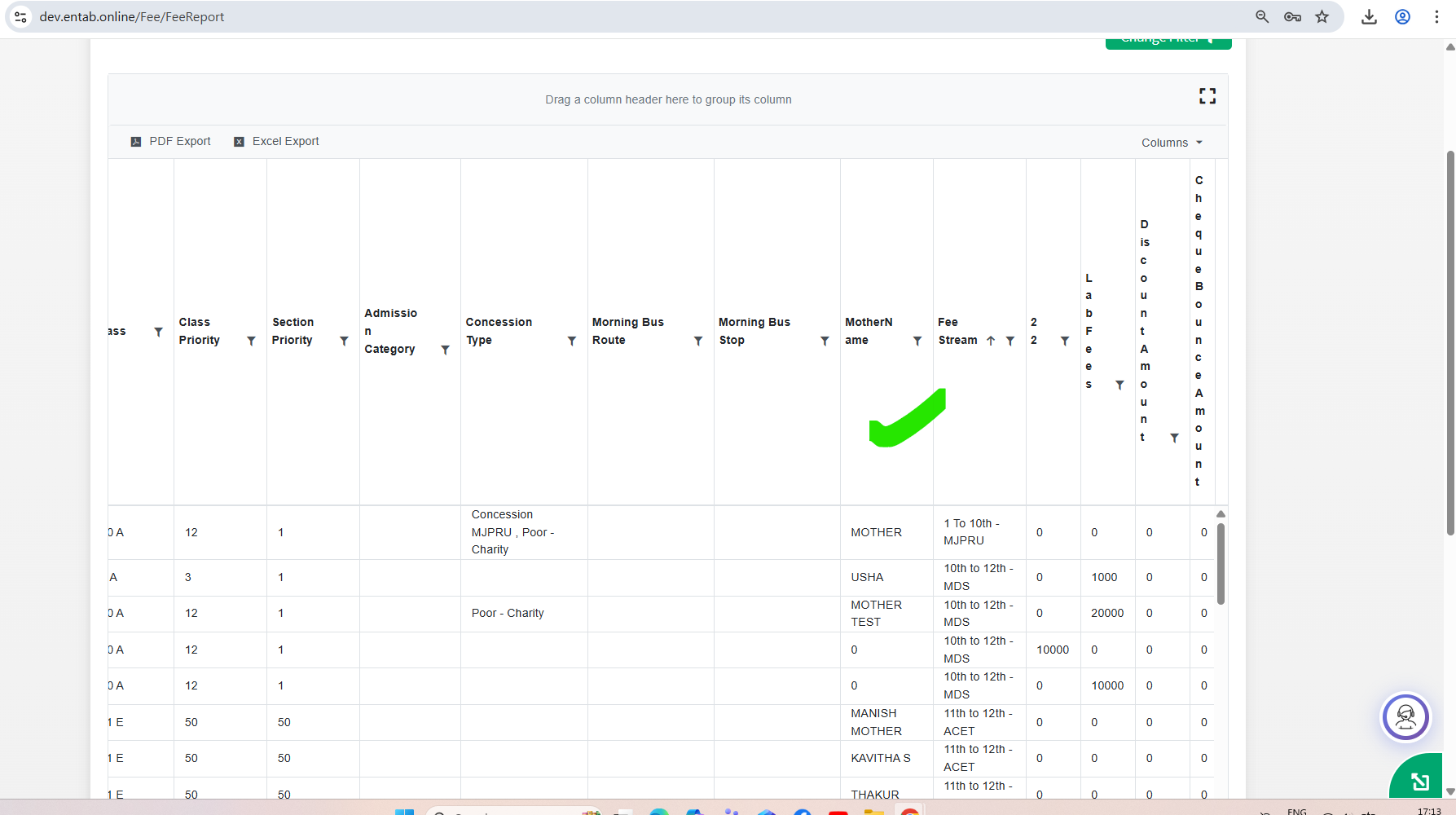
3.Mother Name Column in Student Wise Fee Details Report
- Added Mother Name column in Fee & Billing → Fee Reports → Student Wise Fee Details Report.
- The field can also be managed through Fee Report Settingsfor visibility configuration.
Functionality Added
Benefits
- Provides additional student identification details.
- Helps differentiate students with similar names.
- Improves accuracy in report-based verification.
Admission Type Column in Student Collection Detail Report
Functionality Added
- AddedAdmission Type column in Student Collection Detail Report.
- Displays student category as New Admission or Old Admission.
- The column can be enabled/disabled through Fee Report Settings.
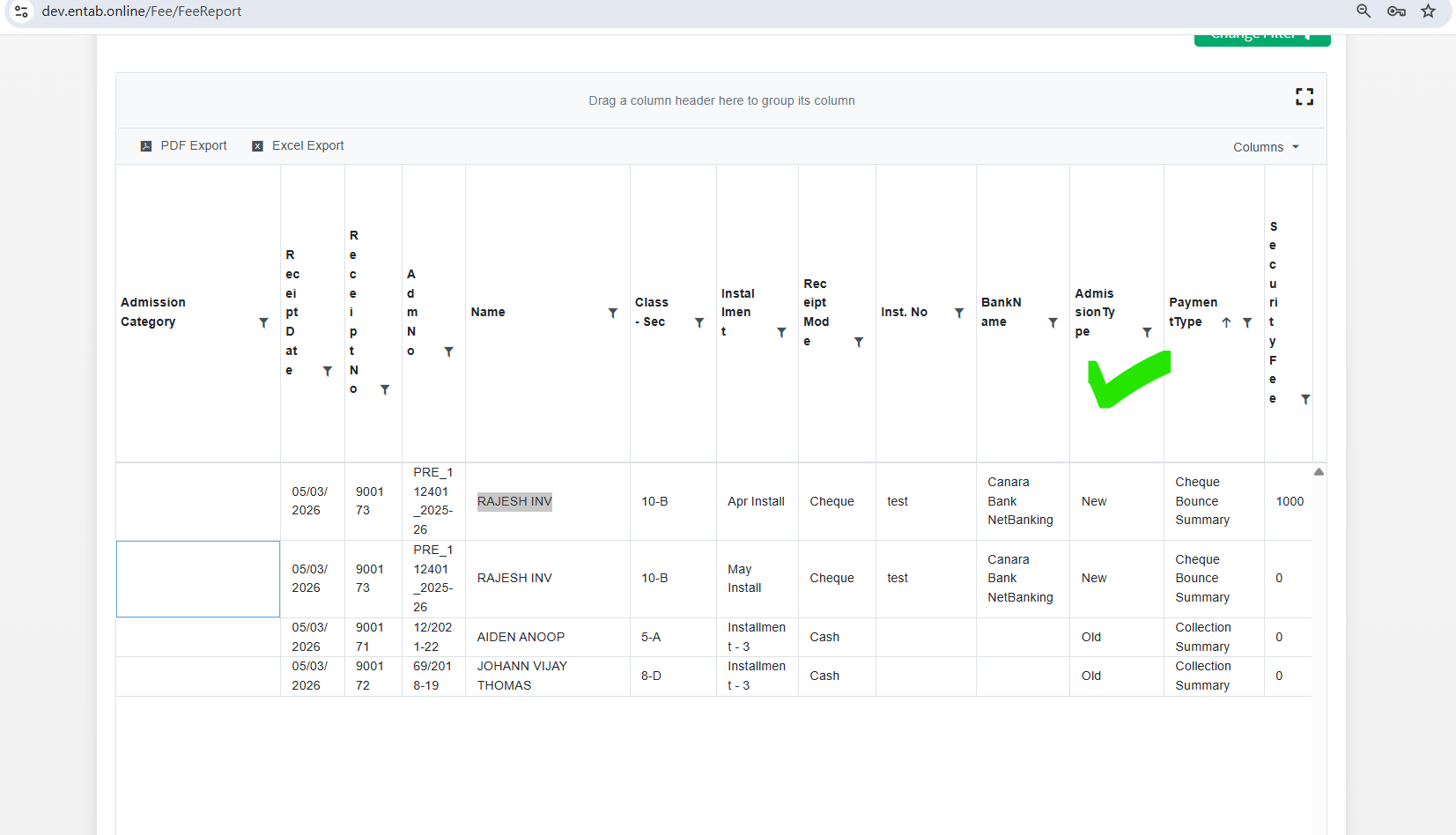
Benefits
- Helps schools analyze collection data based on admission category.
- Supports financial analysis for new admissions vs existing students.
- Improves reporting flexibility.
-
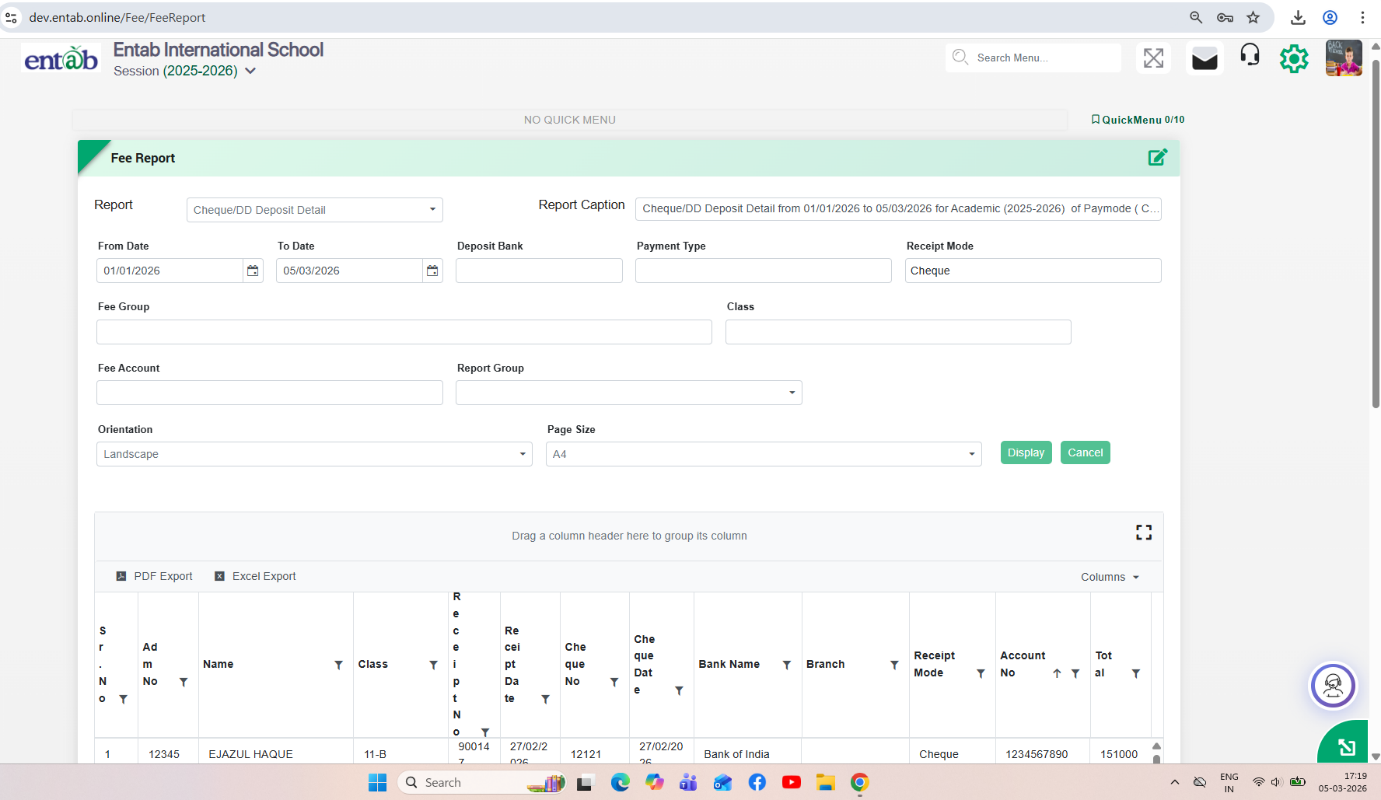
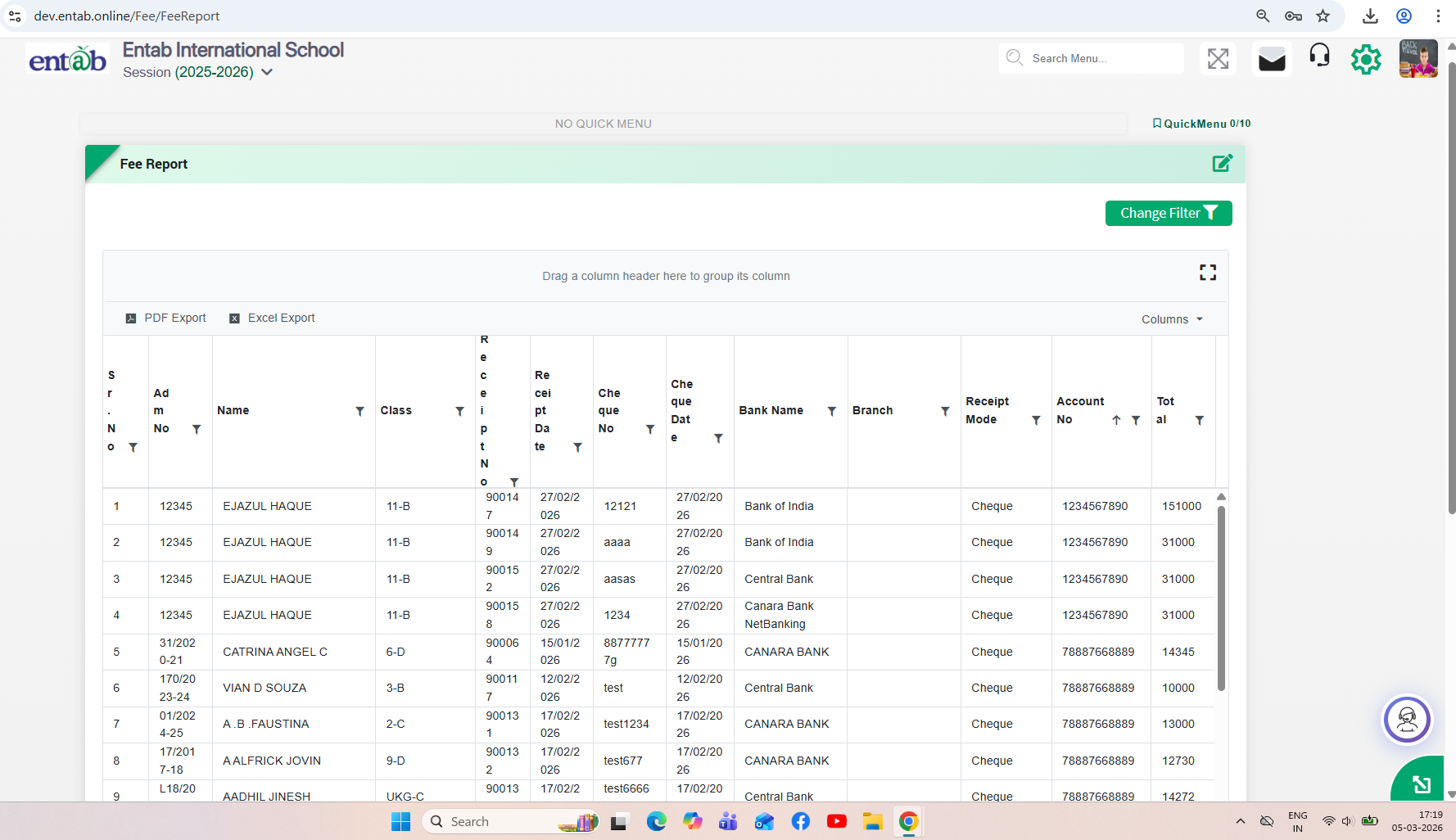
5. Cheque/DD Deposit Detail Report Enhancements
-
DD Collection Support
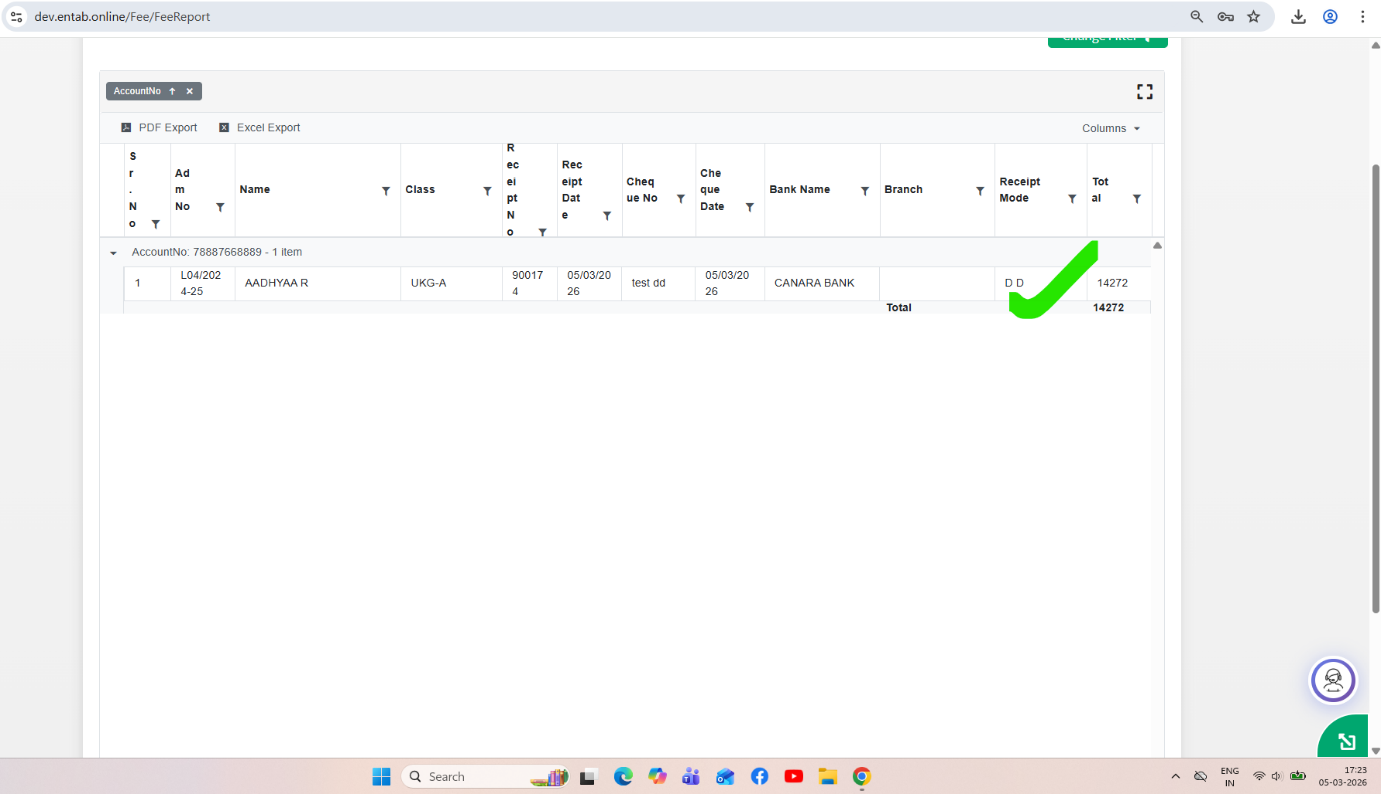
- The Cheque Deposit Detail Report now includes Demand Draft (DD) collections along with cheque transactions.
-
Payment Mode Filter
- Added filter option in the report filter screen to select:
- Cheque
- DD
- The report displays records according to the selected pay mode.
-
Dynamic Report Name in Export
- The Report Name configured in Fee Report Settings will now automatically appear:
- In PDF export
- In Excel export
- During report preview.
Functionality Added
If select Receipt mode as a DD then
Benefits
- Enables consolidated reporting for cheque and DD deposits.
- Improves filtering and analysis based on payment mode.
- Ensures consistent report naming across previews and exports.
- Enhances report clarity and usability for finance teams.
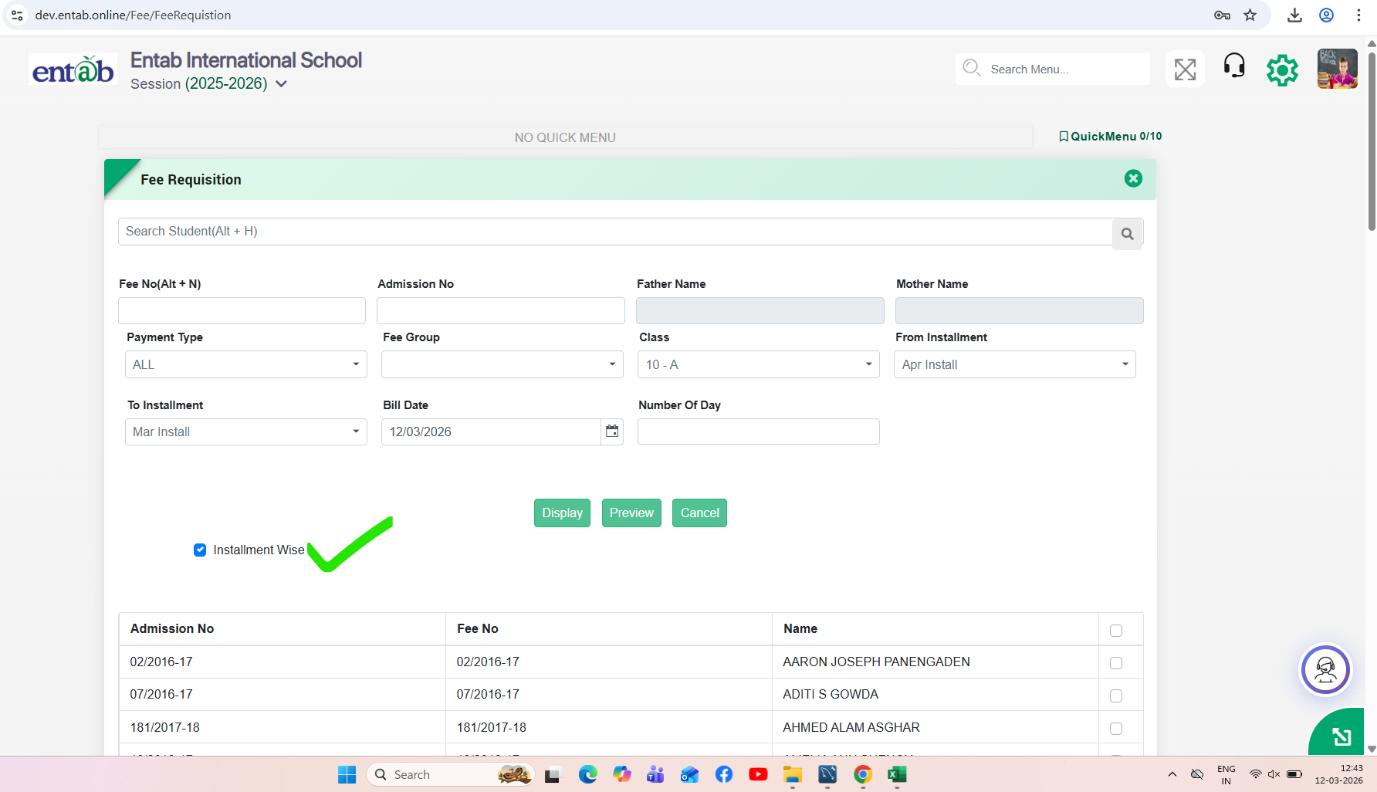
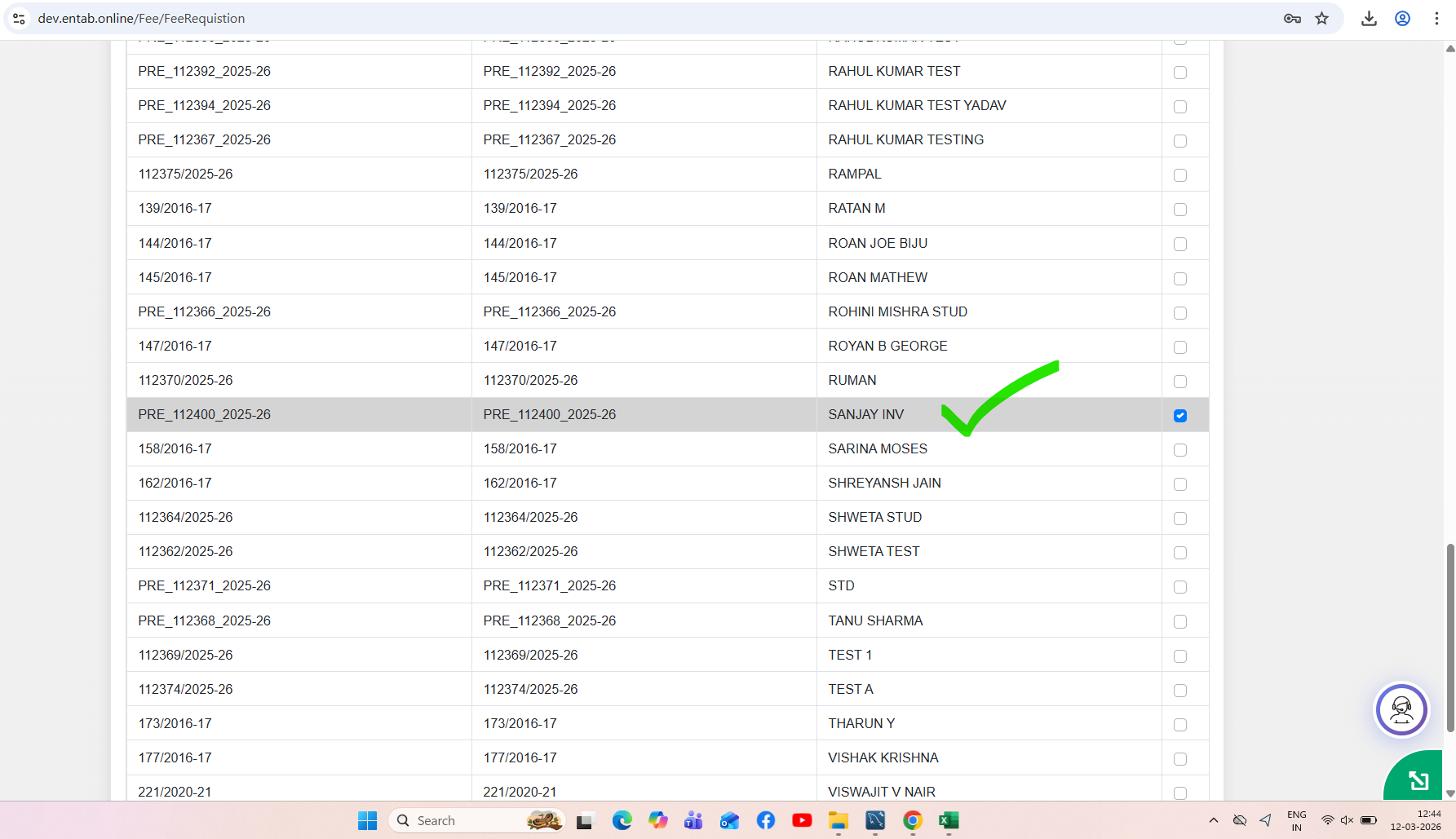
Feature 3: Installment Wise Requisition Slip Generation
Key Functionality
- In Fee & Billing → Requisition Slip, an “Installment Wise” checkboxhas been introduced.
- When this checkbox is selected:
- The system generates separate requisition slips for each installment.
- Each installment (e.g., Apr Install, May Install, etc.) appears on an individual requisition slipinstead of combining multiple instalments into a single slip.
- When the checkbox is not selected:
- The system generates a consolidated requisition slip containing all selected instalments together.
Key Benefits
- Providesflexibility in fee slip generation based on school requirements.
- Improvesclarity for parents by displaying installment-wise payment details.
- Helps schools that issueseparate fee slips for each billing cycle.
- Reduces confusion during installment-based fee payments.
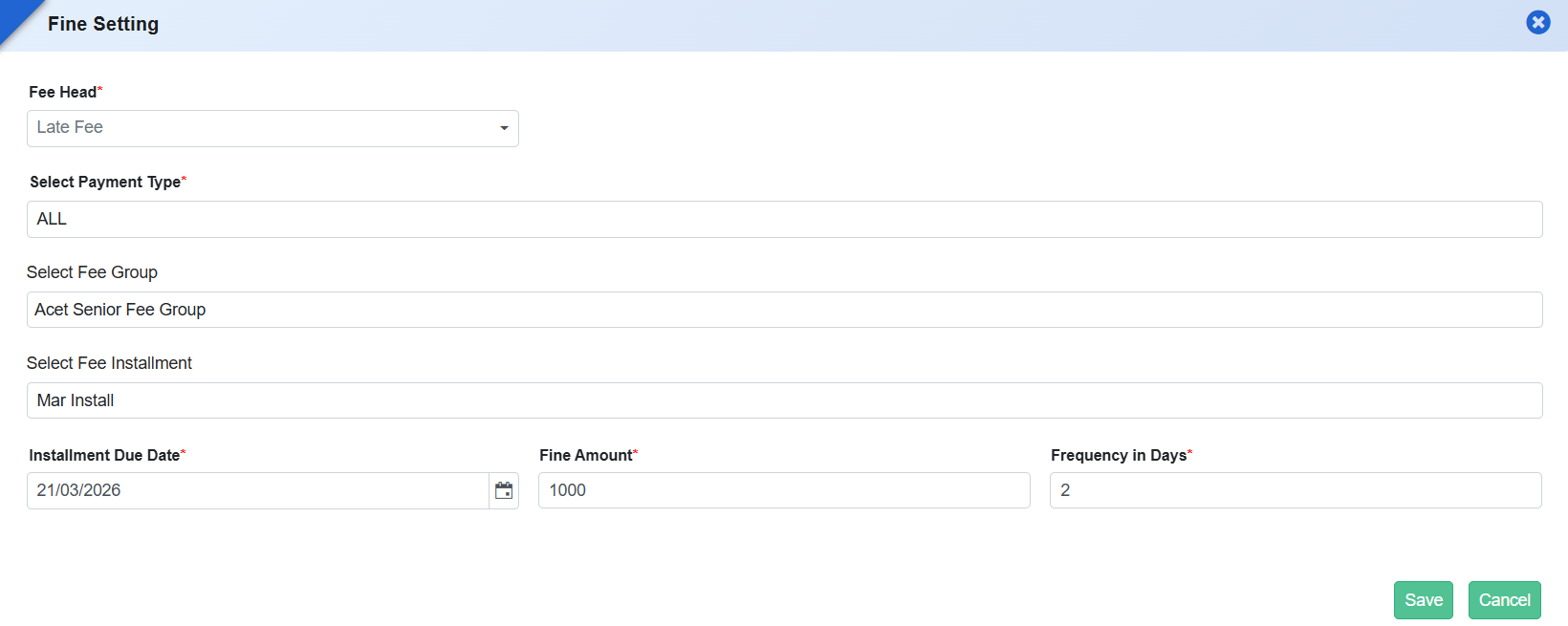
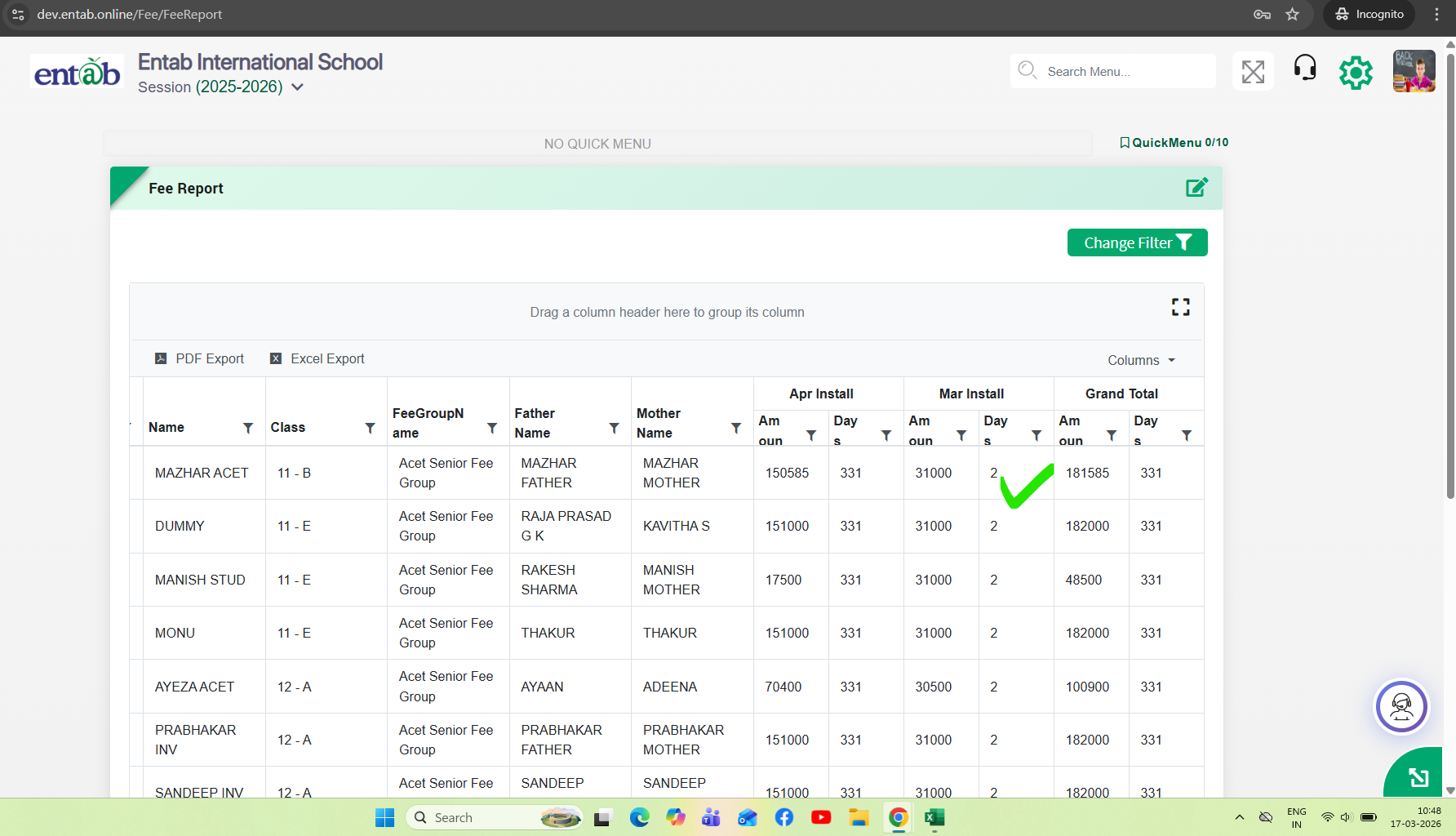
Feature 4: Student Ageing Report (After Due Date)
Purpose
To enable schools to track outstanding dues more effectively, a new report “Student Ageing Report (After Due Date)” has been introduced. This helps identify how long a fee has been pending after its due date, supporting better follow-up and financial monitoring.
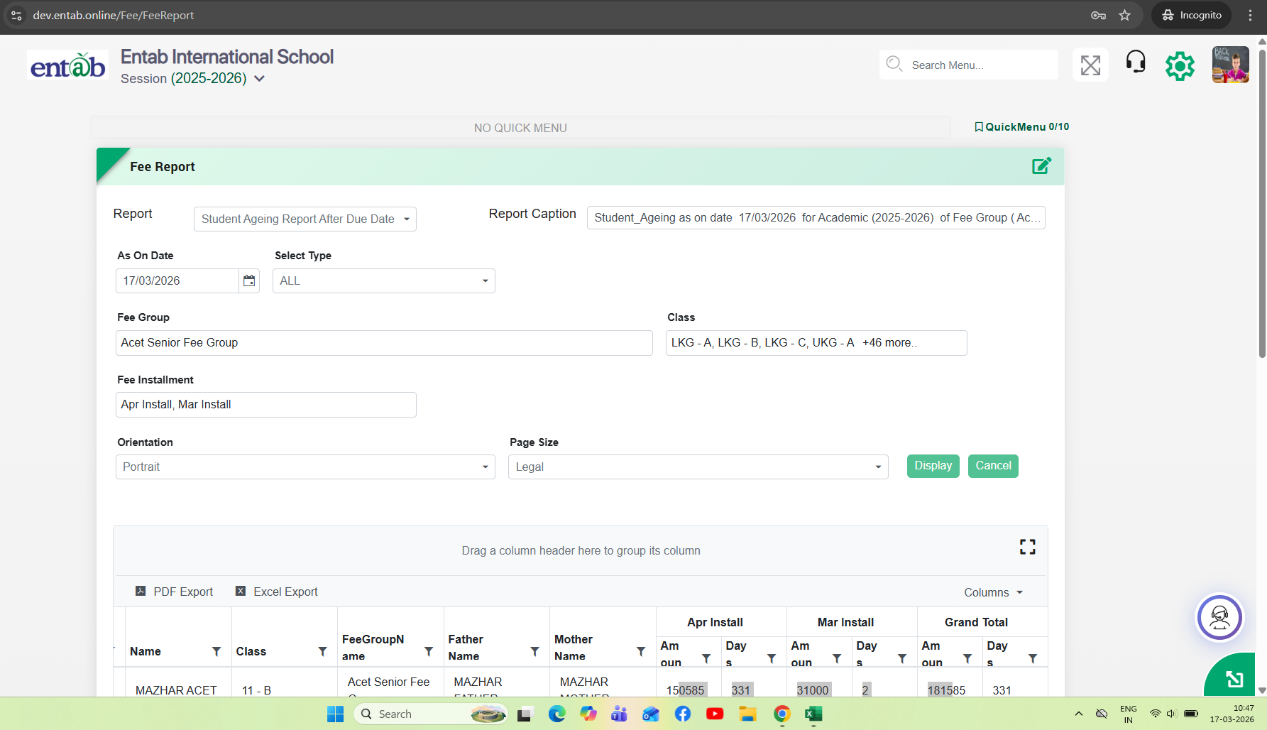
Key Functionality
- Added new report:Fee & Billing → Fee Reports → Student Ageing Report After Due Date
- The report calculates pending days based on Due Date, not bill date or transaction date.
- Ageing Logic
- Pending Days = (As On Date – Due Date)
- Only dues past the due date are considered.
- If due date is not crossed, ageing is not calculated.
-
Report Filters
- As On Date
- Fee Group
- Class
- Fee Installment
- Select Type (as applicable)
-
Report Output
- Displays:
- Student details (Name, Class, Parents info, etc.)
- Installment-wise Due Amount
- Pending Days (Ageing) per installment
- Grand Total ageing and amount
-
Installment-wise Display
- Shows separate columns for each installment:
- Amount
- Days (pending after due date)
Feature 5: Fee Certificate Transfer & Concession Report Enhancement
Purpose
To reduce repetitive setup efforts across academic sessions and provide better financial visibility, enhancements have been introduced for Fee Certificate transfer and Head-wise Concession reporting.
Key Functionality
-
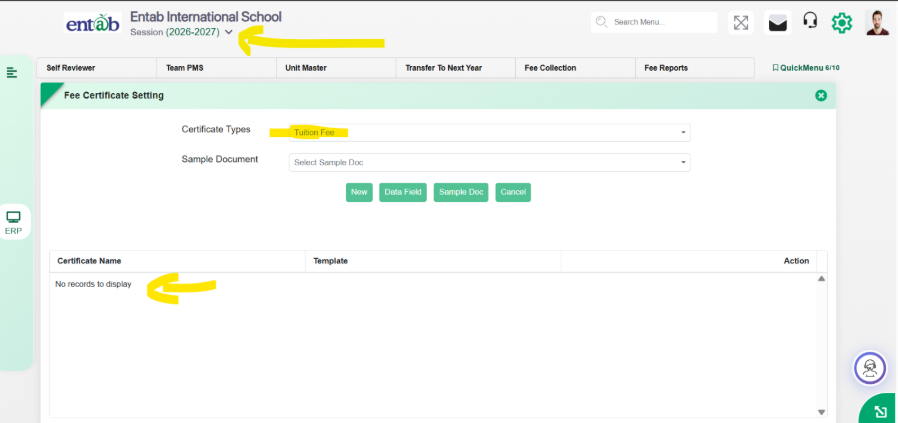
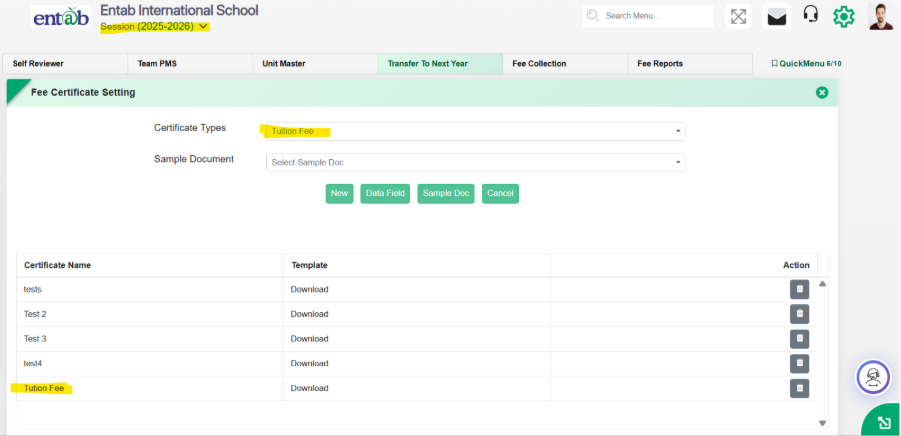
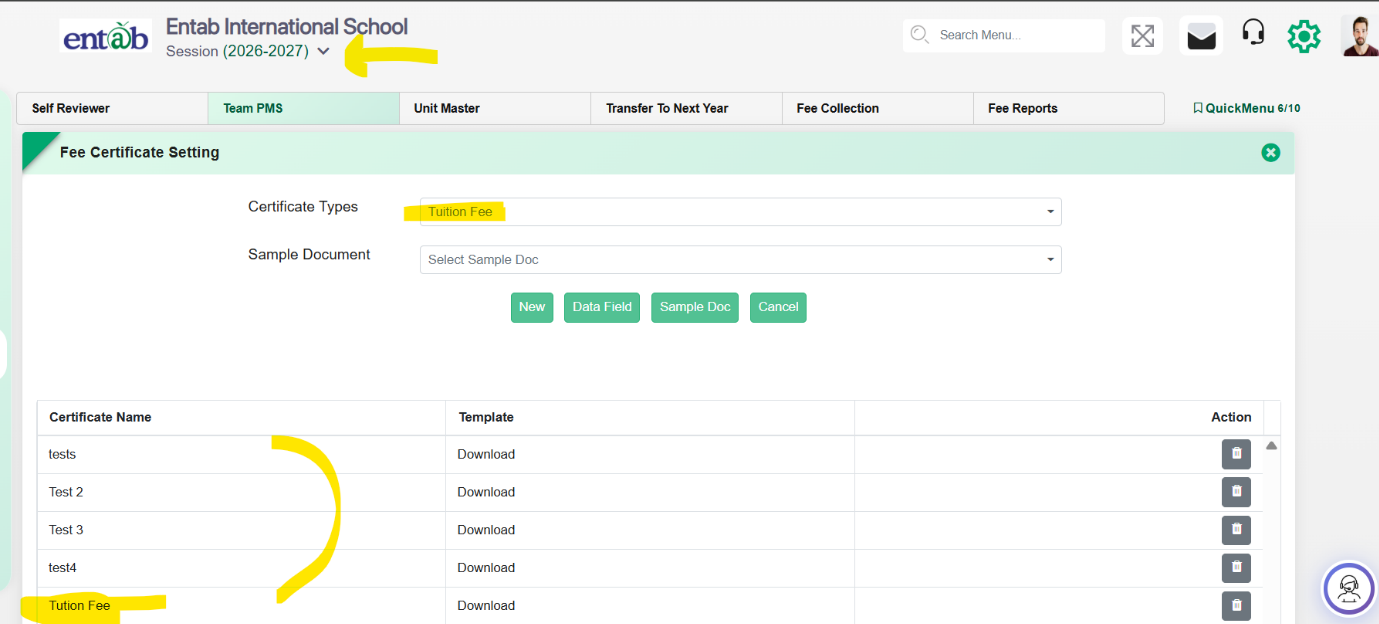
1. Fee Certificate Transfer to Next Session
- Added provision in: Fee & Billing → Transfer to Next Year
- Functionality:
- Fee Certificates will now be automatically transferred to the next academic session.
- Transferred certificates will be editable in the new session.
- Any modifications made will be applicable only to that specific session (session-wise impact).
- Eliminates the need to re-upload or recreate certificates every year.
Next Session (2026-2027) - Before Transfer to Next Year
- Current Session (2025-2026)
Next Session (2026-2027) - After Transfer to Next Year
-
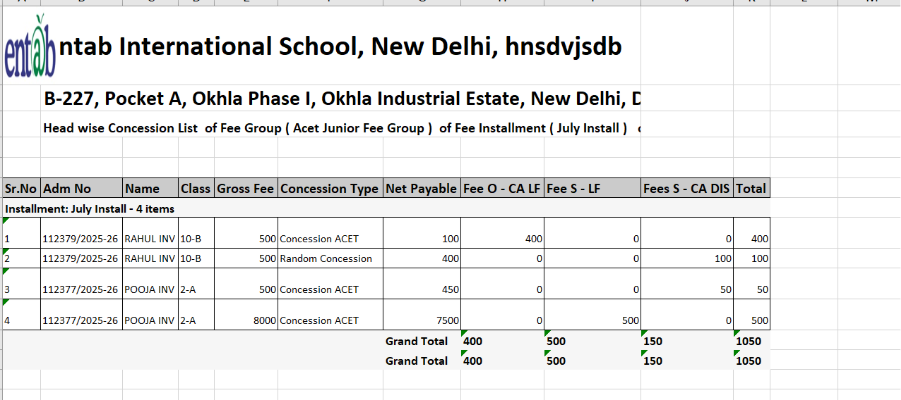
2. Head-wise Concession Report Enhancement
- In: Fee → Reports → Head Wise Concession List
- Added two new configurable columns in Report Setting:
-
Gross Fee
- Displays total fee as per fee structure.
- Calculated based on selected installment(s).
-
Net Payable
- Displays fee after applying concession.
- Columns can be enabled/disabled from frontend via report settings.
Key Benefits
- Reduced Manual Effort: No need to upload fee certificates every session.
- Session-wise Control:Changes in certificates do not affect previous sessions.
- Improved Financial Transparency: Clear visibility of Gross vs Net payable fee.
- Better Concession Analysis:Helps track how much concession is given overall.
- Flexible Reporting:Users can customize report columns as per requirement.
Feature 6: Pay Mode Mapping Correction in Collection Setting
Updated the pay mode mapping in Collection Settings to ensure accurate classification, where ECS is mapped to Visa Card and UTR is mapped to Diners Club improving payment mode consistency in transactions and reports.
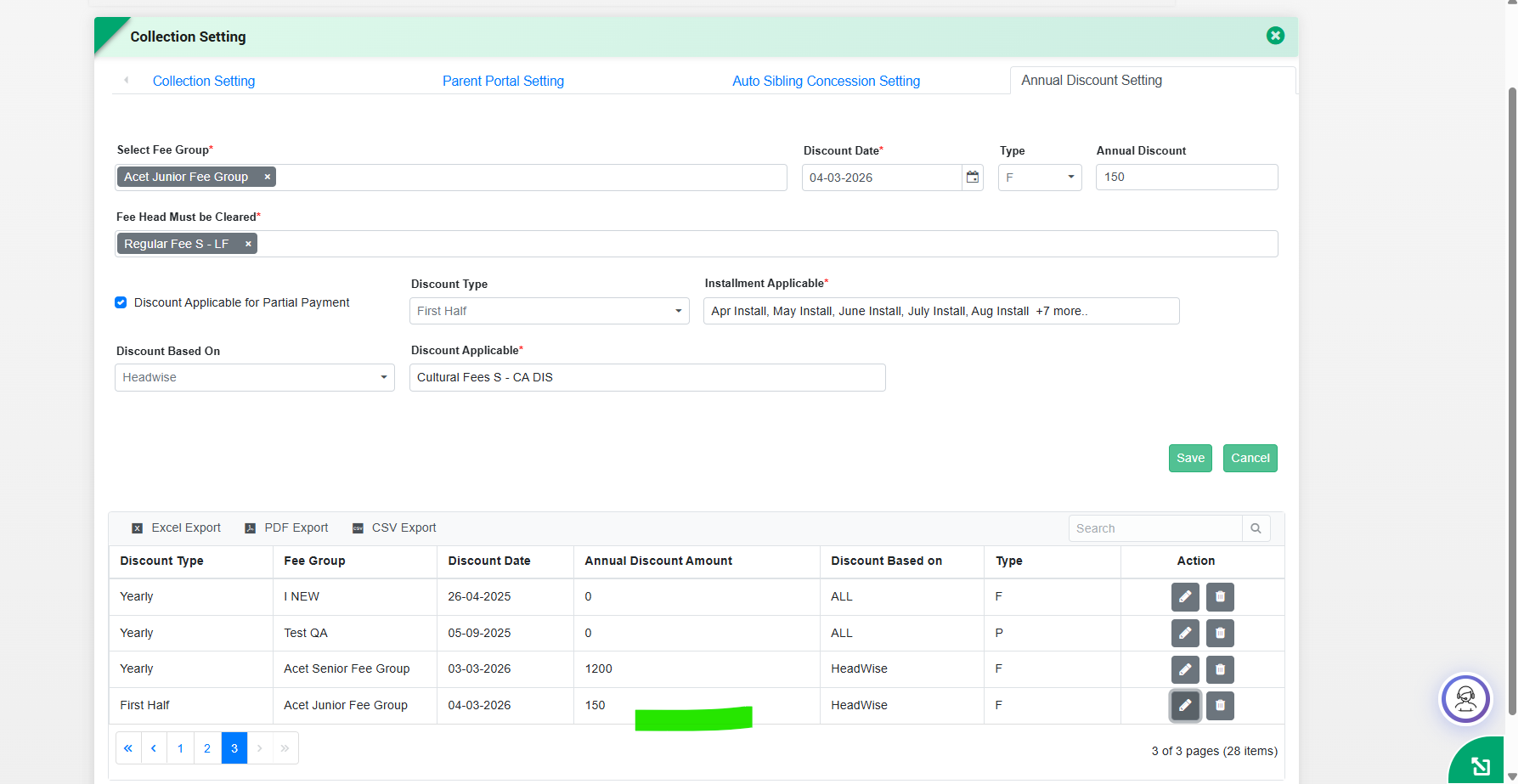
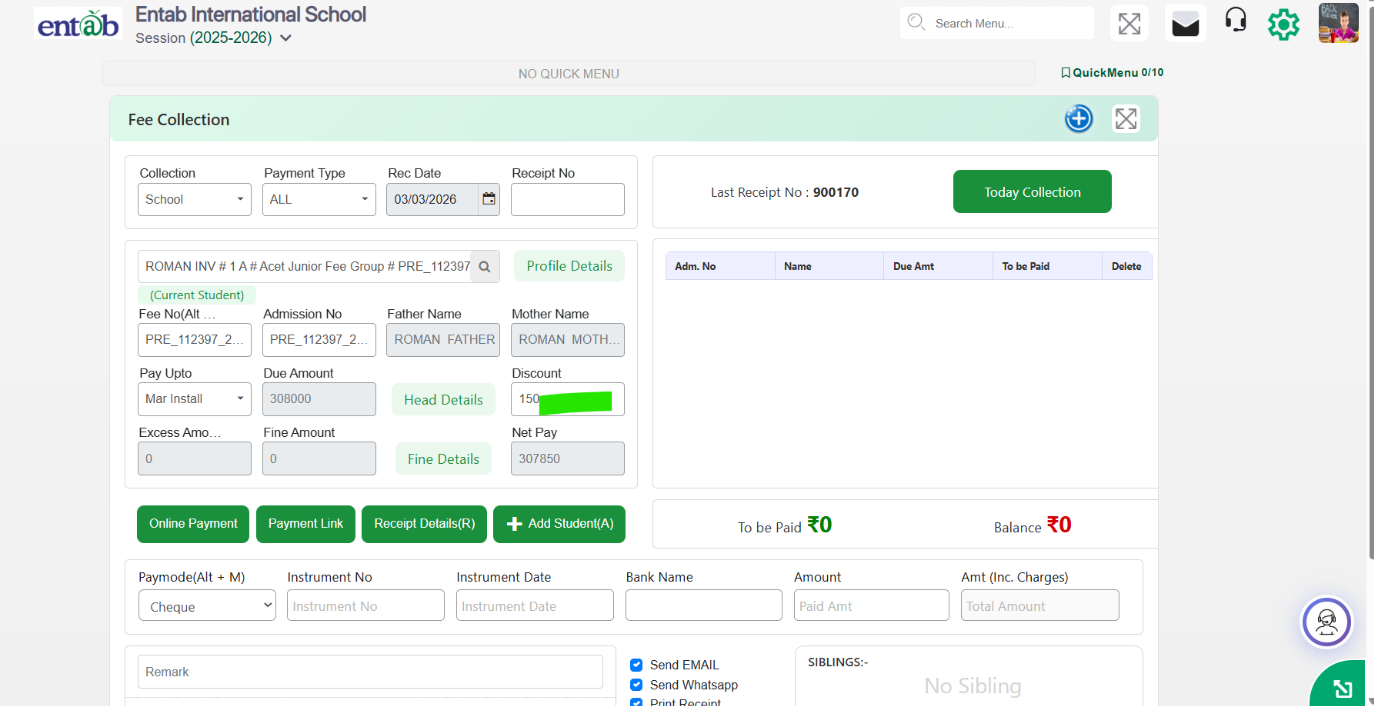
Feature 7: Discount Type in Annual Discount Setting (Fee Collection)
Key Functionality:
- Introduced a new field “Discount Type” in Fee → Collection Setting → Annual Discount Setting
- Allows users to define thetype of discount (e.g., First Half, Yearly, etc.) while configuring annual discounts.
Key Benefits:
- Provides better control and classification of discounts
- Ensures accurate discount application during fee collection
- Improves flexibility in managing different discount structures
What's New in Fee & Billing
This release significantly strengthens financial transparency, reconciliation accuracy, and collection efficiency across the Fee & Billing module. Schools now benefit from clearer visibility of payable amounts—including cheque bounce charges—along with improved online payment verification through Billdesk integration. The introduction of split settlement for Ease buzz simplifies banking operations, while new reports and session corrections enhance audit readiness. A completely redesigned Fee Dashboard delivers real-time, graphical insights into collections, defaulters, and trends, enabling principals and management to make faster, data-driven decisions with reduced manual effort.
Feature 1: Cheque Bounce Amount Visibility in Requisition Slip
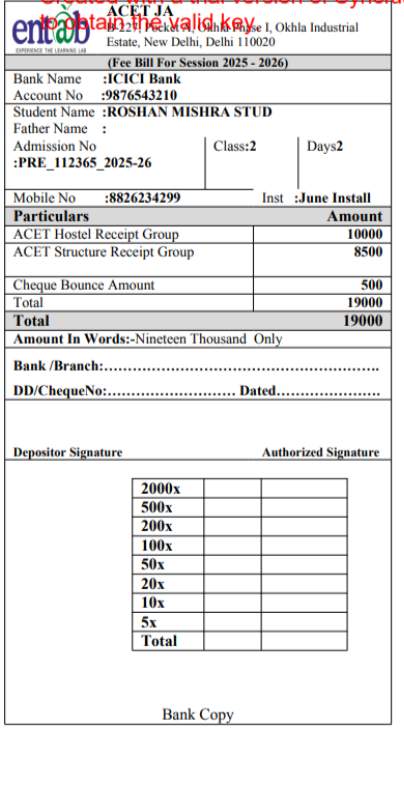
Purpose
To ensure accurate and transparent fee communication with parents, the Requisition Slip has been enhanced to consistently display pending cheque bounce charges. This change ensures that the actual payable amount is always reflected on the requisition slip until the cheque bounce amount is fully collected, avoiding confusion and missed dues.
Key Functionality
- When a cheque bounce charge is pending, it is automatically tagged to the Requisition Slip.
- The cheque bounce amount will appear on the requisition slip for any installment generated (current or future).
- The charge continues to be displayed until the cheque bounce amount is paid by the parent.
- Once collected, the cheque bounce amount will no longer appear on subsequent requisition slips.
- Ensures the requisition slip always shows the correct total payable amount from the parent's perspective.
Benefits
- Accurate Fee Demand: Parents clearly see all pending charges, including cheque bounce amounts.
- No Revenue Leakage: Prevents cheque bounce charges from being overlooked or missed.
- Consistent Billing: Bounce charges are carried forward automatically across installments.
- Reduced Disputes: Eliminates confusion regarding additional charges at the time of payment.
- Improved Financial Control: Ensures complete and timely recovery of cheque bounce penalties.
Feature 2:Easebuzz Payment Gateway - Split Settlement Support
Purpose
To simplify reconciliation and auditing for schools using the Easebuzz payment gateway, split settlement functionality has been introduced. This enhancement allows schools to operate multiple bank accounts under a single MID, eliminating the need to manage multiple MIDs and reducing operational complexity.
Key Functionality
- Enables multiple bank accounts to be configured under one Easebuzz MID (similar to Atom split functionality).
- Supports transaction-level mapping to route collections to the appropriate bank account.
- Ensures automated settlement into respective bank accounts based on defined rules.
- Maintains accurate transaction tracking for reporting, reconciliation, and audits.
Benefits
- Simplified Reconciliation: Removes dependency on multiple MIDs, making reconciliation easier and cleaner.
- Audit-Friendly: Centralized MID with split settlements improves traceability and audit readiness.
- Operational Efficiency: Reduces payment gateway configuration and management overhead.
- Flexible Banking Setup: Supports multiple bank accounts without changing the payment flow for parents.
- Scalable for Large Schools: Ideal for institutions managing collections across different accounts or branches.
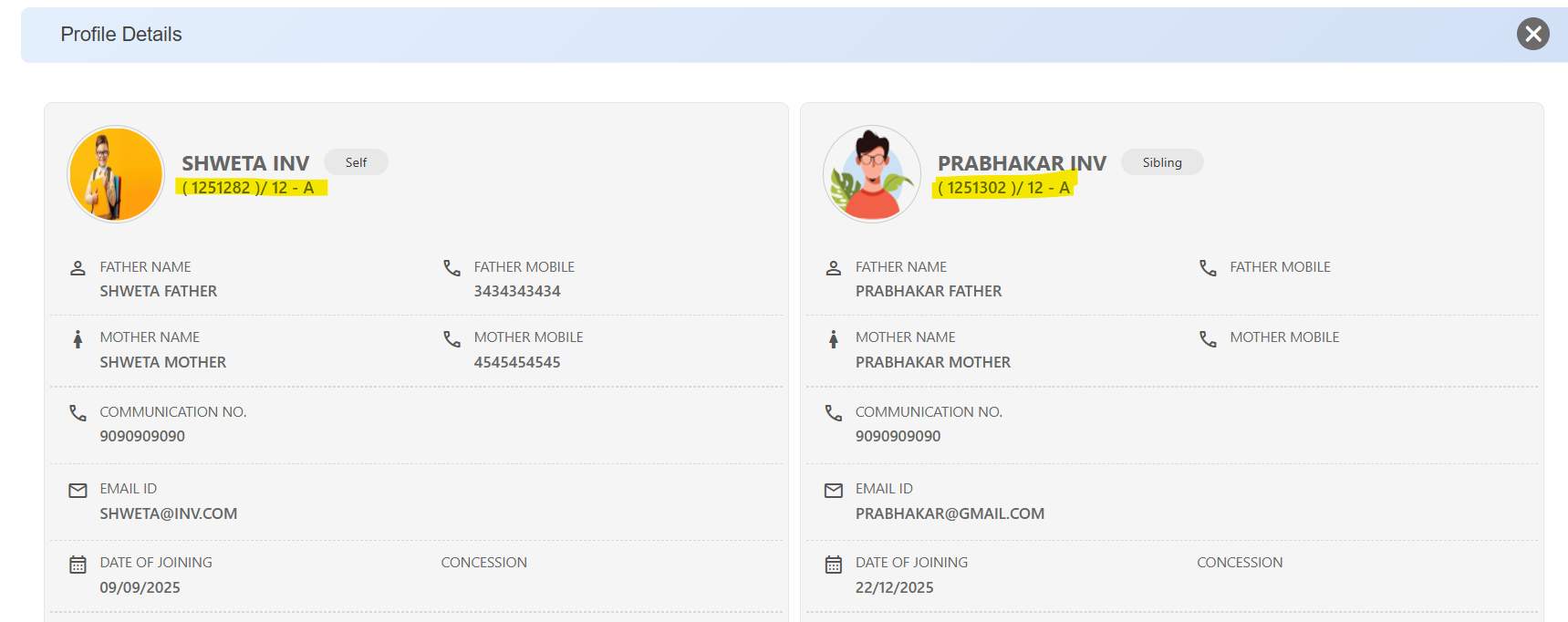
Feature 3:Class & Section Display in Student Profile Details (Fee Collection)
The Student Profile Details view in Fee Collection has been enhanced to display the Class and Section of each student. This ensures clearer student identification—especially in sibling profiles—and helps users quickly verify academic context while performing fee-related activities.
Feature 4: Fee Cancelled Report Added
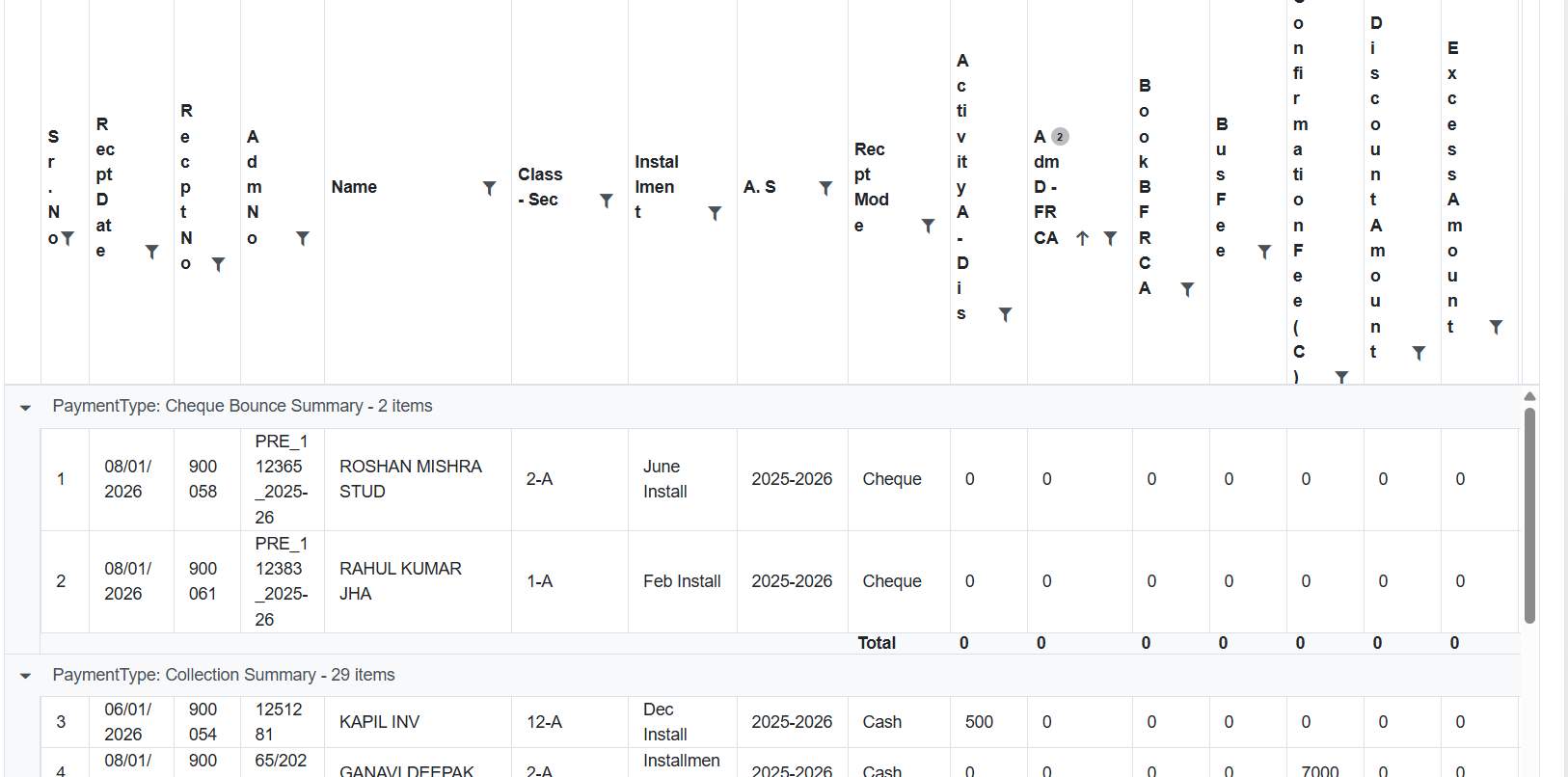
A new Fee Cancelled Report has been introduced in the Fee & Billing module. This report follows the same format as the Fee Deleted Report and displays all cancelled fee receipt records, enabling schools to track and review cancelled transactions accurately for audit and reconciliation purposes.
Feature 5: Academic Session Format Correction in Multi-Year Collection with Registration Report
In the Multi-Year Collection with Registration report, the Academic Session column has been corrected to display the full session format (e.g., 2025-2026) instead of only the starting year (2025). This now aligns the display with the existing Multi-Year Collection Report, ensuring consistency and clearer interpretation of academic year data.
Feature 6: Integration of Billdesk Status API for Online Payment Verification
Purpose
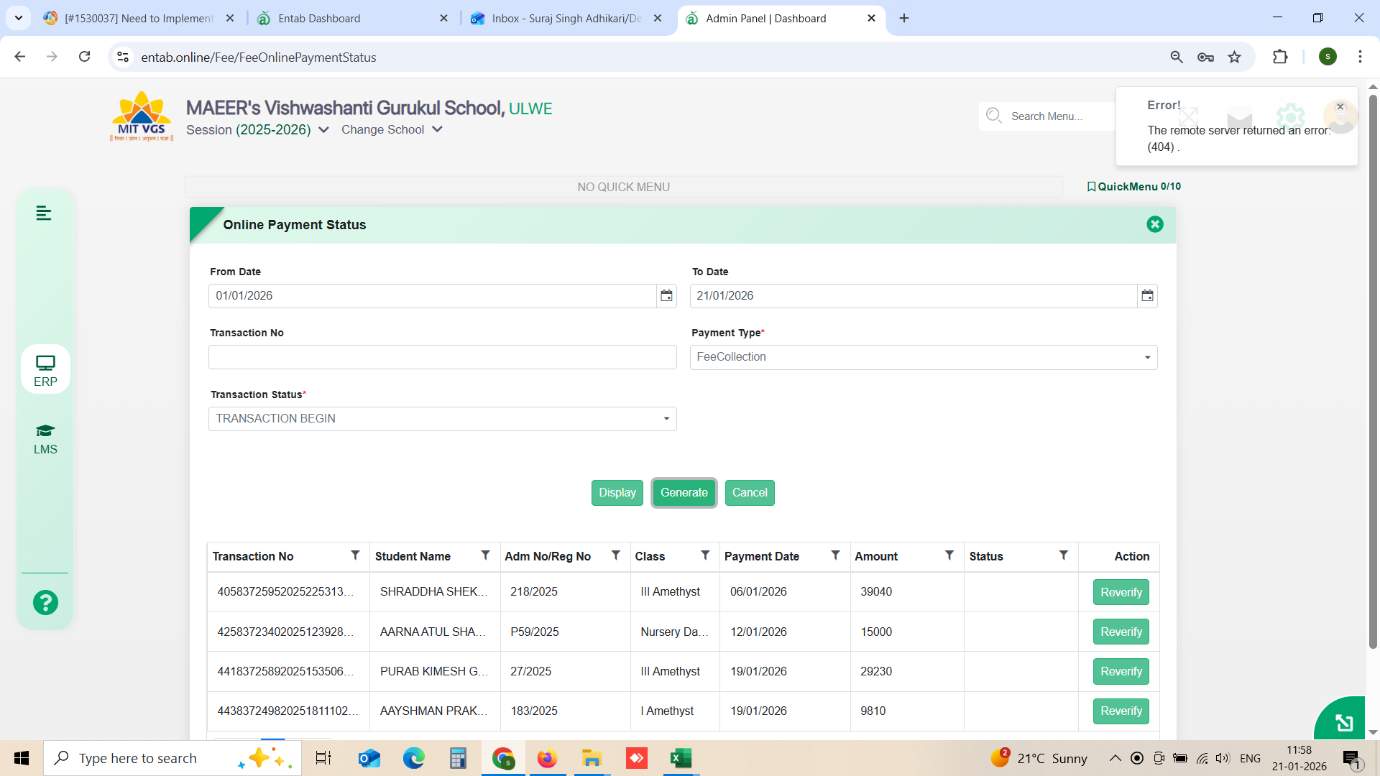
To enhance reliability in online fee transactions, the Billdesk Status API has been implemented for real-time verification of payment status. This ensures that pending or uncertain transactions can be re-verified directly with the payment gateway, reducing reconciliation gaps and manual follow-ups.
Key Functionality
- Integrated Billdesk Status API in the Online Payment Status form.
- Enables real-time fetching of the latest transaction status from Billdesk.
- “Reverify” action validates transactions that are in Transaction Begin / Failed states.
- Updates payment records automatically based on gateway response.
- Supports verification using Transaction No., Date Range, and Payment Type filters.
Benefits
- Accurate Reconciliation: Eliminates mismatches between ERP and gateway records.
- Reduced Manual Effort: Instant verification without back-office intervention.
- Improved Parent Experience: Faster confirmation of successful payments.
- Operational Transparency: Clear visibility of actual gateway transaction status.
Feature 7: Enhanced Fee Dashboard - 10x UI & Analytics Upgrade
Purpose
The Fee Dashboard has been completely redesigned to provide a faster, more intuitive, and data-driven view of fee collections. The new interface delivers real-time financial insights through interactive graphs and tables, enabling schools to monitor collections, dues, and trends more effectively without navigating multiple reports.
Key Functionality
The upgraded dashboard now includes:
- Today Fee Collection (User-Wise): Track daily collections by individual users/counters.
- Year-Wise Fee Summary:Overall collection overview for the academic year.
- Collection Mode Analysis: Breakup by Cash / Online / Cheque / Other modes.
- Installment-Wise Collection Data: Performance of each installment.
- Day-Wise Collection for Month: Daily trend view for the selected month.
- Post Due-Date Collection: Count of students who paid after due date.
- Defaulter as on Date: Select any date to view pending students and amount.
- Class-Wise Fee Summary: Collection and outstanding per class.
Visualization Options
- Dual representation enabled:
- Bar Graph / Pie Chart
- Tabular View
Feature 1: Additional Student Details in Fee Concession Report
This enhancement provides schools with better visibility of concession-related student information by including key contact and address details in the Fee Concession report. This addition supports schools in planning house visits and maintaining accurate communication records.
Key Functionality
- In Fee & Billing → Fee Report → Fee Concession → Fee Report Setting, additional fields have been introduced:
- Concession Entry Date
- Present Address
- Mother’s Name
- Contact Numbers
- These details are now displayed alongside existing concession information in the report.
- Facilitates easy access to essential student details for operational and follow-up purposes.
Benefits
- Enables schools to plan and manage house visits efficiently for concession students.
- Improves accessibility of student contact and address details in a single report.
- Enhances administrative convenience and data completeness within the Fee Concession report.
Feature 2: New Report Added
A new Fee Final Due List report has been introduced to provide a comprehensive overview of students with outstanding fee amounts, helping schools manage and track pending dues more effectively.
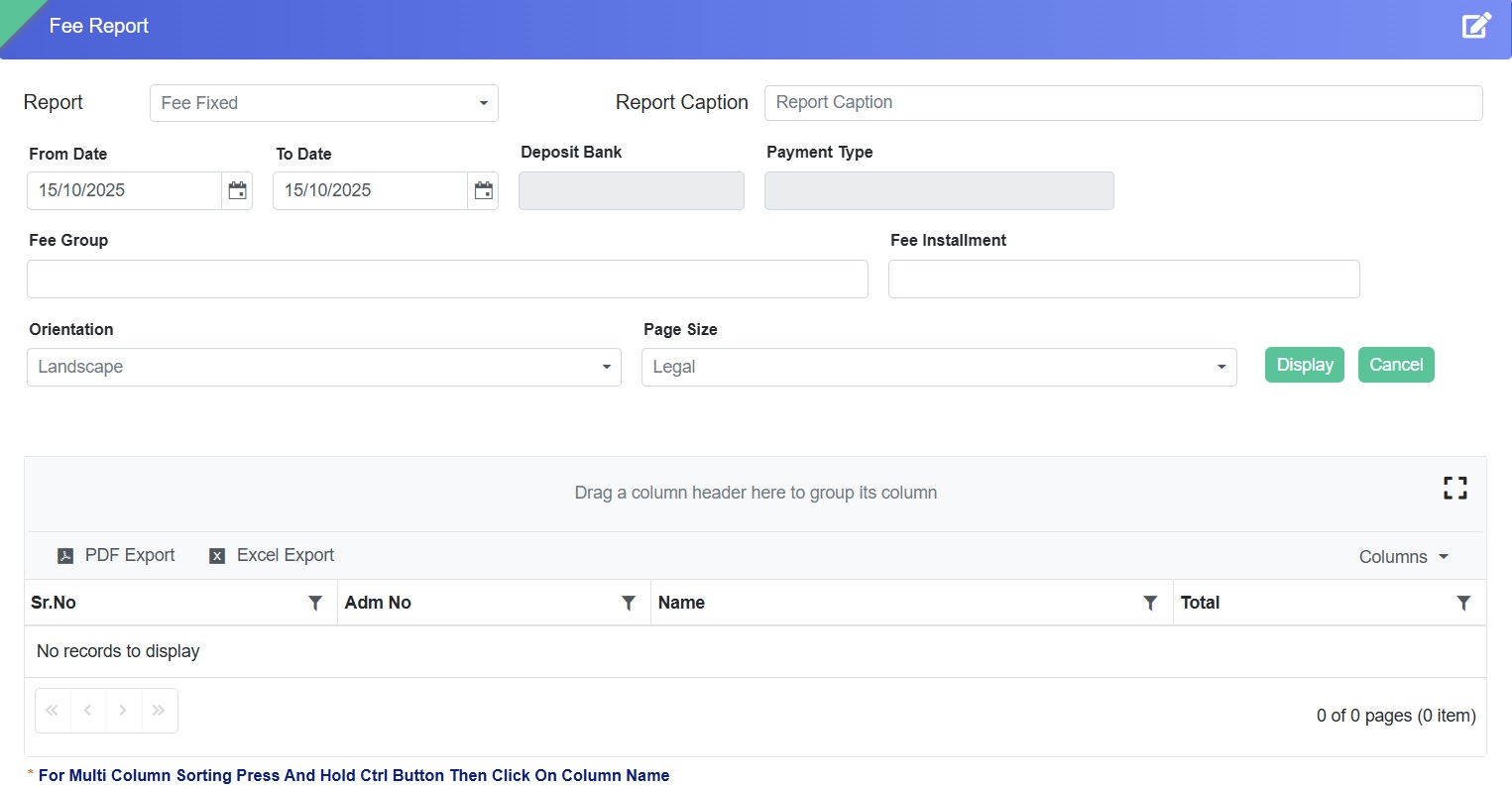
Feature 3: Date Filter and Validation in Fee Fixed Report
This enhancement improves accuracy and control in fee data management by introducing mandatory date validation and date-range filtering in the Fee Fixed Report.
Key Functionality
- A From Date – To Date filter has been added for refined data viewing.
- Mandatory date entry for each fixed amount under fee heads and installments.
- Entries without dates will not be accepted.
- From Date defaults to academic session start.
- To Date defaults to current system date.
- Bulk entry functionality enabled.
Benefits
- Ensures completeness and accuracy of fee records.
- Facilitates better tracking and reporting through date-wise filtering.
- Reduces data entry errors and improves administrative efficiency.
- Supports faster bulk updates with enhanced validation control.
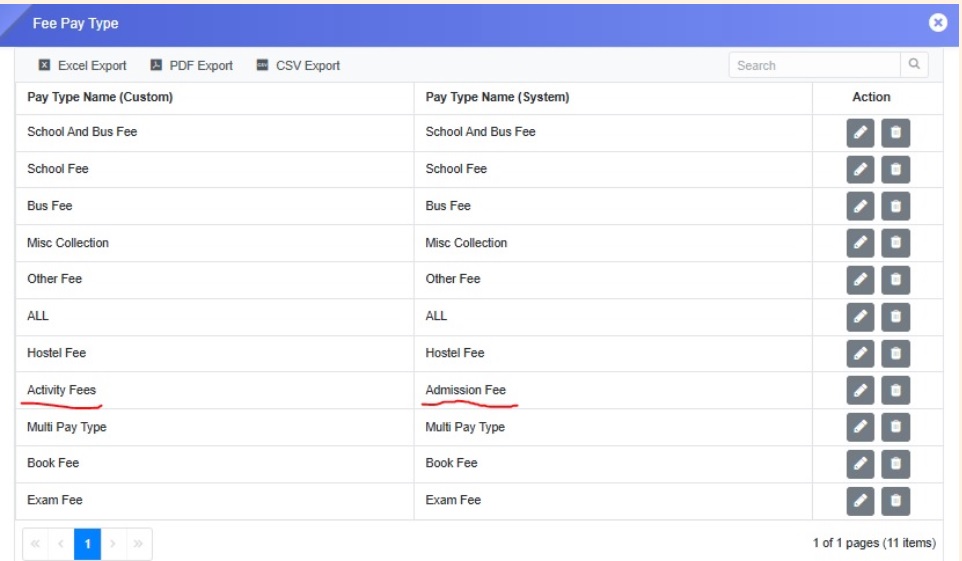
Feature 4: Editable Payment Type Configuration
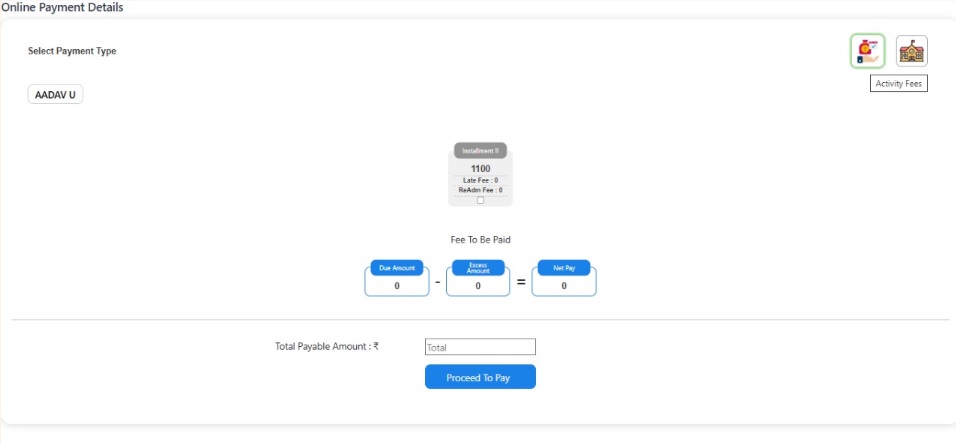
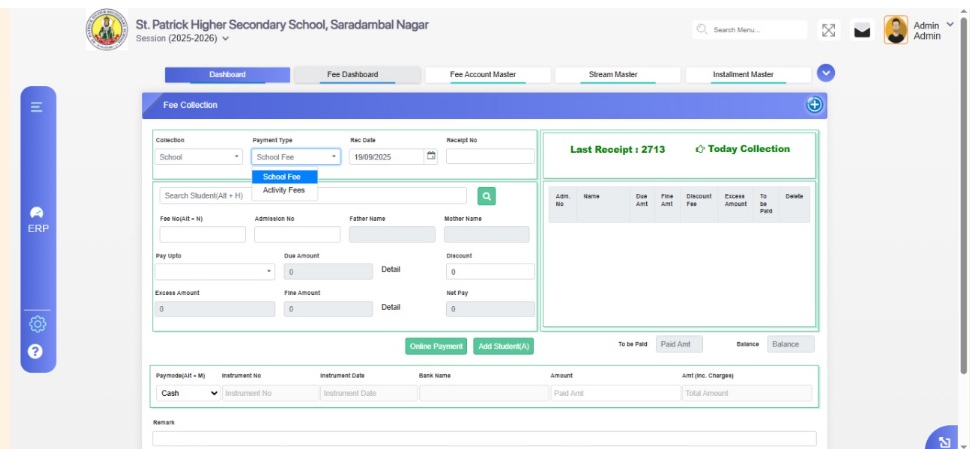
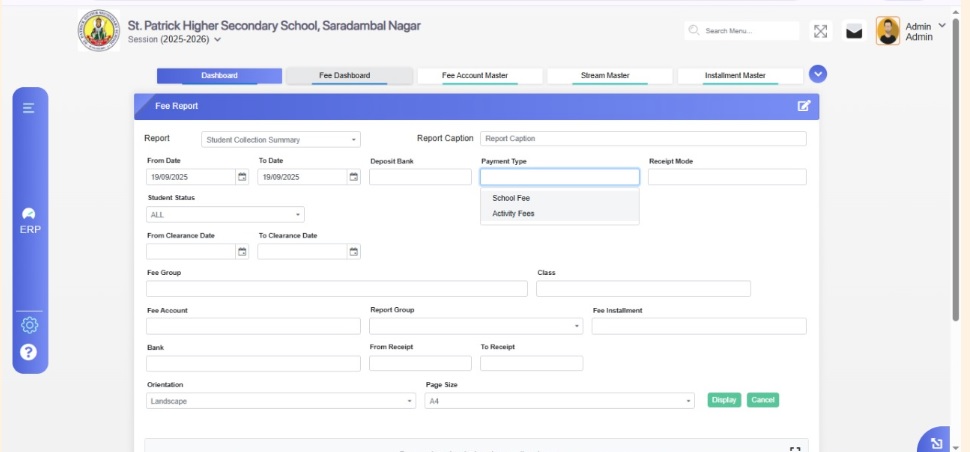
This enhancement allows schools to customize and manage payment type names (e.g., School Fee, Admission Fee, Hostel Fee) to align with internal terminology.
Functionality
- A new form – Payment Type has been introduced.
- Schools can edit existing payment type names.
- Updated names reflect across Receipt Details, Fee Collection Form, and Online Fee Portal.
Benefits
- Provides flexibility to align terminology with school needs.
- Ensures consistency across all fee-related interfaces.
- Simplifies administration and improves clarity in fee records.
Feature 5: Fee Installment Tag in No Due Certificate
A new “FeeInstallment” tag can now be used within the certificate template to automatically fetch and display installment information in the No Due Certificate.
Feature 1: Option to Print Student Ledger with/without Header
A new enhancement while printing Student Ledger allows users to print the ledger with or without the header section, providing flexibility in document presentation.
Key Benefits- Customizable Printing: Choose whether to include the header in printed ledgers.
- Professional Presentation: Tailor the output to meet school or parent requirements.
- Improved Convenience: Streamlines printing options for staff and administration.
Fee & Billing -> Fee Certificate -> Student Ledger
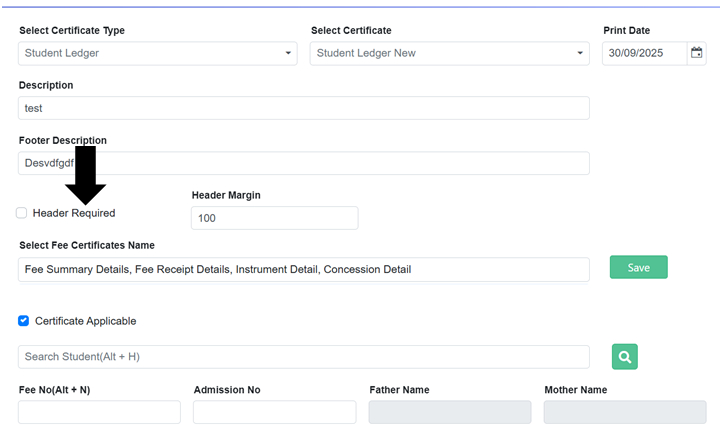
Feature 2: Student Ledger – Customizable Footer
A new dynamic footer option has been added to the Student Ledger, allowing schools to customize the footer content as per their requirements.
NavigationFee & Billing -> Fee Certificate -> Student Ledger
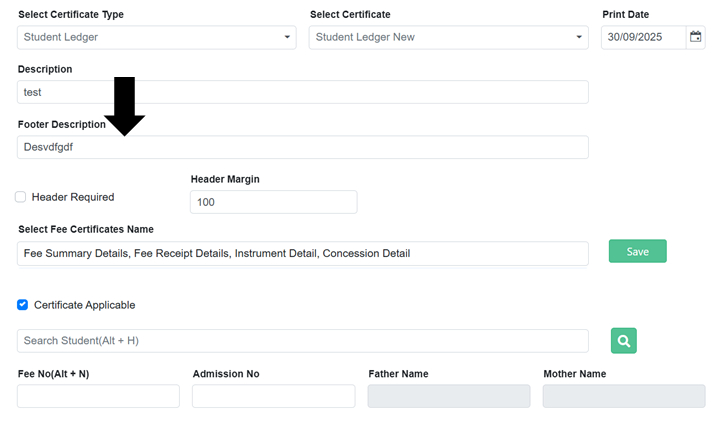
Key Benefits
- Customizable Footers: Tailor footer content for official or internal use.
- Professional Presentation: Ensures ledgers meet school formatting standards.
- Flexible Reporting: Adjust footers without affecting the main ledger content.
Feature 3: Display Username and Print Date on All Fee Reports
All fee reports now display the username of the person generating the report and the print date, improving traceability and record-keeping.
Key Benefits- Better Accountability: Know who generated each report.
- Improved Tracking: Easily reference the print date for records.
- Enhanced Transparency: Supports accurate audit and reporting processes.
Feature 4: Bill Desk Payment Gateway Integration
A new Bill Desk payment gateway has been integrated, allowing seamless and secure online fee payments for parents. Bill Desk is one of India’s most trusted digital payment platforms, widely used by banks, businesses, and institutions to process online transactions securely and efficiently.
Feature 5: Percentage-Based Tuition Fee Generation
A new percentage-based tuition fee generation option has been added, using the Certificate Percentage field provided to the school to calculate fees automatically.
NavigationFee & Billing -> Reports -> Fee Certificate -> Select Certificate Type(Tuition Fee) -> Certificate Percentage

Key Benefits
- Automated Fee Calculation: Tuition fees are generated based on the school-provided certificate percentage.
- Time-Saving: Reduces manual calculations and errors.
- Flexible Management: Enables schools to implement percentage-based fee policies efficiently.
Feature 6: Automatic Transfer Due Generation on TC Issuance
A new enhancement allows automatic generation of transfer dues when issuing a Transfer Certificate (TC), based on predefined settings.
Key Benefits- Automated Process: Reduces manual effort in calculating transfer dues.
- Accurate Billing: Ensures dues are generated correctly according to school settings.
- Streamlined Workflow: Speeds up the TC issuance process and improves efficiency.
Feature 7: Fee Collection – Disable Partial Payments
A new enhancement allows schools to disable partial payment collection from the Fee Collection form via the Collection Settings page. Two options are available:
- Partial Offline Payment: Enabled by the school for in-person fee collection.
- Partial Online Payment: Enabled on the parent portal for online fee submissions.
Fee & Billing -> Fee Setting -> Collection Setting
Partial Offline Payment
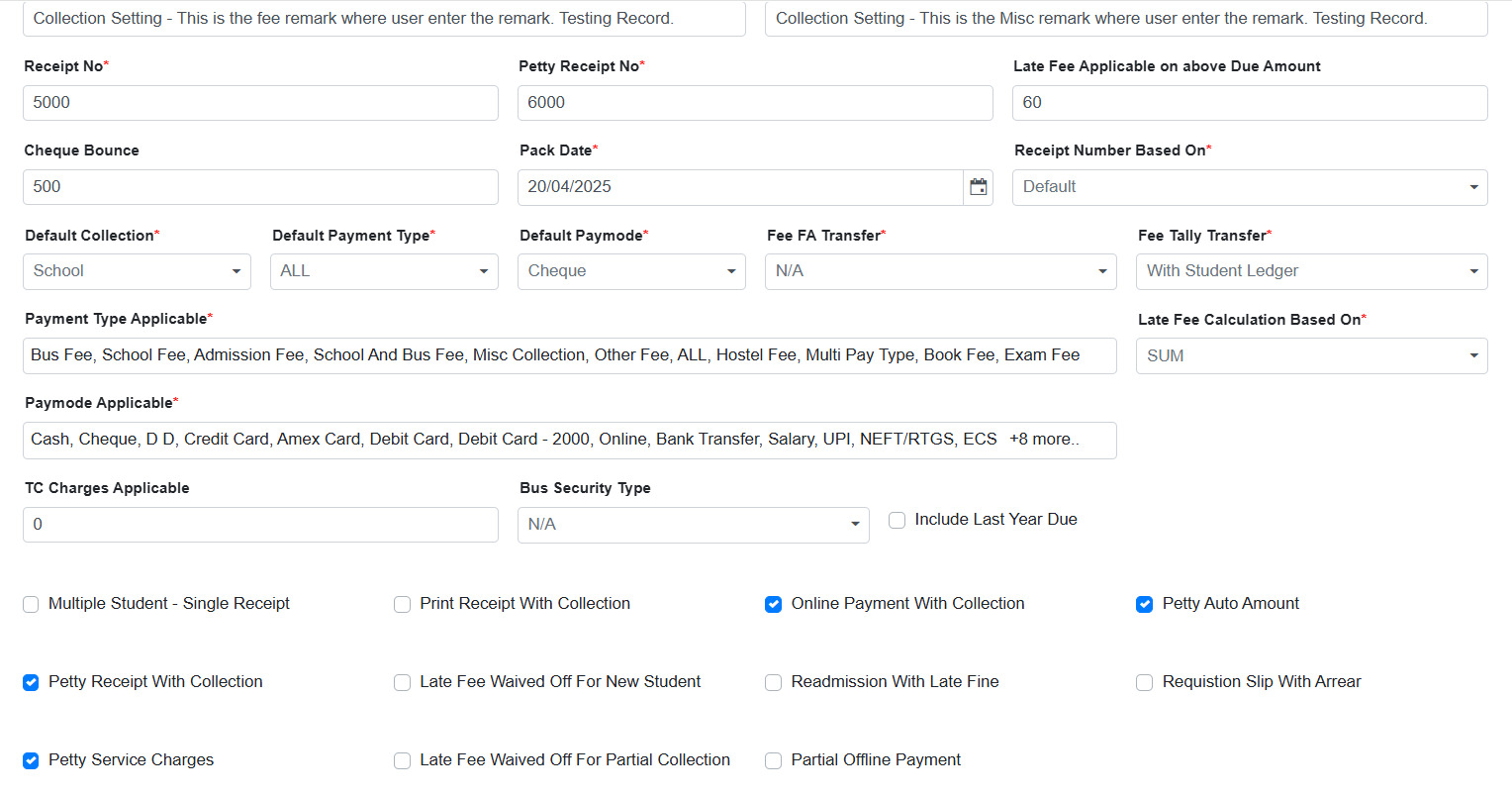
Partial Online Payment
Fee & Billing -> Fee Setting -> Parent Portal Setting
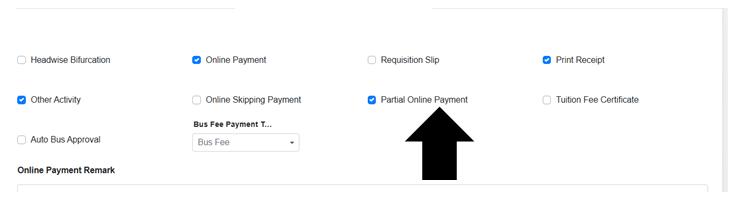
Key Benefits
- Flexible Payment Control: Schools can manage how partial payments are collected.
- Improved Accuracy: Reduces confusion by clearly separating offline and online partial payments.
- Enhanced Convenience: Provides clarity for both staff and parents on payment options.
Feature 8: Automatic Quarterly Selection for Online Payments
A new enhancement provides flexibility to configure the core fee structure into quarterly or half yearly for parents to pay online fee through parent portal or mobile app.
Key Functionality- If the installment name is April and installment group is Installment, selecting April will automatically include May and June with their respective installment names and groups.
- Supports seamless quarterly collection while keeping the monthly fee structure intact.
- Reduces manual selection for parents and ensures all relevant installments are included in online payments.
- Convenient Payments: Parents can pay quarterly without missing any month.
- Accurate Fee Collection: Automatically includes all installments within the quarter.
- Time-Saving: Minimizes errors and reduces administrative follow-up.
Feature 9: Excess Fee Handling and Adjustment
A new enhancement allows schools to manage extra payments made by parents, even when the full academic year fee has been paid. The system intelligently allocates the excess amount to adjust against the last installment, other due installments, or carries it forward to the next academic year.
Key Functionality- Automatically allocates extra payments to the last or pending installment of the same academic year.
- Allows carrying forward excess amounts to the next academic year if not fully adjusted.
- Ensures accurate classification of collected amounts as excess fees for proper accounting.
- Handles multiple scenarios: fully paid academic year, pending dues in any installment, or partial adjustment across years.
- Accurate Accounting: Extra payments are properly tracked and adjusted.
- Flexible Management: Supports adjustments within the same year or across academic years.
- Simplified Workflow: Reduces manual calculations and follow-up for school staff.
Feature 1: Footer Description on Student Ledger Certificate
Overview
We have introduced two new enhancements to improve the Student Ledger Certificate, making it more presentable and effective for school administration.
Key Enhancements
- New "Footer Description" Field
- A new textbox labeled "Footer Description" has been added to the Fee Certificate page while generating the Student Ledger certificate.
- The content entered in this field will appear in the footer of the generated certificate.
- Use Case: Schools can now include specific statements like “This certificate is being issued on request for submission to the Income Tax Department.”
- Improved Due Details Representation
- If a student has no outstanding dues, the due details table on the certificate will display "Nil" instead of being left blank.
- This ensures clarity in the certificate's financial summary.
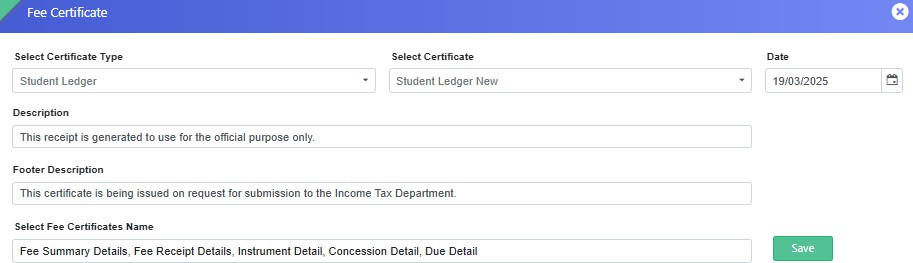
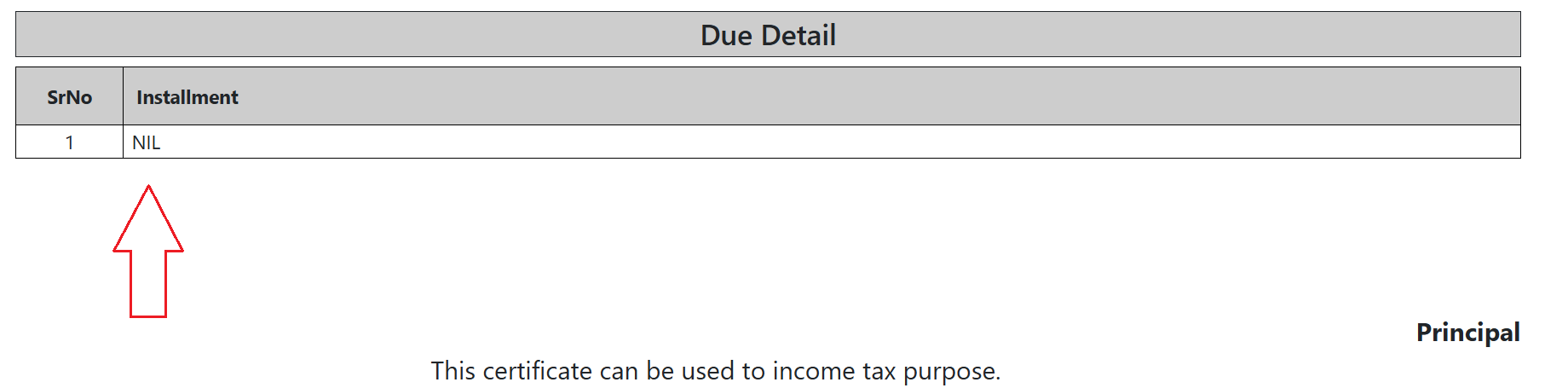
Benefits:
- Enhanced presentation of the Student Ledger Certificate.
- Greater flexibility for schools to include necessary disclaimers.
- Improved clarity in due amount representation.
Feature 2: New Fee Reports are Added
We have introduced the following reports to the Fee Reports page to enhance financial tracking and analysis:
- Paymode Wise Report Group
- Admins can now view the total amount collected within a specific Fee Report Group.
- The report aggregates amounts collected from all fee heads belonging to the selected report group.
- The total amount is displayed based on the receipt mode (e.g., Cash, Bank, Online, etc.) in a row-wise format for better clarity.
- Monthly Day Wise Collection II
- This report introduces the session year in which the collection occurred.
- It supports multi-year data, allowing analysis of payments across different academic sessions.
- Displays the count of total payments made on a particular date within a specific session.
- Shows the total amount collected per fee head on each date.
- Example: If 10 payments were made on 02/04/2024 in the session 2024-25, the report will capture this.
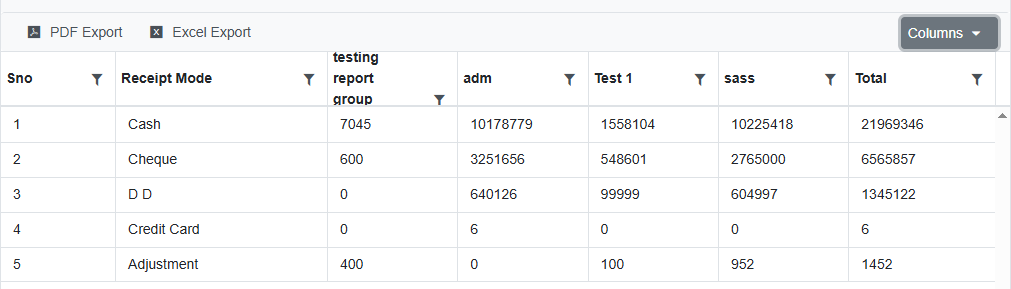
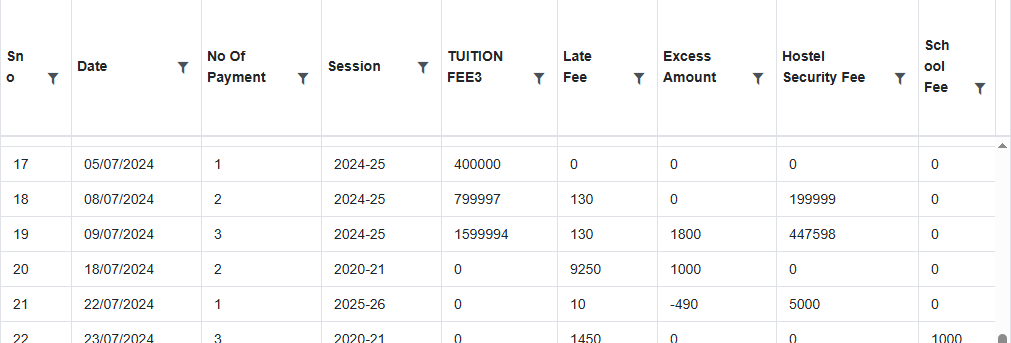
These additions provide enhanced visibility into fee collections, helping administrators manage finances efficiently.
Feature 3: JODO Payment Gateway Integration
We have successfully integrated the JODO Payment Gateway into the system, providing schools with an additional payment processing option.
- Schools can now select JODO in the Gateway Name dropdown on the Online Payment Setting page.
- Once enabled, JODO will be available on the online payment interface in the Parent Portal and payment links shared for online fee collection.
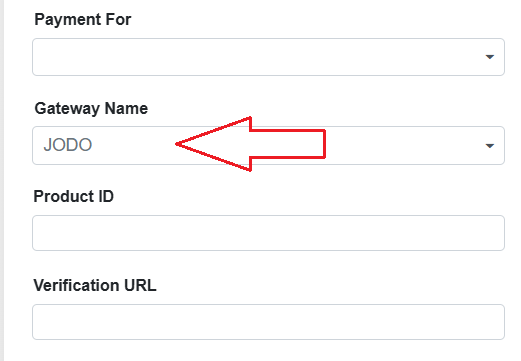
This integration enhances flexibility and provides a seamless online payment experience for parents. 🚀
Feature 4: New Page Added – Excess Fee Remittance
We have introduced a new page titled "Excess Fee Remittance" to facilitate the refund of excess fee amounts collected from parents.
- Purpose: Schools can now return excess amounts that were credited due to duplicate or failed transactions.
- Use Case: If a parent makes a duplicate payment due to a failed transaction that later succeeds, the school can process the refund using this page.
This enhancement ensures transparent and efficient handling
of excess fee refunds, improving the payment reconciliation
process. 🚀
For further assistance, please contact the support team. 🚀
LIBRARY MODULE
Feature 1: Barcode Bottom Text Spacing Configuration- 1949822
Added a provision in Library → Library Reports → Generate Bar Code to configure the spacing between the Barcode and the Bottom Text (BOK).
Key Features
- Added a Barcode Bottom Text Gap field in the Generate Bar Code screen.
- Allows users to define the required spacing between the barcode and the bottom text.
- Provides flexibility to adjust the barcode layout based on printing and label requirements.
- Helps improve barcode label readability and prevents the bottom text from appearing too close to the barcode.
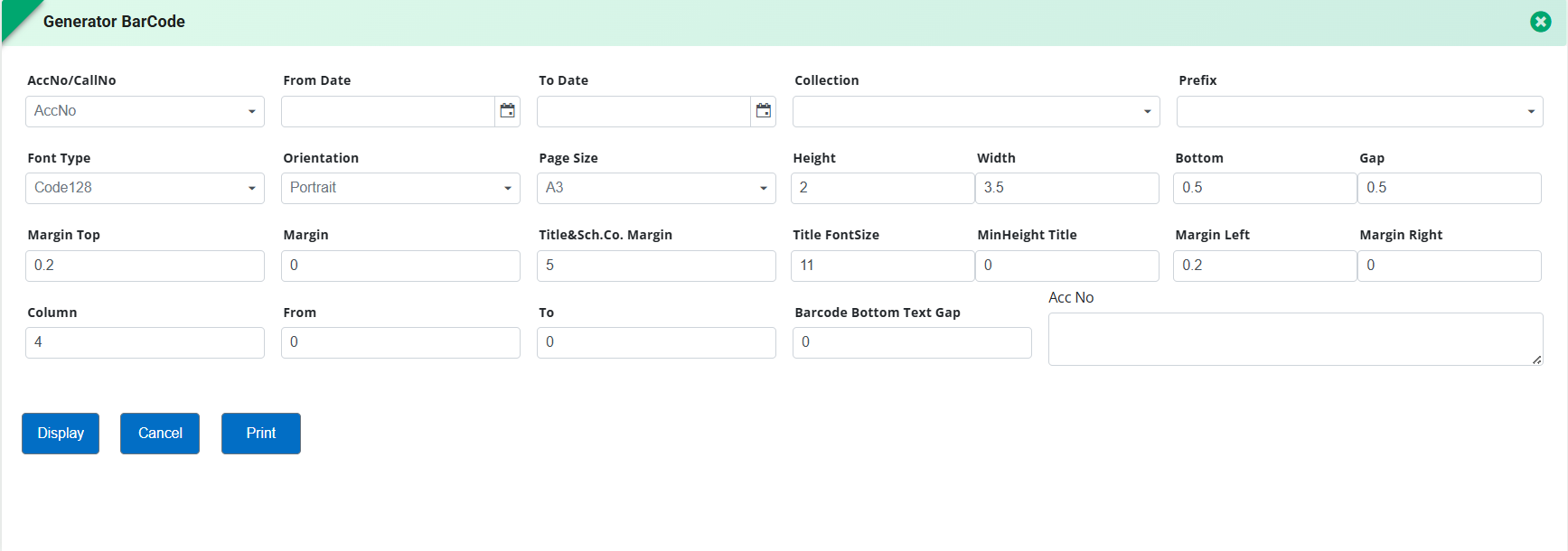
Feature 1: Book Maintenance Status
Library Management → Acquisition → Book
Added a provision to display the "Under Maintenance" caption in the Book form header whenever a book is marked for maintenance. This enables users to quickly identify books that are temporarily unavailable due to maintenance directly from the book details page.
Key Benefit
- Improves the visibility of book maintenance status, helping library staff easily identify unavailable books and manage book maintenance more efficiently.
Feature 2: Multiple Book Copy Creation
Library Management → Acquisition → Book
Added a provision to create multiple copies of an existing book in a single step with automatic Accession Code generation. Users can now fetch the details of an existing book and create additional copies without repeatedly editing and saving the record.
The system automatically generates the next available Accession Code, allowing users to modify only the required details before saving, making the process faster and more user-friendly.
Key Benefit
- Simplifies the addition of multiple book copies, reduces manual effort, minimizes repetitive data entry, and significantly improves efficiency for library staff during bulk book acquisitions.
Feature 3: Daily + Weekly Fine Calculation
Library Management → Preference → Rule Set for Fine
Added a provision to configure fine calculation on either a Daily basis or a Daily + Weekly basis for the same member group.
When Daily is selected, the system calculates the fine based only on the configured daily amount. When Daily + Weekly is selected, the system first applies the daily fine up to the configured Increment Period and thereafter applies the configured Weekly Fine Amount for the remaining overdue duration.
Additional provisions have also been added to:
- Configure Increment Period (number of days after which weekly fine begins).
- Define Weekly Fine Amount.
- Exclude Sundays and/or Holidays from fine calculation, if required.
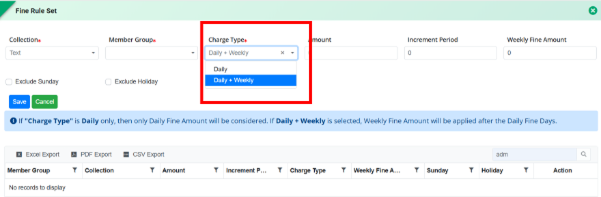
Key Benefit
- Provides flexible and progressive fine calculation based on overdue duration, enabling schools to implement daily and weekly penalty structures while reducing manual calculations and ensuring accurate fine collection.
Feature 1: Reading E-Corner Management & Reports
Purpose
To provide complete management of Reading E-Corner content and reporting capabilities within the library module, enabling schools to efficiently create, update, and monitor digital reading resources.
Key Functionality
Library → Reading E-Corner (NEW MENU)
-
Added the following forms:
- Reading Corner – Create and manage digital reading resources with support for PDF, audio, video URL, cover image, and category-wise assignment.
- Reading Corner Bulk Entry – Import multiple reading resources in bulk through file upload.
- Reading Corner Updation – Update existing reading resources, attachments, media files, and user/class assignments.
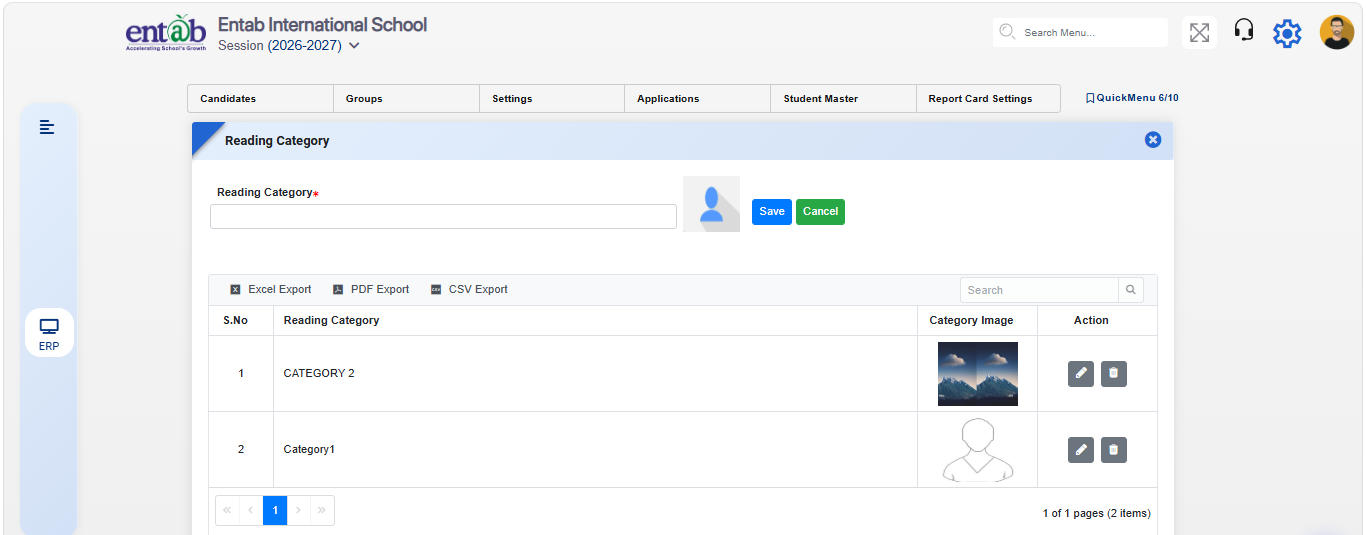
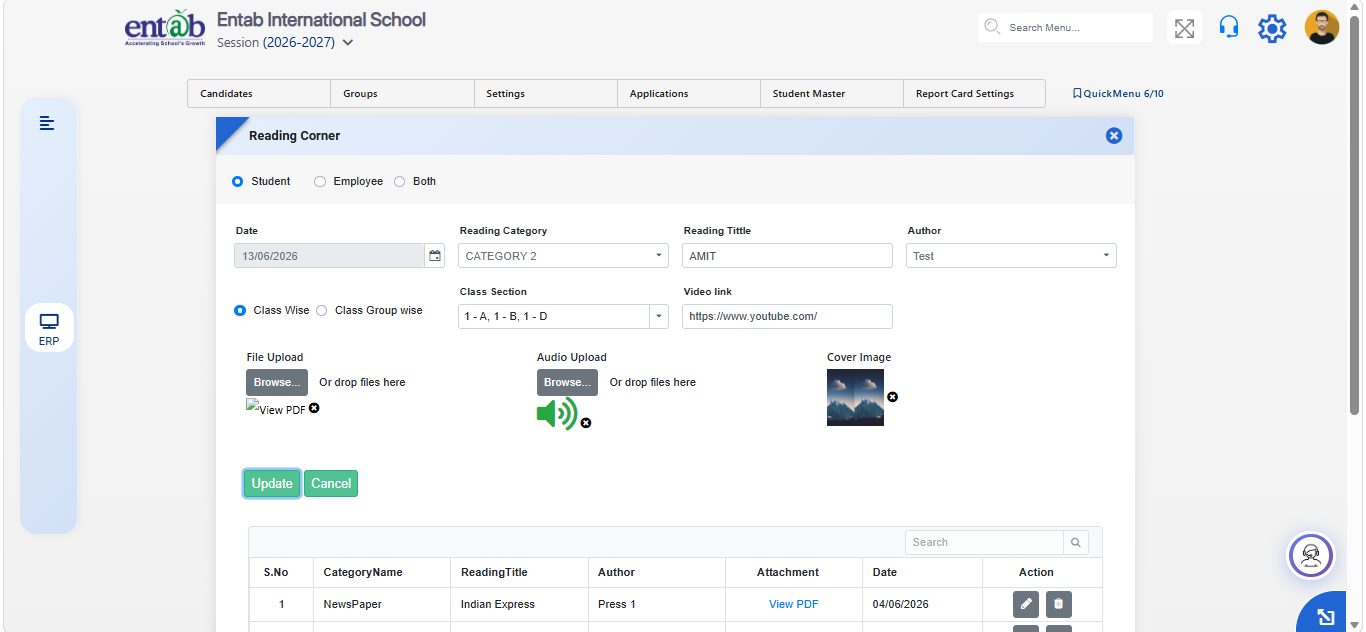
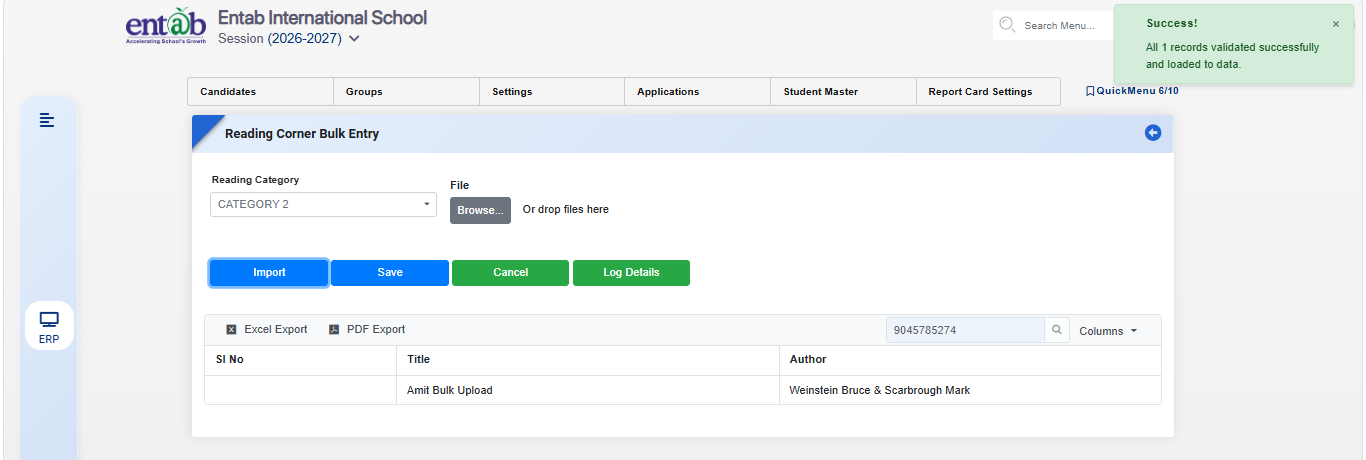
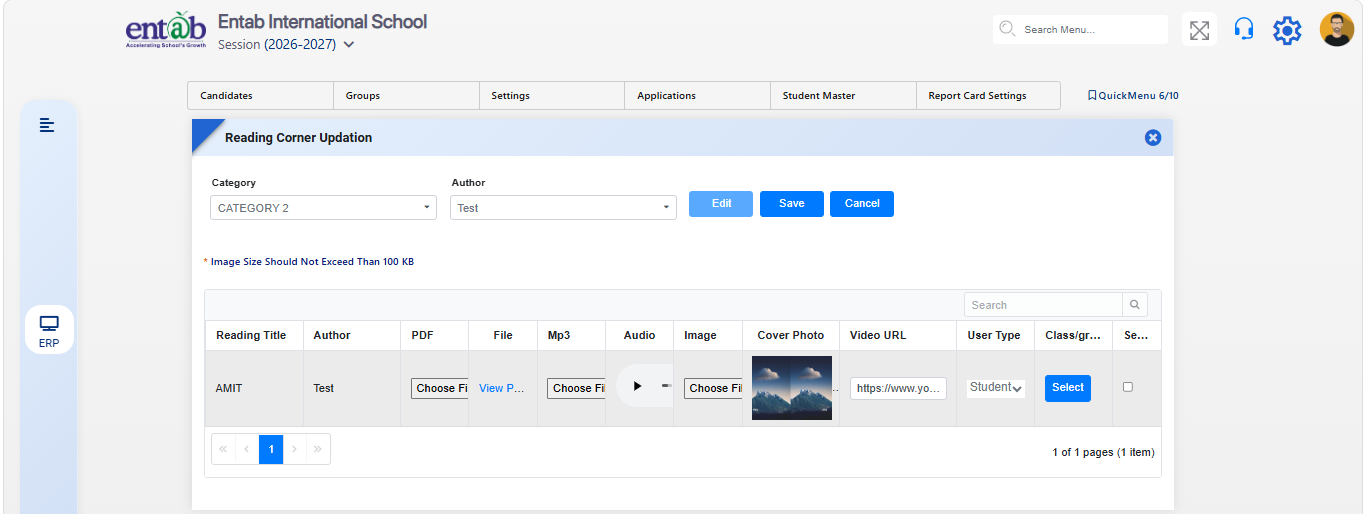
Parent Portal
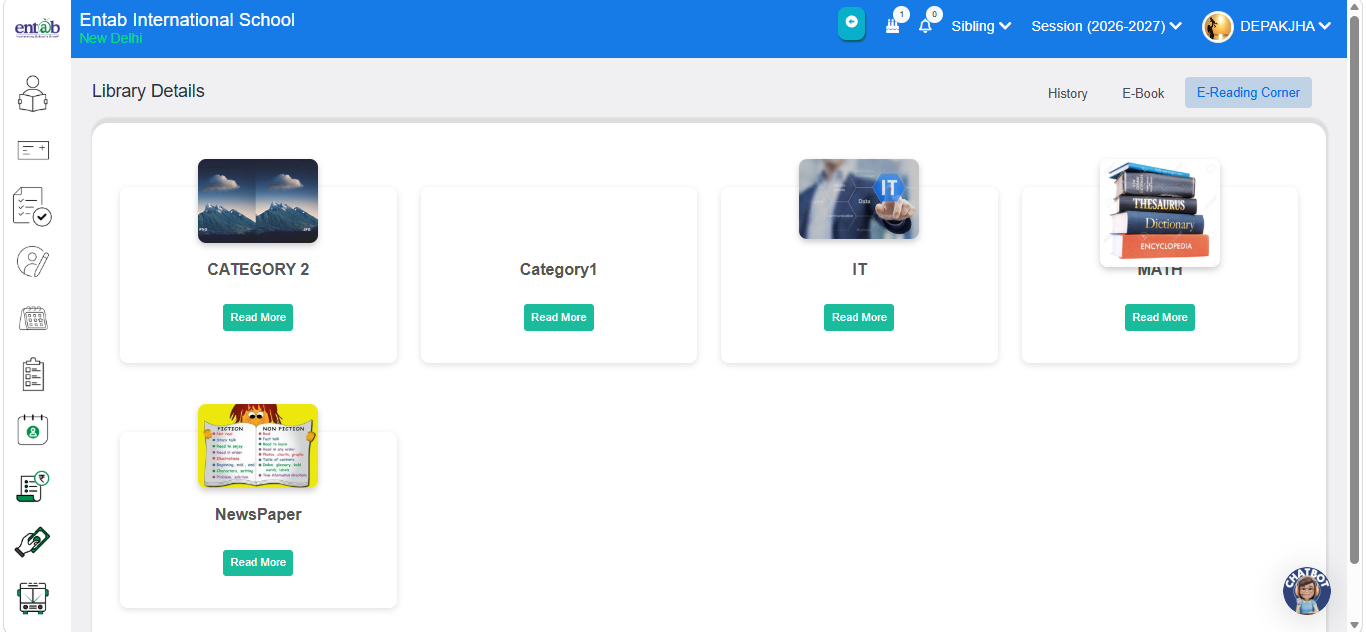
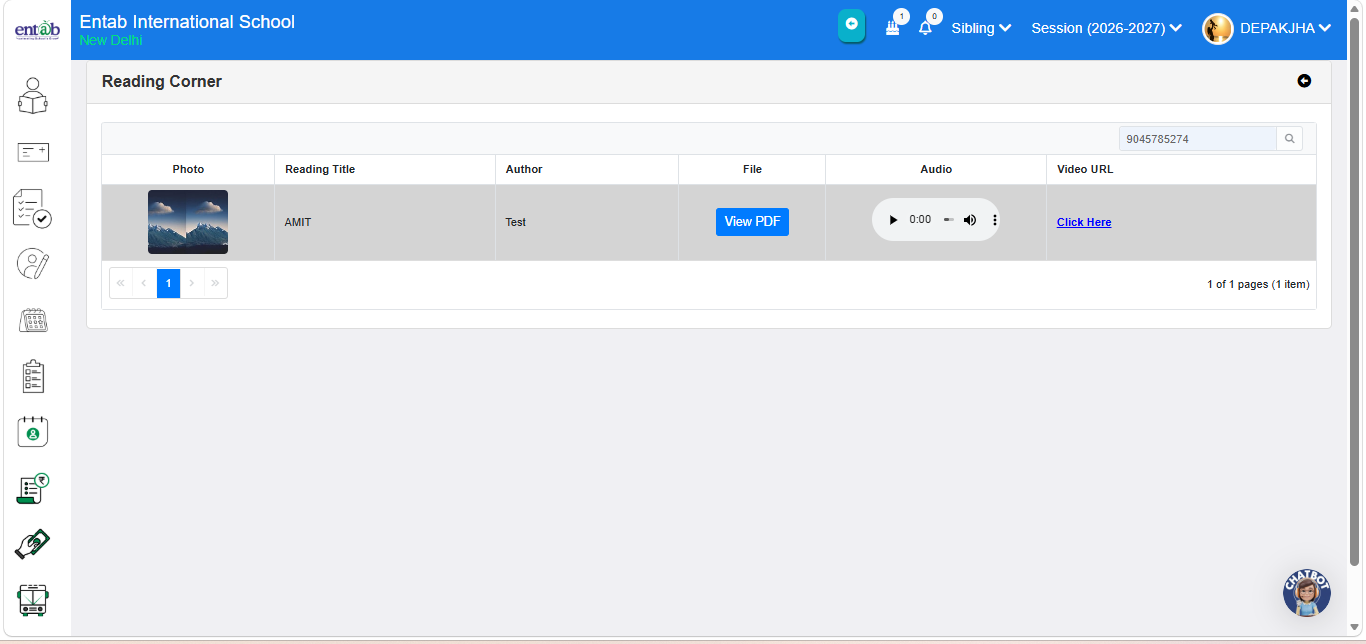
Reports
Library → Reports
-
Added the following reports:
- Reading Corner Report – Provides category-wise and resource-wise details of Reading Corner content, including titles, authors, attachments, and assigned users/classes.
Key Benefits
- Simplifies creation and maintenance of digital library resources.
- Reduces manual effort through bulk upload functionality.
- Enables easy updating of existing Reading Corner content.
- Provides comprehensive reports for monitoring library acquisitions and digital reading resources.
- Enhances access to organized digital learning content for students and staff.
Feature 1: Auto Display of Book Details on Scanning
This enhancement streamlines the book issue and return process by automatically displaying book details as soon as the barcode is scanned, eliminating the need to manually press the Enter key.
Key Functionality
- Book details are now fetched and displayed automatically upon scanning the barcode.
- Removes the need for additional manual action (Enter key press) after scanning.
- Ensures a faster and smoother book issue/return workflow.
Benefits
- Saves time and reduces manual effort during book transactions.
- Improves operational efficiency and user experience for library staff.
- Minimizes chances of input delays or scanning errors.
Feature 2: Re-Issue Button in Class-Wise Issue/Return Collection
A new enhancement allows library staff to conveniently re-issue books to students directly from the class-wise issue/return collection, streamlining the book management process.
Navigation Path
Library → Task → Class-wise Issue/Return Collection
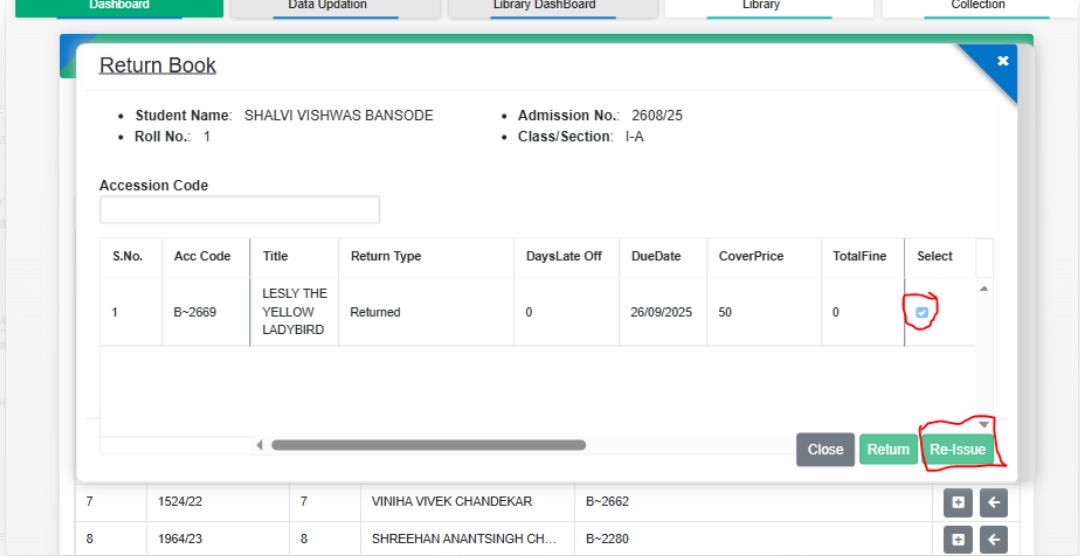
Key Functionality
- A new “Re-Issue” button has been added.
- Enables staff to quickly re-issue books without navigating to a separate workflow or module.
- Reduces manual effort and saves time in managing re-issues.
Benefits
- Improves efficiency in handling book re-issues for entire classes.
- Minimizes errors and duplicate entries during re-issuance.
- Enhances user experience for library staff by providing a single-click re-issue option.
Feature 1: New Reports Added
We have introduced several new reports in the Library Module to give deeper insights and better control over school operations:
- Stock Verification Details: Provides a detailed record of verified stock items.
- Stock Verification Not Done Report: Highlights items pending verification for timely action.
- Reservation Detail: Provides a comprehensive view of all reservations, enabling efficient tracking, management, and planning of school resources.
- Maintenance Detail: Gives insights into maintenance activities, schedules, and status for better upkeep of library assets.
Feature 2: Return Collection – Auto-Selection Disabled for Multiple Books
The return process has been enhanced for multiple issued books by removing the auto-selection of the first book during barcode scanning. This saves time and ensures the correct book is returned every time.
Benefits
- Accurate Returns: No more accidental selections—scan and return the exact book.
- Efficient Workflow: Saves time and reduces mistakes when handling multiple returns.
- Better Experience: Makes the return process smoother for staff and students.
Feature 3: Auto-Permission Grant for New Students
A new enhancement has been added to automatically grant library permissions to newly admitted students, ensuring they can access library resources without any manual setup.
Key Functionality
- Select a student or choose a class to view newly admitted members from the dropdown.
- Click the Grant button to automatically assign library permissions.
- Newly admitted students can now access library resources immediately without manual setup.
Navigation
Library → Membership Management → Select New Members → Click Grant button
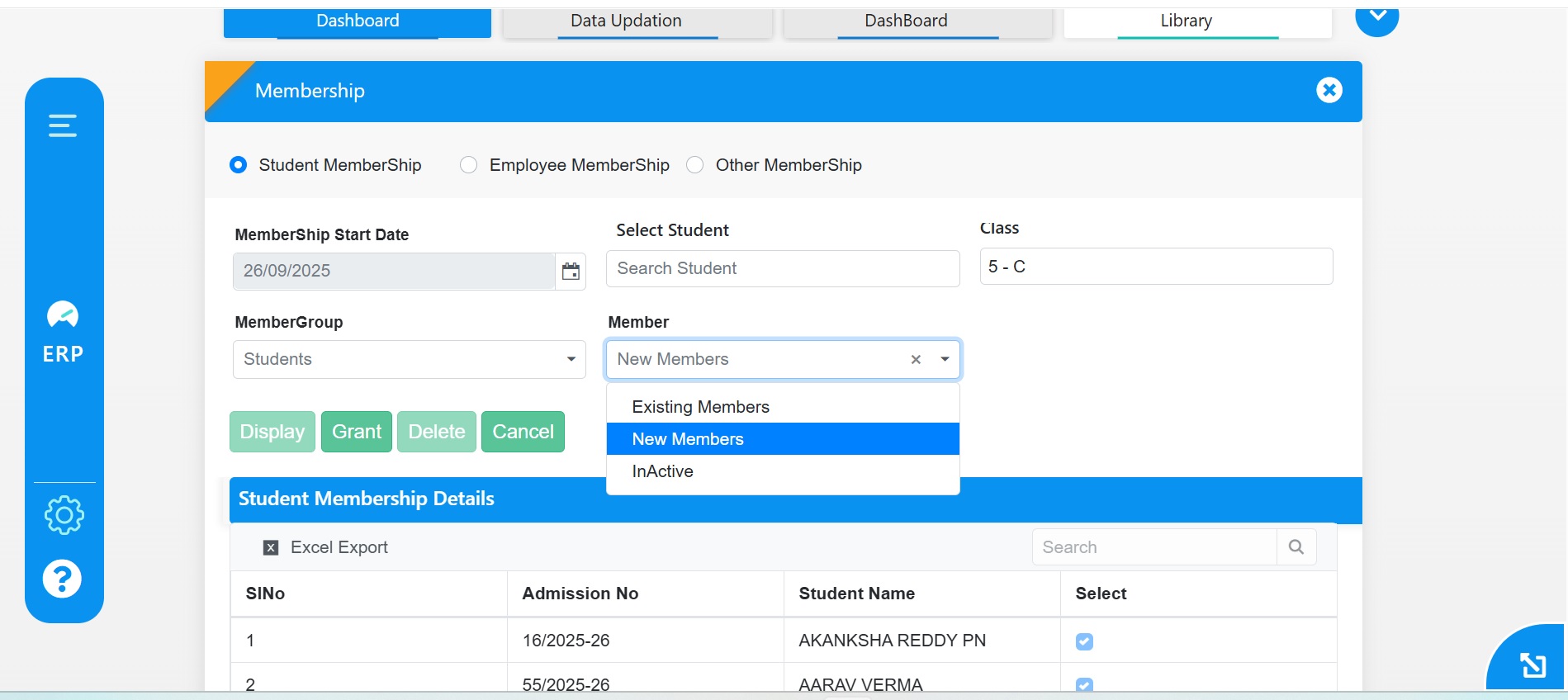
Feature 4: Class-Wise Issue/Return Using Old Accession Code
On the Class-wise Issue/Return form, books will now be issued and returned using the old accession code, ensuring consistency and accuracy in tracking library items.
Benefits
- Accurate Tracking: Maintains proper records using existing accession codes.
- Consistency: Aligns issue/return process with established library practices.
- Reliability: Reduces errors in managing class-wise transactions.
Feature 5: Enhanced Barcode with Book Title and Accession Code
Barcodes have been improved to display the Book Title at the top and the Accession Code at the bottom, making it easier to identify and manage books at a glance.
Feature 6: ISBN Field Added in Bulk Entry Template
The Bulk Entry Excel template in the Library Module has been enhanced with a new ISBN field, making it easier to capture and manage standard book identifiers during bulk uploads.
Benefits
- Standardized Records: Ensures books are cataloged with their official ISBNs.
- Improved Accuracy: Reduces errors in book identification and entry.
- Simplified Management: Enhances efficiency when uploading multiple books at once.
Feature 7: Dewey Decimal Classification Form Added
A new Dewey Decimal Classification (DDC) Form has been added to the Library Module, enabling structured and systematic classification of books based on standard DDC categories.
Feature 1: New Report Added- Book Available Details
We have introduced a new report in the Library Module titled "Book Available Details" to help librarians and administrators efficiently track book availability.
How It Works:
- The "AttendancePercentage" tag for fetching the student’s data in the certificate.
- Choose the Category (e.g., Autobiography, Fiction, Art, Political, etc.).
- Click Display, and the report will be populated in the grid section:
- Category Name
- Total {collection}
- Total Available {collection}
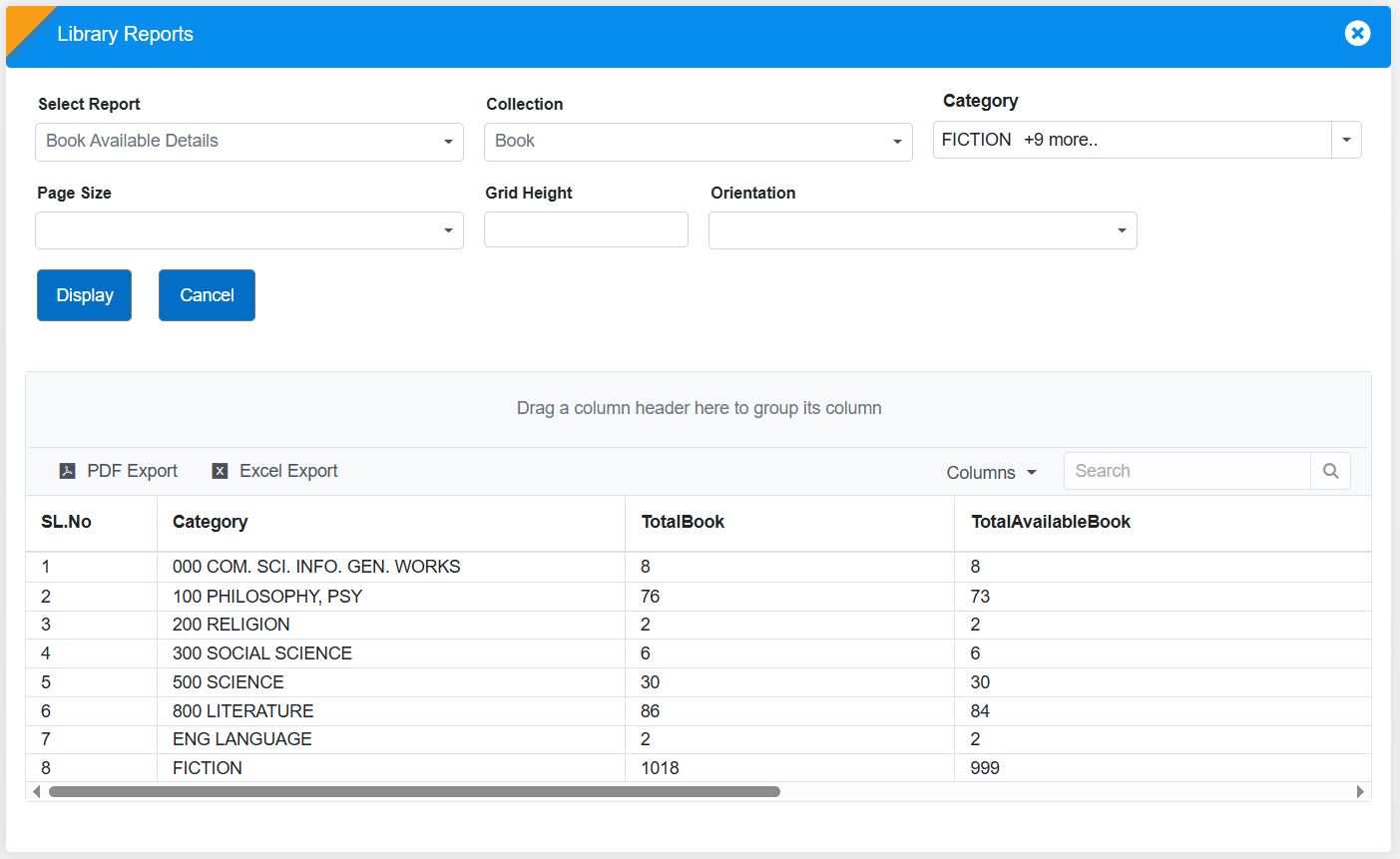
Benefits for Librarians & Admins:
📚 Efficient Inventory Tracking :
Easily monitor stock levels for different collection types and categories
📖 Better Resource Planning:
Helps librarians manage book availability and procurement
decisions.
Check out the "Book Available Details" report now for a
streamlined library experience! 📖
Feature 2: Print Multiple Bar Code on One Page
We have introduced the feature of barcode generation in bulk in the Library Module, making it easier to create and print barcodes for library collections.
How to Use It:
- Navigate to Library Module > Library Reports.
- Click on "Generate Barcode" to open a new interface.
- Select the Collection Type (Books, Magazines, Journals, etc.).
- Choose the Prefix and click Display to generate barcodes.
- Set the Orientation and Page Size as needed.
- Click Print, and the barcode will open in a new tab with the print option

Benefits:
- Quick Barcode Generation : Simplifies cataloging and tracking of library items.
- Customizable Printing Options : Adjust orientation and page size as per requirements.
Start generating barcodes today for a more organized library system! 📖📊
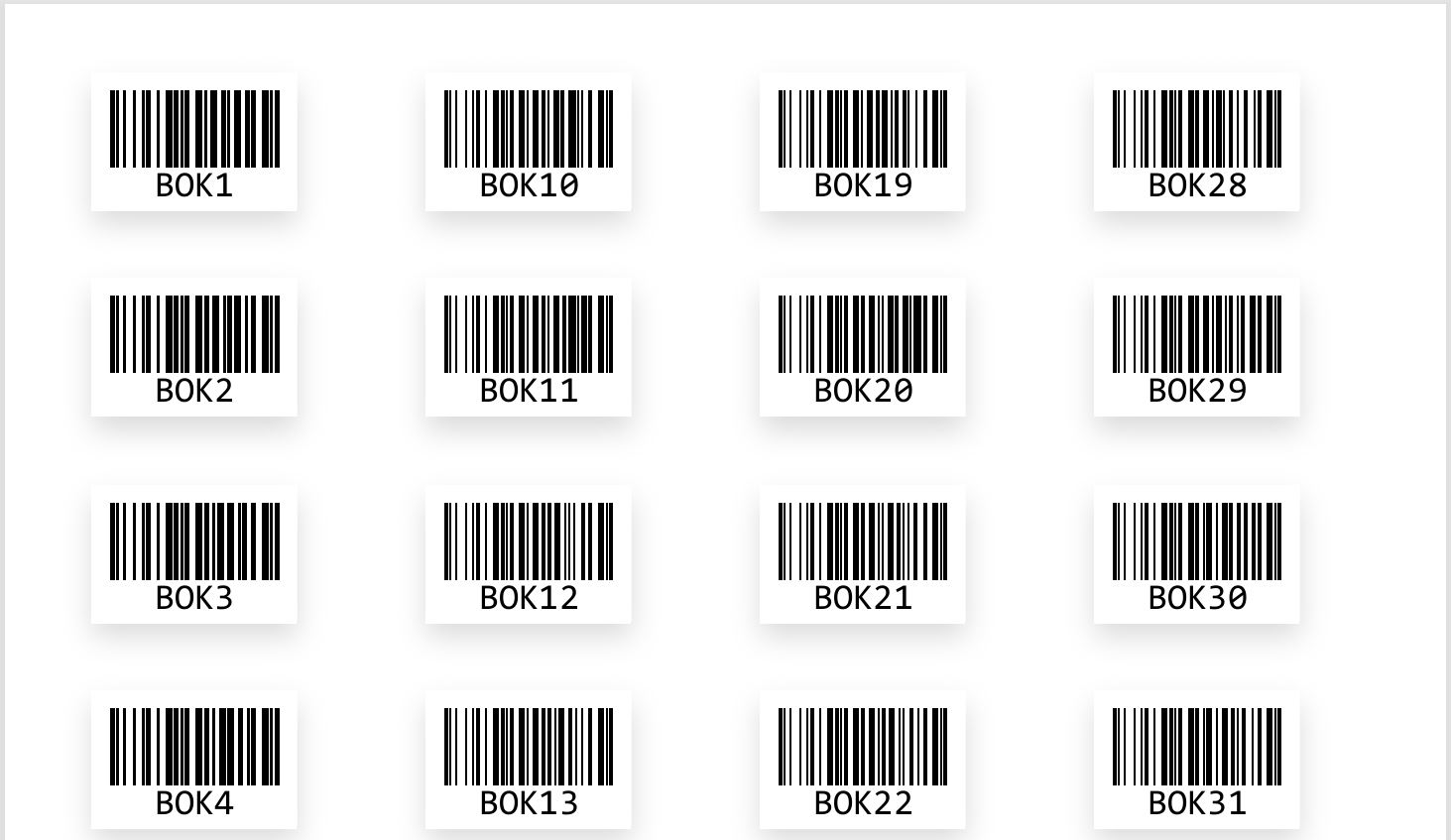
Feature 3: New Page- "Stock Verification" in Library Module
We have added a new "Stock Verification" page in the Library Module to help administrators efficiently verify library stock and maintain accurate records.
Navigation:
Go to Library Module > Task Menus > Stock Verification
How It Works:
- ✅Select type of Collection and Choose Prefix.
- ✅The grid will display all items row-wise based on the selected filters.
- ✅Navigate to the Select column.
- Double-click on the checkbox to activate selection.
- Single-click to mark items for verification.
- To select an entire row, click on the Select Header.
- Click Save – The selected items will be instantly verified, and the corresponding rows will be removed from the grid.
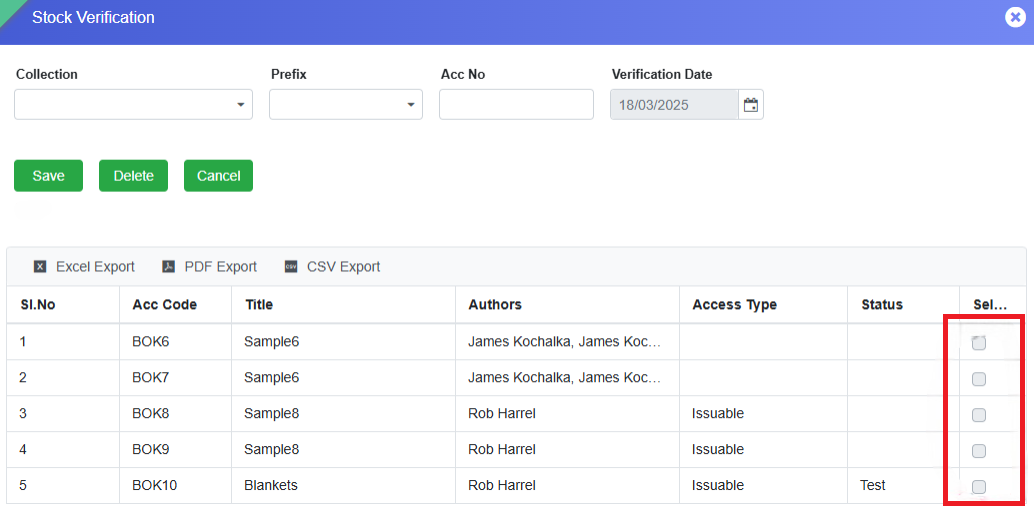
Impact:
The Stock Verification Date is captured in the ERP system.
All verified items will appear in the Stock Verification Detail report.
Users can generate this report from the Library Reports page using relevant filters.
This feature enhances library inventory management by ensuring an accurate and up-to-date stock record. Check it out now! 📚✅
This update helps administrators and staff quickly review student attendance records at a glance. 📊✅
Feature 4: New Page- Late Fine Collection
A new page, Late Fine Collection, has been added to the Library Module. This page enables librarians to verify the due amount and paid amount of a student and to collect or relieve fines for overdue library items. It functions as a centralized interface to manage fines for all items issued to a student.
Additionally, any fine paid by the student through the Issue/Return Collection page is reflected on this page. The primary objective of this feature is to verify if a student has already paid the fine while returning a book; if not, the librarian can collect the pending fine based on the item’s return date.
Navigation Path
Library Module → Task Menus → Late Fine Collection
Key Features
- Allows librarians to verify and collect late fines for issued and returned library items.
- Displays all issued items for a student along with their due date and fine details.
Workflow
- Search the Member:
- Select Member Type (e.g., Student).
- Enter Admission Number and press Enter.
- All the issued items will be displayed in a grid view, along with Due date, Return Date, Fine date, Fine Paid, and Fine to be Paid (Paid Amount).
- Two sections appear - Member Details and the Late Fine Collection.
- Edit Fine Collection Details:
- In the grid, navigate to the Action column and click the pencil icon >>> The data from the grid will be populated in the "Late Fine Collection" section.
- Click on “Edit” button >>> Within "Late Fine Collection" section, Date, Paid Amount, and Remark fields will be enabled for editing.
- Update Fine Payment:
- Enter the Date of Fine Collection (defaults to today’s date).
- Enter the Paid Amount in the respective field.
- Add any Remark if needed.
- The Fine Paid (read-only field) will automatically update based on the total due amount.
- Calculation: Fine paid = Existing Amount + Paid Amount
- Save the Changes:
- Click the Save button to confirm the payment.
- The fine amount will be updated in the ERP system and reflected in the “Fine Paid” column in the grid section of the student upon whom the operation is performed.
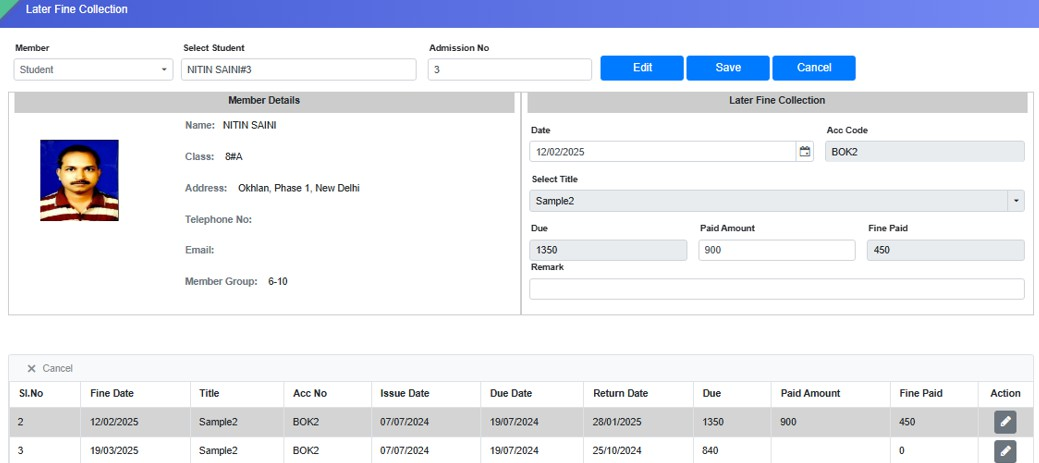
For any assistance, please contact the support team.
SMS MODULE
Feature 1: Dynamic ERP Field Provision for Gate Pass ID in SMS Template Master - 1900142
Added a provision in SMS → SMS Template Master → Select ERP Field to include Gate Pass ID as a dynamic ERP field for use in SMS templates.
Key Features
- Added Gate Pass ID as a selectable dynamic field under Select ERP Field.
- The Gate Pass ID maintained in Student Information → Student Master → More Information can now be fetched dynamically in SMS templates.
- Allows schools to insert the Gate Pass ID directly into the required SMS template, such as the GP Correction template.
- The dynamic value will be fetched from the database based on the student's maintained information at the time of sending the SMS.
- Enables schools to communicate student-specific Gate Pass details to parents without manually entering the Gate Pass ID in each message.
- Provides flexibility to support additional custom/dynamic ERP fields maintained in the system for future communication requirements.
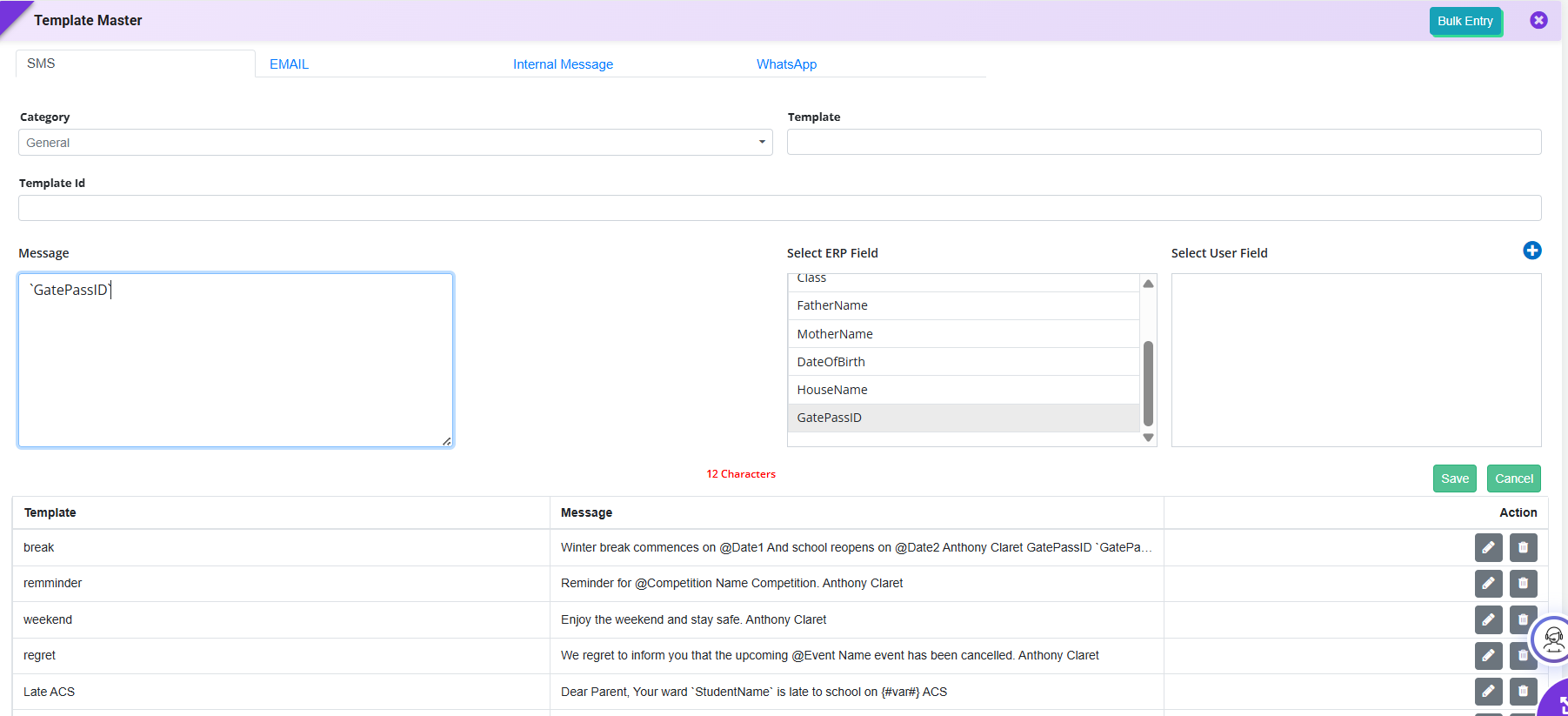
Feature 2: Student-wise Requisition Slip Email- 1900493
Implemented an enhancement in SMS → Send SMS / Email → Email under the Fee Defaulter category for sending Requisition Slips along with emails.
Key Features
- Added provision to send the Requisition Slip as an attachment along with the email.
- The feature is available under Category: Fee Defaulter → Template: Requisition Slip Email.
- Each student receives their own individual Requisition Slip based on their respective fee details.
- The system automatically maps the student-wise requisition slip with the corresponding email recipient.
- Enables schools to send personalized requisition slips in bulk to multiple students/parents.
- Ensures that the correct student's slip is attached to the corresponding recipient's email, avoiding manual attachment and distribution.
- Improves the efficiency of fee follow-up and reduces manual effort in sending student-wise requisition slips.
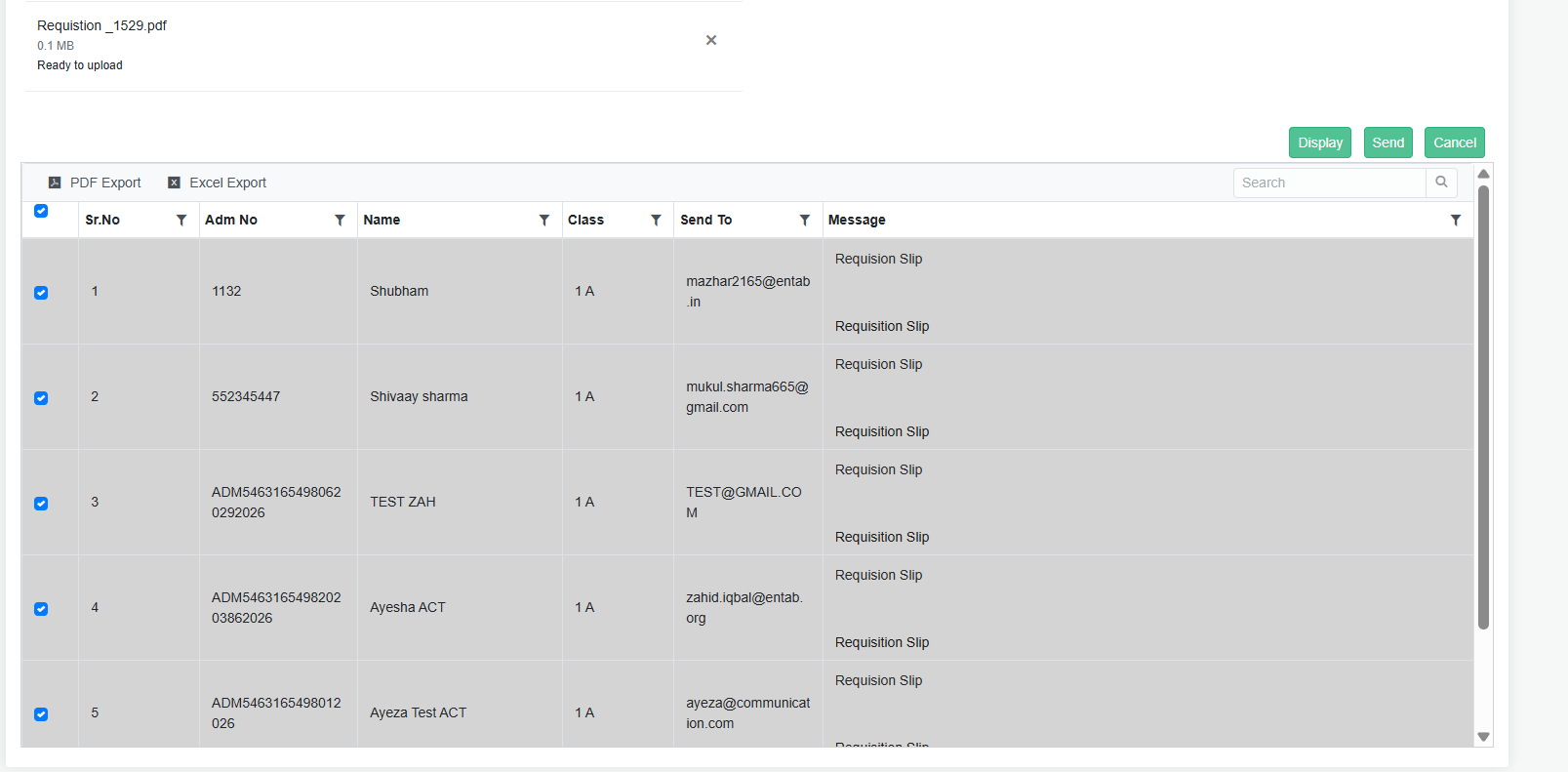
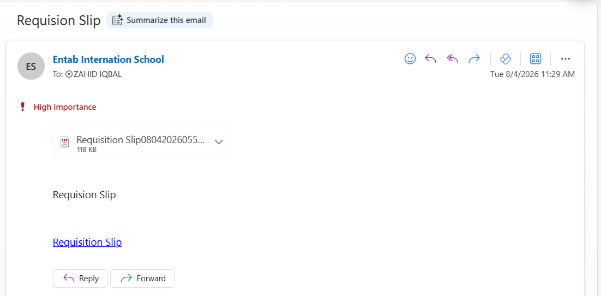
Feature 1: CC (Carbon Copy) Support in Send Email
Purpose
To enable users to send a copy of emails to additional recipients, improving communication, transparency, and record sharing.
Key Functionality
- Added a CC (Carbon Copy) field in SMS → Send Email.
- Users can enter one or more email addresses in the CC field.
Key Benefits
- Improves communication by keeping additional stakeholders informed.
- Eliminates the need to send separate emails to multiple recipients.
- Enhances transparency and record sharing.
- Simplifies email communication and improves operational efficiency.
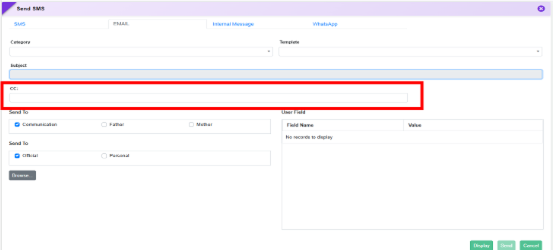
What's New in SMS
The SMS module has been enhanced to support structured health-related communication with parents through a dedicated Health Care category. Schools can now send standardized messages using key medical fields such as allergy, medication, measurements, and nursing details directly from the system. This ensures timely, accurate, and consistent sharing of student health information, strengthening parent awareness, improving response to medical needs, and enabling better utilization of health records for proactive care.
Feature 1: Health Care SMS Category & Communication Settings
Purpose
To strengthen health-related communication with parents, a new Health Care SMS category has been introduced. This enhancement enables schools to send structured, accurate health updates directly from the system, ensuring timely awareness of student health information and improving parent–school communication.
Key Functionality
1. Health Care Category in SMS Template Master
- Added a new Health Care category in SMS → Template Master.
-
New ERP fields available for template configuration:
- Allergy
- Medication
- Precaution
- Measurement
- Date
- Remarks
- Present Illness
- Prescribed Medicine
- Suggestion
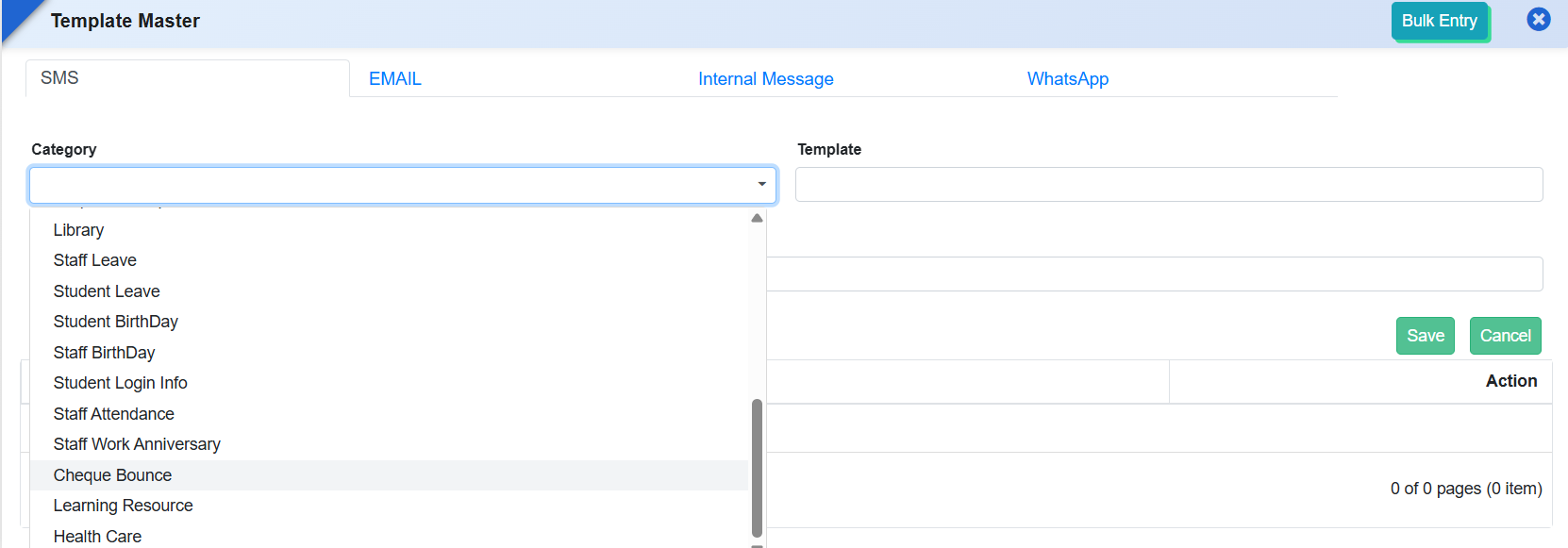
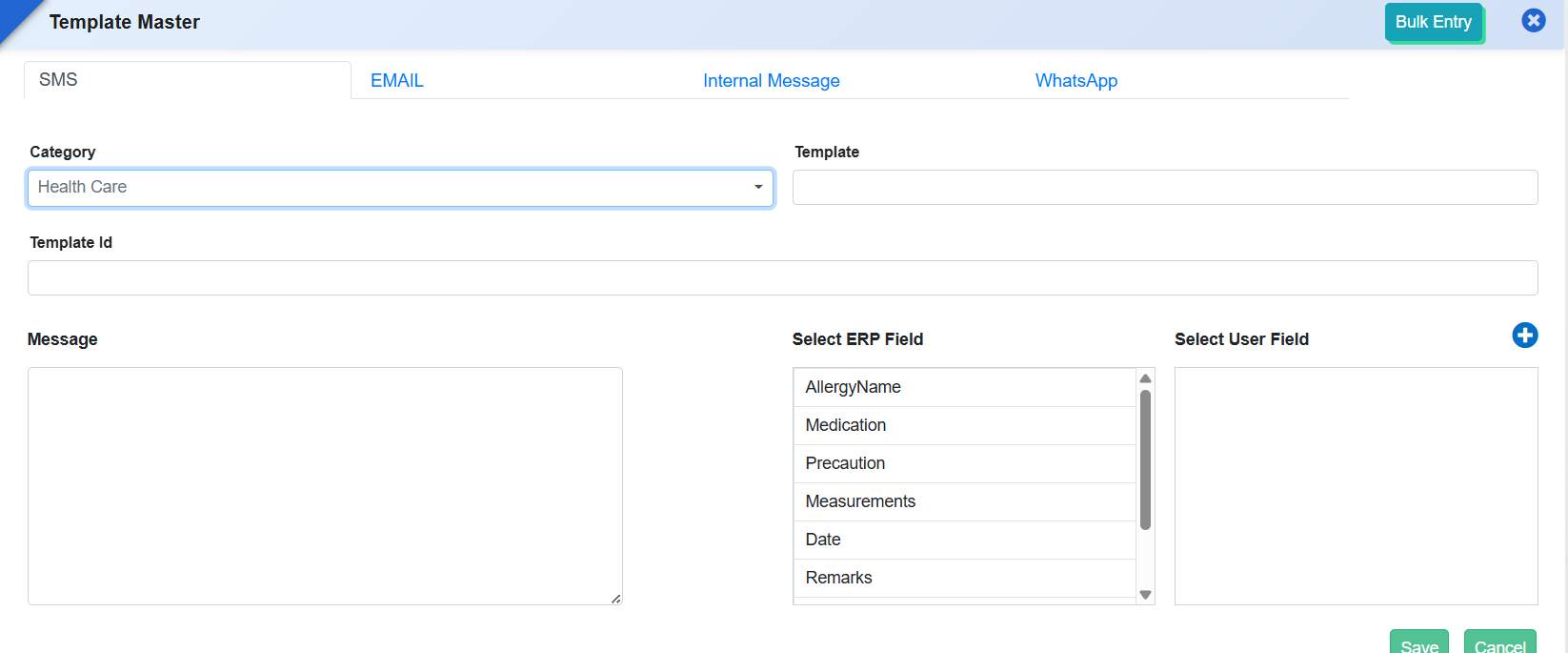
2. Health Care Module in Communication Settings
- Added Health Care module in SMS → Setting Master → Communication Setting.
- Enables SMS communication for:
- Allergy Details
- Measurement Details
- Nursing Details
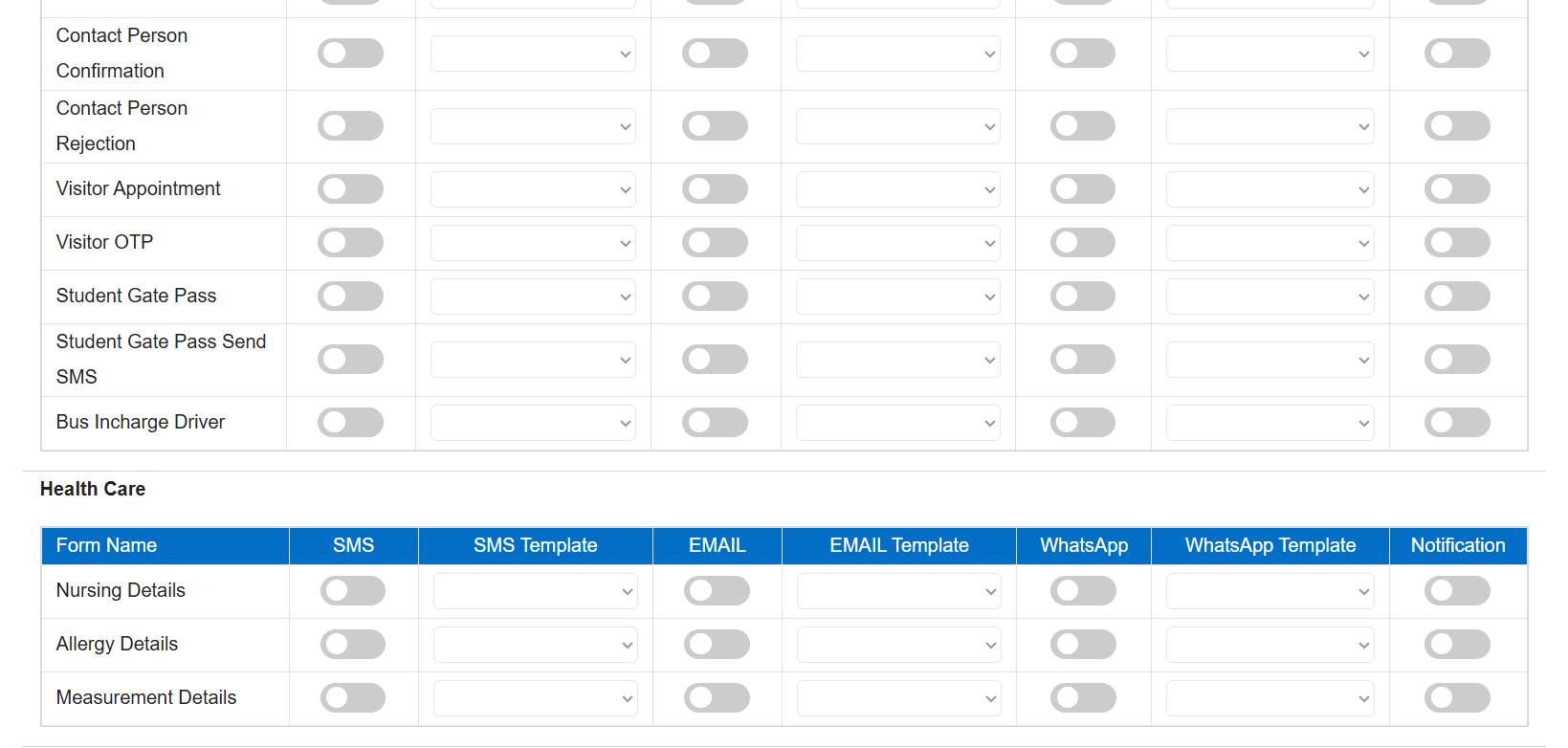
Benefits
- Improved Parent Awareness: Keeps parents informed about important health-related updates.
- Accurate & Structured Messaging: Standardized fields ensure correct and consistent information sharing.
- Timely Communication: Enables quick notifications for health observations or treatments.
- Better Health Record Utilization: Integrates health data seamlessly with SMS communication.
- Enhanced Trust & Transparency: Strengthens confidence through proactive health communication.
Feature 1: Work Anniversary Communication Templates
This enhancement enables schools to celebrate and acknowledge staff work anniversaries through automated communication, improving staff engagement and fostering a positive institutional culture.
Navigation
SMS → Template Master → Staff Work Anniversary → SMS / Email / Internal Message / WhatsApp
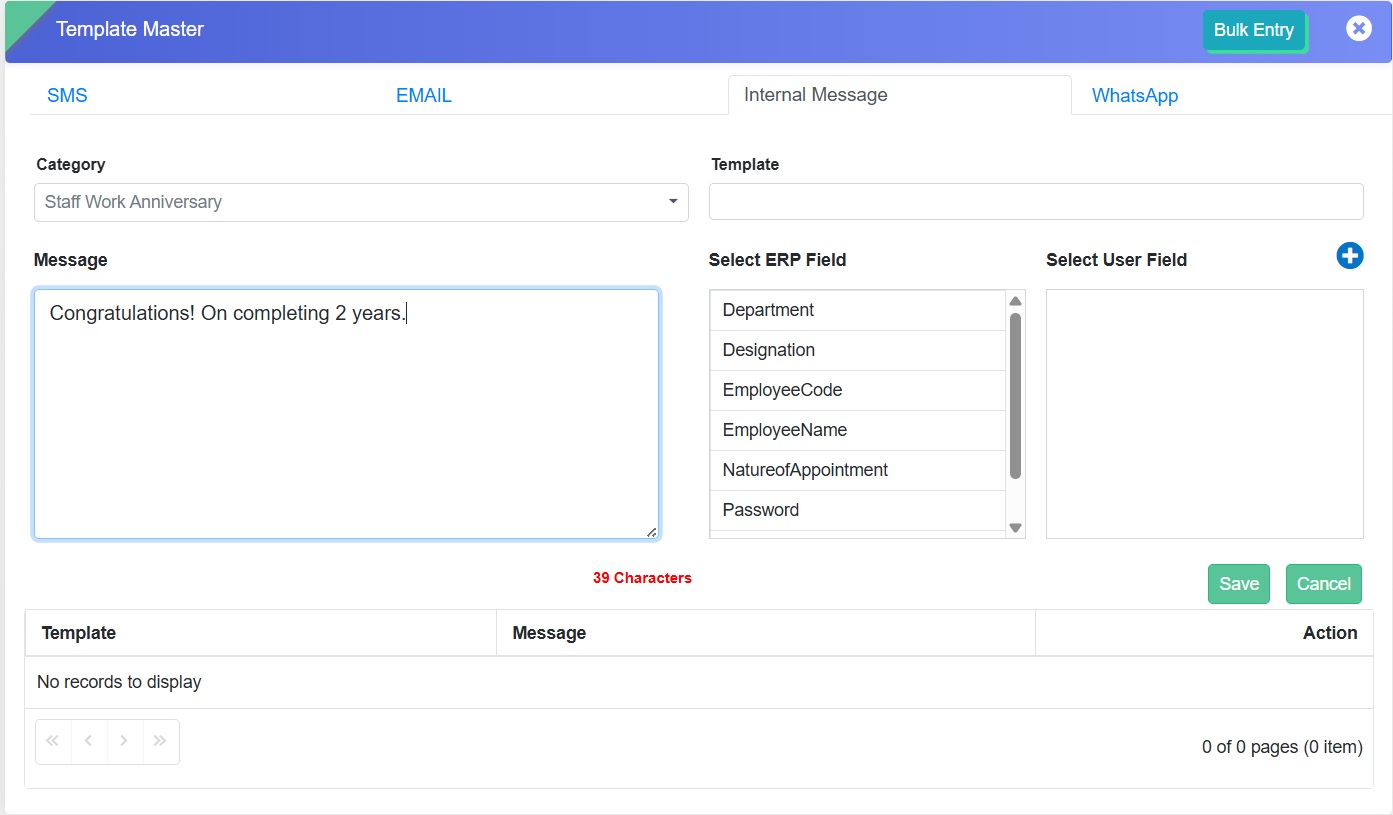
Key Functionality
- A new communication category — Staff Work Anniversary — has been added.
- Supports Email, SMS, WhatsApp, and Internal Message.
- Allows users to create and upload templates with:
- Template Name
- Message Content
- ERP Fields Selection
- Template ID
- Templates can be reused for consistent and personalized messages.
Benefits
- Automates work anniversary communication.
- Strengthens employee engagement and recognition.
- Provides flexibility across multiple communication channels.
- Ensures consistency and professionalism in messages.
Feature 2: Addition of Slot Name in ERP Field Selection
This enhancement allows users to include the Slot Name field from the Time Slot Assigner form in message templates.
Key Functionality
- A new option Slot Name has been added under Select ERP Field.
- The selected Slot Name dynamically displays values created in the Time Slot Assigner Form.
- Enables more accurate, slot-specific communication.
Benefits
- Enhances message customization with slot-based details.
- Improves clarity and relevance in automated messages.
- Reduces manual effort and maintains consistency.
Feature 1: New Report Added - Whatsapp SMS Detail
We are pleased to introduce a new SMS report titled "Whatsapp SMS Detail" in the system.
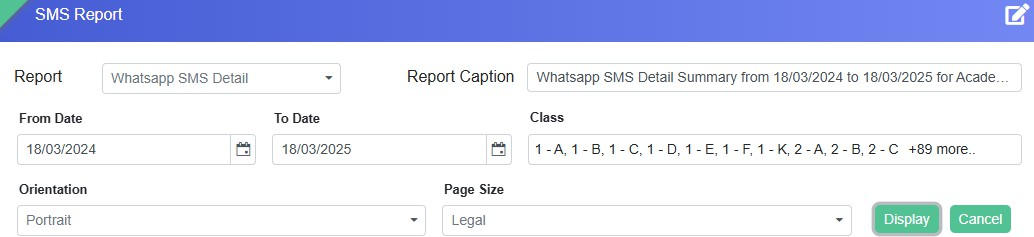
The report will list the names of all students of the selected class or classes to whom the message has been sent on WhatsApp.
Advantages to school:
- Monitor and verify WhatsApp messages sent to students.
- Ensure important updates reach parents and students.
- Provides a clear record of sent messages.
Feature 2: SMS Enhancement for Fee Defaulters
Use Case:
Previously, SMS notifications were sent even for minimal outstanding amounts (₹10 or ₹20).
Enhancement:
- A new 'Amount' field added under Fee Defaulter category.
- Schools can specify minimum outstanding amount.
- Only students with due ≥ entered amount appear in list.
- Students with lesser amounts are excluded.
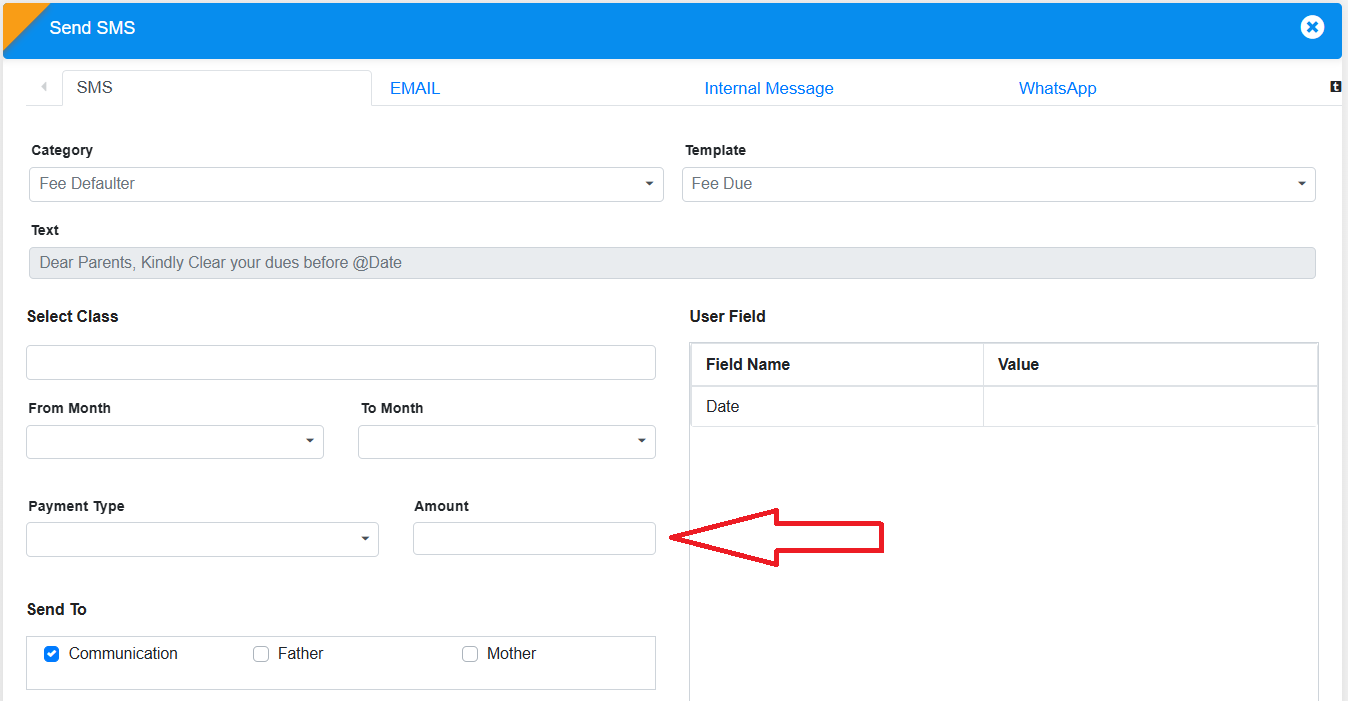
Reason for Change:
Reduces unnecessary notifications to parents.
Impact:
- Better control over defaulter notifications.
- Reduces unnecessary alerts.
- Improves fee-related communication.
Feature 3: Birthday Filter in SMS Module
A "Birthday" checkbox has been introduced to streamline birthday greetings.
New Functionality:
- Birthday checkbox added in SMS → Send SMS → Birthday Template.
- Only recipients having birthdays on selected date appear.
- Ensures accurate and automatic filtering.
For any queries, contact support.
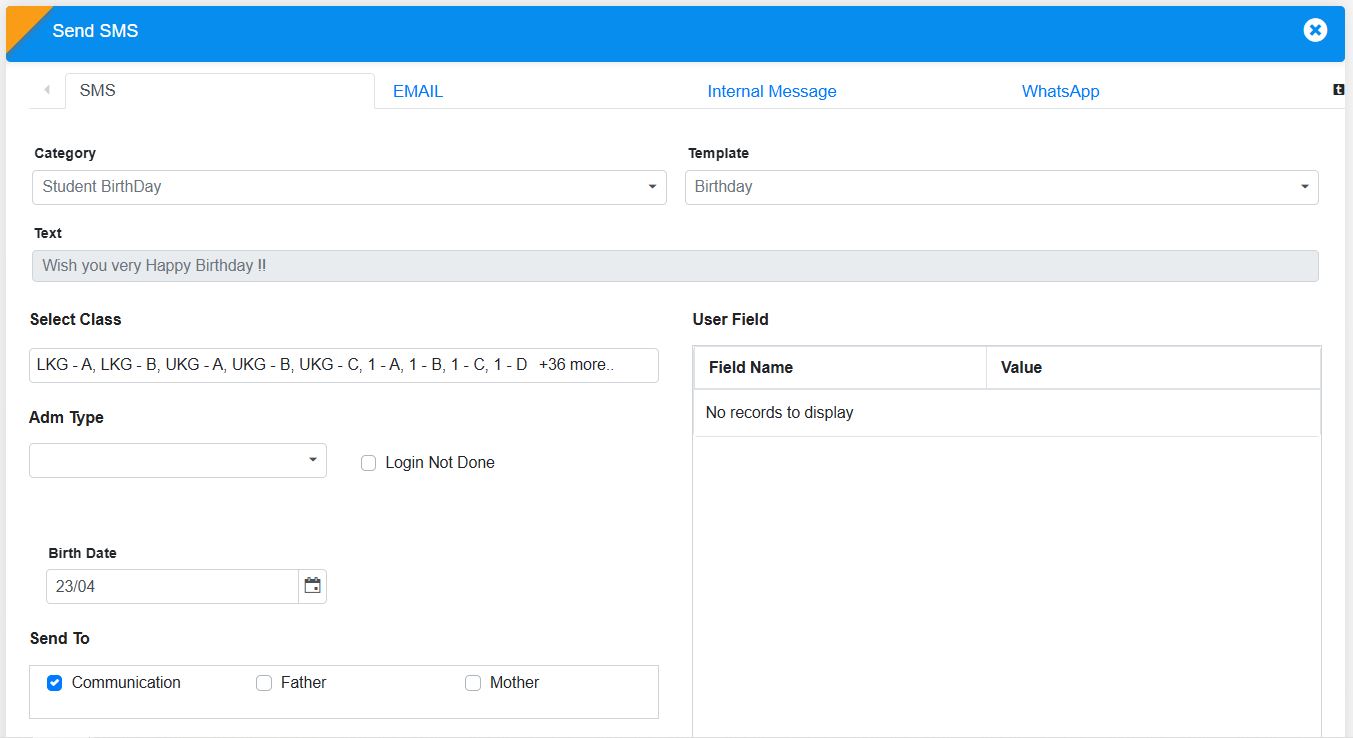
FRONT OFFICE MODULE
Feature 1: Automated Visitor Pass & Out Pass Generation with QR Sharing
Purpose
To streamline visitor management and enhance security and communication, the system now enables automatic generation and sharing of visitor passes and out passes upon approval and visit completion.
Key Functionality
-
Visitor Pass Generation on Approval
-
Once a visitor request is approved:
- System automatically generates a Visitor Pass.
- Pass includes a QR Code and relevant visitor details.
-
The pass is shared with the visitor via:
- WhatsApp (based on configuration)
-
Supports sending:
- Soft copy (PDF/Image)
- QR-based pass for quick entry validation
-
Once a visitor request is approved:
-
Out Pass Generation on Visit Completion
-
When Out Time is updated in Visitor Details:
- System automatically generates an Out Pass.
-
Out Pass is shared via:
- WhatsApp (optional)
-
Includes:
- Exit confirmation details
- QR code / digital pass for record and verification
-
When Out Time is updated in Visitor Details:
-
Communication & Configuration
- Sharing via Email/WhatsApp can be enabled/disabled as per school preference.
- QR code ensures quick scanning and validation at entry/exit points.
Key Benefits
- Enhanced Security: QR-based passes ensure controlled entry and exit.
- Automation: Eliminates manual pass creation and sharing.
- Improved Visitor Experience: Visitors receive passes instantly on their device.
- Better Tracking: Digital records for both entry and exit maintained.
- Efficient Front Office Operations: Reduces workload and speeds up visitor handling.
Feature 2: Visitor Transport Master & Gate Pass Transport Integration
Purpose
To standardize and capture the mode of transport details for visitors, students, and employees, improving tracking and reporting within the Front Office module.
Key Functionality
- Introduced a new Visitor Transport Master form to allow schools to define transport modes such as Bus, Car, Cycle, Van, Auto, Self, etc.
- Added a “Mode of Transport” dropdown field in both Student Gate Pass and Employee Gate Pass forms.
- Dropdown values are dynamically populated from the Visitor Transport Master.
- The field is optional (non-mandatory) to ensure flexibility during entry.
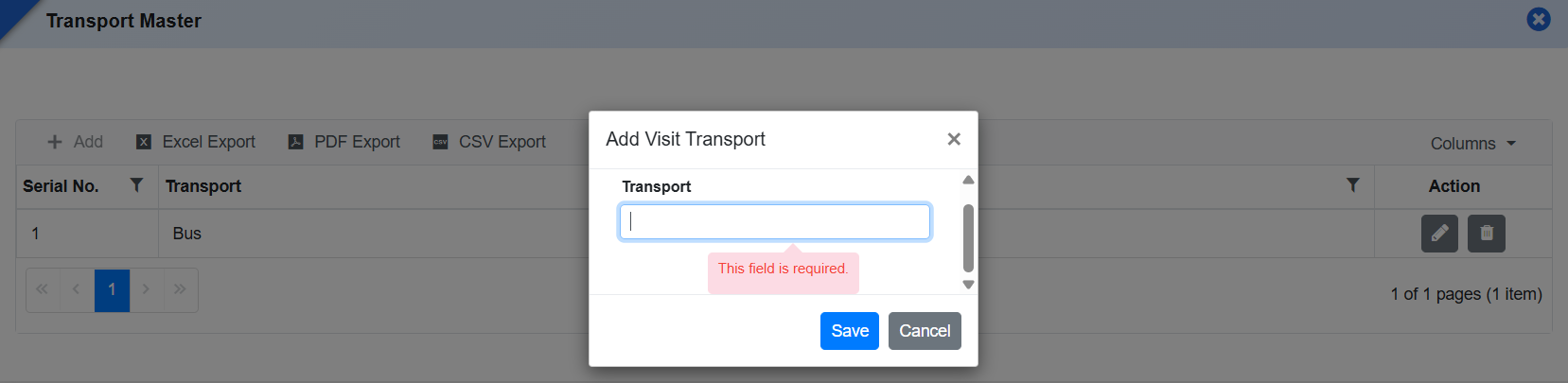
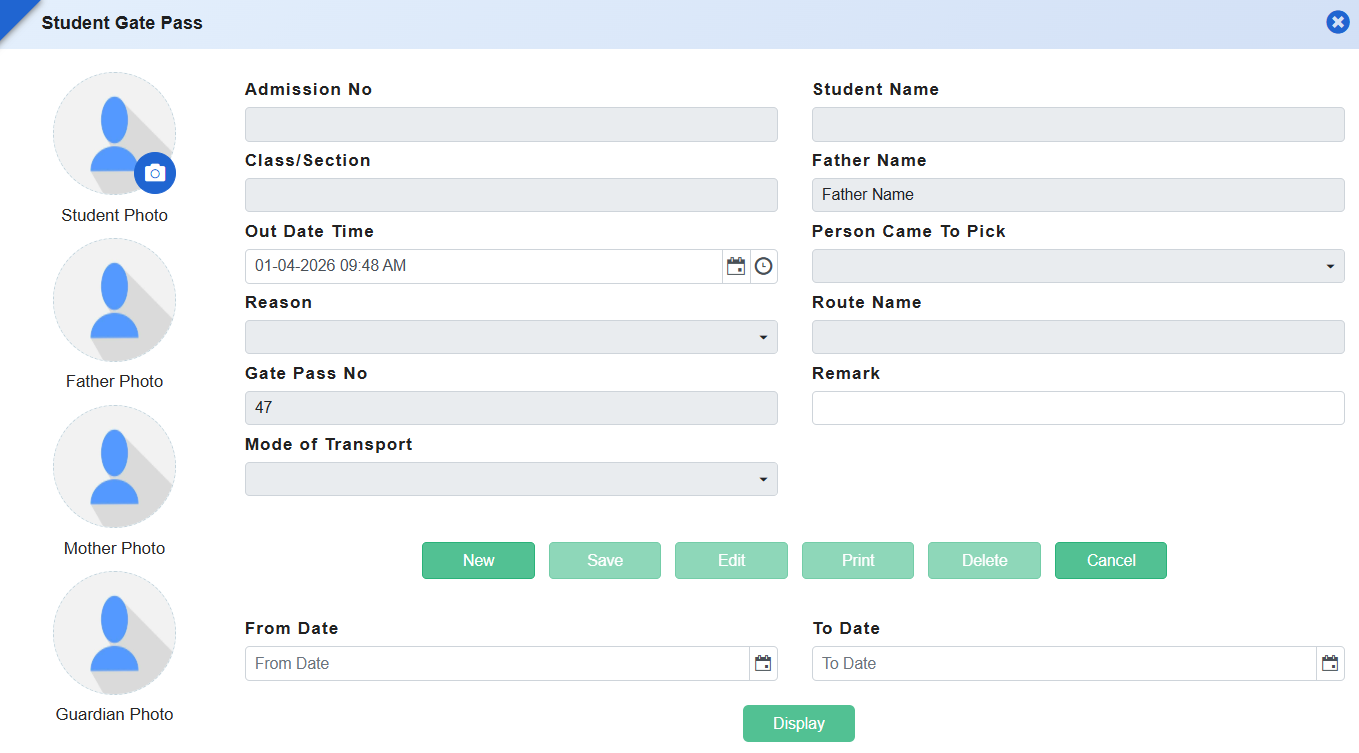
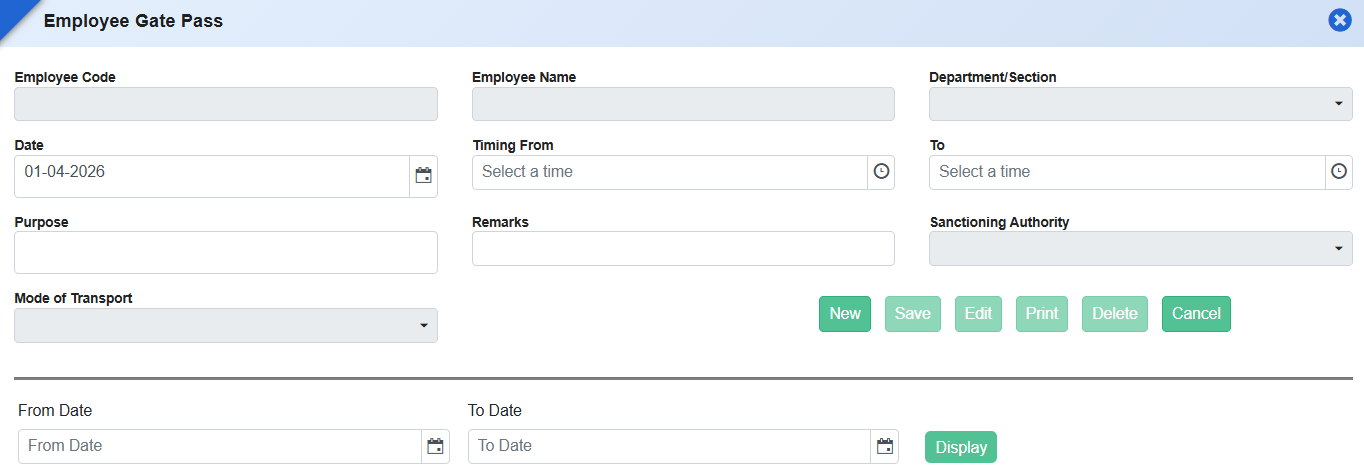
What's New in Front Office
This release modernizes Front Office operations by improving appointment management, visitor tracking, and reporting flexibility. Schools can now capture richer appointment details, convert appointments to visitor check-ins with a single click, and maintain a reliable audit trail of all campus visitors. Enhanced report configurability further allows front office teams to tailor outputs to their needs, strengthening security, transparency, and day-to-day coordination at the reception.
Feature 1: Enhanced Employee Appointment Details & Management
To capture complete and accurate appointment information and improve clarity during scheduling, the Employee Appointment form has been enhanced with additional personal and visit-related details. These changes ensure better preparation for meetings and improve front office coordination.
Front Office → Employee Appointment
Key Functionality:
-
Added new fields in Employee Appointment:
- Person Contact No.
- Gender
- Address
- Visit Purpose (values sourced from Visit Purpose master)
- Reason field renamed to Remarks for clearer and more flexible usage.
- Ensures all appointment-related information is captured in a structured manner.
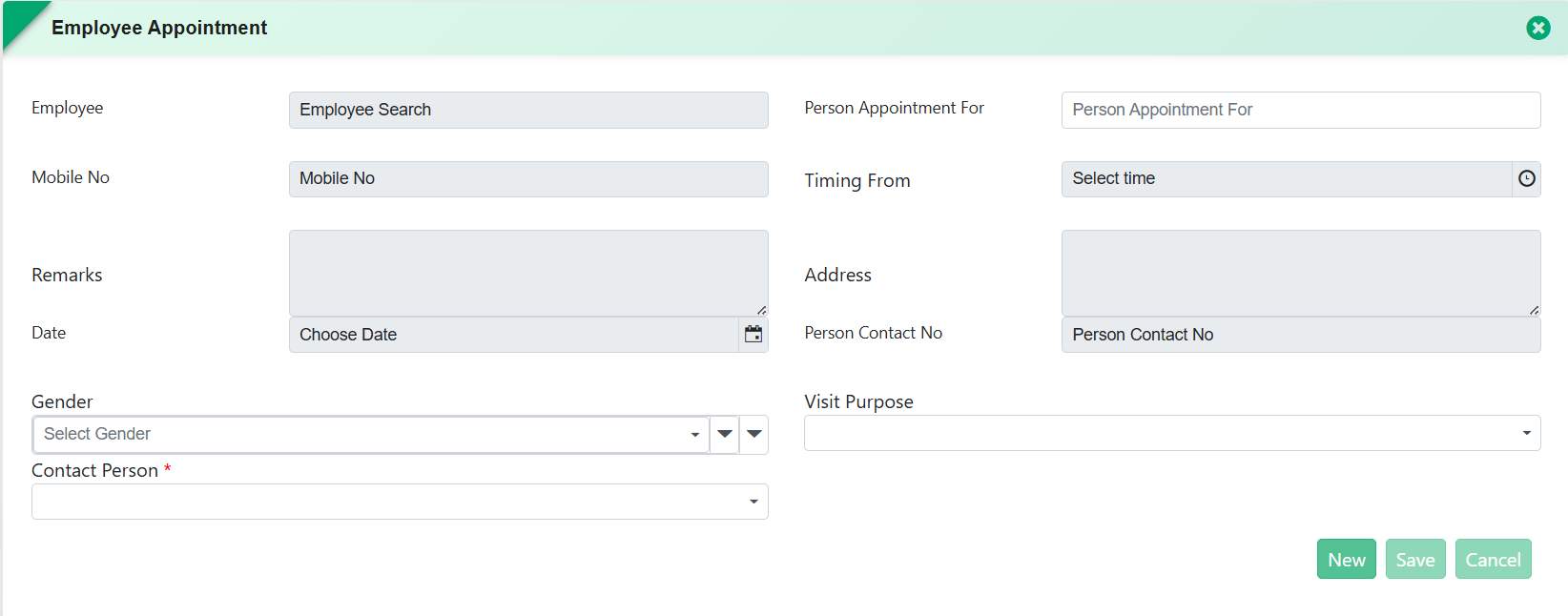
Benefits:
- Improved Data Completeness: Ensures all visitor and appointment details are available upfront.
- Better Meeting Preparedness: Helps staff and employees prepare for scheduled visits.
- Standardized Visit Purpose: Master-based selection ensures consistency in reporting.
- Clearer Communication: “Remarks” field supports more descriptive notes.
Feature 2: Appointment-Based Visitor Check-In & Reporting
To streamline visitor handling and strengthen security, the Visitor Details process has been enhanced to support appointment-based check-ins and tracking. This allows the front office team to manage visitor entry efficiently while maintaining accurate records for audit and compliance.
Front Office → Visitor Details
Key Functionality:
-
Visitor Details form now includes:
- Today's Appointments view
- Date-wise appointment filter for checking upcoming or past appointments.
- Front Office staff can Check In visitors directly from the appointment list.
- On Check In, the appointment is automatically recorded as a Visitor entry.
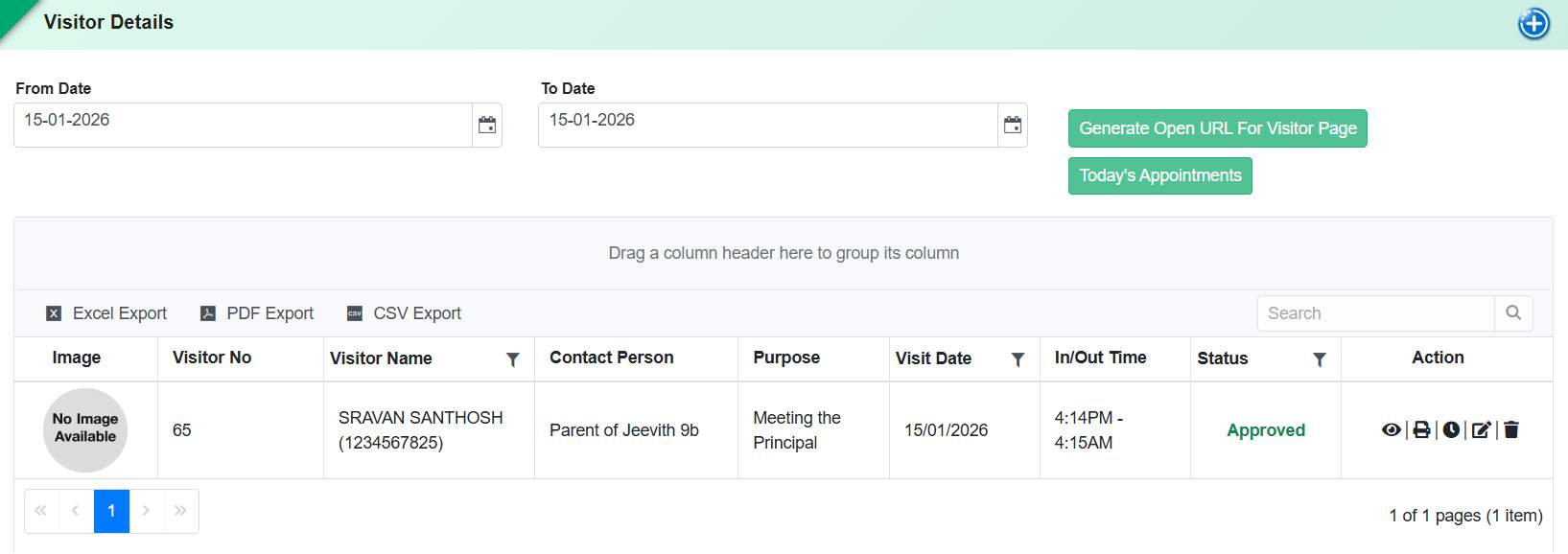
- Introduced a new Checked-In Appointments Report displaying:
- Person Name
- Person Contact No.
- Appointment Date & Time
- Purpose of Visit
- Meeting With
- Check-In Date & Time
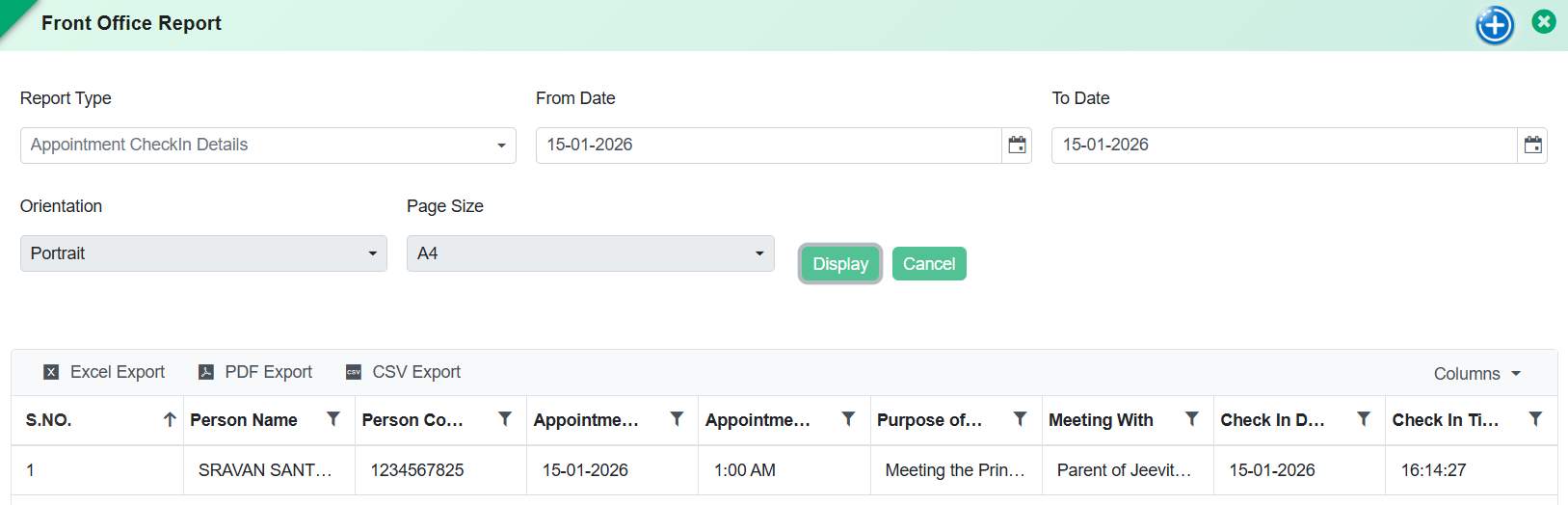
Benefits:
- Faster Visitor Handling: Eliminates manual searching and duplicate entry at reception.
- Improved Security & Traceability: Maintains a clear log of who entered the school and when.
- Operational Efficiency: Seamless transition from appointment to visitor entry.
- Audit-Ready Reporting: Provides structured data for security reviews and compliance.
Feature 3: Configurable Report Settings for Front Office Reports
Front Office Reports now support configurable report settings. Schools can define visible columns, field order, grouping, sorting, page size, orientation, and formatting as per their requirements, ensuring flexible and standardized report generation for Front Office operations such as Student Gate Pass reports.
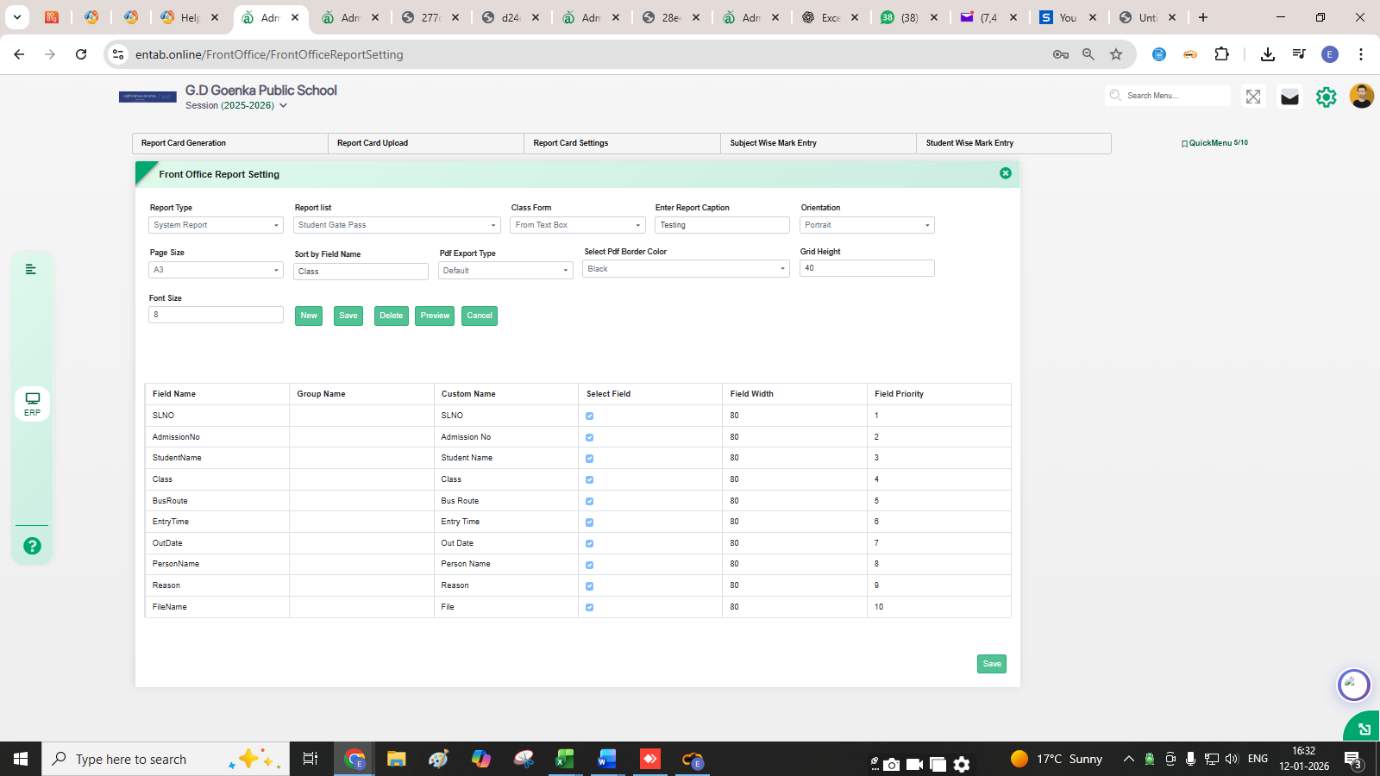
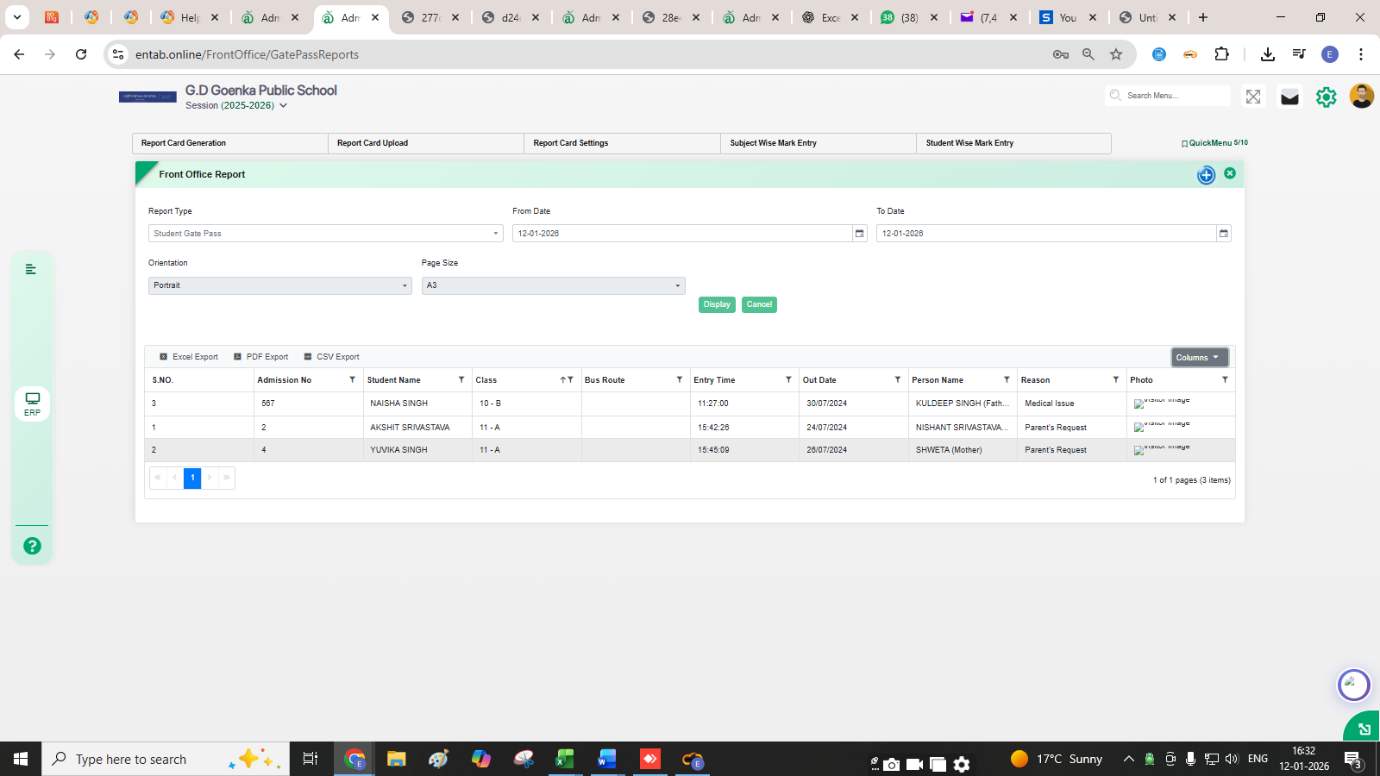
Feature 1: Enhanced Student Gate Pass Reporting and Layout Configuration
This enhancement improves the visibility, accuracy, and layout flexibility of the Student Gate Pass report, ensuring all key information, including guardian and pickup details, is displayed clearly within a single report page.
Functionality:
-
Pickup Person Photo Column:
Front Office → Reports → Student Gate Pass
- Added a new column to display the pickup person’s photo for easy identification.
-
Guardian Photo Display:
Front Office → Student Gate Pass
- A guardian photo box has been introduced to visually verify the guardian at the time of student release.
-
Report Modification Provision:
- Added capability to customize report layouts, including field width and field priority, ensuring data fits neatly on a single A4 landscape page.
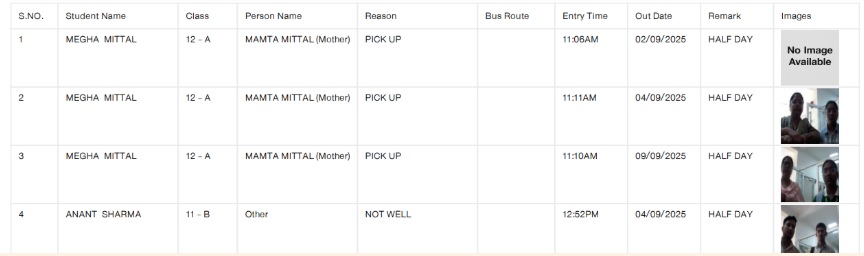
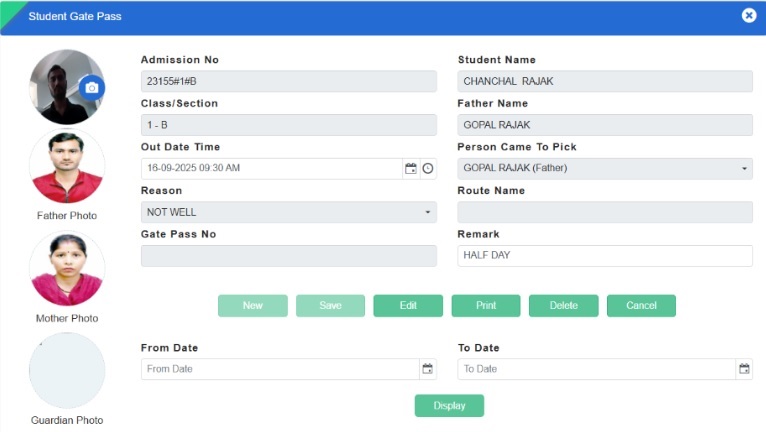
Benefits:
- Enhances student security and identification accuracy at the time of exit.
- Improves report readability by fitting all gate pass data on one page.
- Provides flexibility to tailor report layout as per school-specific needs.
Feature 1: Gate Pass Number Field Added
We have enhanced the Student Gate Pass page by adding a new field: Gate Pass No.
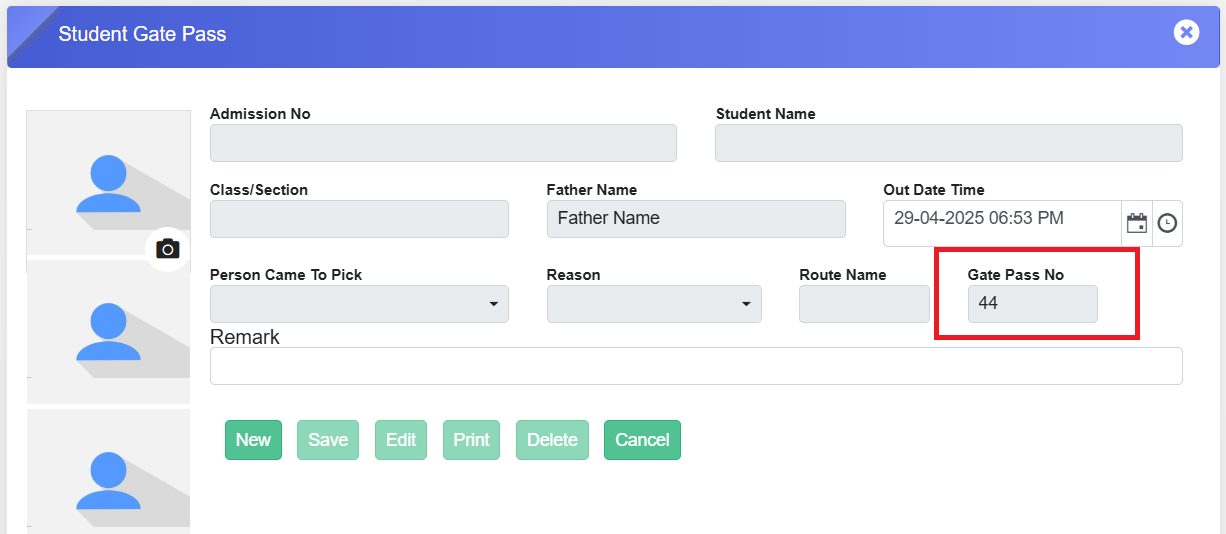
Key Updates:
- The Gate Pass No. field is automatically populated with a series number starting from 1 when the first gate pass is created.
- This helps the admin track the total number of gate passes generated so far.
- The Student Gate Pass page is part of the Front Office Management module, ensuring better record-keeping and organization.
This enhancement improves efficiency and tracking in managing student gate passes. 🚪📋
HOLISTIC PROGRESS CARD - A STEP TOWARDS INCLUSIVE EDUCATION UNDER NEP AND NCF
The introduction of the new Holistic Progress Card (HPC), as envisioned by the National Education Policy (NEP) 2020 and guided by the National Curriculum Framework (NCF) 2023, has been embraced wholeheartedly by most schools.
As the new session begins, many schools have shared the HPC approach with parents during their introductory Parent-Teacher Meetings (PTMs). It has been an overwhelming and positive initiative, as parents feel more included in their child's progress throughout the academic year.
While the overall response to HPC has been encouraging, some parents may take a little more time to adjust to this new approach. Busy schedules may make it difficult for some to engage with feedback processes, while others, especially those less familiar with formal education systems, might feel unsure about how to share their input.
Schools can overcome these challenges by conducting more frequent PTMs and orientations, and by teachers making courtesy calls to parents. Schools can also invite parents to share their opinions, struggles, and strengths through life experiences in a supportive environment. The more inclusive a school is in involving parents in a child's progress, the more parents will gain confidence in sharing their feedback over time.
Organising exhibitions, webinars, and other interactive sessions can further encourage parents to engage positively with the HPC approach. With consistent efforts, schools can build a strong partnership with parents, making holistic progress a shared journey for the betterment of every child.
To help parents connect with this new approach to tracking student development, here’s a clear overview of what the Holistic Progress Card offers:
- Whole-Child Development
- Tracks not just academic growth but also social, emotional, and creative skills.
- Skill-Based Reporting
- Focuses on essential 21st-century skills like communication, problem-solving, and collaboration.
- Individual Insights
- Provides a personalised report that reflects each child’s strengths, areas for improvement, and interests.
- Student Self-Reflection
- Encourages students to assess their own learning and set personal goals.
- Feedback from Multiple Sources
- Includes input from teachers, peers, and self-assessments for a complete view.
- Beyond Academics
- Acknowledges achievements in arts, sports, values education, and well-being.
- Parent Involvement
- Offers actionable suggestions for parents to support their child’s learning at home.
The HPC provides a holistic approach to education, focusing on the child’s overall growth rather than just academic performance, fostering a more inclusive and supportive learning environment.
DASHBOARD
What’s New in Utilisation Dashboard
A new Utilisation Dashboard (Beta) has been introduced to provide schools with early visibility into system usage and key operational metrics. Positioned for quick access, the dashboard offers preliminary analytics to support data-driven reviews while clearly indicating its beta status. This enables management to explore insights with appropriate caution as the module continues to evolve.
Purpose:
To provide early access to system usage insights, a new module “Utilisation Dashboard (Beta)” has been introduced. This dashboard offers preliminary analytics while remaining under development, enabling schools to explore key metrics with appropriate caution.
Key Functionality:
- Added a new moduleUtilisation Dashboard (Beta).
- The module is displayed at the top of the menu, before Master Setting for quick access.
- A mandatory disclaimer is shown on the dashboard:
Disclaimer:
“Note: The module is under development and may contain discrepancies. Please validate the data with the actual report before relying on it.”
Feature 1: Integration of FreshDesk – Ticket Management System
We have introduced a "Question Mark" icon on the vertical menu bar (below the settings icon) that opens the "All Tickets" page. This page allows school staff and employees to create, manage, and track support tickets, which are integrated with the CampusCare FreshDesk portal.
Key Features & Purpose
- Seamless Ticket Creation: Staff can create support tickets directly from the ERP system
- Integration with FreshDesk: Tickets are sent to the CampusCare service provider, where the support team resolves them and provides updates.
- Efficient Communication: The ticket creator and support team can interact through the ticket interface until the issue is resolved.
- Ticket Status Filters: Users can filter tickets based on status (All, Closed, Open, Pending, Resolved).
- Administrator Access: The admin, assigned on the FreshDesk Assign page, can view tickets created by all staff under their assignment.
- Email-Based Ticket Filtering: Admins can filter tickets based on email ID.
How to View a Ticket?
- Click on the Question Mark icon → The All Tickets page will open.
- Click on any ticket from the list → The ticket details will open.
- View messages from the support team.
- Use the Reply button (located at the bottom) to communicate with the support team.
- Even for closed tickets, the Reply button remains active, allowing users to reopen the ticket if the issue persists.
How to Create a Ticket?
- Click on the Question Mark icon → The All Tickets page opens.
- Click on the plus (+) icon (top-right corner) → A Create Ticket pop-up appears.
- Fill in the required details:
- Subject: Mention the page or module where you are facing an issue.
- Email ID: Auto-filled based on the user creating the ticket.
- CC Emails: Add other recipients if needed.
- Description: Explain the issue (max 2000 characters).
- Attachments: Upload relevant files (JPG, PNG, PDF).
- Click Submit → The ticket is created and sent to the support team.
- A ticket number is automatically assigned, and the ticket appears on the main page.
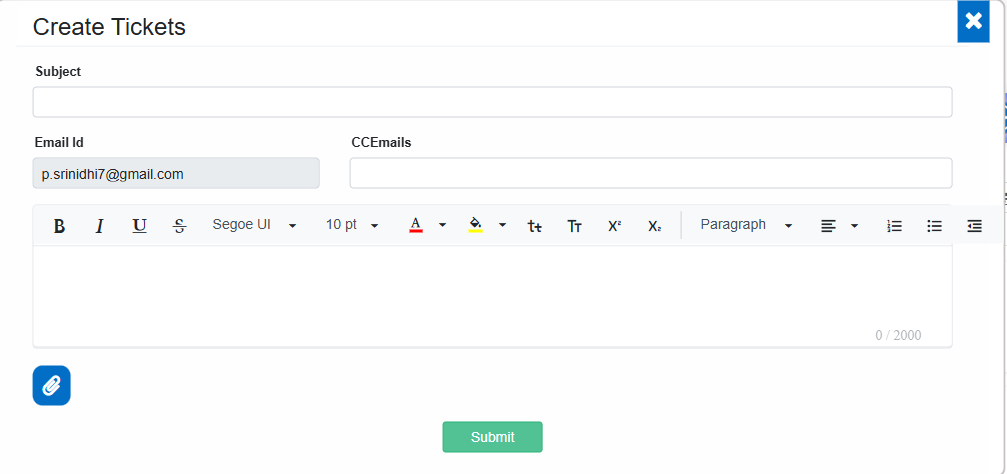
Permission-Based Access & FreshDesk Assign Page
- The FreshDesk Assign page allows admins to assign employees and administrators to create and follow up on the tickets.
- The email ID provided by CampusCare (the service provider) must be saved on this page for successful FreshDesk integration.
- Ticket creation and access are permission-based, ensuring only authorized users can manage support requests.
Navigation: Master Setting >>> Confidential Setting >>> FreshDesk Assign
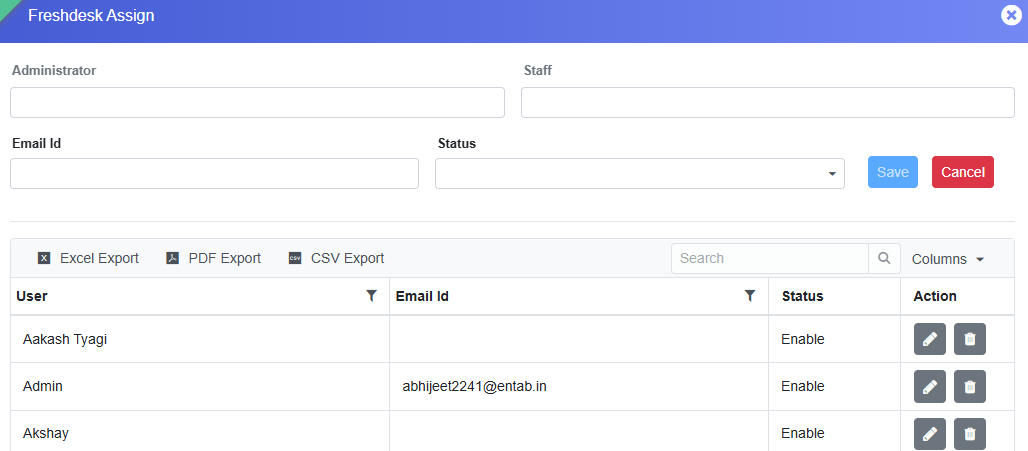
Impact & Benefits
- Improved support system for school staff.
- Faster query resolution through direct ERP-FreshDesk integration.
- Easy ticket tracking & communication between users and the support team.
- Enhanced accessibility with permission-based ticket management.
MASTER SETTING MODULE
Feature 1: Enhanced Email Control for Attendance
We have implemented a new enhancement on the “Automated Status Mail” page to prevent automated attendance status emails from being sent on holidays and weekly offs.
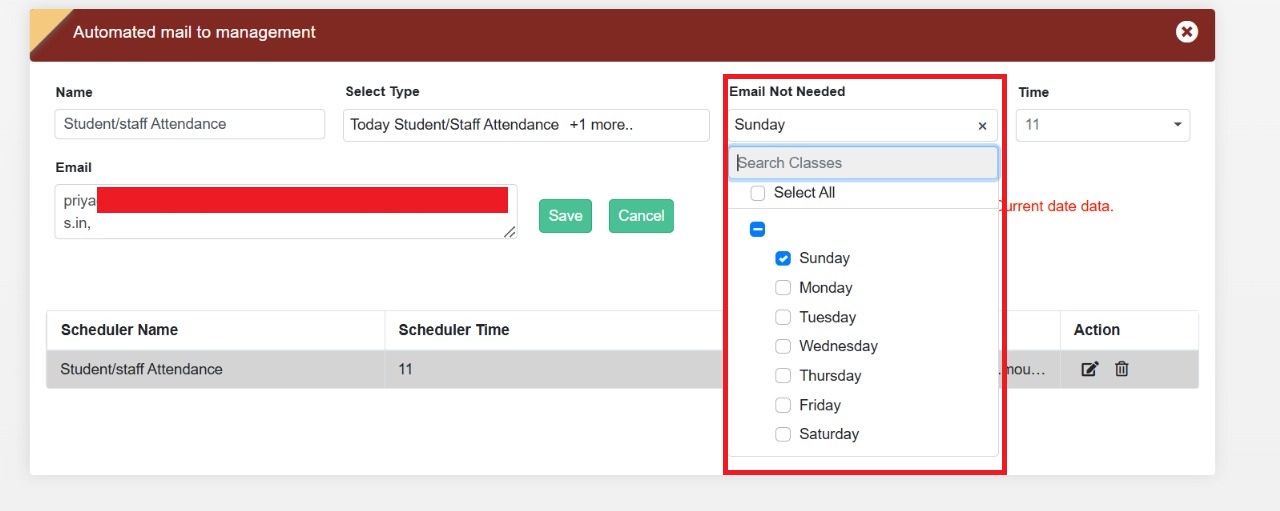
Key Updates:
- Added an "Email Not Needed" dropdown to the form.
- The dropdown lists all weekdays with a checkbox functionality.
- Admins can select specific days to disable attendance status emails for staff and students on those days.
This update ensures that no unnecessary emails are sent on non-working days, improving email accuracy and reducing clutter.
STUDENT ATTENDANCE MODULE
Feature 1: Attendance Register Class-Section Wise Report
Introduced a new report, Attendance Register Class-Section Wise, to generate attendance records with each class-section starting on a new page. This ensures automatic page breaks between class sections in printed and exported reports, improving readability and making report handling more convenient. The report can be accessed by selecting Attendance Register Class-Section Wise from the Report Type dropdown.
Feature: Teacher-wise Attendance Not Done Report
A new Teacher-wise Attendance Not Done Report has been added.
- Shows pending attendance dates
- Displays responsible teacher for each class & section
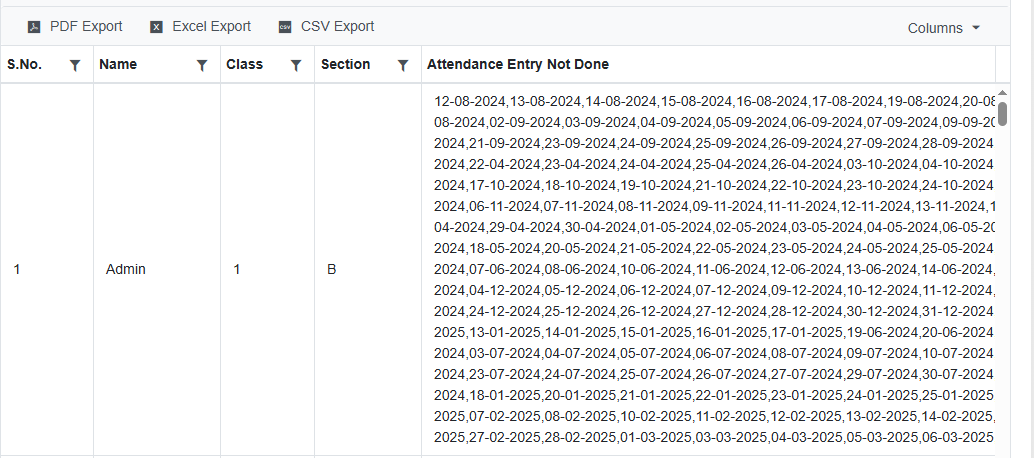
Benefit
- Helps identify gaps in attendance marking
Feature 1: Attendance Register Cumulative Report
Purpose
To provide a comprehensive student-wise cumulative attendance report for the entire academic year with month-wise attendance summaries and cumulative attendance percentages.
Key Functionality
- Added a new report under Student Attendance → Attendance Report → Attendance Register Cumulative Report.
- The report will display attendance datamonth-wise for the complete academic session.
-
For each month, the following columns will be displayed:
- W.D – Working Days
- P.D – Present Days
- C.Att (%) – Cumulative Attendance Percentage
Calculation
- C.Att (%) = (P.D ÷ W.D) × 100
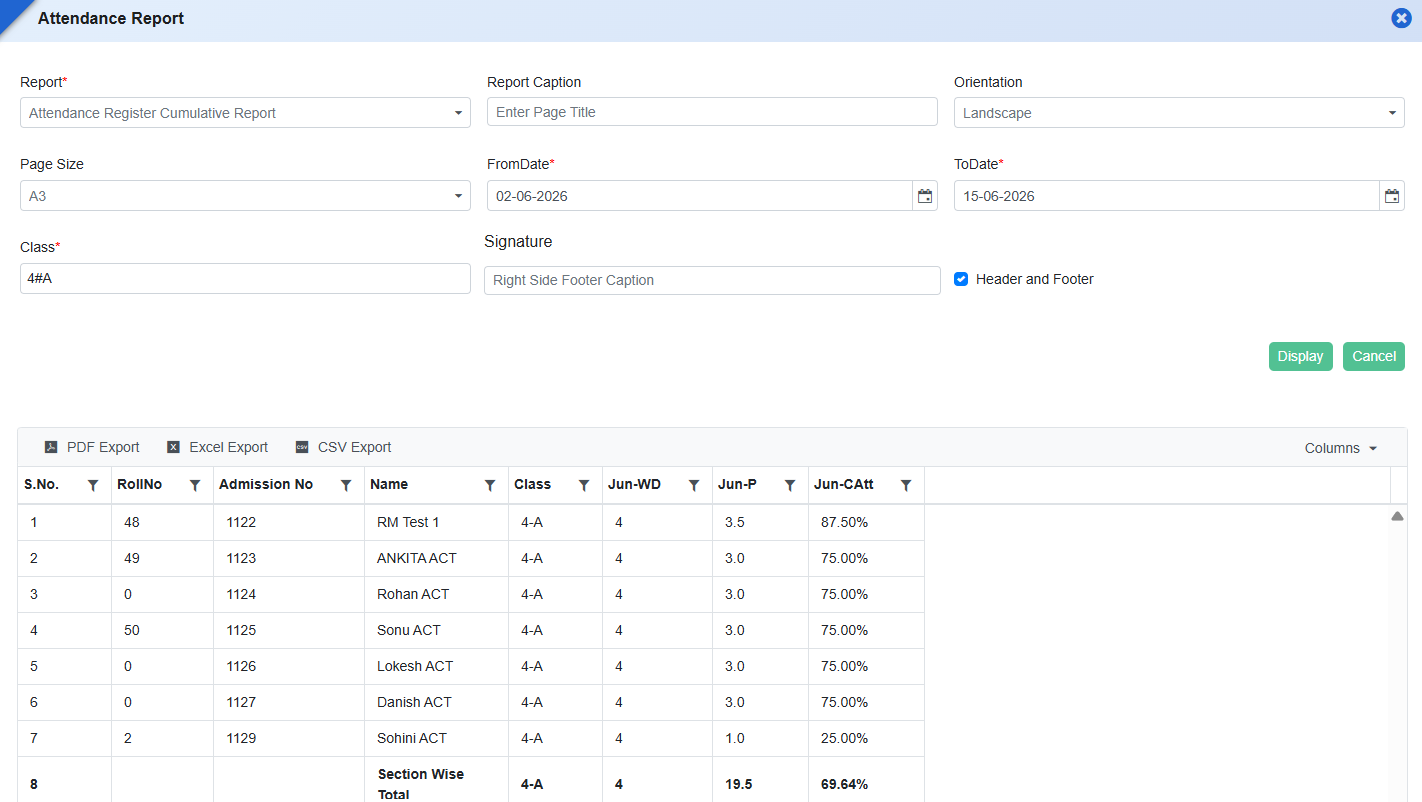
What’s New in Student Attendance
This release improves student attendance monitoring and parent engagement through targeted communication and richer attendance reporting.
Feature 1: Attendance Percentage–Based Parent Communication
Schools can now send SMS/internal messages based on attendance percentage.
- Filter by attendance %
- Select date range
- Send alerts to specific parents
Feature 2: Leave Count in Summary Report
- New Leave row added
- Visible with Present/Absent/Total
- Available in exports
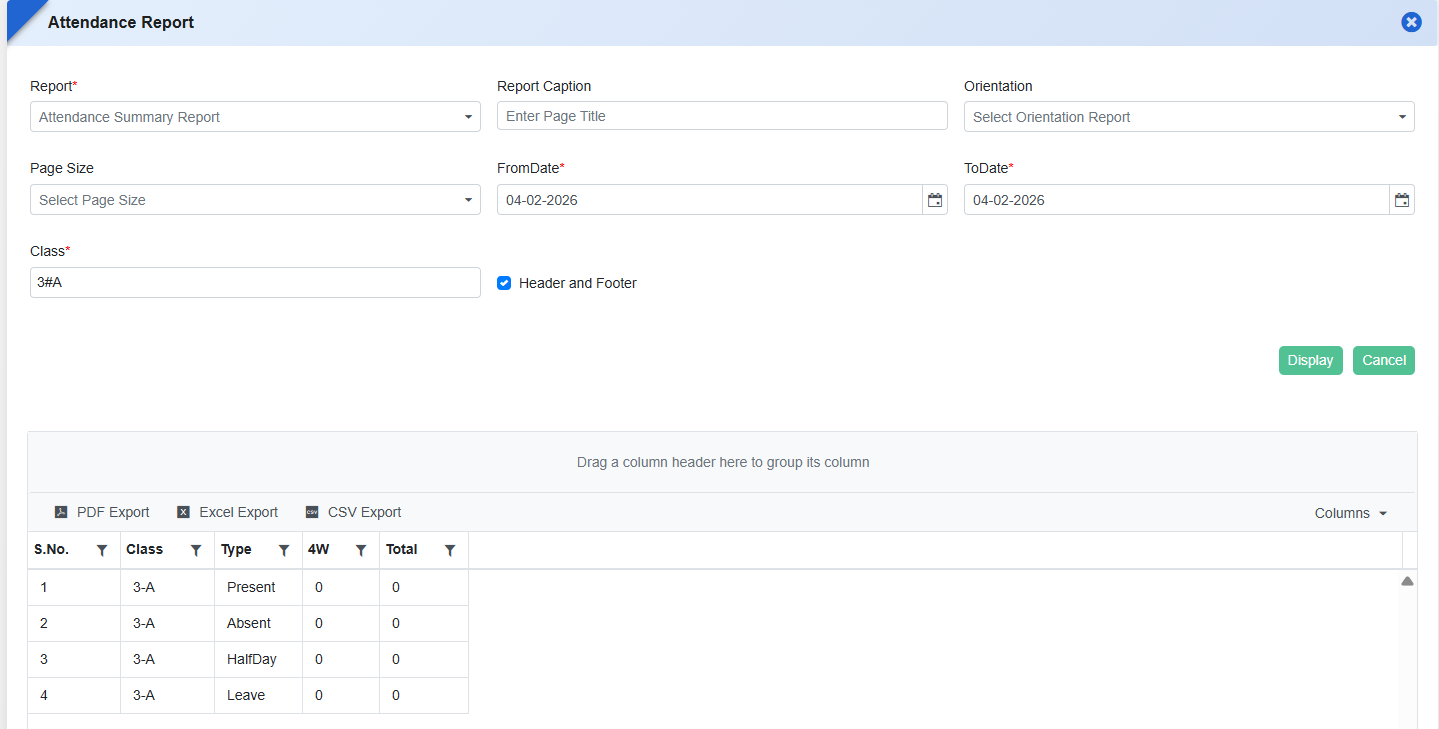
STAFF INFORMATION MODULE
Feature 1: Probation Completion Notification & Communication Scheduler
Purpose
To automatically notify concerned stakeholders when an employee's probation period is about to complete, ensuring timely review and confirmation actions.
Key Functionality
- Introduced a new "Staff Info" entry in SMS Scheduler Setting / Communication Settings.
- System will trigger notifications 1 day prior to the Probation Up To Date configured in the Staff Information module.
- Notifications can be configured through Communication Settings (SMS, Email, WhatsApp, Internal Message).
- Notification recipients:
- Employee (Self)
- Reporting Person
- Principal (based on designation)
- Scheduler will automatically identify employees whose probation period is due to complete the next day and send notifications based on the enabled communication channels.
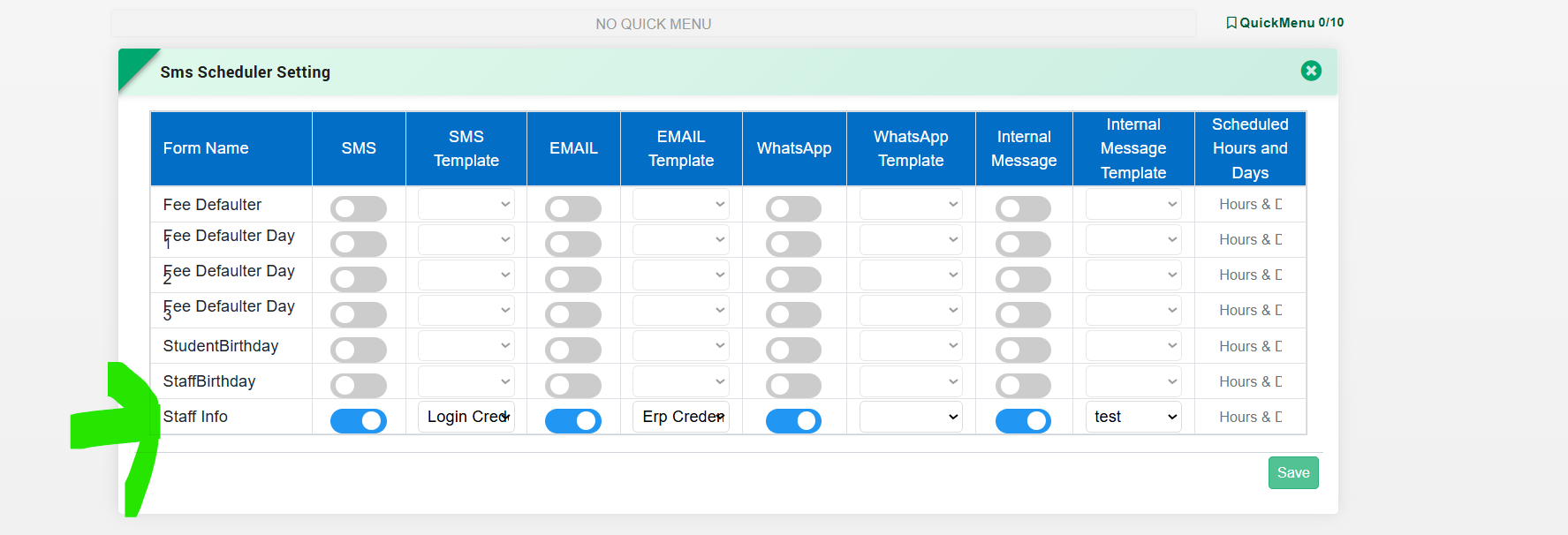
Key Benefit
- Ensures timely probation review and confirmation process.
- Reduces dependency on manual tracking by HR.
- Keeps employees, reporting managers, and principals informed in advance.
- Improves compliance and streamlines employee lifecycle management.
Feature 1: Designation & Department Wise Bulk Holiday Assignment
Purpose
To simplify holiday configuration and reduce manual effort, the Bulk Holiday Assign feature has been enhanced to support Designation-wise and Department-wise holiday assignment.This allows schools to efficiently apply holidays to specific staff groups instead of assigning them individually.
Key Functionality
- Enhanced Staff Information → Leave → Holiday Master → Bulk Holiday Assign feature.
- Added new filtering options:
- Department-wise selection
- Designation-wise selection
- Users can now:
- Select Leave Year
- Define From Date and To Date
- Choose Holiday Type (Public Holiday / Restricted Holiday)
- Apply holidays to:
- Selected Departments
- Selected Designations
- Specific Staff (optional override)
- System will:
- Apply holidays to all staff matching the selected Department/Designation.
- Override existing holiday entries for the selected date range (as per current logic).
- Existing Working Staff exclusion logic remains applicable.
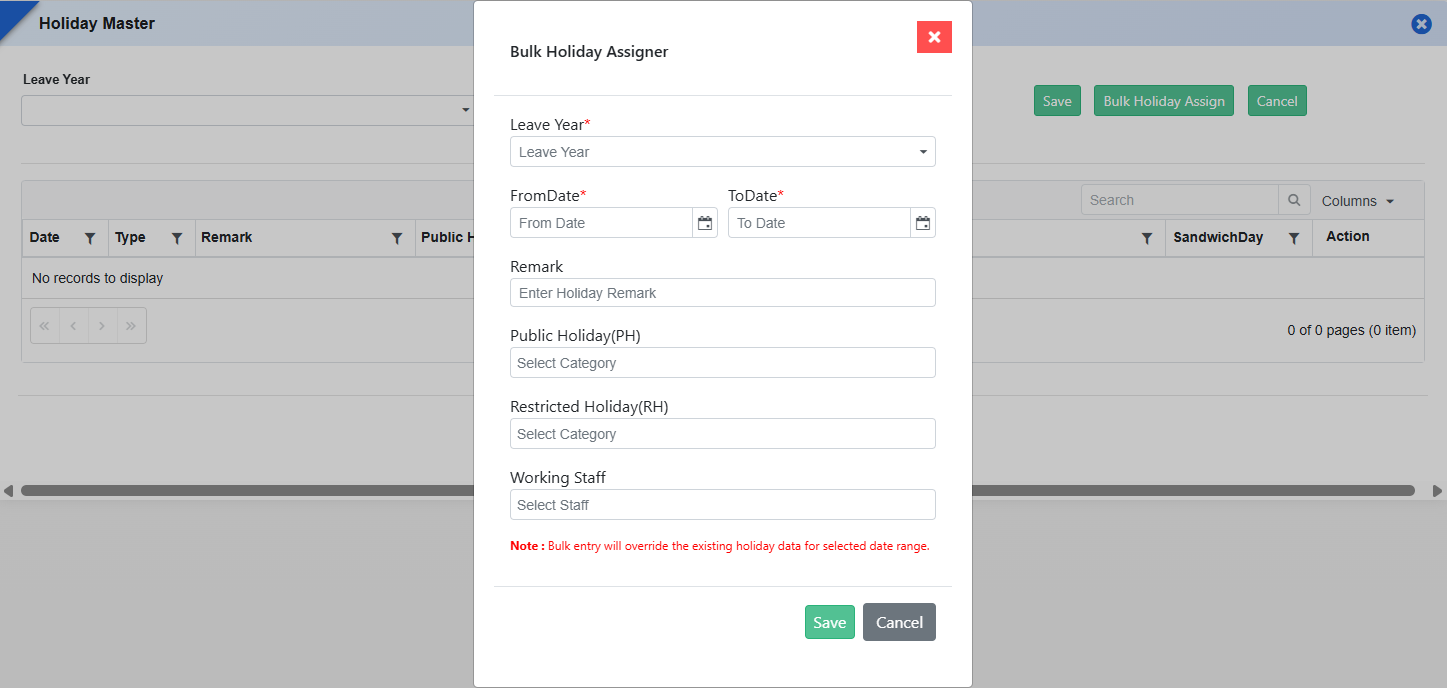
Key Benefits
- Bulk Efficiency: Assign holidays to large groups in a single action.
- Reduced Manual Effort: Eliminates need for individual staff-level updates.
- Flexible Configuration: Supports department-based and role-based holiday policies.
- Improved Accuracy: Ensures consistent holiday application across similar staff groups.
- Better HR Control: Useful for scenarios where holidays differ across departments (e.g., Admin vs Teaching staff).
Feature 2: Staff Attendance Regularization Form
Staff Information -> Staff Attendance -> Staff Attendance Regularization Form
Key Functionality
- Introduced a new Staff Attendance Regularization form with filters for Leave Category, Employee, From Date, and To Date to fetch attendance data.
- Displays employee-wise attendance in a horizontal date-wise grid, covering all selected dates in a single view.
- Each date includes editable fields:
- Leave Type
- Attendance Status (Present, Absent, Leave, Half-Day, Late Arrival, Early Departure, On-Duty, Holiday)
- In Time & Out Time
- Remarks
- Implemented color-coded UI for each attendance status for easy identification.
- Added Attendance Status Legend at the top for reference.
- Displays Employee Details (Name, Emp Code, Designation) alongside attendance records.
- Shows Balance Leave details at the top section (SL, ODL, MEDL, MATL, LWP, HSL, etc. with total).
- DisplaysAvailed Leave summary and Late Coming count within the form.
- Provides Closing Leave balance calculation after regularization.
- Supports bulk update and save functionality for multiple dates and employees in one go.
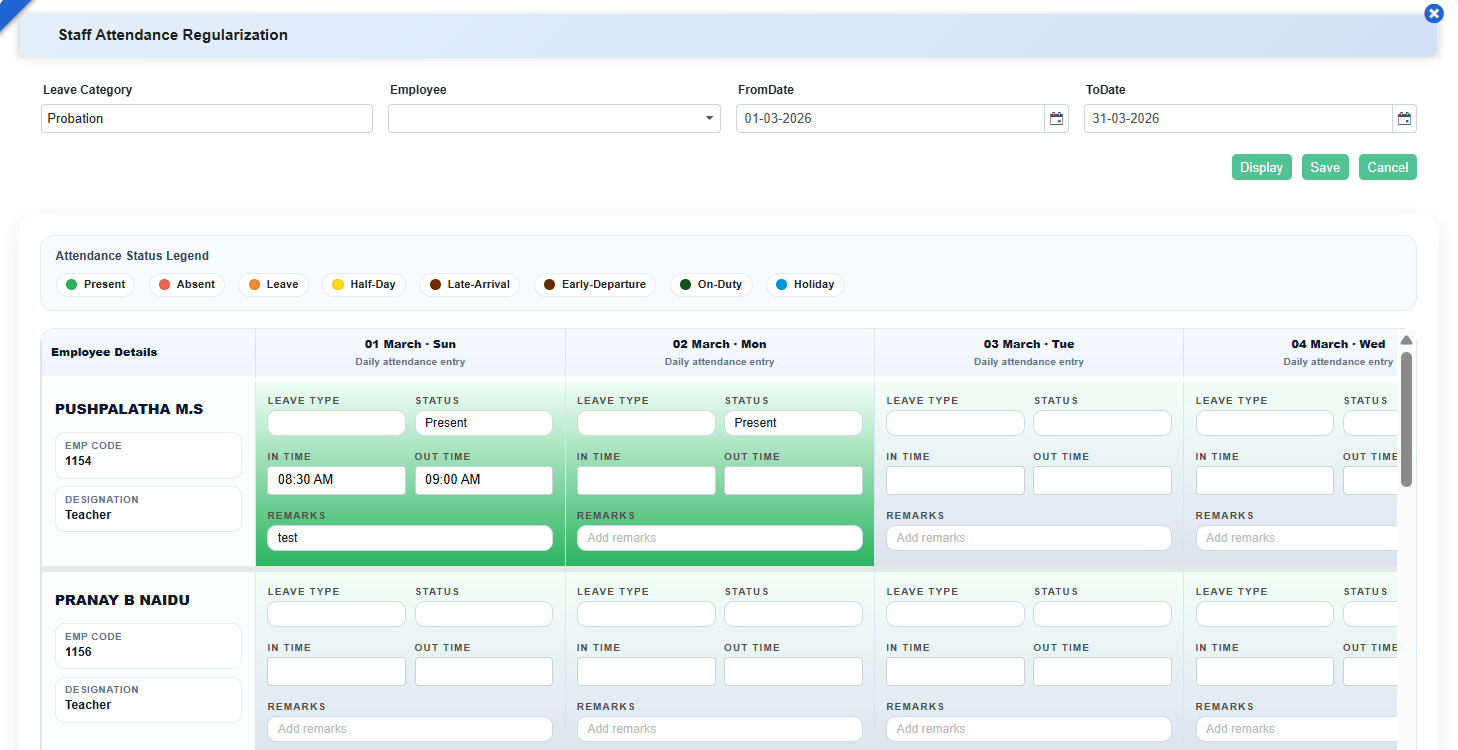
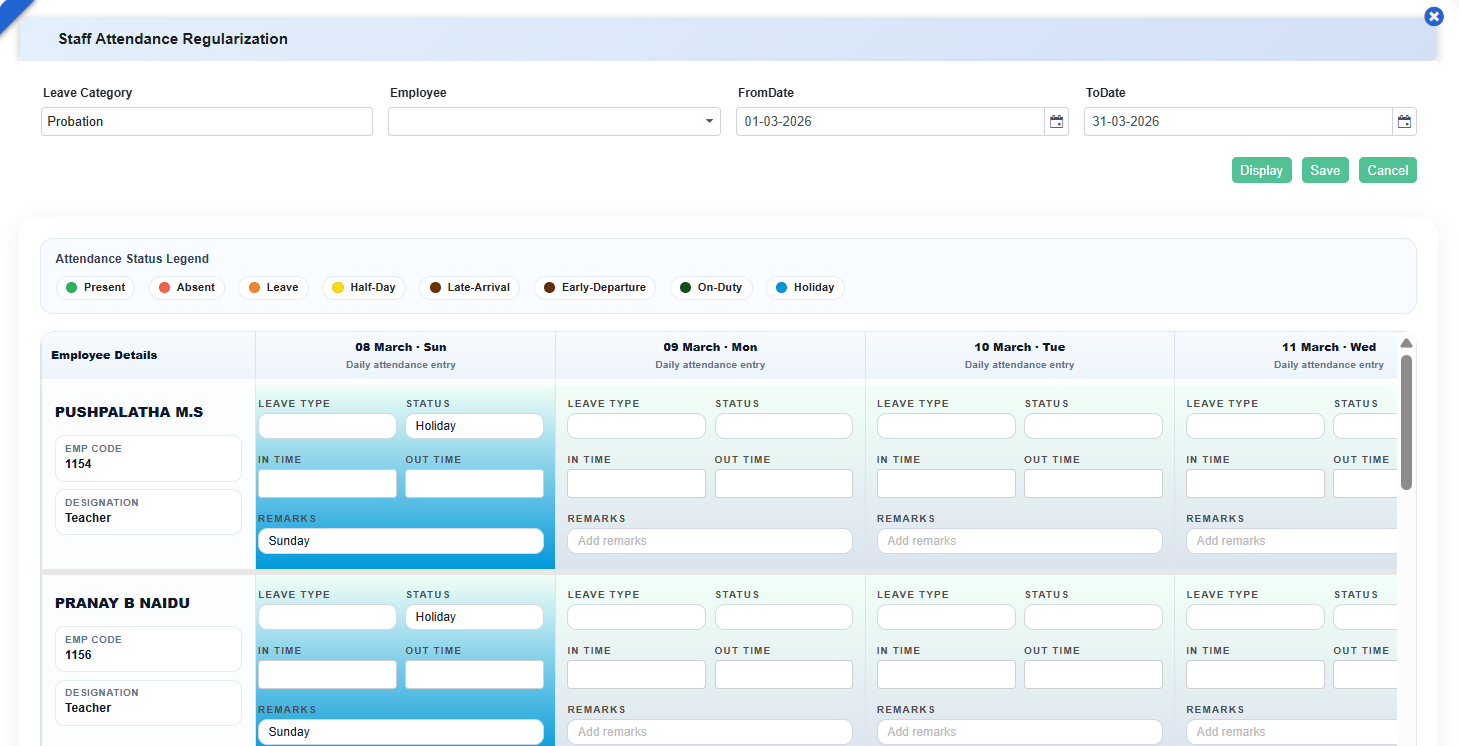
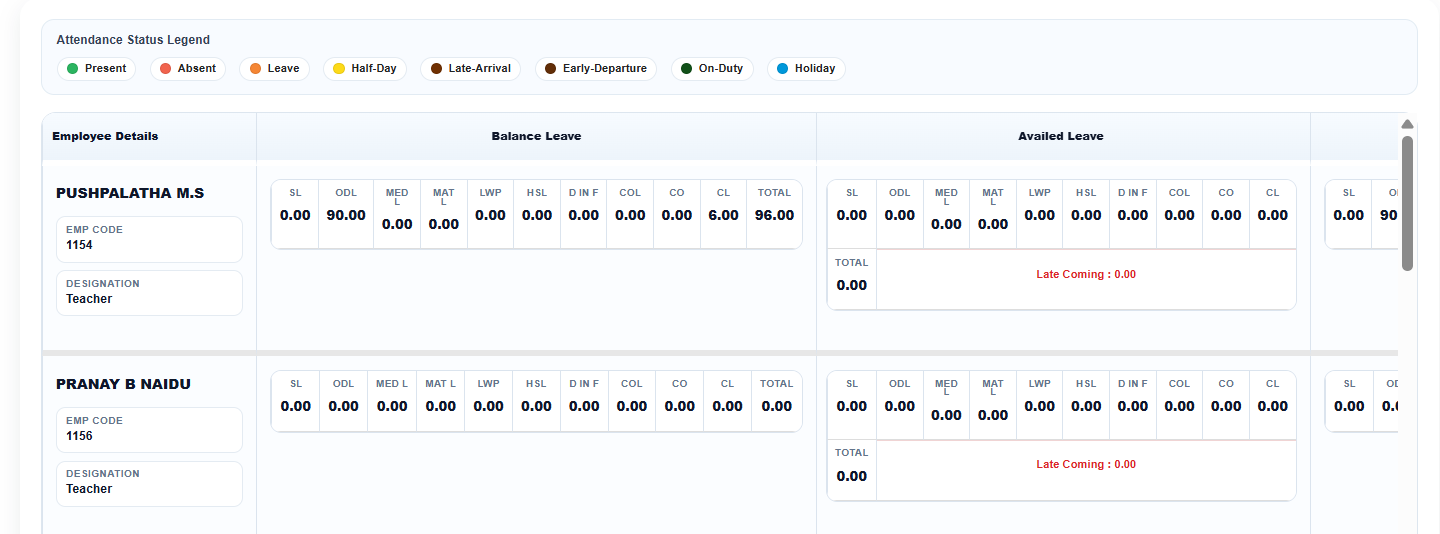
Key Benefits
- Enables efficient bulk attendance correction and regularization
- Provides complete monthly visibility in a single screen
- Improves accuracy with real-time leave tracking and calculations
- Reduces dependency on multiple screens and manual processes
- Enhances usability with visual indicators and structured layout
Feature 3: Perk Letter Report
Introduced a new Perk Letter Report under Staff Information → Staff Reports, enabling users to generate and download staff-specific perk letters as per defined formats.
What’s New in Staff Information
This release improves flexibility and control across staff operations by enabling smarter leave handling and fully customizable staff reporting. Employees can now apply different leave types on the same day in separate halves as per configured clubbing rules, reflecting real workplace scenarios without manual intervention. At the same time, dynamic report settings empower schools to design staff reports using system, custom, and dynamic fields, ensuring outputs match institutional needs and improve administrative efficiency.
Feature 1: Half-Day Leave Clubbing Support for Different Leave Types
Purpose
To provide greater flexibility in leave management, the system has been enhanced to support different leave types on the same day when applied for separate halves. This ensures that leave applications align correctly with configured leave rules and reflects real-world scenarios without unnecessary system restrictions.
Key Functionality:
- Allows employees to apply two different leave types on the same date, one for First Half and another for Second Half (e.g., CL + LWP).
- Validates applications against the Leave Clubbing rules defined in Leave Rules configuration.
- Ensures accurate leave balance calculation and correct leave status recording.
Key Benefits
- Improved Flexibility: Employees can apply appropriate leave types for different halves of the same day.
- Rule-Based Accuracy: Leave applications strictly follow configured clubbing rules.
- Reduced Manual Intervention: Eliminates the need for HR/admin corrections.
- Better User Experience: Prevents incorrect error messages and simplifies leave application.
- Policy Compliance: Ensures leave behaviour matches organizational leave policies.
Feature 2: Enhanced Report Settings for Staff Information
Key Benefits
- Introduced Report Settings in Staff Information, aligned with the functionality available in Student Information.
- Enabled report configuration for both System Fields and Custom Fields.
- Added support to display dynamic fields in the report settings.
- Included all staff-related fields in report settings, including Qualification, to support comprehensive report printing.
Feature 3: Dynamic Field Configuration in Staff Reports
Staff Reports now support dynamic field creation and configuration, allowing schools to add or remove report fields as needed. This flexibility enables schools to customize staff reports based on their specific requirements and ensures only relevant information is displayed and generated in reports.
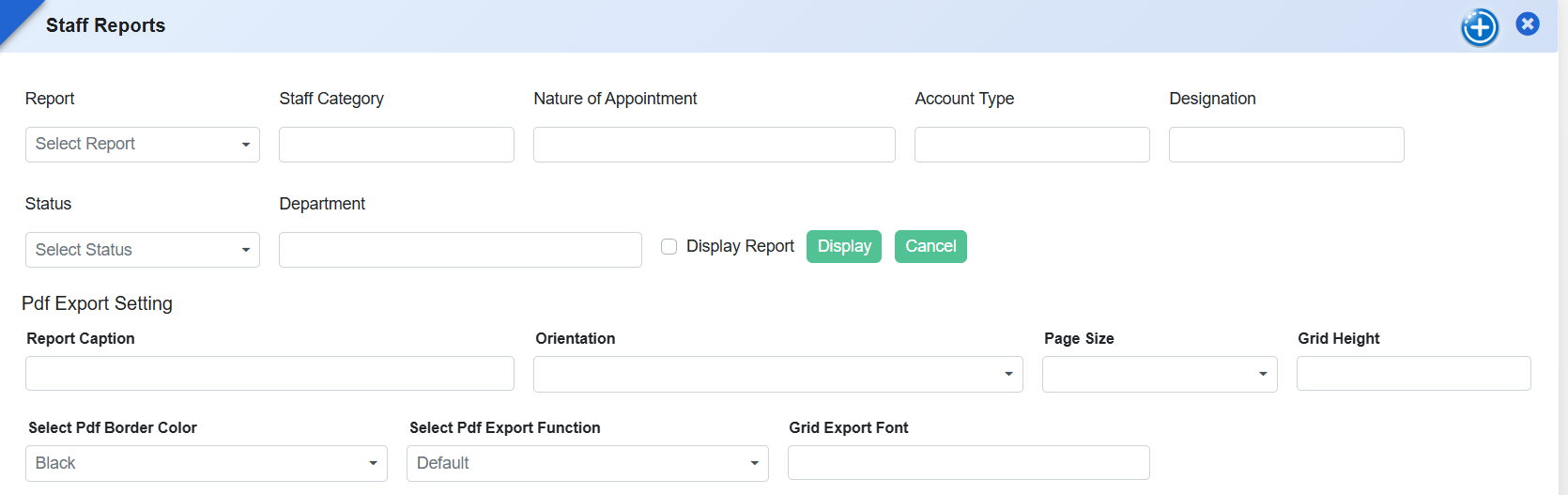
Feature 1: New Report added- “Staff Leave Details Month Wise”
The “Staff Leave Details Month-Wise” Report has been introduced to provide a detailed view of an employee’s leave usage across all months of a selected year. This report enables HR and administrators to easily track leave distribution, identify usage trends, and ensure better leave management and planning.
Key Functionality:
- Enables selection of key parameters — Employee Name, Leave Year, and Leave Category.
- Displays month-wise details with Employee Code, Leave Name, monthly leave count/status, and total leaves taken.
- Provides a clear, structured report summarizing employee leave utilization for the selected period.
Navigation
Staff Information → Leave → Leave Report → Staff Leave Details Month Wise
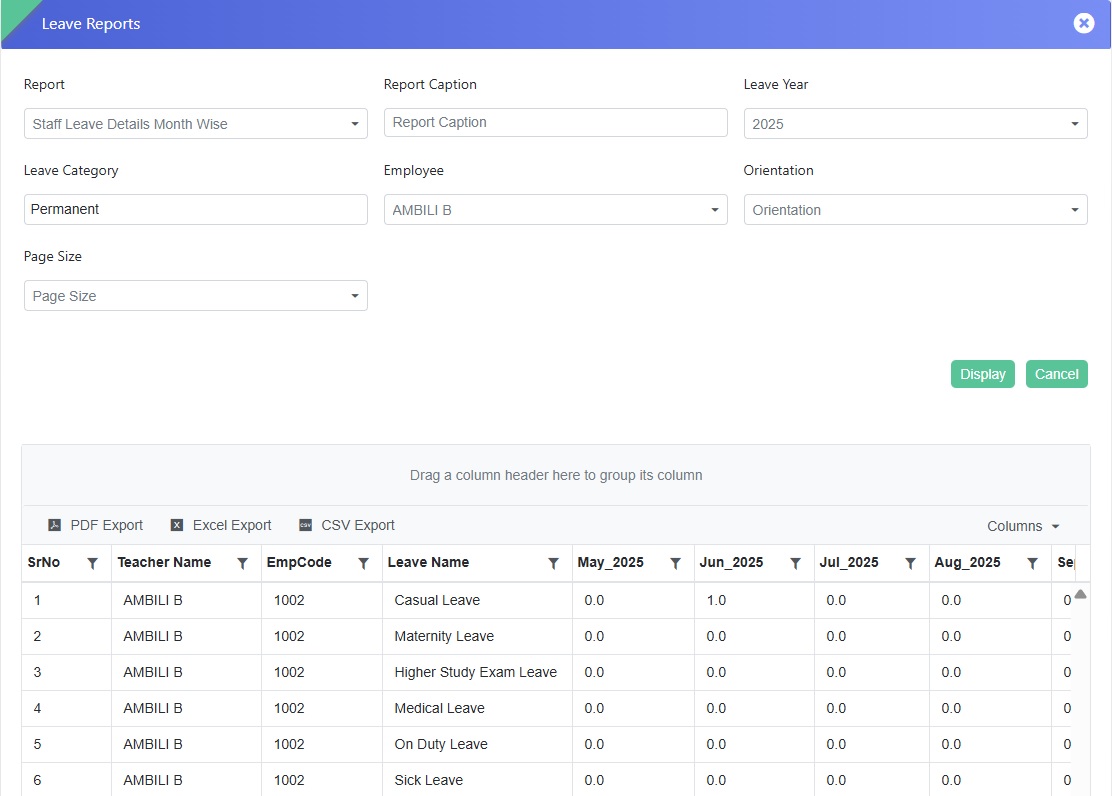
Key Benefits:
- Provides a clear month-wise breakdown of leave usage.
- Helps HR and management monitor employee leave patterns and plan workforce availability.
- Reduces manual effort in compiling leave summaries from multiple sources.
- Enhances transparency and accuracy in leave tracking and reporting.
Feature 1: New Form Added - Health Card Upload
A new form “Health Card Upload” in the Staff Information module allows quick and secure upload of employee health cards, keeping all health documents organized, safe, and easily accessible whenever needed.
Key Functionality
- Select the relevant category for the employee health card.
- Click Edit to enable the upload option.
- Upload the health card file for organized and secure storage within the system.
Navigation
Staff Information → Health Card Updation → Select Category → Edit → Add File
Feature 2: Staff Attendance Auto-Sync
A scheduler has been implemented to automatically sync staff attendance from the database, replacing the manual upload process. The scheduler runs three times daily at 08:30 AM, 11:00 AM, and 11:30 PM, ensuring attendance data is consistently updated without manual intervention.
Benefits
- Automates staff attendance updates, reducing manual effort and errors.
- Ensures attendance data is refreshed consistently three times a day.
- Improves accuracy and reliability of payroll and attendance reporting.
Feature 3: Upload Staff Signatures in Bulk
A new enhancement allows schools to upload staff signatures in bulk, simplifying setup and saving time.
Benefits
- Efficient Upload: Add multiple staff signatures at once, reducing manual effort.
- Time-Saving: Speeds up staff profile setup and updates.
- Streamlined Management: Ensures signatures are readily available for reports, documents, and official communications.
Feature 4: Leave Application Restriction After 3 Days
To help schools manage staffing efficiently, we’ve added a smart update where staff can now apply for a maximum of 3 consecutive days of leave. This ensures smooth operations while keeping leave planning transparent and organized.
Feature 5: Leave Period Configuration by Staff Category
We’ve enhanced the Staff Leave Period page to provide more flexibility in leave management. Now, schools can define separate leave periods for different staff categories, such as Teaching and Administrative staff. This allows tailored leave policies for each category, making leave planning more accurate and efficient.
Feature 1: New Page- Staff Report Setting
We have introduced a "Staff Report Setting" page under the Staff Reports menu. This page allows administrators to customize staff report formats efficiently. The features and functionalities are similar to the Student Report Setting page.
Navigation
- Go to Staff Reports menu.
- Click on the plus (+) icon located on the top right of the title bar.
- A new interface titled "Staff Report Setting" will open.
Navigation
Student Information Module → Certificate Setting → Template Button → Click on Student Template → Download Excel Sheet → Navigate to GE Column
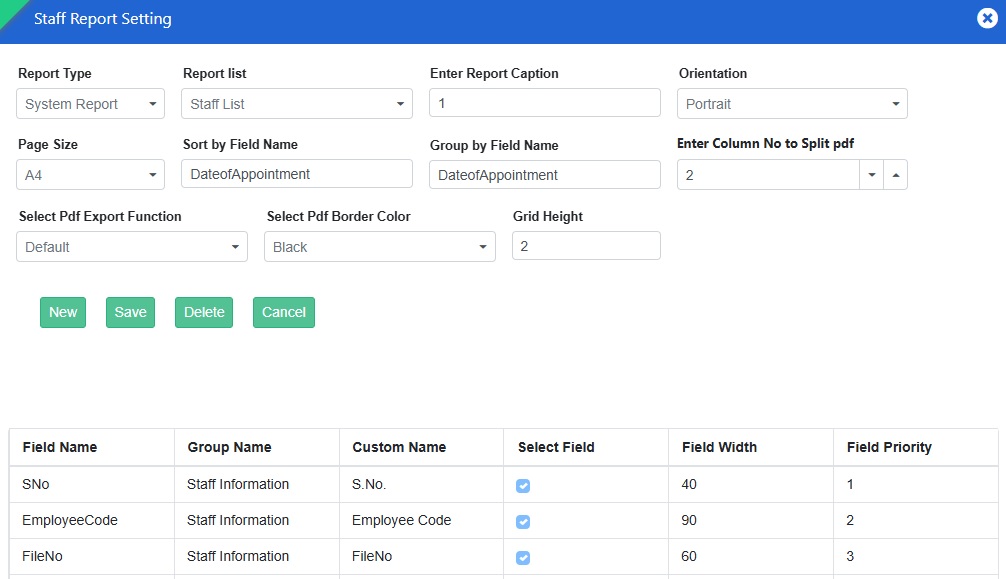
Key Features:
- Set column headers for specific reports.
- Define cell width and height for better readability
- Prioritize columns as per reporting needs.
- Split PDFs when columns exceed the page limit.
This feature enhances flexibility in generating staff reports. Explore it now!
Feature 2: Staff Attendance Entry- New Excel Template Added
We have provided "Excel Template 2" button on the Attendance Excel Import page to enhance flexibility in bulk attendance entry for the attendance manager.
Navigation:
Staff Information Module >>> Staff Attendance >>> Staff Attendance Entry >>> Click on “Bulk Upload” button.
Key Updates:
- Clicking "Excel Template 2" downloads an Excel sheet where Punch Date and Punch Time are placed in separate columns for better clarity.
- The earlier format is still available via "Excel Template 1".

Use either template for efficient attendance management! 🏫📜
Feature 3: "Training Details" Form Added to Staff Portal
We have introduced a new form titled "Training Details" in the Staff Portal, allowing staff members to record their training information efficiently.
- Total Working Days – Displays the total working days.
- Total Days Attended – Days present.
- Total Absentee – Days absent.
How to Access?
Click on the "Training Details" card on the Staff Portal Dashboard.
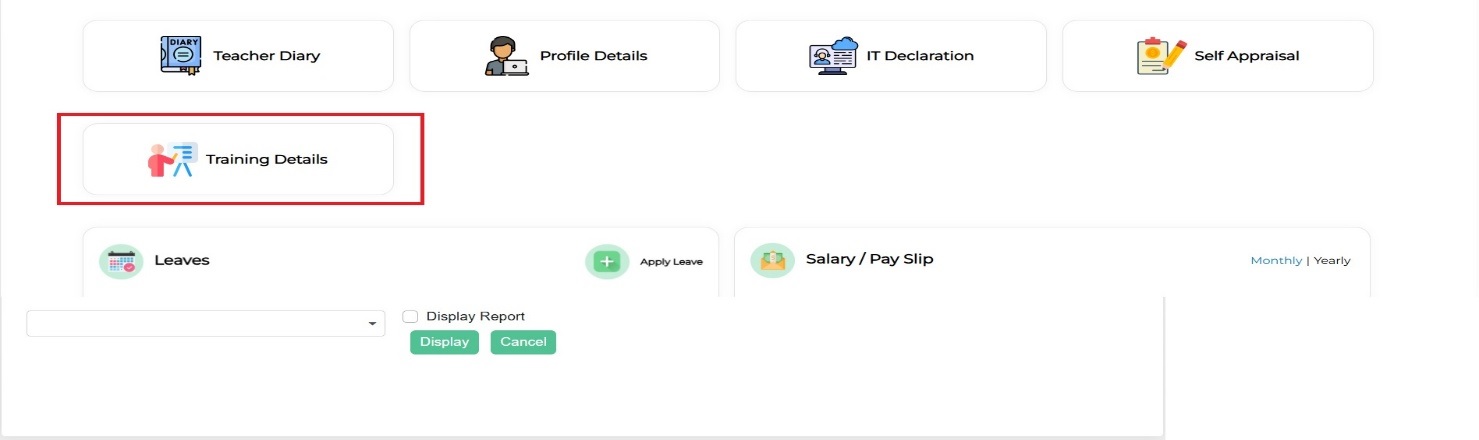
Purpose:
- Staff can enter details of their online, offline, and specialized training directly from their portal.
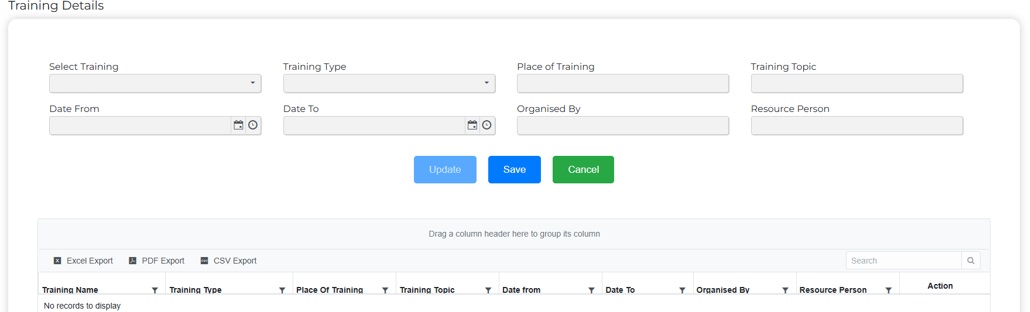
Workflow:
- Select Training and Training Type.
- Enter all required details including dates and organizer info.
- Click Save to populate the details in the grid.
- Use Delete to remove training records.
- Edit option available for modifications.
The Action column allows modifications as needed.
TIME TABLE MODULE
Feature 1: New Page – Time Table Substitute Permission
A new page allows admins to manage staff category permissions for assigning substitute teachers efficiently.
Key Features
- Grid shows staff categories.
- ISEnable column allows selection of categories.
- Save button applies permissions.
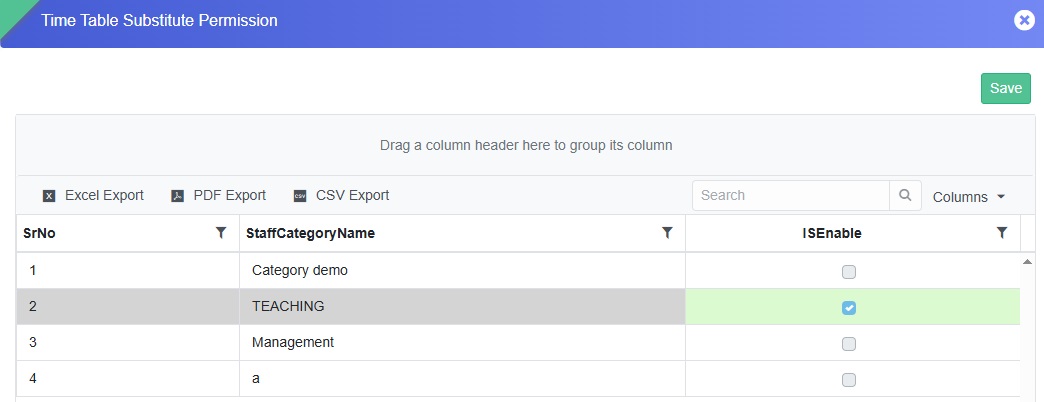
Workflow
- Navigate to the page.
- Select staff category in ISEnable.
- Click Save.
Impact
- Selected categories appear in the “Assigned To” dropdown when assigning substitutes.
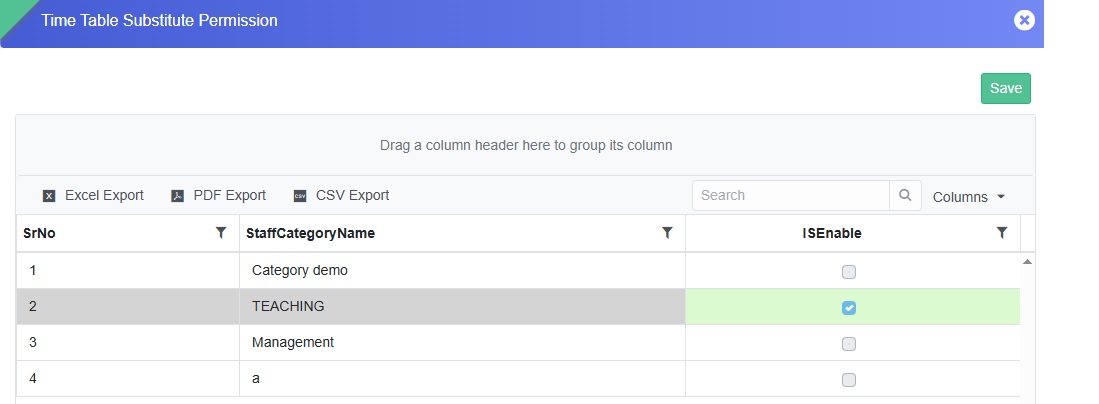
For further details, reach out to the support team.
STUDENT TRANSPORT
Feature 1: New Reports added
New Reports in Transport Module: Bus Stop Group Detail, Transport Availed Students Stop Group wise, Transport Availed Student Count Stop Group wise
- Bus Stop Group Detail – Displays comprehensive details of all defined bus stop groups.
- Transport Availed Students - Stop Group Wise – Lists all students availing transport, categorized by stop group.
- Transport Availed Student Count – Stop Group Wise – Provides a summarized count of students availing transport for each stop group.
Feature 2: Improved Visibility for Installment Name in Route Assigner
To enhance data readability and user experience, the Installment Name column in the Route Assigner screen has been adjusted for better visibility. The column width has been increased by optimizing the width of the Rate and No. of Times columns, ensuring that full installment names are clearly displayed.
Benefits
- Improves clarity and readability of installment details.
- Enhances user experience while managing transport fee installments.
- Reduces confusion and the need for manual scrolling or hovering to view complete information.
Exam and Assessment
Feature 1: Subject Group Name Popup in Class Wise Permission- 1972733
Added a provision in Exam & Assessments → User Configuration → Class Wise Permission to display the Subject Group Name in a popup/tooltip.
Key Features
- Added a popup/tooltip to display the complete Subject Group Name.
- The full subject group name can be viewed when the displayed text is truncated due to limited screen space.
- Improves clarity while assigning or managing subject group-wise permissions.
- Helps users easily identify the correct subject group, especially when multiple subject groups have similar or lengthy names.
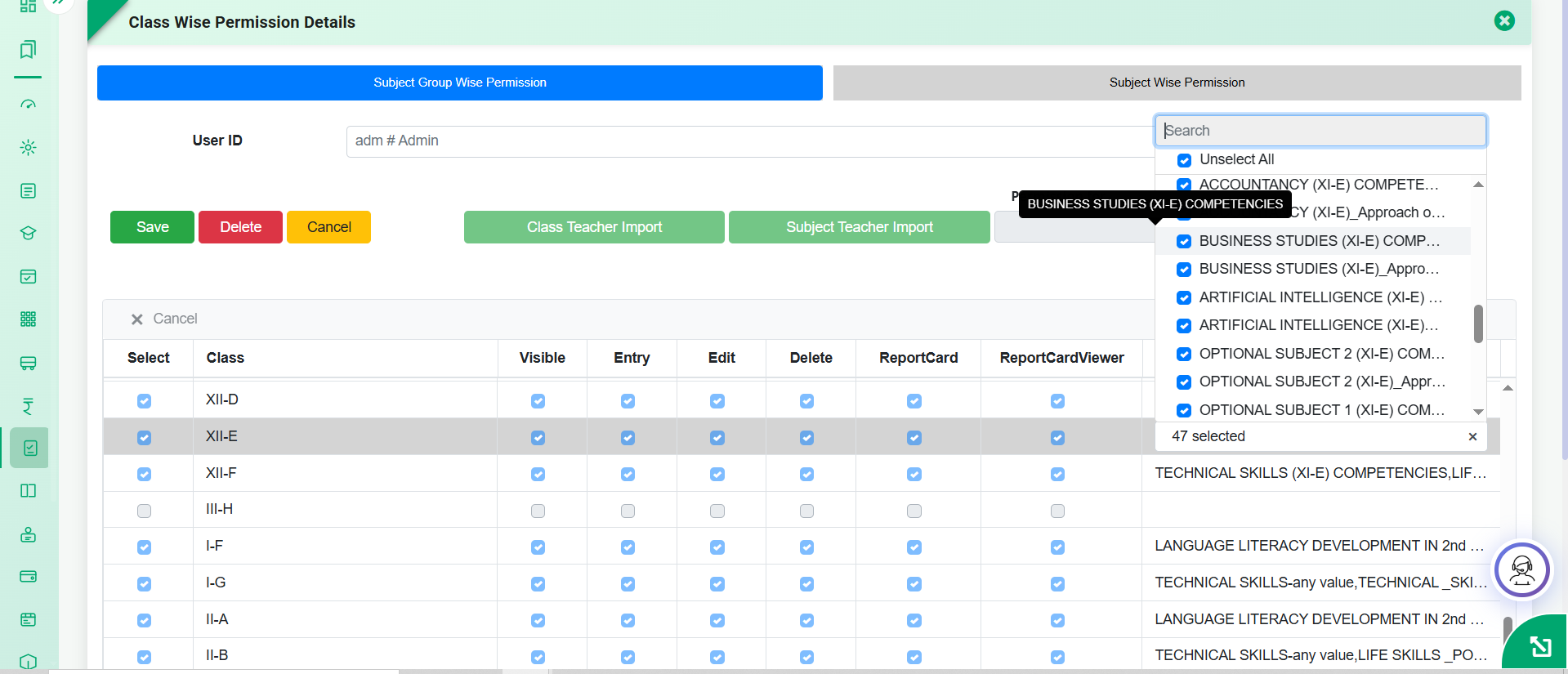
Feature 2: Apply Exam-Subject wise Grade Configuration Across Multiple Subjects and Exams- 1960300
Added a provision in Exam & Assessments → Exam & Assessment Master → Exam Subjectwise Grade Master to apply an existing grade configuration to other Exams and Subjects, in addition to Classes.
Key Features
- Added an option to apply the configured grade setup to multiple Exams.
- Added an option to apply the configured grade setup to multiple Subjects.
- Users can select the required target Classes, Exams, and Subjects for applying the configuration.
- Eliminates the need to manually create the same grade configuration for each exam and subject combination.
- Ensures consistency in grade setup across the selected classes, exams, and subjects.
- Reduces manual effort, saves time, and minimizes configuration errors.
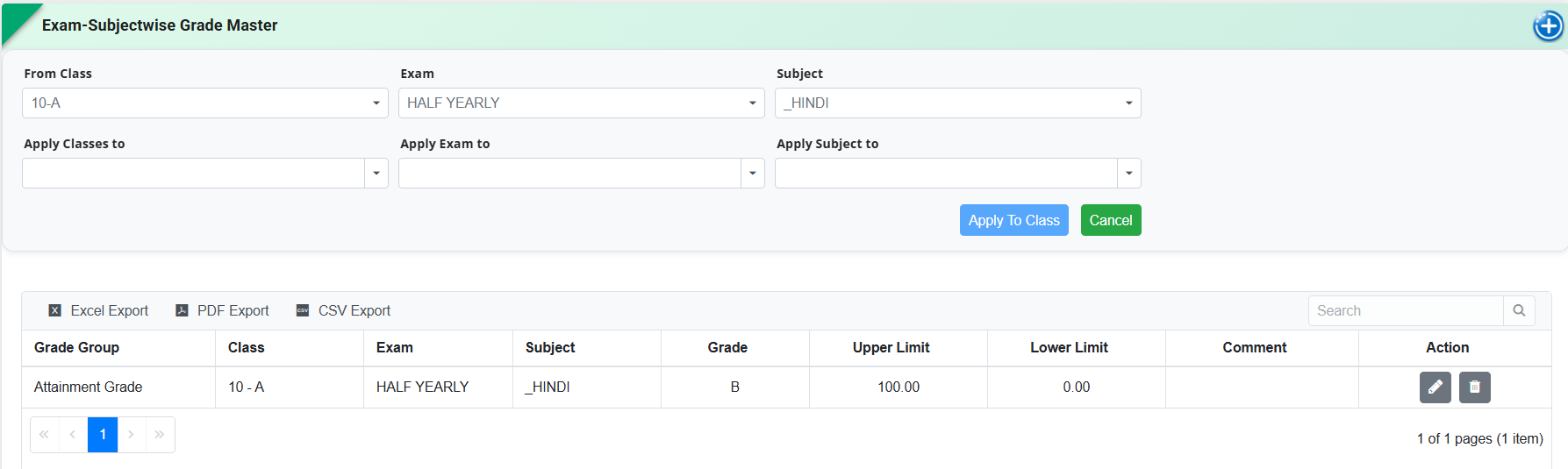
Feature 3: Dynamic Column Width Configuration for Consolidated Reports- 1951631
Added a provision in Exam & Assessments → Reports & Analysis → Consolidated Report Settings to configure the column width of report fields for improved report formatting and readability.
When the Dynamic Width option is enabled, users can access the column configuration popup and define the required width for individual report columns as per their reporting and print/PDF layout requirements.
Key Features
- Added a Dynamic Width option in Consolidated Report Settings.
- On enabling/clicking Dynamic Width, a popup is available to configure the width of individual report columns.
- Column widths can be defined as per the required report layout and content.
-
For Root Cause Analysis Report, width configuration is available for
the following columns:
- Subject Name – configured using the same field name.
- Subject Marks – configured through Mark/Grade/Attendance.
- Reason – configured using the same field name.
- Suggested Corrective Action – configured using the same field name.
- Remedial Test Mark (if any) – configured using the same field name.
- Remarks – configured through Remark/Remark-Id/AnyValue.
- Helps adjust column widths based on the length and type of information being displayed.
- Improves alignment and readability of reports in Print and PDF formats.
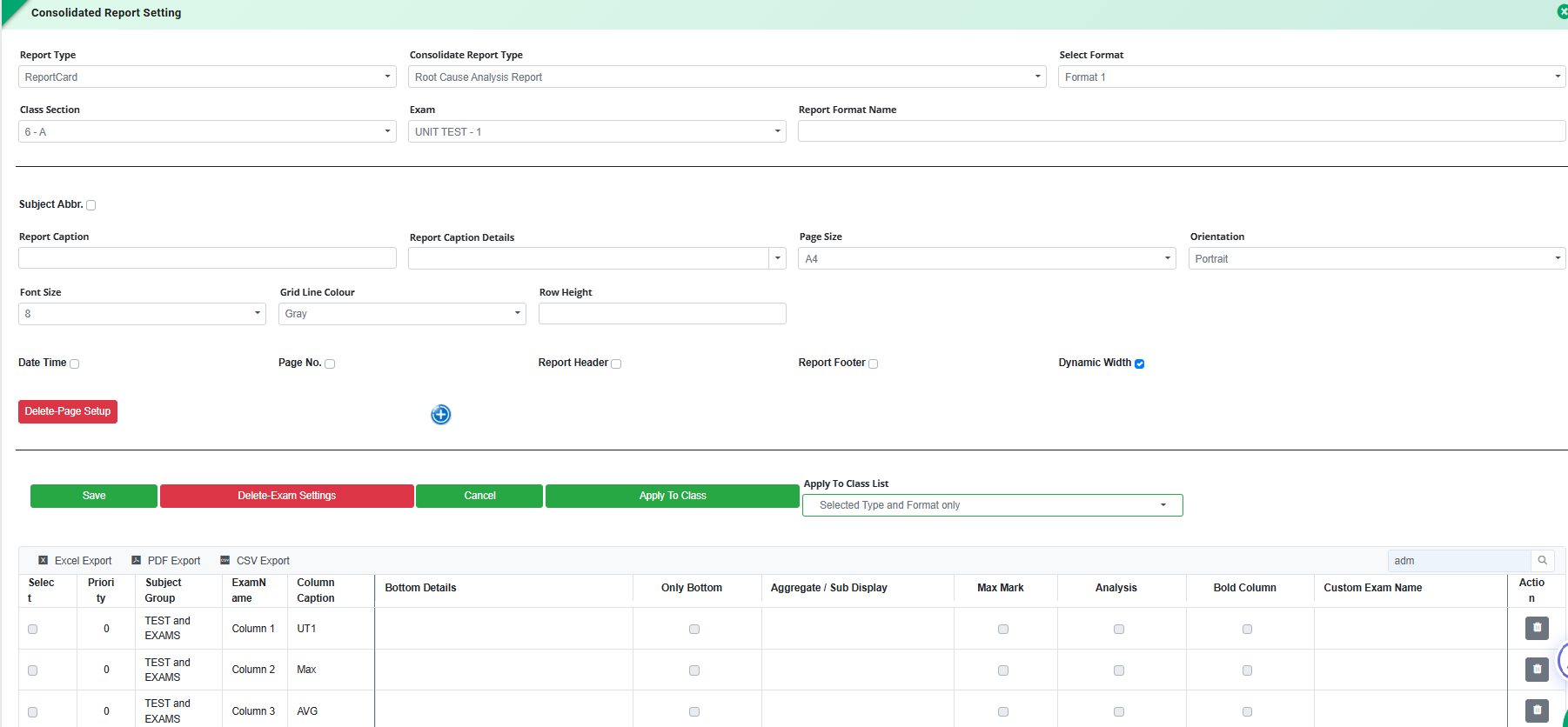
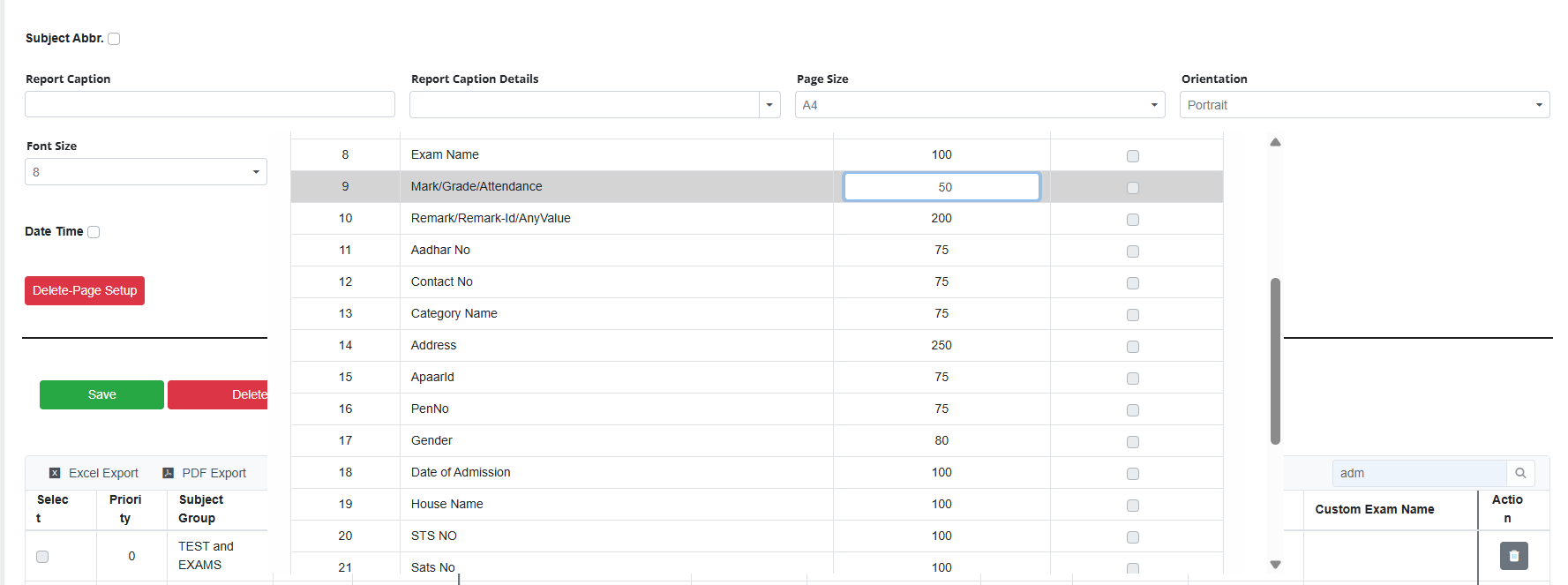
Feature 4: Subject Group Teacher Tag in Report Card Generation- 1951411
Added a new Subject Group Teacher Tag in Examination → Report Card Generation to fetch and display the name of the configured Subject Group Teacher/Instructor at the required location in the report card.
Feature 5: Bulk Attendance Upload in Exam Attendance Entry
Added a provision in Exam & Assessments → Entry → Attendance Entry to upload student attendance details in bulk through Excel Import.
Key Features
- Added an Excel Import option in the Attendance Entry screen.
- Users can upload attendance details for multiple students in a single Excel file.
- Imported attendance details are reflected against the respective students in the Attendance Entry grid.
- Reduces manual effort and saves time, especially for classes with many students.
- Minimizes errors associated with manual attendance entry.
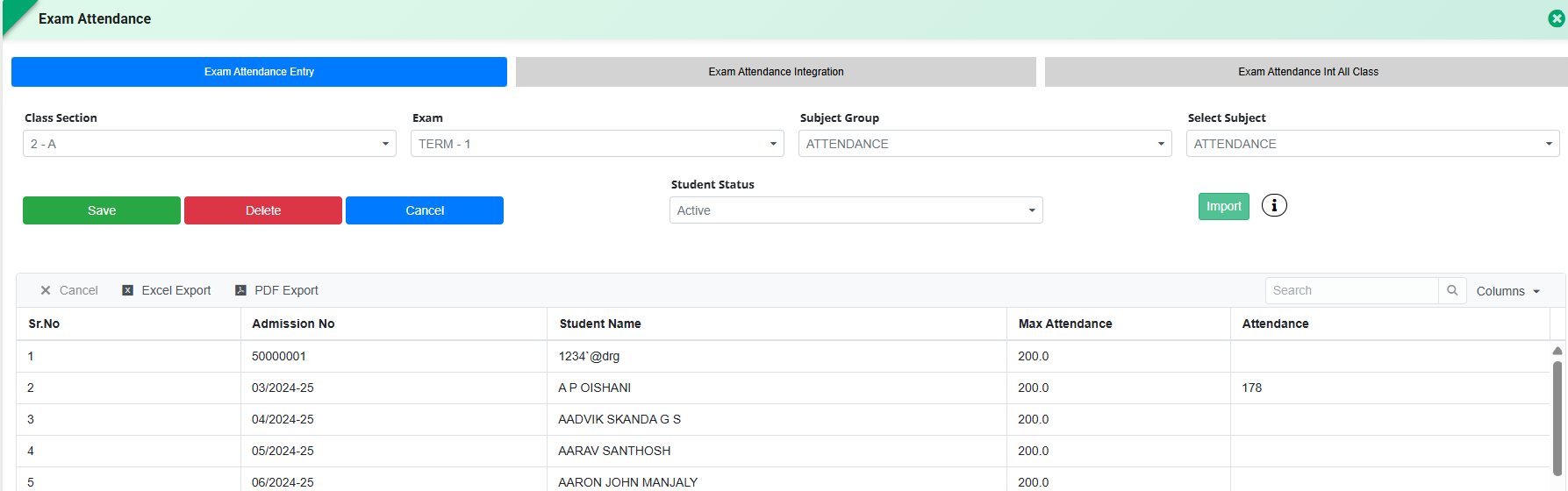
Feature 6: Sticky Subject Header in Optional Subject Assigner
Added a provision in Exam & Assessment → Optional Subject Assigner to keep the Subject Caption/Header Row fixed while scrolling through the student list.
Key Features
- Added a sticky/frozen header for the subject caption row.
- Subject names remain continuously visible while scrolling vertically through the student list.
- Allows users to easily identify the respective subject columns during subject assignment.
- Improves usability when managing assignments for many students.
- Reduces the possibility of incorrect subject assignments caused by losing visibility of the subject headers.
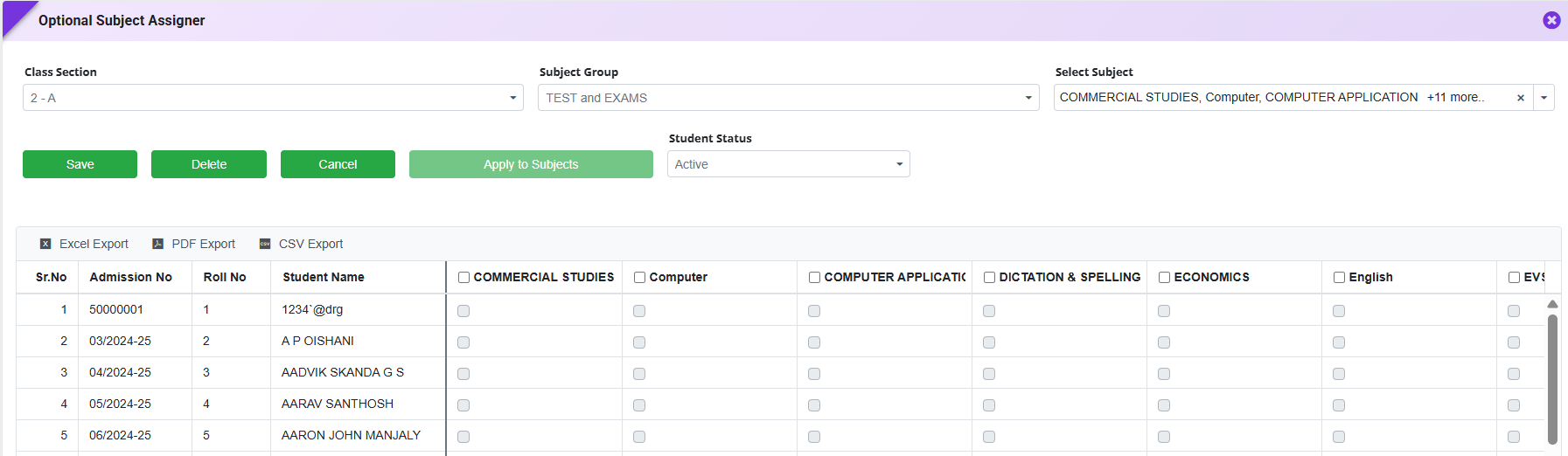
Feature 1: Student Wise Subject Details Report
The Student Wise Subject Details report has been enhanced to display only the subjects assigned through the Student Wise Subject Assigner. Previously, the report displayed all main subjects configured for the class, including subjects that were not assigned to the student.
With this enhancement, the report automatically fetches and displays only the assigned main subjects for each student, ensuring consistency between the Student Wise Subject Assigner and the generated report.
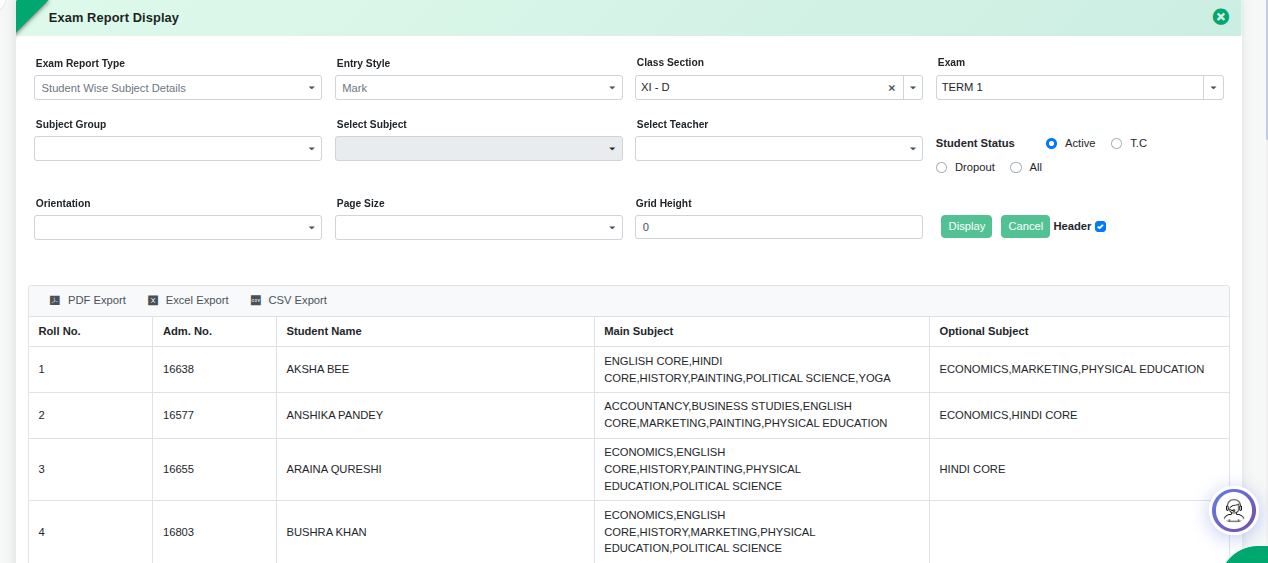
Key Benefit
- Ensures accurate subject-wise reporting by displaying only the subjects assigned to each student, eliminating unassigned subjects and improving the reliability of examination records.
Feature 1: Performance Tags in Report Card
Purpose
To enable schools to display previous academic year's performance details such as marks, percentage, rank, position, and attendance in the current year's report card.
Key Functionality
- Added a new checkbox "Display in Next Year" in Exam → Report Card Settings.
- When enabled, the system allows previous session performance data to be displayed in the next academic year's report card using predefined tags.
-
Newly supported tags:
- PreGrandTotal – Previous Year Grand Total
- PreGrandMM – Previous Year Maximum Marks
- PreGrandPer – Previous Year Percentage
- PreGrandGrade – Previous Year Grade
- PreGTSecRank – Previous Year Section Rank
- PreGTClassRank – Previous Year Class Rank
- PreGTSecPosition – Previous Year Section Position
- PreGTClassPosition – Previous Year Class Position
- PreAtt – Previous Year Attendance
- Previous year data will automatically populate in report cards where these tags are used.
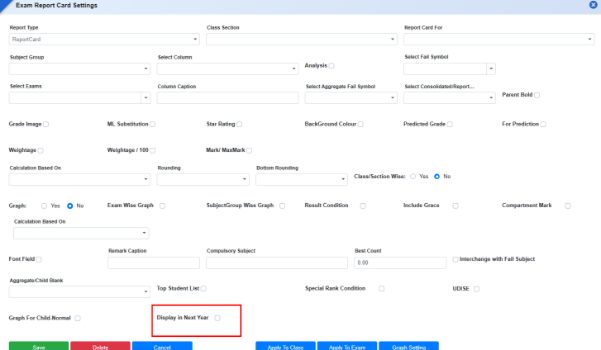
Key Benefits
- Enables year-over-year academic performance comparison in report cards.
- Provides students and parents with a consolidated view of previous achievements.
- Eliminates manual entry of previous year performance details.
- Enhances report card analytics and academic tracking.
Feature 2: Preview & Export Provision in Subject Wise Mark Entry
Purpose
To enable users to easily print and export subject-wise mark entry details for verification, record keeping, and offline reference.
Key Functionality
- Added a Preview button in Exam & Assessment → Entry → Subject Wise Mark Entry.
-
Users can generate and download the mark entry details in:
- PDF format
- Excel format
Key Benefits
- Simplifies verification of entered marks.
- Reduces manual effort in preparing mark sheets for review.
- Enables easy sharing and printing of mark entry records.
- Improves documentation and record maintenance for examination activities.
Feature 3: Fee Defaulter Restriction Notification in Parent Portal
Purpose
To provide a clear and informative message to parents whenever access to examination-related features is restricted due to pending fee dues, improving transparency and reducing support queries.
Key Functionality
- Introduced an automated frontend notification mechanism in the Parent Portal for students identified as Fee Defaulters.
- When a fee defaulter attempts to access any restricted examination feature, the system will display a popup message informing the parent that access is blocked due to outstanding fee dues.
-
The restriction and notification will be applicable to:
- Hall Ticket – View & Download
- Report Card – View & Download
- Marks / Results – View
- The message will be displayed before opening the document or result, ensuring parents are aware of the reason for the restriction instead of experiencing missing or inaccessible data.
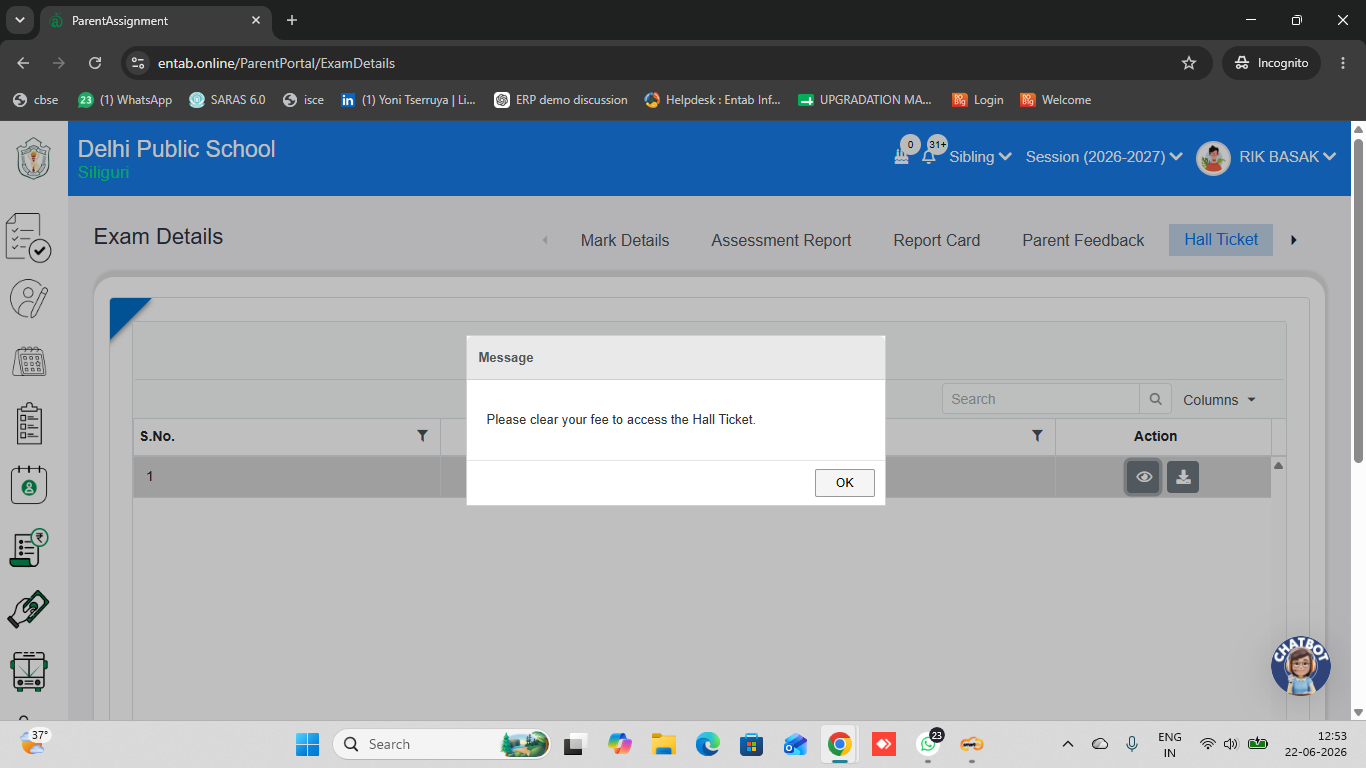
Key Benefits
- Provides immediate clarity to parents regarding restricted examination access.
- Reduces the volume of parent queries and follow-up calls to the school.
- Minimizes administrative effort spent explaining fee-related restrictions.
- Improves communication between the school and parents through clear, automated messaging.
- Enhances the overall parent portal experience by displaying meaningful system feedback instead of inaccessible or missing records.
Feature 4: Exam & Assessment → Report Card Generation
Enhancement Details
- Introduced dedicated Image Settings and Graph Settings pages within Report Card Generation for centralized report card customization.
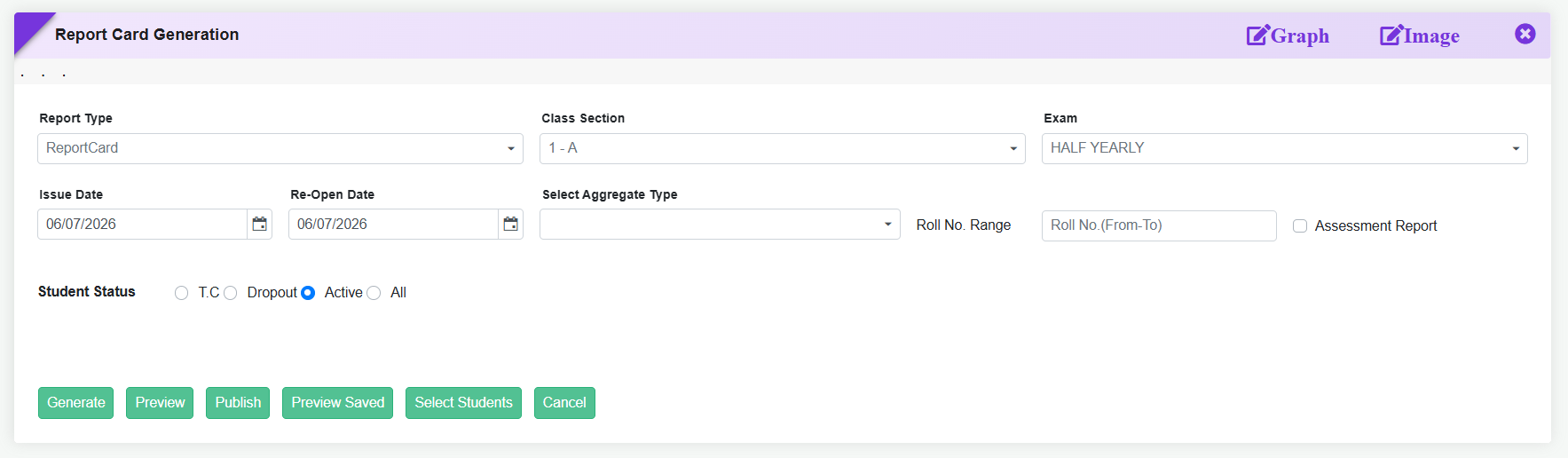
-
Report Card Generation Action Buttons Optimized
The report card generation workflow has been streamlined by consolidating multiple action buttons into a simplified interface. - Current buttons available:
- Generate, Preview, Publish, Preview Saved, Select Students & Cancel
Feature1: Assessment Mark Entry Visibility in Parent Portal
Provided a provision to displayAssessment Mark Entry detailsin the Parent Portal, allowing parents to view their child’s assessment marks directly.
What’s New in Exam & Assessments
This release enhances transparency and parent engagement in academic reporting by introducing visual attendance alerts and unified result access Report cards now automatically highlight attendance percentages falling below the school-defined threshold, enabling parents and teachers to instantly identify eligibility concerns. Additionally, the Parent Portal offers a newConsolidated Report Card, providing a single, comprehensive view of student performance across exams—reducing navigation effort and improving understanding of overall academic progress.
Feature 1: Attendance Percentage Highlighting in Report Card
Purpose
To improve visibility and draw attention to low attendance cases, the Report Card has been enhanced tovisually highlight attendance percentagesthat fall below the mandatory threshold defined by the school. This helps parents, teachers, and management quickly identify students who do not meet attendance requirements.
Exam & Assessments Exam Reports & Analysis Report Card Generation
Key Functionality
- Attendance details (Attendance Count and Attendance Percentage) are displayed on the Report Card.
- The system compares the student’s attendance percentage with the minimum required attendance configured under Classification Grade.
-
If the attendance percentage falls within the configured low-attendance range:
- attendance percentage is highlighted in red colour.
- Both Background Colour and Font field are applied (as per settings).
- If the attendance percentage meets or exceeds the required threshold, no highlighting is applied.
- Works automatically during Report Card Generation for the selected exam.
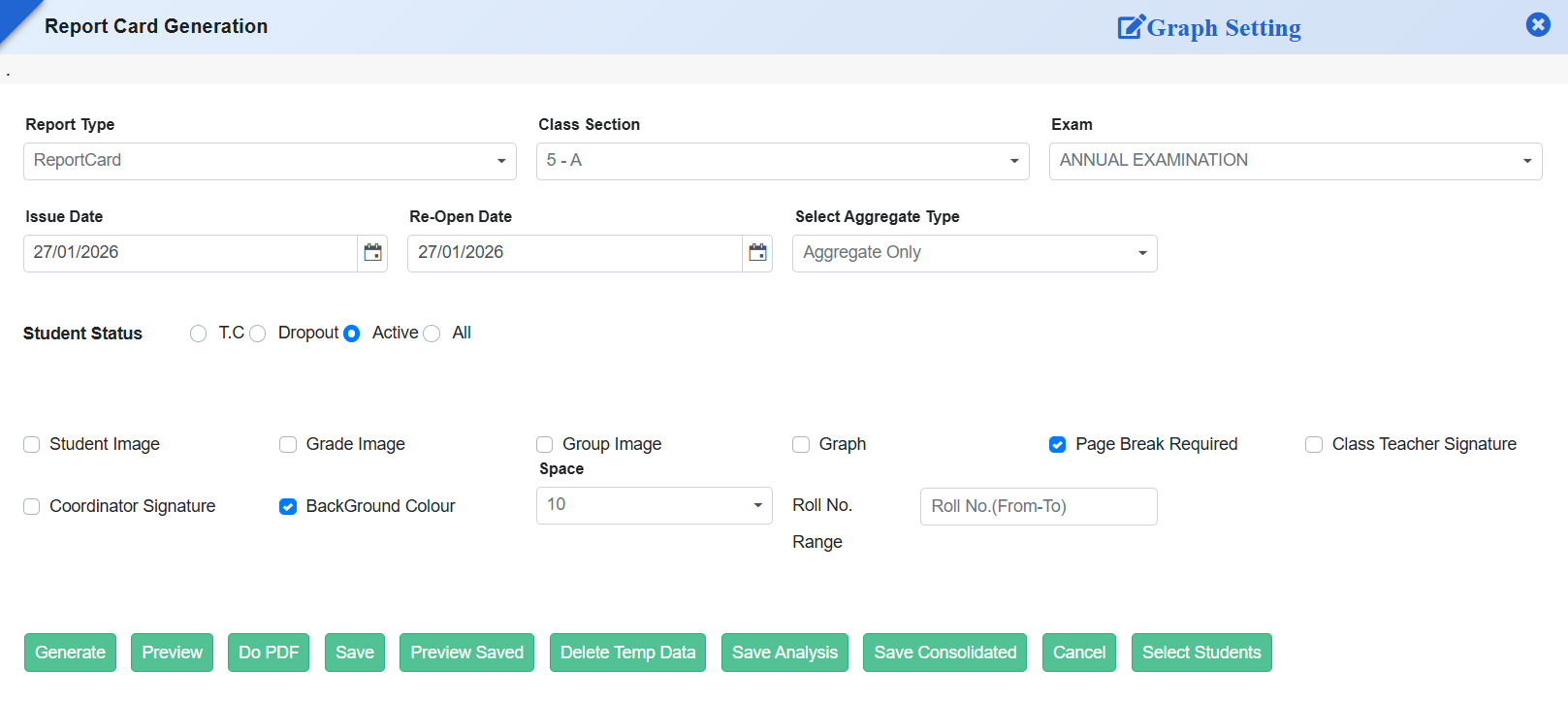
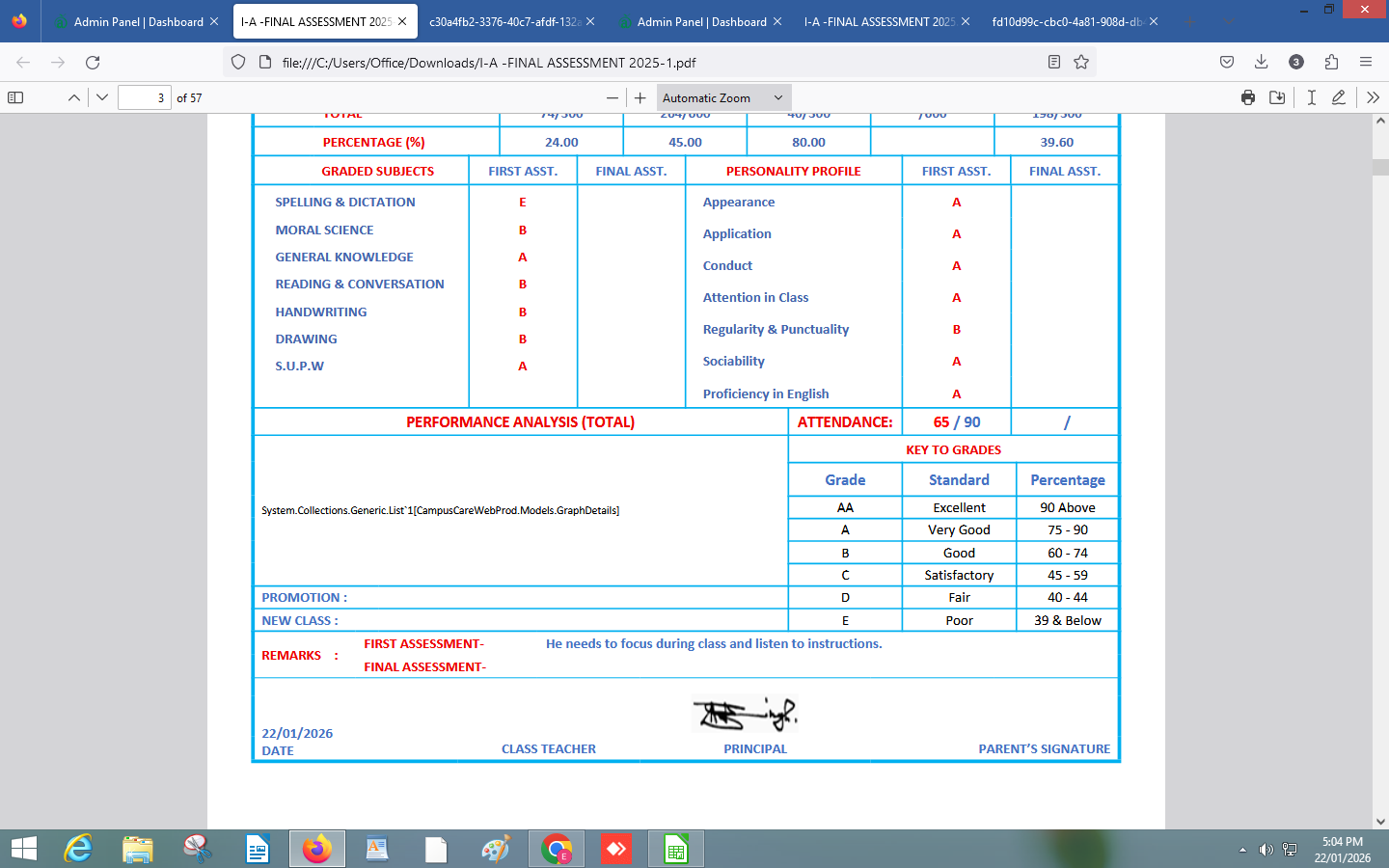
Key Benefits
- Instant Visibility: Low attendance cases are immediately noticeable on the report card.
- Clear Communication: Parents can easily understand attendance shortfalls without manual interpretation.
- Policy Alignment: Attendance display follows school-defined classification and threshold rules.
- Reduced Follow-Ups: Minimizes confusion and repeated explanations regarding attendance eligibility.
- Professional Presentation: Makes report cards more informative and action-oriented.
Feature 2: Consolidated Report Card in Parent Portal
A Consolidated Report Card has been added to the Parent Portal, allowing parents to view their child’s academic performance across exams in a single, unified view. This provides easier access to overall results without navigating multiple individual report cards.
Feature 1: New Report Added
New Reports in Exam Module: Consolidate Range Wise Subject Count Report – This report provides a consolidated view of student performance across defined score ranges, helping schools analyze subject-wise achievement patterns and overall class performance distribution.
Feature 2: Class-Wise Attendance Sync for Report Card Display
This enhancement streamlines attendance data management by allowing schools to select all classes and save attendance records directly from the Attendance Module for report card integration.
Key Functionality
- A new tab has been added under the Exam Attendance page.
- Provides an option to select all classes and save attendance data collectively.
- The saved attendance information is automatically synced for Report Card display.
Benefits
- Simplifies the process of updating and managing exam attendance records.
- Ensures accurate and up-to-date attendance data on report cards.
- Saves time by enabling bulk class selection and data saving in a single step.
Feature 3: New Consolidated Reports and Graphs for Performance Analysis
Two new analytical tools have been introduced to enhance result evaluation and performance tracking:
- Consolidate Class-Wise Range Count Report added in Consolidate Report Form to provide class-level performance summary.
- Class-Wise Grade/Range Analysis Graph added in Graph Analysis Form for visual performance trends.
Feature 4: Subject Teacher Column Added in Result Summary II Report
This enhancement introduces a Subject Teacher column in the Result Summary II report, allowing teacher-wise performance analysis.
Exam & Assessments → Exam Reports & Analysis → New Consolidated Reports → Result Summary II
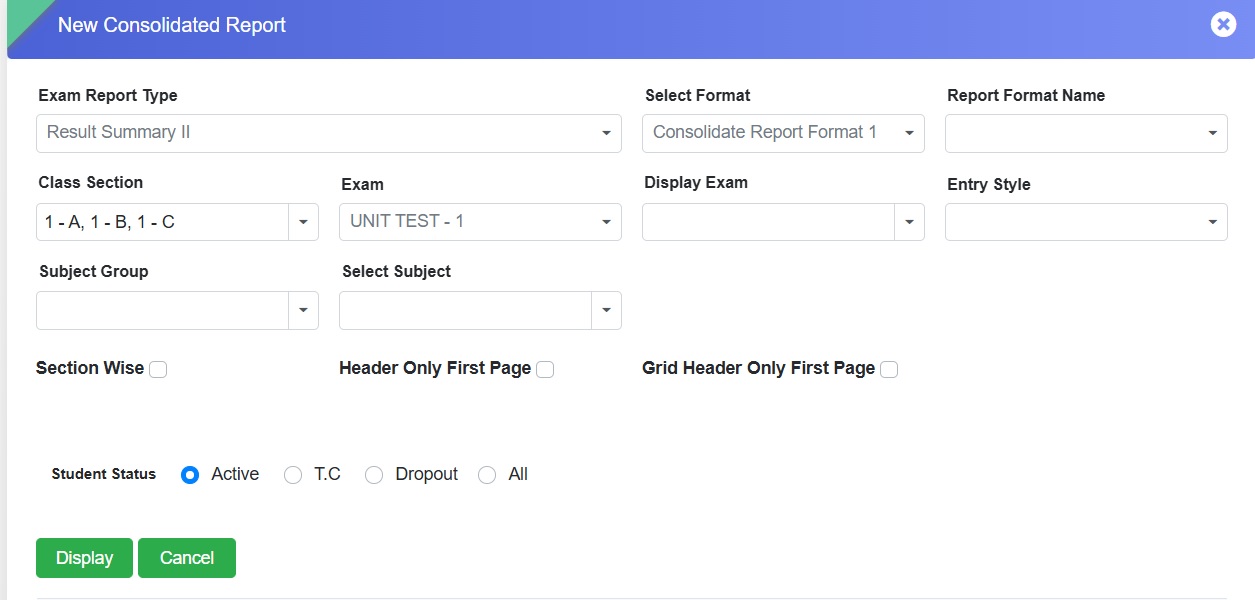
Key Functionality
- The Result Summary II report now includes a Subject Teacher column.
- Enables mapping of subjects with respective teachers for detailed analysis.
- Supports teacher-wise review and performance comparison.
Benefits
- Helps schools analyze results based on subject teachers.
- Enhances transparency and accountability.
- Useful for academic planning and teacher review.
Feature 5: Student Name Tags in Report Card
This enhancement introduces separate name tags for cleaner formatting.
Key Functionality
-
Supports:
- First Name – first word
- Middle Name – second word (if available)
- Last Name – last word
- Automatically identifies and separates name parts.
- Ensures consistent name representation.
Benefits
- Improves clarity and personalization.
- Ensures uniform name formatting.
- Helps in accurate data mapping.
Feature 6: Enhancements in Report Card
Enhanced Student Name Format
Introduced a new <<StudentName1>> tag.
Key Functionality
- Displays names in format: First Name + Middle Initial + Last Name
- Example: ADHYANSH VIJAYKUMAR PADDALWAR → ADHYANSH V. PADDALWAR
- Auto formatting without manual editing.
Benefits
- Consistent professional formatting.
- Improved readability.
- Reduces manual effort.
Additional Enhancements
- <<ClassStrength>> tag to display total class strength.
- <<RollNoGender>> tag: B1, B2, B3… for boys / G1, G2, G3… for girls.
- Support for 60 subject groups using «TableStart:markSubjects60».
-
Age calculation tags:
- <<AgeDuration>>
- <<MonthsDuration>>
- <<DaysDuration>>
- Option to display an image for bottom grade.
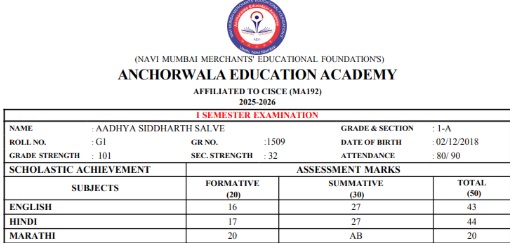
Feature 7: Option to Display Header Only on First Page in Consolidated Reports
Exam & Assessments → Exam Reports & Analysis → Consolidated Report Setting
Benefits
- Reduces repetitive headers.
- Improves readability.
- Optimizes space for student details.
Feature 8: Introduction of Descriptor Master and Descriptor Entry
Exam & Assessments → Entry → Descriptive Master
Key Functionality
- Select Class & Section.
- Select Exam (auto-fetches details).
- Select Subject Group & Subject.
- Enter Descriptive & Set Priority.
- Define Maximum Marks & Add to Total.
Benefits
- Flexible descriptive configurations.
- Accurate tracking of descriptive evaluations.
- Standardized report generation.
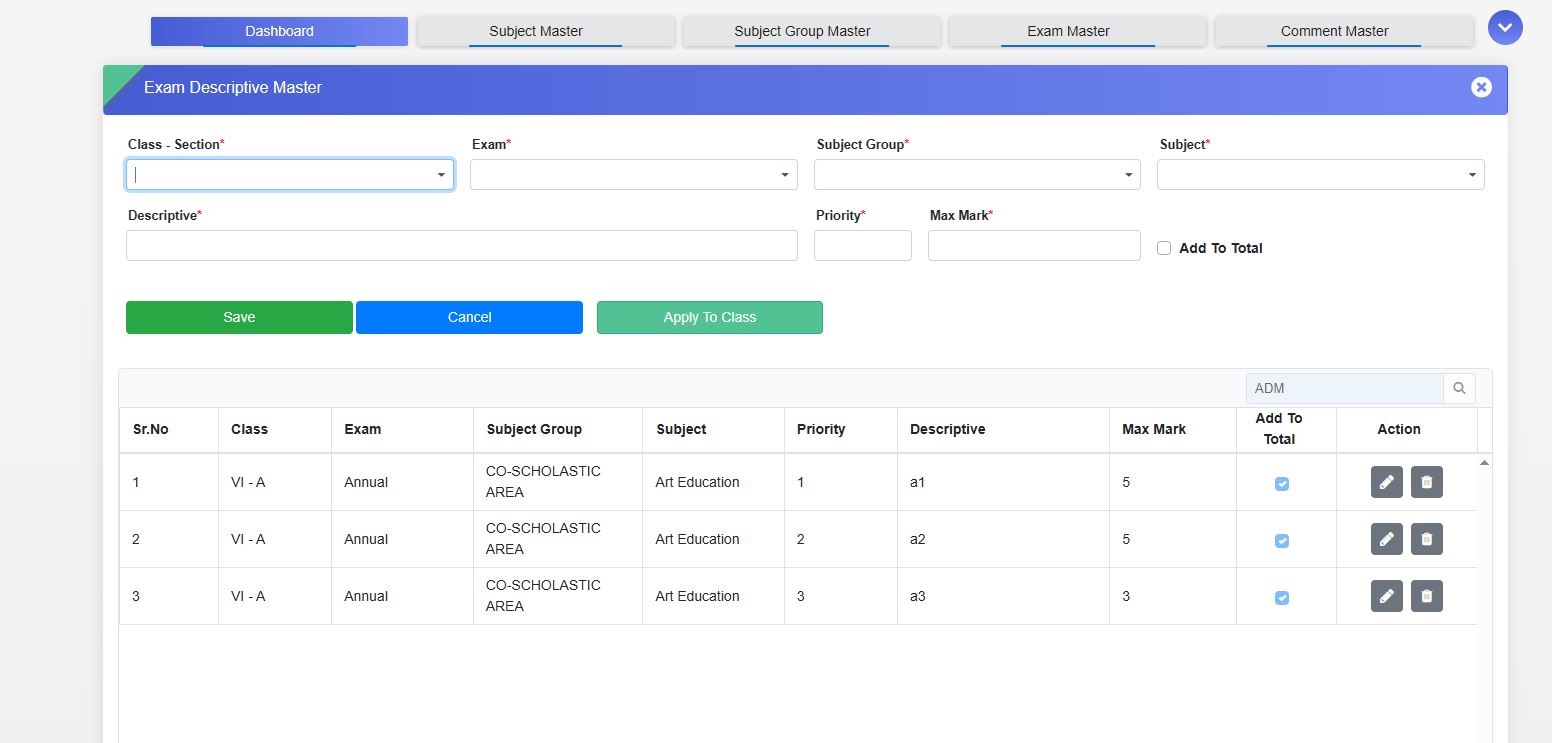
Feature 9: Enhanced Exam Performance Dashboards
- Top Student Details Dashboard: Shows subject-wise marks by Bottomwise, Examwise, or Subjectwise.
- Pass/Fail/Outstanding Dashboard: Summary of performance categories.
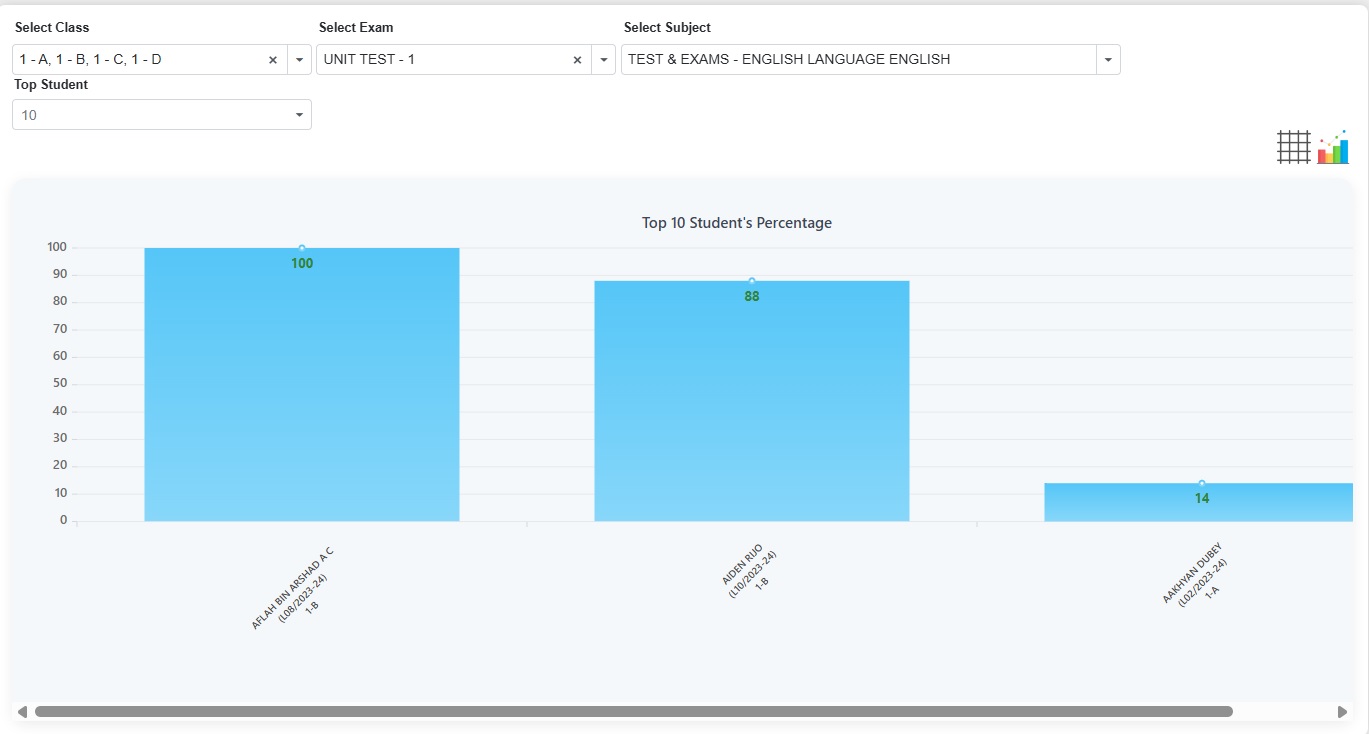
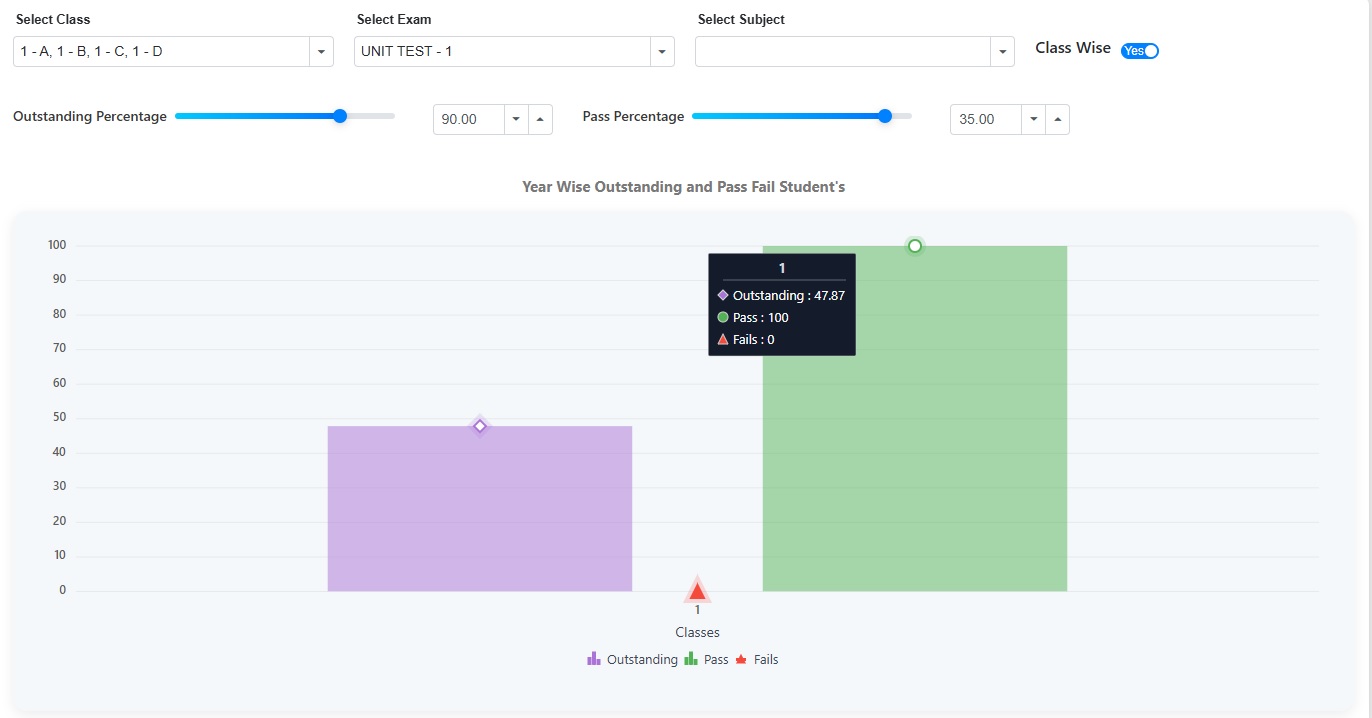
Benefits
- Quick academic trend identification.
- Supports targeted intervention.
- Provides comprehensive performance insights.
Feature 10: Subject and Exam-Wise Grade Setting
A new form Exam/Subject-wise Grade Master has been added.
Key Functionality
- School Set Target (Predicted Grade) – Locked for session.
-
Grade Achieved (GA) – Color-coded:
- Dark Green – Above target
- Light Green – Meets target
- Yellow – Below target
- Red – Two points below target
- Working at Grade (WAG) – Formative assessment conversion.
- Learning Engagement – 6–8 assessments converted to grades.
- Multiple Terms Handling – Each term uses its own grade setting.
Benefits
- Precise, term-wise grade management.
- Color-coded insights.
- Consistent grading across all assessments.
Feature 11: Subject-Wise Comment Assignment for Remark and Grade Entry
- Remark Entry filter: Assign Subject-wise Comment.
- Grade Entry filter: Assign Subject-wise Grade Comment.
- Supports detailed feedback on report cards.
Staff : Leave and Attendance
What’s New in Staff Attendance
This release improves accuracy and clarity in staff attendance and leave management by supporting flexible time-slot configurations and category-based leave year visibility. Schools can now define different working hours by day or date to ensure correct attendance marking without manual corrections, while staff see only their applicable leave year on the portal. These enhancements reduce administrative effort, prevent errors, and ensure attendance and leave processes align with actual school policies.
Feature 1: Flexible Time Slot Configuration for Staff Attendance
Purpose
To ensure accurate staff attendance marking and eliminate manual corrections, the Attendance Time Slot Master has been enhanced to support flexible working hour configurations. Schools can now define different attendance time slots based on regular days, specific weekdays, or special dates, ensuring attendance is calculated correctly for varying schedules.
Key Functionality
-
General Time Slot
- Defines a common attendance time slot applicable to regular working days (e.g., Monday to Friday standard hours).
-
Day-Wise Time Slot
- Allows configuration of different working hours for specific days of the week (e.g., shorter working hours on Saturdays).
- Prevents incorrect Half-Day (HD) marking when schedules differ by weekday.
-
Date-Wise Time Slot
- Enables special time slots for specific dates such as exams, events, or special academic schedules.
- Overrides regular schedules for the selected date where required.
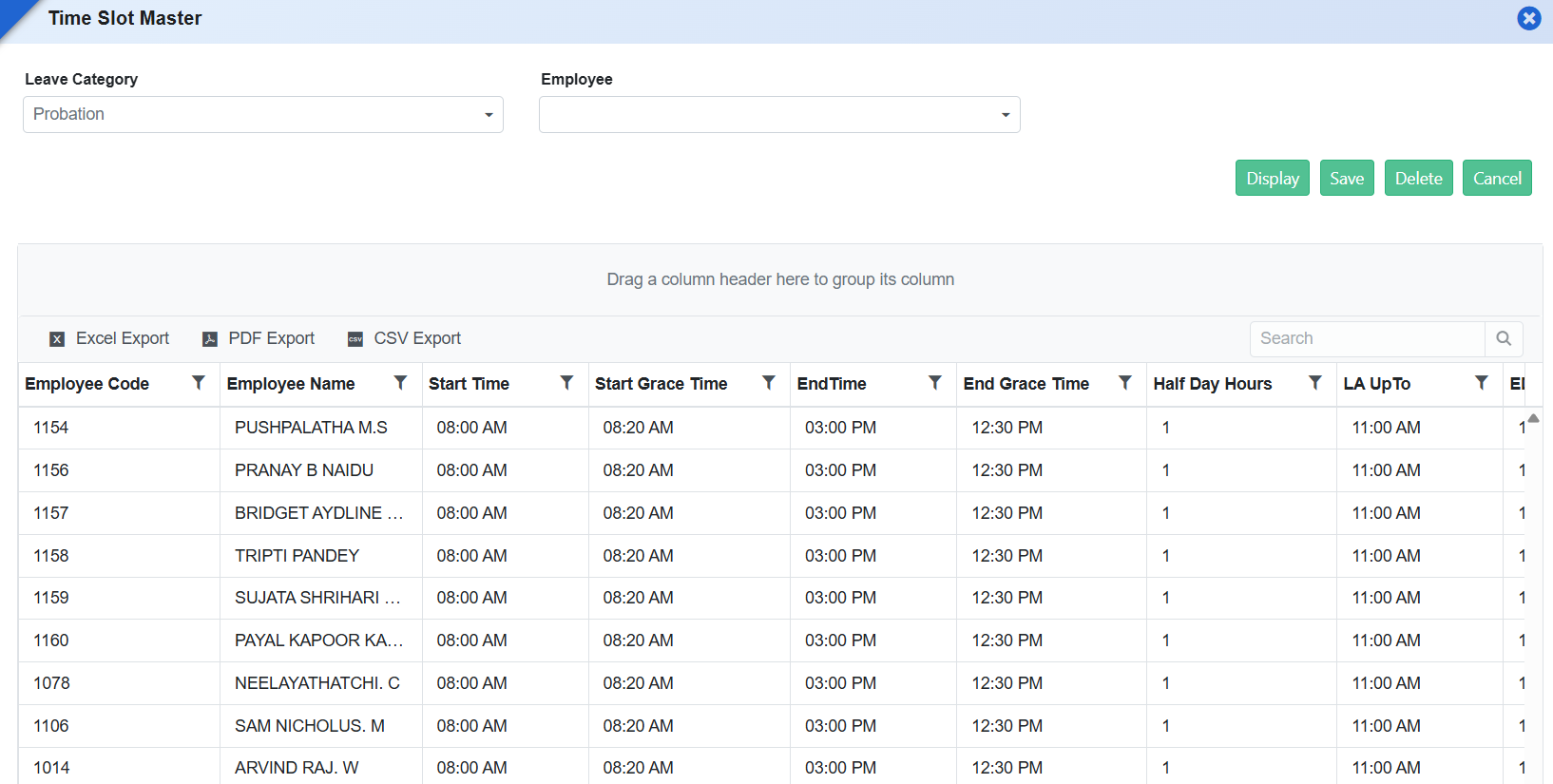
Benefits
- Accurate Attendance Marking: Prevents incorrect Half-Day or Absent marking due to schedule variations.
- Reduced Manual Intervention: Eliminates the need for manual attendance corrections by admins.
- Operational Flexibility: Supports diverse school schedules, including weekends and special days.
- Improved Payroll & Leave Accuracy: Ensures correct attendance data flows into payroll and leave calculations.
Feature 2: Role-Based Applicable Leave Year Display
Purpose
To avoid confusion and ensure accurate leave planning, the Staff Portal has been enhanced to display only the applicable leave year for each staff member based on their staff category. This ensures staff view and apply leaves strictly within their valid leave cycle.
Payroll Module
Feature 1: Professional Tax Display in Form 16 Report
- Updated the Form 16 report to display the Tax on Employment (Professional Tax) amount under Point 4: Deductions.
- Ensures the Professional Tax deducted through payroll is accurately reflected in the statutory Form 16.
- Improves compliance with Form 16 reporting requirements by including all applicable deduction details.
- Provides employees with a complete and accurate view of salary deductions in the generated Form 16.
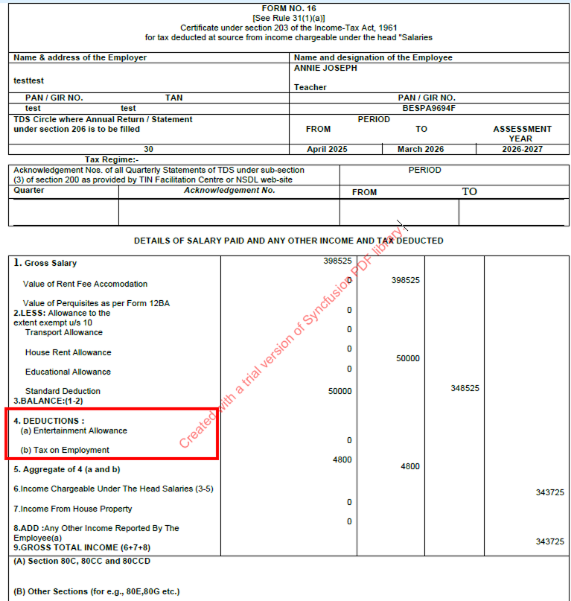
Feature 1: Employee Loan Details Report
Purpose
To provide a comprehensive month-wise employee loan tracking report displaying loan balances, EMI recovery, interest, and cooperative share deductions.
Key Functionality
- Added a new report under Payroll → Reports → Employee Loan Details Report.
- The report includes the following columns:
- Employee Code
- Employee Name
- COP. SHARE (Deduction Head Amount)
- Opening Balance
- EMI Per Month
- INTT. Per Month
- Month Column (Dynamic caption based on selected month, e.g., Apr-26, May-26)
- Closing Balance
Calculations
- COP. SHARE: Displays the cooperative share deduction assigned to the employee.
-
Opening Balance:
- First Month: Displays the total loan sanctioned amount.
- Subsequent Months: Opening Balance = Loan Taken Amount – Total Principal Amount Paid (excluding interest).
- EMI Per Month: Displays the monthly EMI installment amount.
- INTT. Per Month: Displays the monthly interest amount applicable for the selected month.
- Month Column: Displays the loan repayment amount recovered during the selected/generated month.
- Closing Balance: Closing Balance = Opening Balance – EMI (Principal Component).
Key Benefits
- Provides complete visibility of employee loan recovery status.
- Enables month-wise tracking of principal and interest payments.
- Simplifies loan reconciliation and payroll audit processes.
Feature 2: Acquaintance Roll Report
Purpose
To ensure accurate display of employee information in the Acquaintance Roll Report by correctly mapping Employee Name and Employee Code to their respective columns.
Enhancement Details
- Corrected the column mapping in the Acquaintance Roll Report.
- Employee Name is now displayed only under the Emp. Name column.
- Employee Code is now displayed only under the Emp. Code column.
- Ensures accurate and consistent employee information in the generated report.
What’s New in Payroll
The Form 16 reporting process has been improved with a Staff Category filter, enabling schools to generate statutory documents for specific employee groups in a single step. This enhancement simplifies compliance, reduces manual segregation, and ensures consistent, accurate preparation of Form 16 records aligned with existing payroll reporting practices.
Feature 1: Staff Category Filter in Form 16 Report
Purpose
To provide better control and flexibility in statutory reporting, a Staff Category filterhas been added to the Form 16report. This enhancement allows schools to generate Form 16 specifically for selected staff categories, similar to the filtering available in the Acquaintance Roll report.
Payroll Reports → Form 16
Key Functionality
- Enables users to generate Form 16 for a specific staff category (e.g., Teaching Staff, Administrative Staff).
- Aligns Form 16 report filters with those available in other payroll reports for consistency.
- Applies the selected staff category during report generation to include only relevant employees.
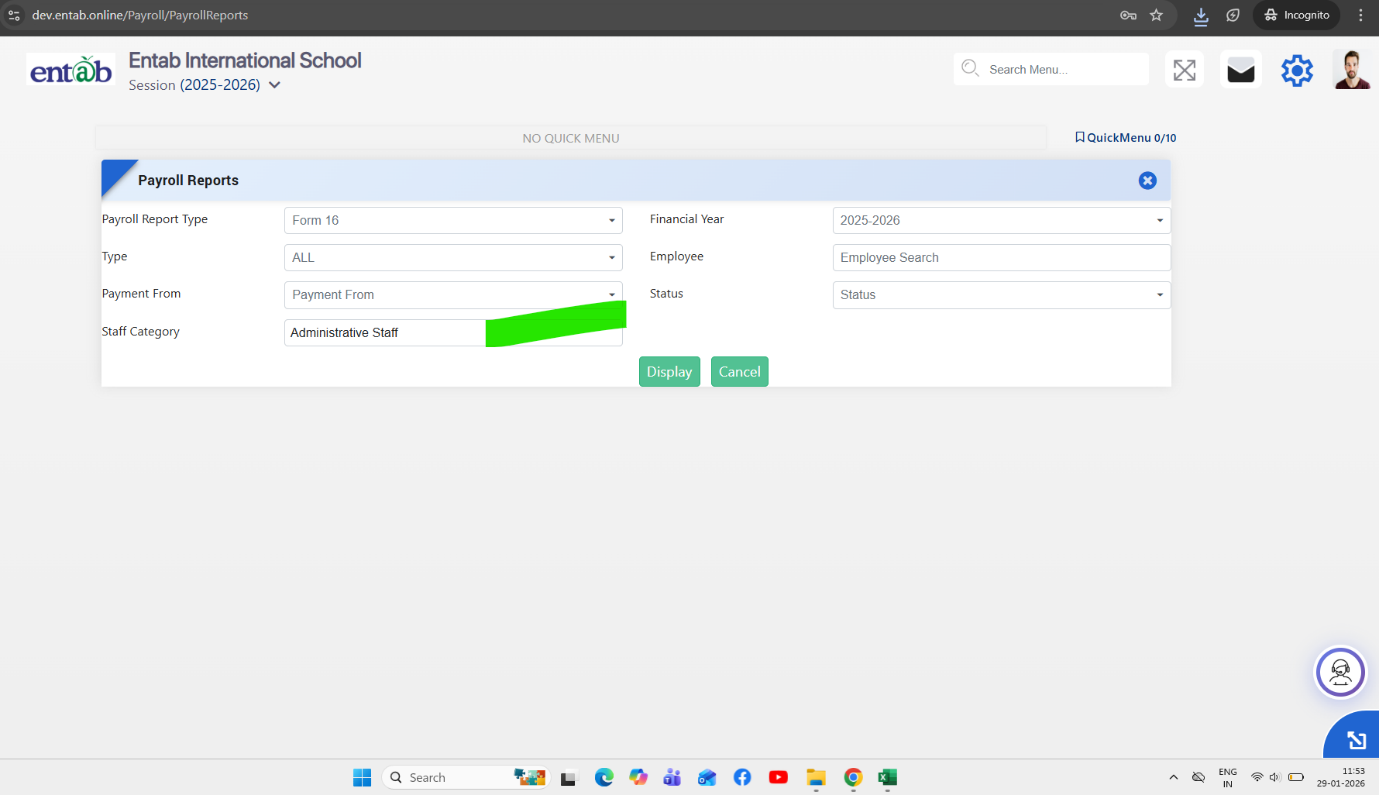
Key Benefits
- Targeted Report Generation: Allows category-wise Form 16 generation.
- Improved Compliance Handling: Simplifies statutory document preparation for large staff groups.
- Operational Efficiency:Reduces manual segregation of Form 16 documents.
- Consistent User Experience:Maintains uniform filtering behaviour across payroll reports.
Feature 2: PF Ledger with Opening Balance, Contributions & Withdrawal Tracking
Purpose
To provide structured and transparent tracking of Provident Fund (PF) transactions, a dedicated PF Ledger has been introduced. This ledger maintains complete records of opening balances, monthly contributions, cumulative totals, and withdrawals, ensuring accurate PF accounting and easy reference for payroll and compliance.
Feature 1: Multi Acquittance Roll Configuration and Customization
This enhancement provides flexibility for schools to generate, modify, and customize multiple Acquittance Rolls within the Payroll module, supporting diverse reporting and signature requirements.

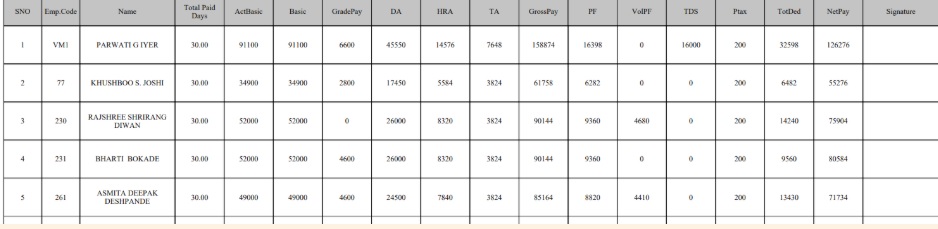
Feature 1: New Form Added - Payroll Document Sender
We are excited to introduce a new form Payroll Document Sender. This feature lets schools send payslips directly to employees via email, automating the distribution process and ensuring secure and timely everyone informed effortlessly.
Navigation
Payroll → Payroll Document Sender → Send
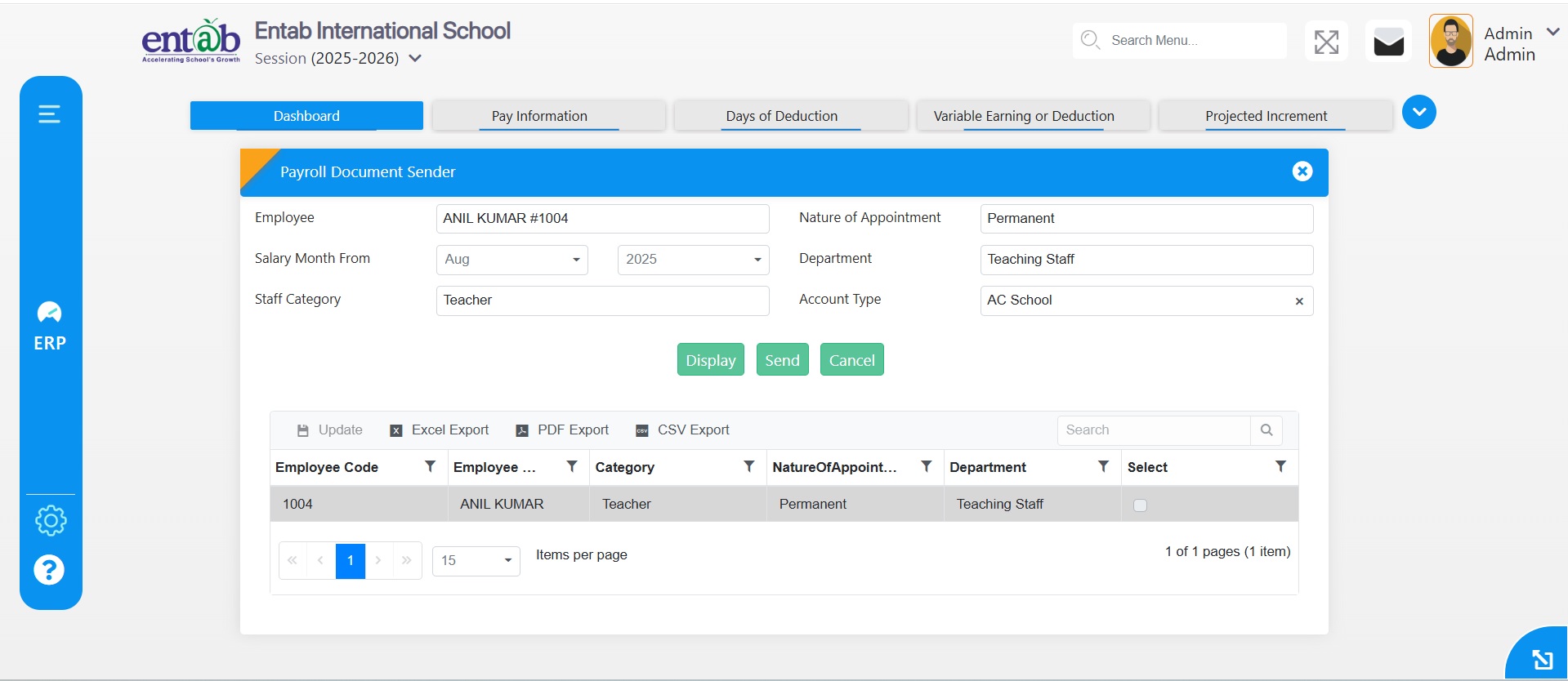
Feature 2: New Reports Added in Payroll
Two new reports have been added to enhance payroll transparency and accuracy:
- TDS Deduction Report: Displays employee-wise details of tax deducted at source, ensuring clear and precise individual payroll records.
- TDS Summary Report: Provides a consolidated view of TDS along with employee-wise details for a selected time period, helping track and manage tax deductions efficiently.
Feature 3: Multiple Document Upload
A new provision on the Payroll Report Print Setting page allows uploading multiple documents at once, such as certificates. This feature simplifies document management and ensures all required files can be attached in a single step, saving time and effort.
Navigation
Payroll → Payroll Report Print Setting → New → Add Files
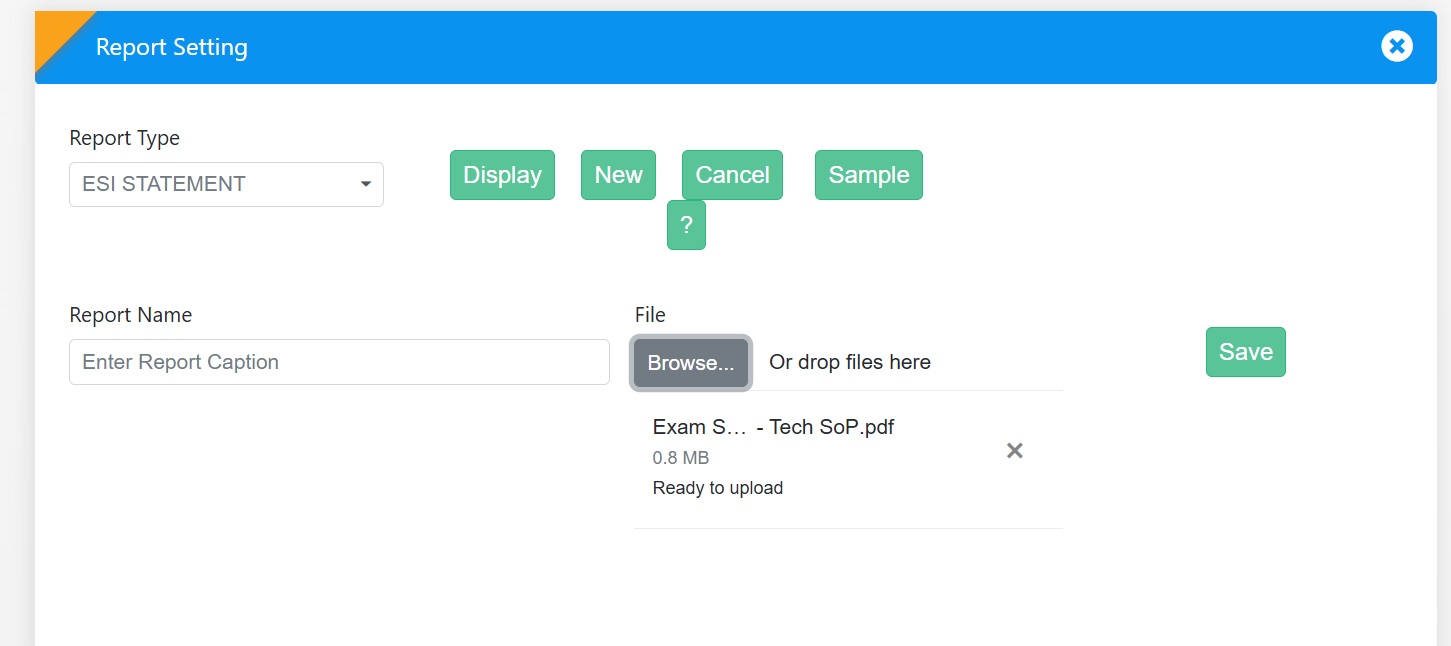
Parent Dashboard
Description of Parent Dashboard.
Management / Principal Dashboard
Description of Management/Principal Dashboard.
Centralized Dashboard
Feature 1: Fee Reports Enhancement with Account Type Filter
Purpose
To enhance the Central Dashboard by adding consolidated fee reports with an Account Type filter, enabling management to generate fee receivable reports based on School Fees, Bus Fees, or both.
Key Functionality
-
Added the following reports under
Central Dashboard → Fee Reports:
- Consolidated Statement
- School Fee & Transport Fee Receivables Statement
-
Introduced a new Account Type filter in both reports with the
following options:
- School Fees
- Bus Fees
- Both
-
Report data is generated based on the selected Account Type:
- School Fees: Displays only school fee-related transactions and receivables.
- Bus Fees: Displays only transport/bus fee-related transactions and receivables.
- Both: Displays consolidated data including both school and transport fees.
- The selected filter is applied to all report calculations, summaries, and exported formats (Excel/PDF).
Business Benefits
- Enables management to analyze fee receivables based on specific account types.
- Provides greater flexibility in generating consolidated financial reports.
- Improves reporting accuracy by filtering school and transport fee data.
- Ensures consistent report output across screen view and exported formats.
Feature 2: Stream Wise Report
Purpose
A new report, "Stream Wise Report", has been introduced under Central Dashboard → Student Reportsto provide a consolidated view of stream-wise student strength across all branches/schools within the management group.The report displays the total number of students in each stream, branch-wise,enabling management to quickly analyze student distribution across different streams and schools. Additionally, the report supports drill-down functionality.Clicking on the student count opens a detailed list of students belonging to the selectedbranch and stream,allowing users to view complete student information for further analysis.
ANECDOTE MODULE
Introduction of Anecdote Module
To enable schools to record, track, and share student behavior, achievements, and observations in a structured and transparent manner, promoting holistic student development and teacher-parent collaboration.
Key Functionality
A new Anecdote Module has been introduced with the following key components:
- Anecdote Entry – Allows Class Teachers and Subject Teachers to record student observations and behavioural notes.
- Observation Master – Enables the creation and management of predefined observation categories for consistency in reporting.
- Observation Type – Defines and classifies the types of anecdotes (e.g., Positive, Negative, Neutral) for better tracking and analysis.
- Parent Portal – Anecdote Details – Displays anecdotal records for parents to view their child’s progress and teacher feedback.
- Principal Portal – Anecdote Details – Allows the principal to monitor all anecdotal entries for performance review and behavioural oversight.
Benefits
- Encourages transparent communication between teachers, parents, and school administration.
- Provides a structured way to document and analyze student behavior and achievements.
- Helps in early identification of behavioural trends for timely intervention.
- Strengthens the collaboration between academic and non-academic teams for student development.
Master Setting
Feature 1: Show/Hide Confirm Password in Reset Password Screen
Purpose
To improve password reset usability by allowing users/admins to verify the entered confirm password before saving.
Key Functionality
- Added an eye (👁) icon in the Confirm Password field under:Master Setting → Confidential Setting → Reset Password
- Users can toggle between hidden and visible password text while entering the confirm password.
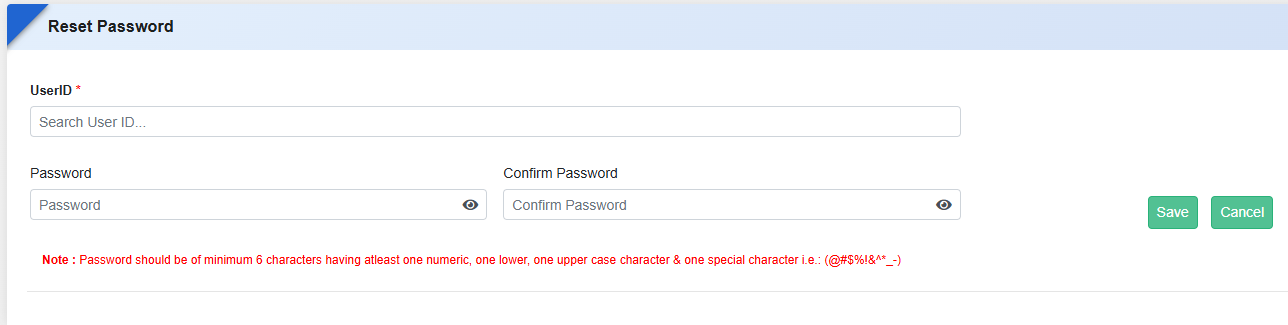
Key Benefits
- Reduces password mismatch errors during reset.
- Minimizes repeated password reset attempts and login issues.
- Improves user experience and accuracy while setting passwords.
- Decreases dependency on admin/support intervention.
Feature 1: Verify Student Portal
The Verify Student Portal feature has been introduced to help administrators quickly verify and access student or parent portals directly from the ERP. This ensures smooth portal verification and reduces dependency on support for login or access-related checks.
Navigation
Master Setting -> Verify Portal -> Type(Student)
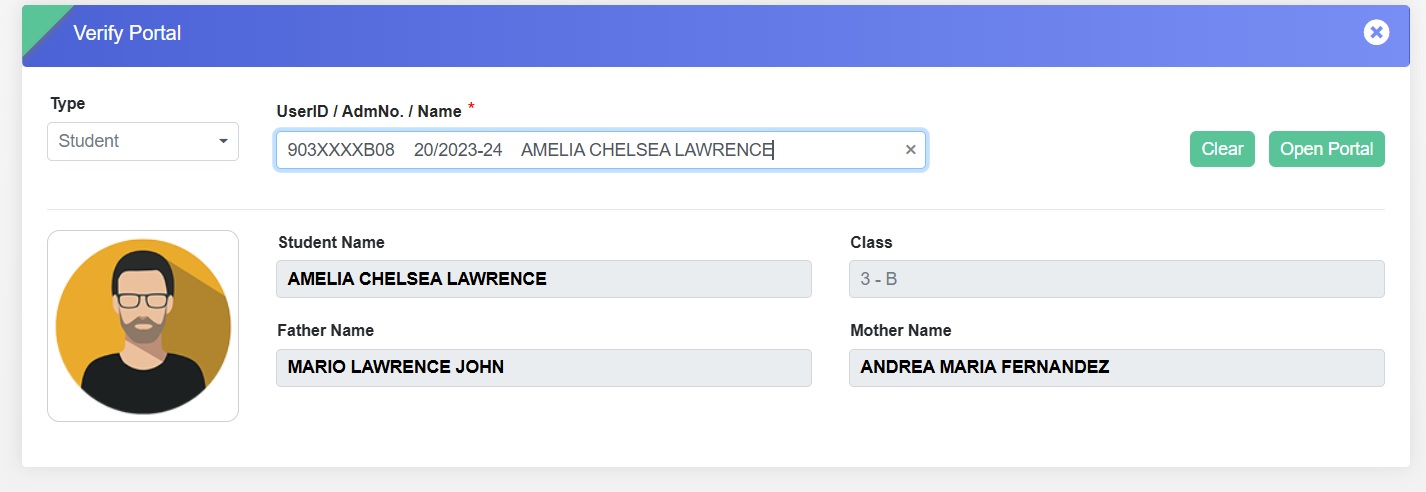
Key Functionality
-
Key Functionality
- Allows selection of Type — Student or Parent.
- Enables search using User ID, Admission Number, or Name.
-
Displays key student details including:
- Student Name
- Class
- Father’s Name
- Mother’s Name
- Provides an “Open Portal” option to directly access and verify the respective student’s portal.
-
Benefits
- Simplifies the verification process for student/parent portal access.
- Reduces manual effort and dependency on backend teams for portal checks.
- Ensures faster resolution of login and access-related queries.
- Enhances administrative efficiency and data accuracy.
Inventory
Feature 1: Inventory – Financial Accounting (FA) Integration
Purpose
To automate accounting entries for Inventory transactions by integrating the Inventory module with the Financial Accounting (FA) module, reducing manual effort and ensuring accurate financial records.
Key Functionality
-
Inventory–FA Integration Setting
-
Provide a configuration option under
Inventory Settings:
- NA (No Integration): No accounting vouchers will be generated in FA.
- Based on FA Setting: Accounting vouchers will be generated automatically as per the ledger mappings configured in the FA Ledger Settings.
-
Provide a configuration option under
Inventory Settings:
-
Transaction-wise FA Integration
-
Automatic voucher generation in FA for:
- Purchase Entry
- Purchase Return
- Student/Staff Sale
- Sales Return
- Student/Staff Issue
- Issue Return
- Damage Entry
- Consume Entry
- Stock Movement
-
Automatic voucher generation in FA for:
-
FA Ledger Mapping Configuration
-
Ledger mapping settings in the
FA Ledger Setting Form for:
- Opening Balance
- Purchase Entry
- Purchase Return Entry
- Sale Entry
- Sale Return Entry
- Issue
- Issue Return
- Damage
- Consume
- Movement
- Based on the configured ledgers, the system will automatically create and post the corresponding accounting vouchers in the FA module.
-
Ledger mapping settings in the
FA Ledger Setting Form for:
Feature 2: Session-wise Auto Numbering for Purchase Orders and Inventory Transactions
Purpose
To allow schools to operate multiple academic sessions simultaneously by maintaining separate document numbering series for each session.
Key Functionality
- Enhance the Number Settings configuration to support session-wise/financial year-wise numbering series in Number Settings .
- Automatically generate document numbers based on the selected session.
-
Example:
- Session 2025-26 → TWS/25-26/001
- Session 2026-27 → TWS/26-27/001
- Maintain independent running series for each academic session without impacting existing transaction numbering.
- Allow users to enter and manage transactions for multiple sessions concurrently.
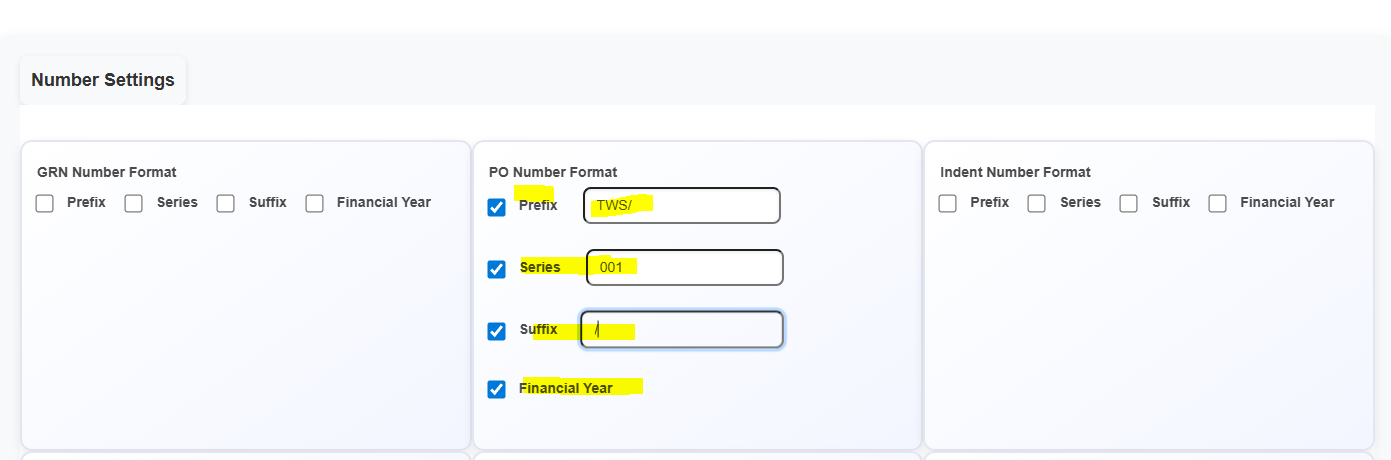
Key Benefits
- Enables parallel operations across multiple academic sessions.
- Simplifies historical data entry while current-session transactions continue uninterrupted.
- Prevents numbering conflicts between sessions.
- Improves inventory, book sale, and purchase management during session transition periods.
Feature 1: Item Expiry Alert Card on Inventory Dashboard
Functionality Update
- Added a new Item Expiry Alert Card on the Inventory Dashboard.
- Displays the count of items expiring within the next 7 days.
- Provides quick visibility of upcoming expiries.
- Clicking the count can direct users to the Item Expiry Details report for item-wise information.
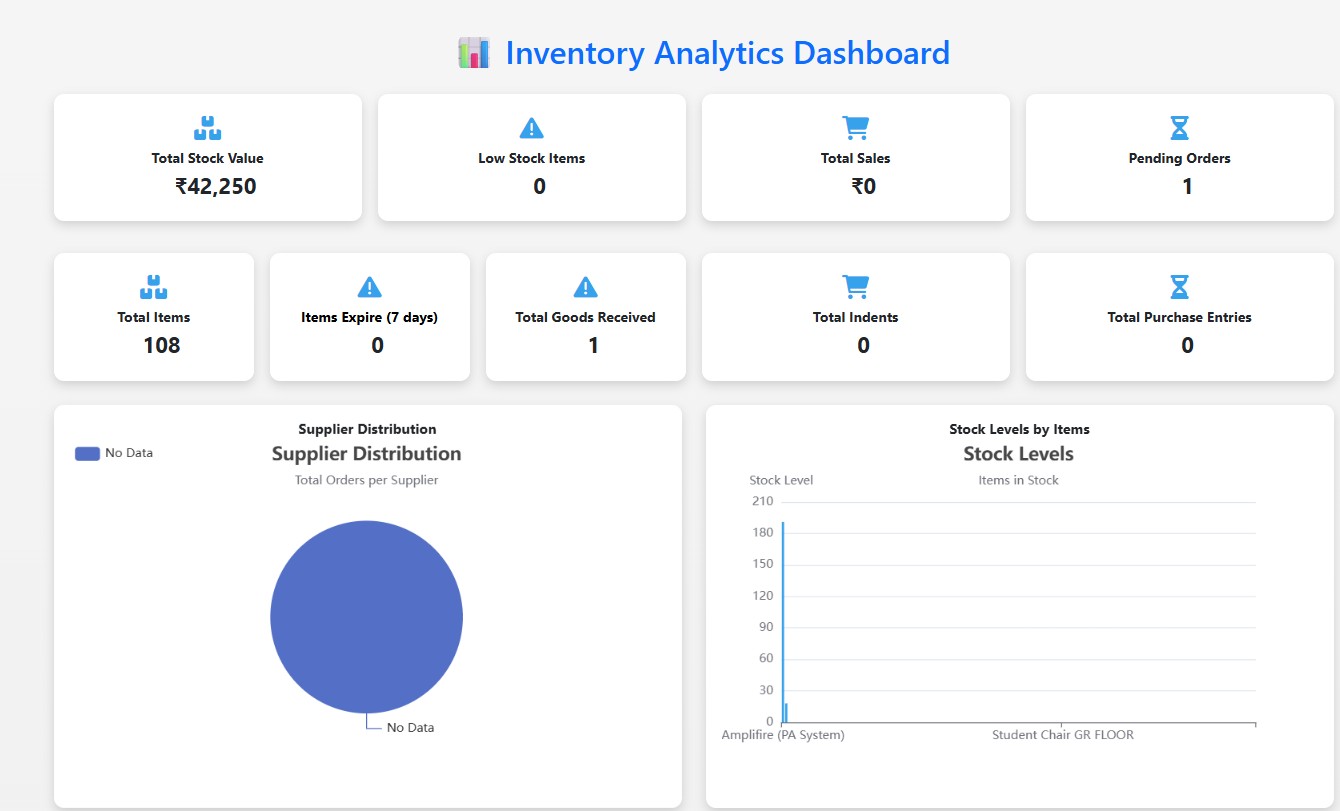
Benefits
- Enables proactive inventory management.
- Helps schools plan timely consumption, replacement, or return of items.
- Reduces wastage and improves stock monitoring efficiency.
Feature 2: Inventory–FA Integration Based Transaction Handling
- Introduced seamless integration between the Inventory Module and Financial Accounting (FA) Module to enable automatic posting of accounting entries for all inventory transactions.
- Covers transactions including Purchase Entry, Purchase Return, Issue, Issue Return, Consumption, Sale, and Sale Return.
- Added a configurable“INV–FA Setting” to map each Inventory Head (Stock Ledger) with corresponding General Ledger, Sub Ledger, GST, Discount, Cost Centre, and Round-off accounts.
- Provided flexible integration modes:
- NA: No accounting integration
- Using FA Setting: Centralized ledger mapping
- On Page:Direct ledger mapping during transaction entry
- Eliminates manual accounting entries and reduces errors
- Ensures accurate and consistent financial postings
- Improves efficiency and real-time financial tracking
- Offers flexibility to configure integration as per school requirements
Key Benefits:
Case -1
If user select Inventory FA Setting as "NA"
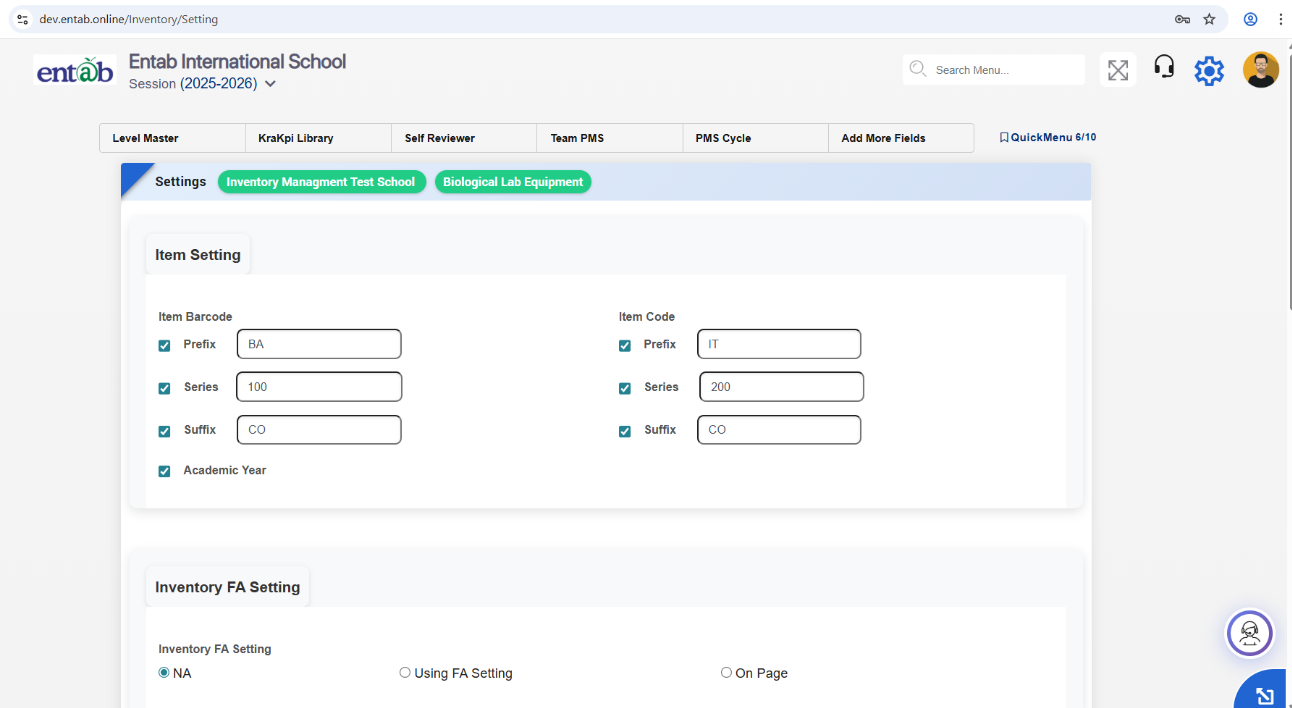
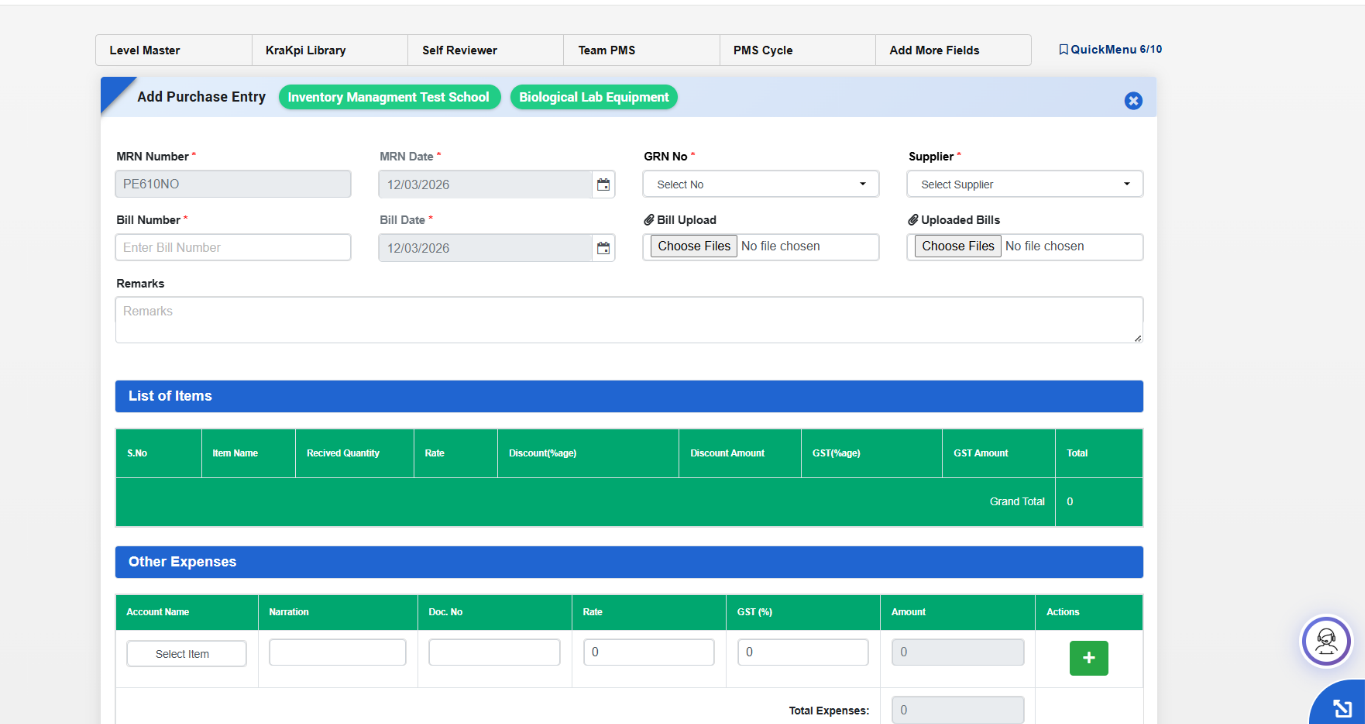
Case -2: If user select Inventory FA Setting as "On Page"
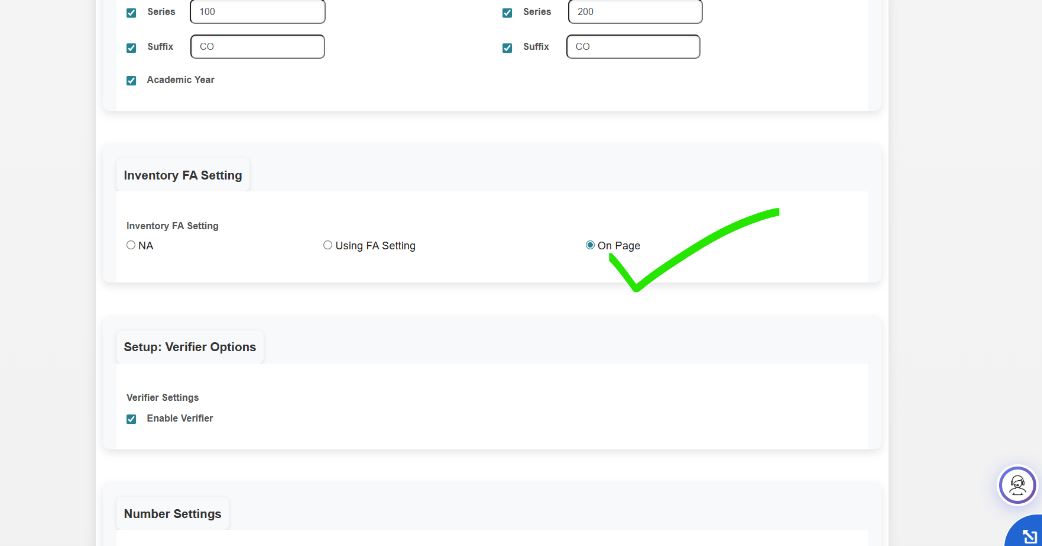
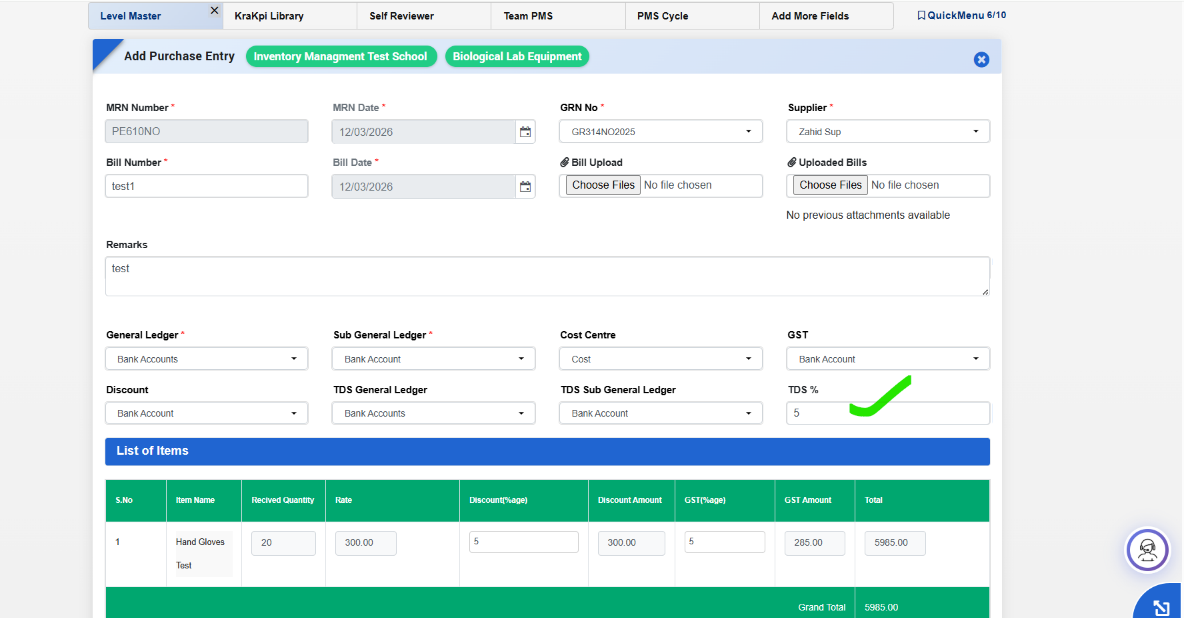
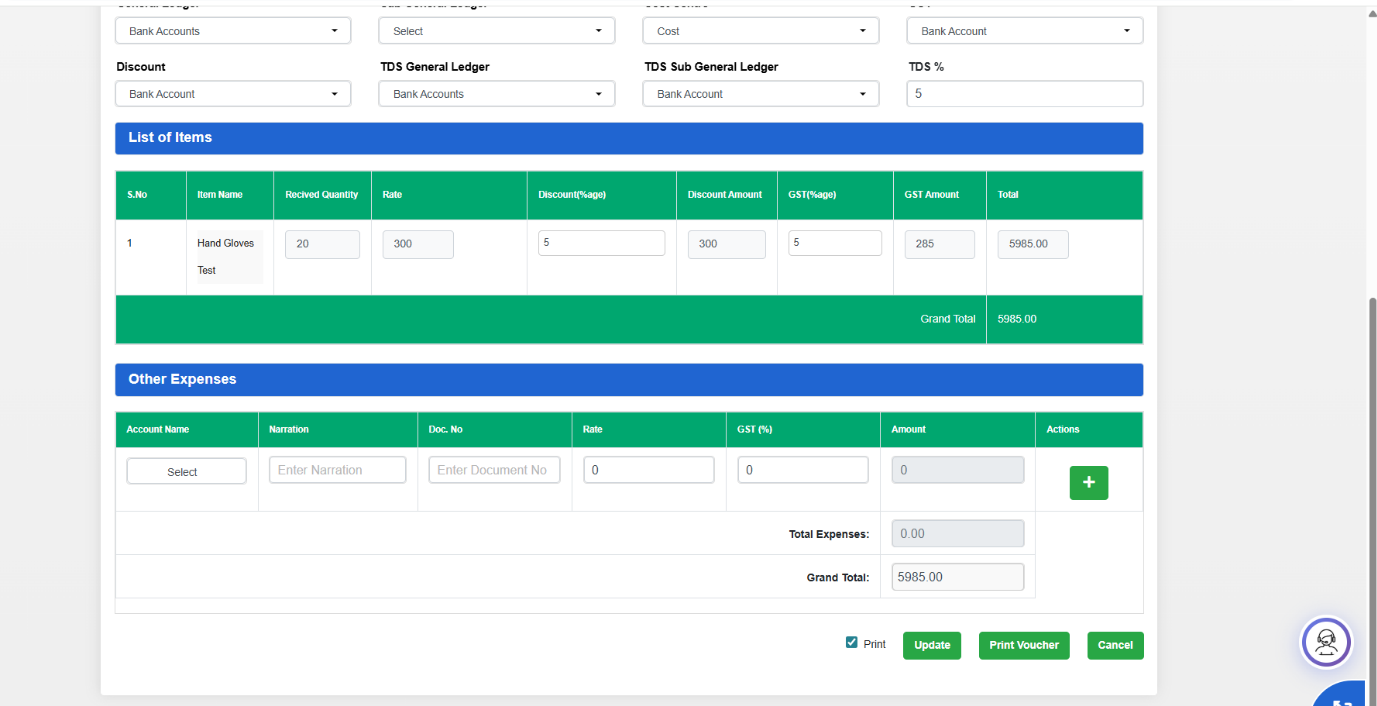
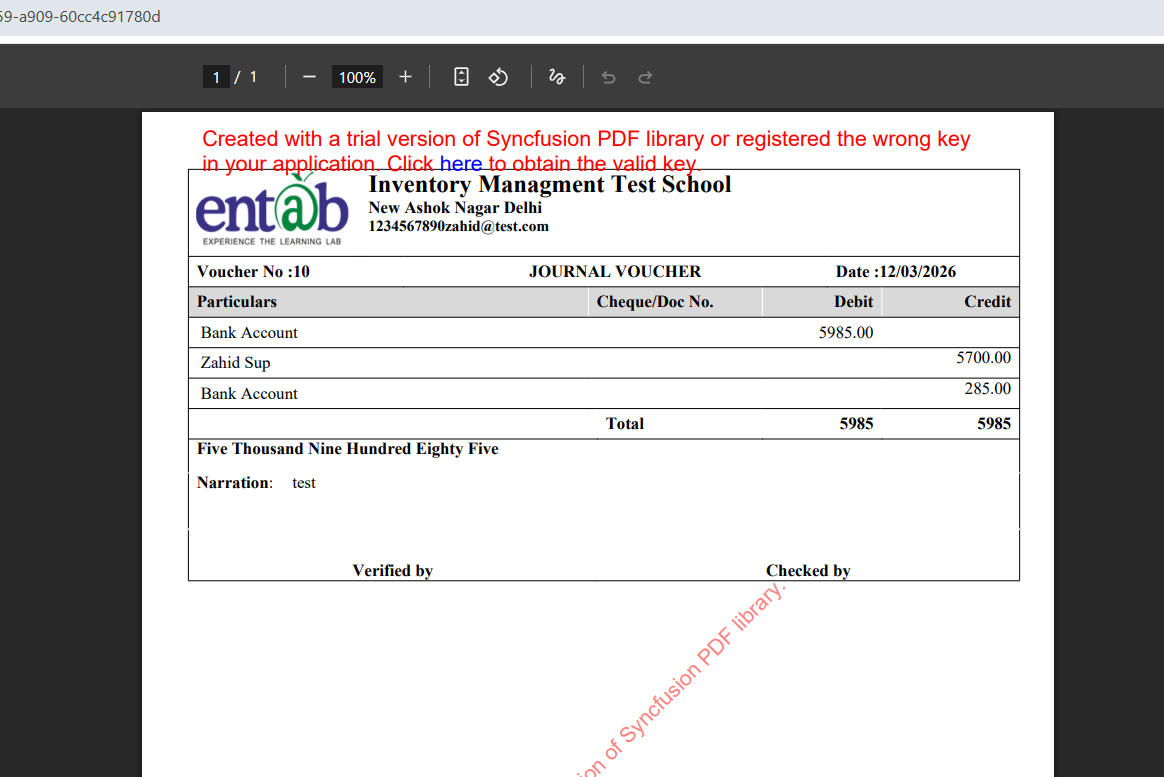
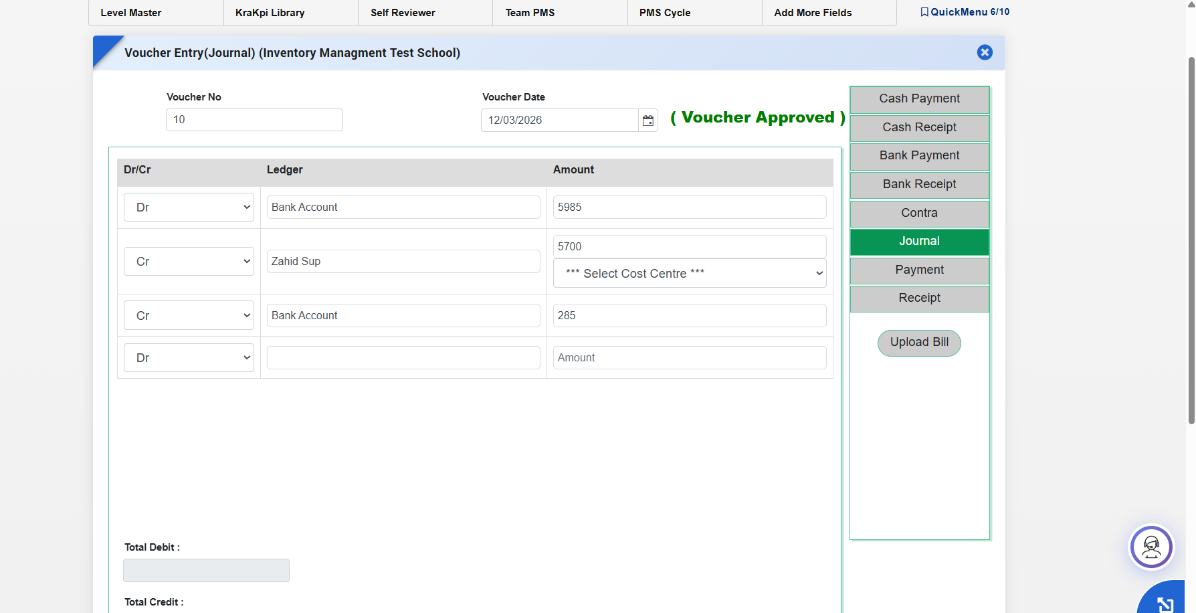
Case -3: If user select Inventory FA Setting as "Using FA Setting"
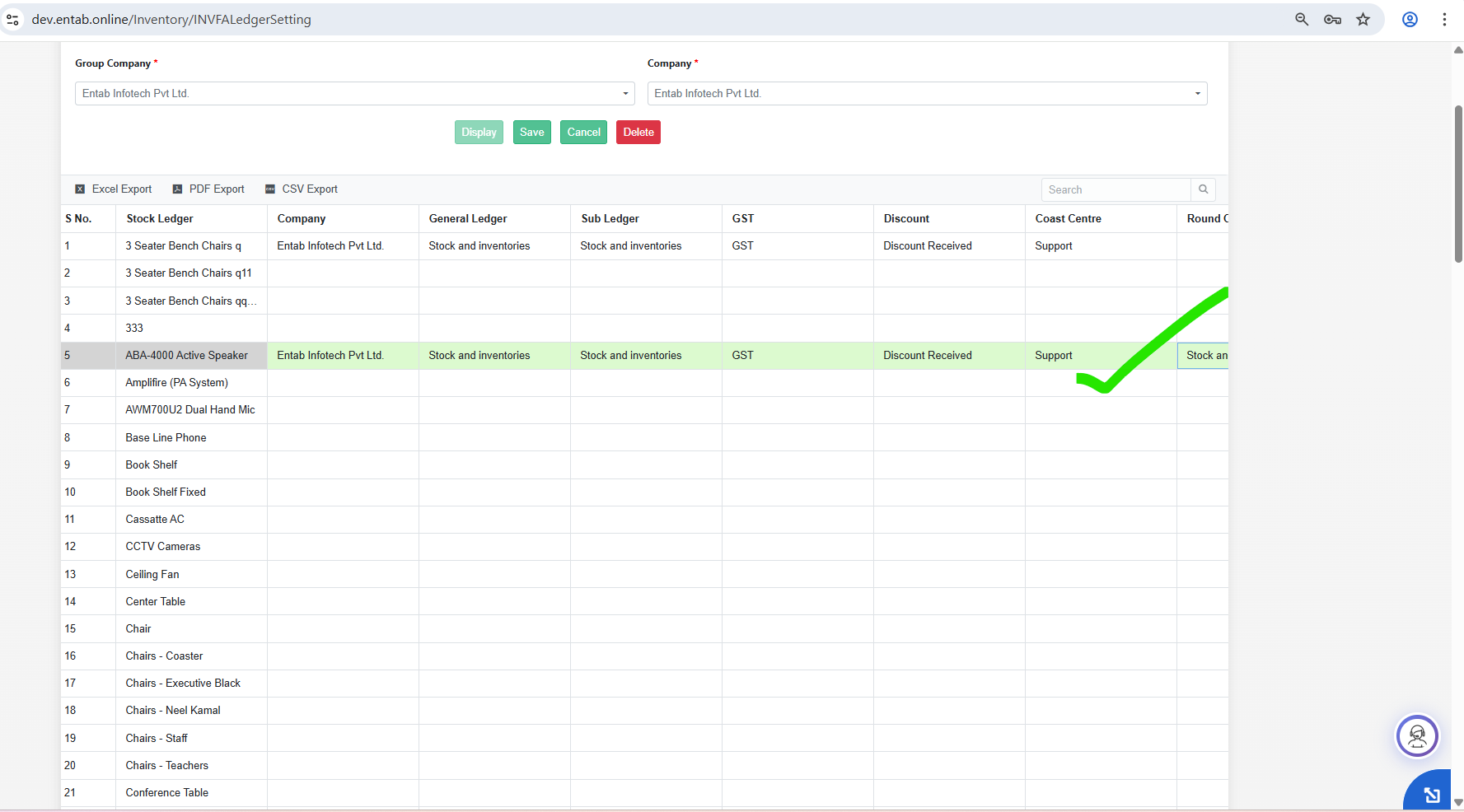
Note - In this module user is not able to create more than one transaction gives pop.
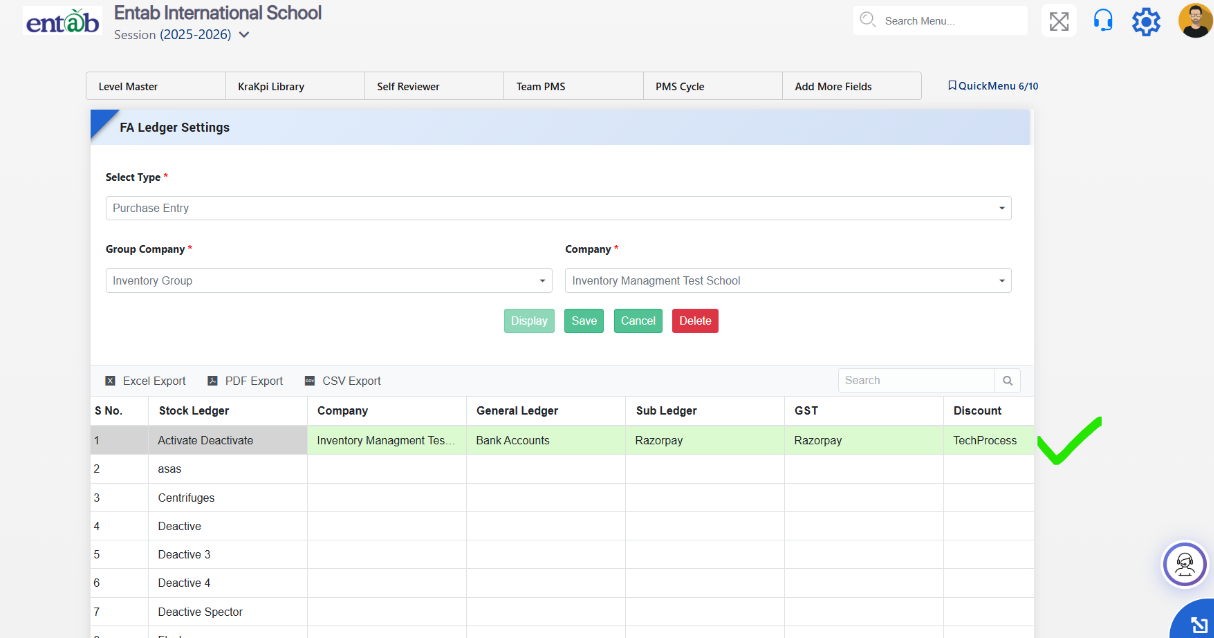
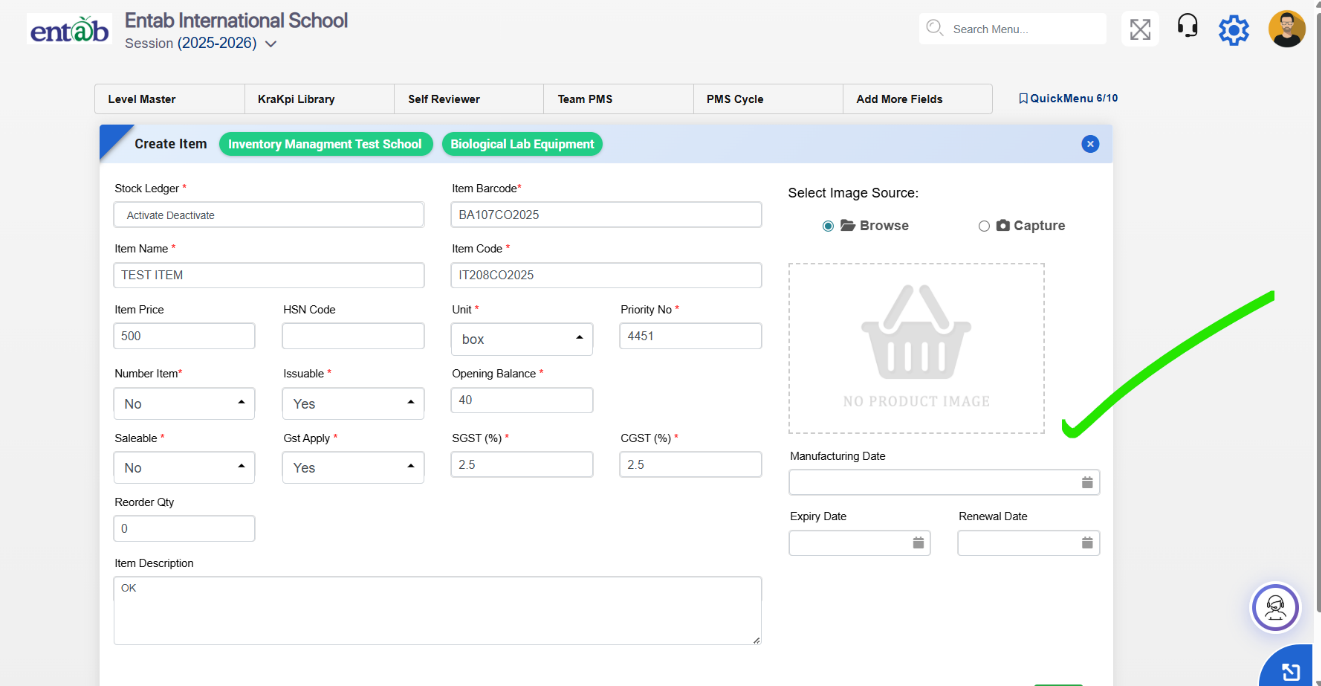
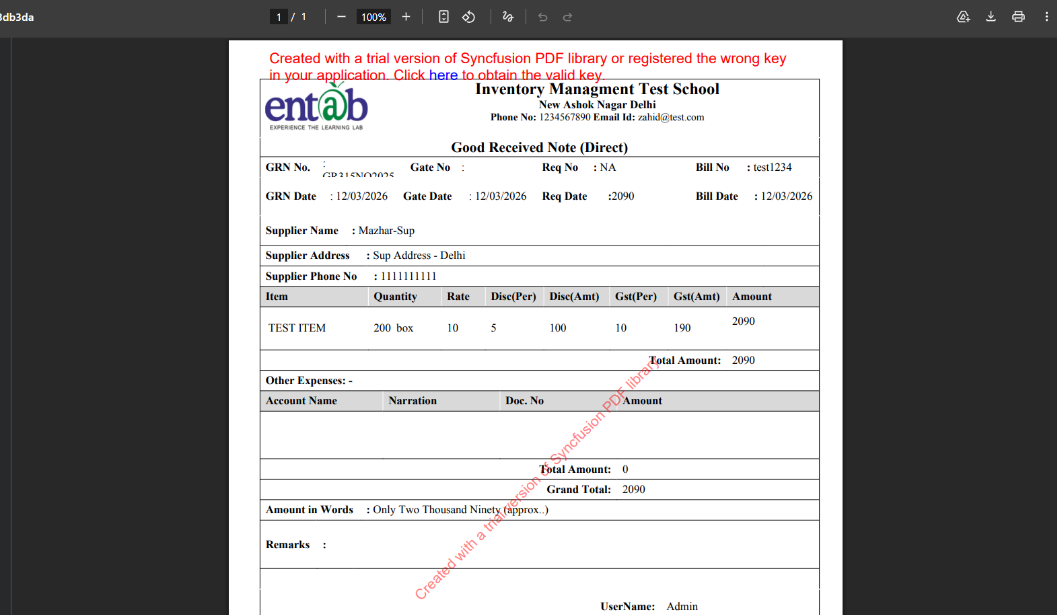
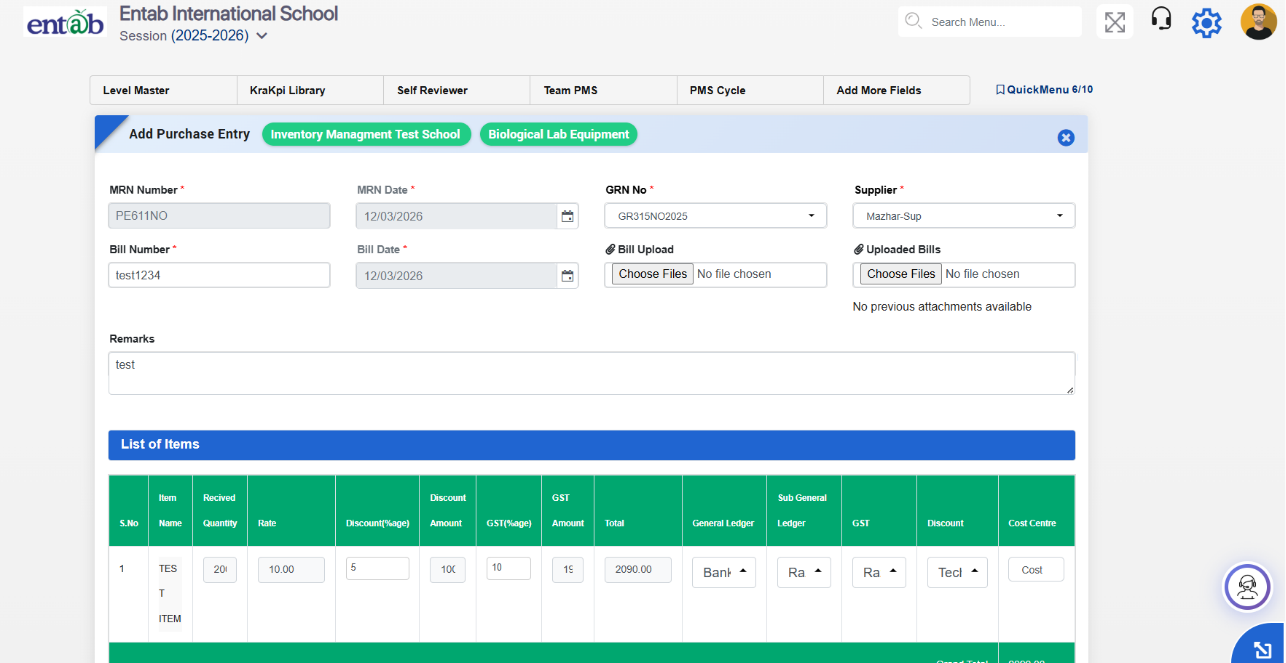
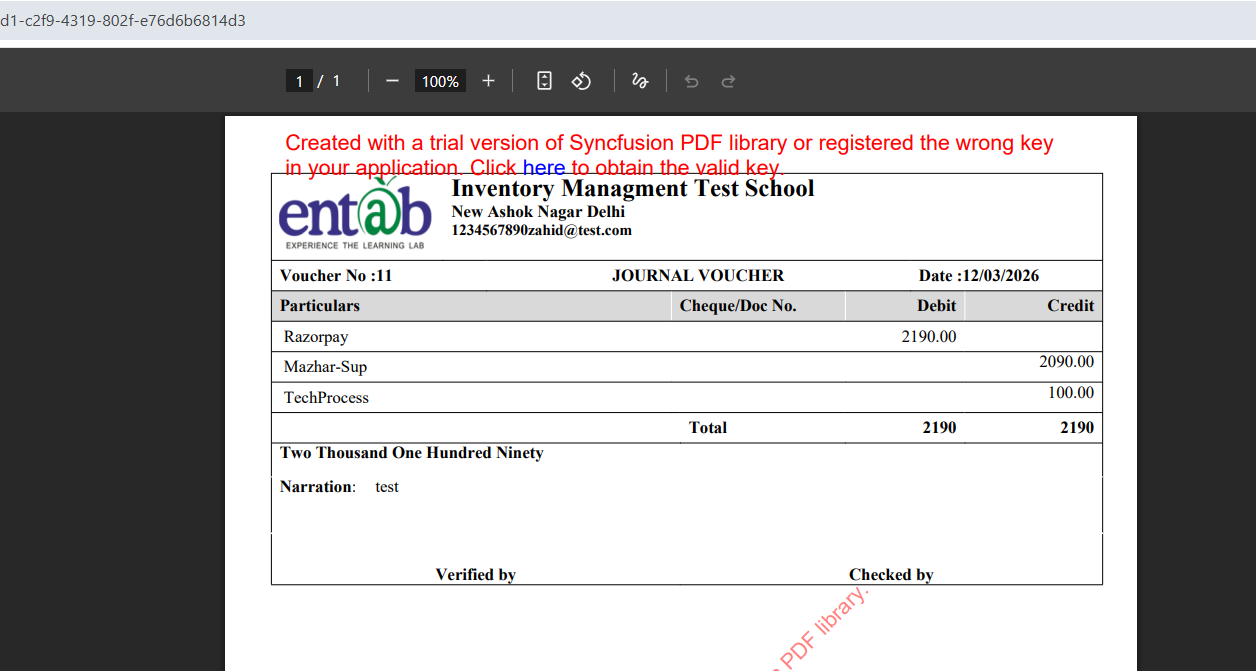
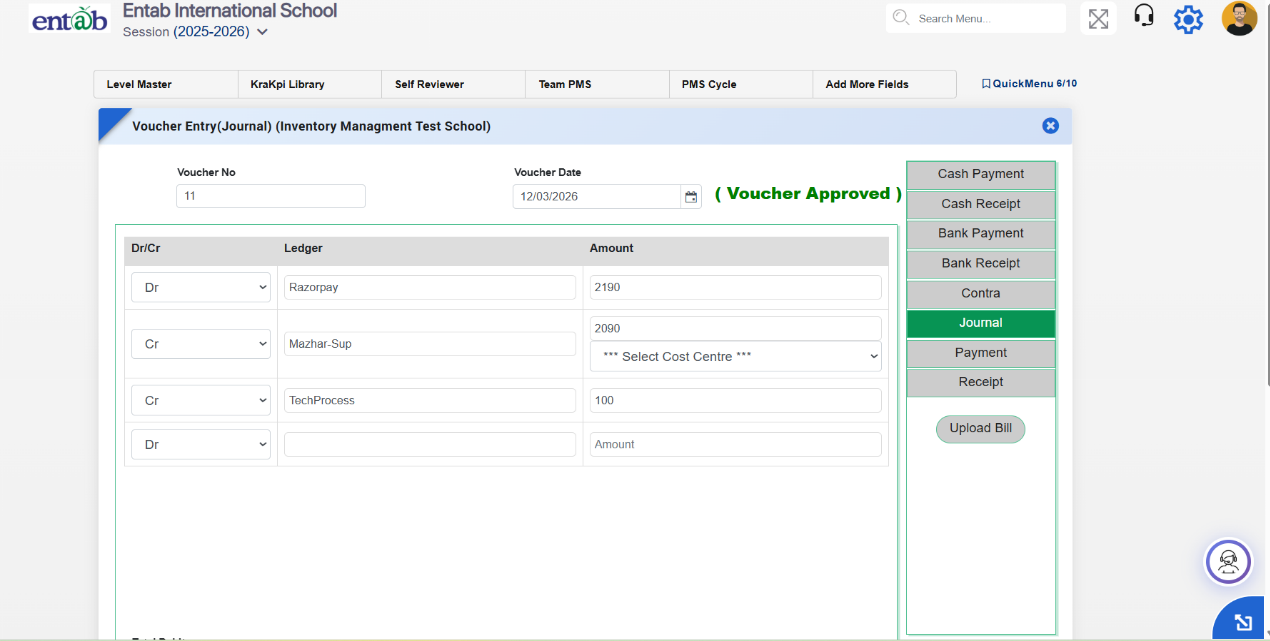
What’s New in Inventory
The Inventory module has been strengthened with the introduction of a Monthly Closing Balance Report, enabling schools to monitor stock movement and consumption on a periodic basis with improved accuracy and transparency.
Feature 1: Monthly Closing Balance Report in Inventory
Purpose
To provide clear visibility into month-wise inventory movement and balances, this report allows tracking of inward and outward quantities along with rolling balances. Each month’s closing balance is automatically carried forward as the next month’s opening balance.
Key Functionality
- Introduced Monthly Closing Balance Report under Inventory Reports.
- Displays:
- Opening Balance
- Inward Quantity
- Outward Quantity
- Closing Balance
- Supports month-wise filtering for better analysis.
- Automatically rolls forward balances month-to-month.
Benefits
- Accurate Tracking: Ensures reliable stock records.
- Better Visibility: Clear monthly insights into inventory movement.
- Audit Ready: Simplifies verification and reporting.
- Improved Planning: Helps in forecasting and stock control.
Healthcare
Feature 1: Enhanced Health & Cleanliness Assessment Options
Purpose
To standardize health inspection records and provide more detailed assessment options, the Deficiency and Cleanliness modules have been enhanced with additional dropdown values and a new Poller selection. This ensures more accurate and comprehensive student health tracking.
Key Functionality
-
Deficiency Module Enhancement
- Added a Poller (Dropdown Selection Field) in Deficiency
- Dropdown options available:
- Yes
- No
- Absent
- Present
- Within Normal Limit
- Enables staff to record structured observations instead of free text
-
Cleanliness Module Enhancements
-
Nails Section
- Good Hygiene
- Bad Hygiene
-
Hair Section
- Good Hygiene
- Bad Hygiene
-
Nails Section
Feature 2: Bulk Import for Backdated Medical Records
Key Functionality
-
Introduced bulk import provision for uploading backdated data in the following modules:
- Allergy Details
- Measurements Details
- Camp Details
- Nursing Details
- Disease Details
- Immunization Details
- Injury/Operation Details
- Enables users to upload historical records in bulk through a structured import format.

Key Benefits
- Eliminates manual entry of past records
- Saves time and improves data accuracy
- Ensures seamless migration of historical medical data into the system
Preference
Feature 1: Admin Dashboard Display Settings
A new customization option has been introduced in the Dashboard Settings panel, allowing users to personalize the dashboard appearance by configuring the font style and font size from the frontend. The selected preferences are applied across the dashboard interface, providing a more comfortable and personalized viewing experience.
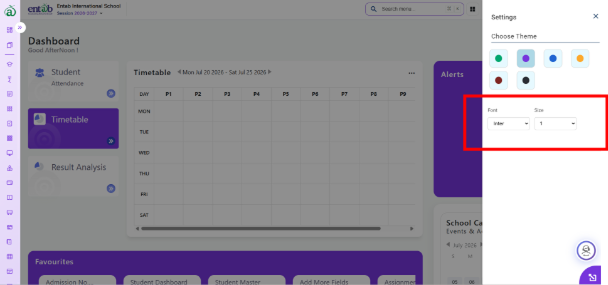
Key Benefits
- Enables users to customize the dashboard according to their reading preference.
- Improves accessibility and overall user experience.
- Provides a more personalized and consistent interface without requiring any technical intervention.
Feature 2: Customize Landing Page
A new Customize Landing Page configuration has been introduced under Master Settings, allowing administrators to personalize the application's landing page, login page, and birthday greeting template from a centralized location.
Master Settings → Confidential Settings → Customize Landing Page
1. Landing Page
- Provision to configure the school's landing page, including school motto, website URL, social media links, logos, report logos, gallery, and slider images.
- Support for uploading multiple slider images along with individual titles and descriptions.
- Changes are reflected on the application's landing page to maintain consistent branding and communication.
2. Login Style
- Added a dedicated configuration page to customize the login screen appearance.
-
Administrators can configure left and right panel settings
independently, including:
- Font family and font size.
- Text and background colors.
- Button colors.
- Logo shape.
- Overlay settings for background images.
- Footer position and other UI styling options.
- Enables schools to personalize the login experience according to their branding guidelines.
3. Birthday Template
- Added a centralized Birthday Template configuration page.
- Provision to configure birthday title, student and staff birthday wish messages, and footer text.
- The configured template is automatically displayed in the Birthday menu across the application, ensuring consistent and personalized birthday greetings.
Key Benefit
- Provides a centralized interface for branding and UI customization.
- Enables schools to personalize the landing page, login page, and birthday greetings without technical intervention.
- Ensures a consistent look and feel across the application.
- Reduces manual effort by automatically reflecting configured templates and settings throughout the system.
Feature 3: Birthday Display Settings
A dedicated Birthday Settings page has been introduced under Master Settings → Confidential Settings → Birthday, providing administrators with flexible control over how birthday celebrations are displayed across the application.
- Configure the birthday theme template.
- Select layout orientation (Horizontal/Vertical).
- Apply time-based filters (Today, This Week, etc.).
- Choose the display target (Students, Staff, or All Birthdays).
- Control slider playback (Play/Pause).
- Configure scroll speed for birthday cards.
Enables schools to personalize the birthday celebration display and viewing experience while providing administrators with greater flexibility to manage how birthday information is presented across the application.

Feature 1: Internal Gallery in Parent Portal
Purpose
To provide parents with access to the school's Internal Gallery through the Parent Portal, enabling them to view shared photos and event highlights after logging into the system.
Key Functionality
- Introduced an Internal Gallery section in the Parent Portal.
- Displays gallery images in an automatic slideshow/carousel format on the parent dashboard or a dedicated gallery page.
- Parents can view images uploaded by the school after logging into the portal.
- Newly uploaded gallery images are automatically reflected in the slideshow without requiring additional configuration.
Feature 2: Internal Gallery Enhancements
Purpose
To improve the usability and maintenance of the Internal Gallery by enabling record modification and providing clearer action labels.
Key Functionality
- Added an Edit option in Master Settings → Confidential Settings → Internal Gallery, allowing users to modify existing gallery details whenever required.
- Ensures clear distinction between View and Edit actions for a better user experience.
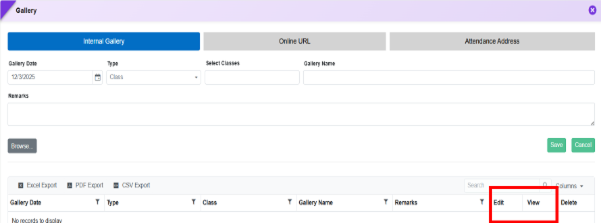
Feature 3: Admin Dashboard → UI/UX Enhancement
Purpose
Implemented the required frontend design and user experience enhancements for the Admin Dashboard to improve overall usability and navigation.
Key Functionality
- Redesigned the Dashboard Header with the updated layout, styling, and navigation elements.
- Enhanced the Left Navigation Menu with an improved user interface, better organization, and an optimized navigation experience.
- Updated the Quick Menu design and functionality to provide faster access to frequently used menus with an improved visual experience.
- Aligned the overall dashboard interface with the latest approved UI/UX designs to ensure a modern and consistent look and feel.
- Implemented responsive frontend behavior to provide an optimized viewing experience across different screen sizes and devices.
Business Benefits
- Provides a modern and intuitive dashboard experience for administrators.
- Improves navigation efficiency through an enhanced Left Menu and Quick Menu.
- Reduces the time required to access frequently used features.
- Delivers a consistent and responsive user experience across desktop and supported devices.
Feature 1: Enhanced Color Customization for Landing Page (Beta UI)
Purpose
To provide schools with greater control over branding and UI consistency, the Customize Landing Page (Beta UI) has been enhanced to allow configuration of additional colour elements. This ensures a uniform look aligned with the school’s identity and improves the overall user experience.
Master Setting ->Confidential Setting -> Customise Landing Page (Beta UI)
Key Functionality
-
Logo Area Background Color Control
- Added provision to configure the Logo Area Background Color.
- By default, it will now align with the Right Background Color instead of a fixed sky-blue color.
- Ensures visual consistency across the landing page.
-
Font Color Alignment for Key Links
-
The font color for:
- “Forgot Password?”
- “Login with OTP”
- Will now follow the Right Text Color configured for the school’s name.
- Maintains uniform typography across the page.
-
The font color for:
-
Sign In Button Color Customization
-
The Sign In button will now:
- Use Right Background Color for background.
- Use Right Text Color for font.
- Ensures consistency with school branding and improves visibility.
-
The Sign In button will now:
-
Custom Background Color for Important Links
-
Added configuration to set background color for:
- Online Registration
- Online Enquiry
- School Website
- Allows schools to highlight these key actions using preferred colors.
-
Added configuration to set background color for:
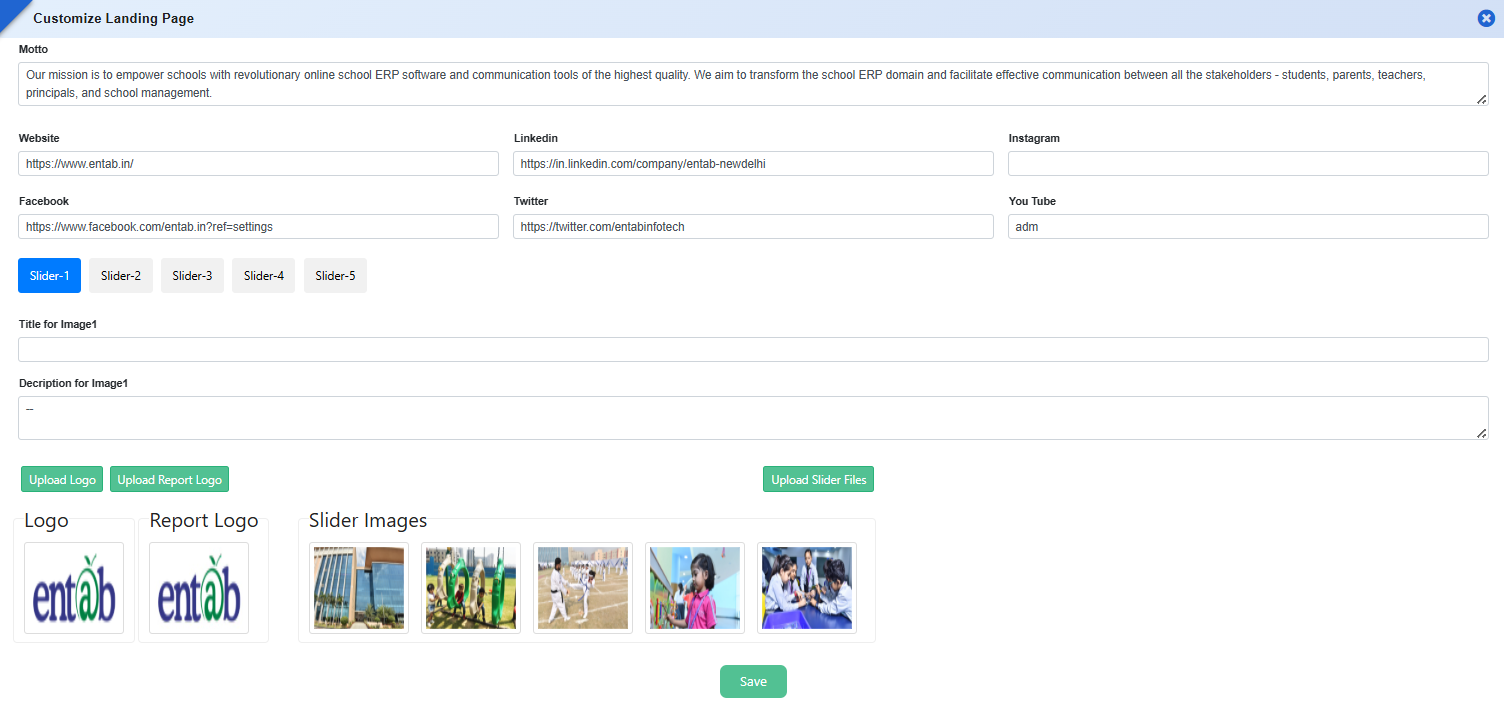
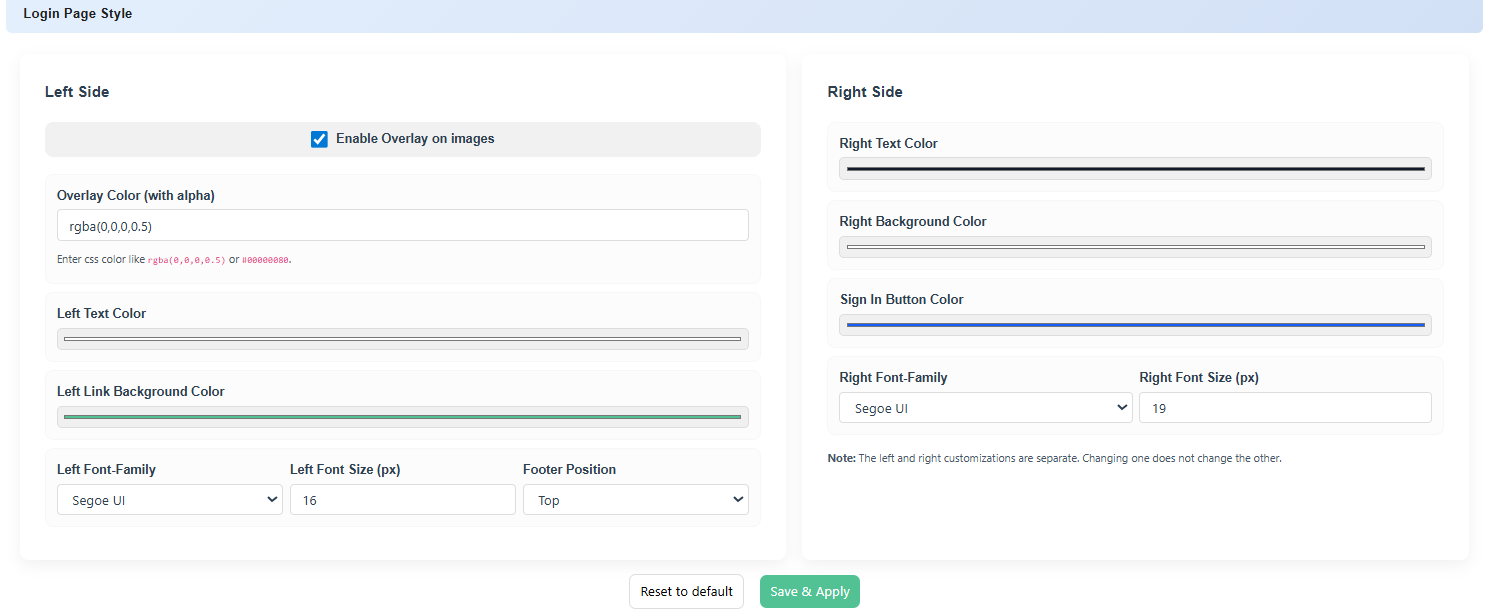
Key Benefits
- Enhanced Branding Control: Schools can align the login page with their official color theme.
- UI Consistency: Eliminates mismatched colors across different elements.
- Improved User Experience: Better readability and visual clarity for users.
- Flexible Customization: Admins can easily update colors without technical dependency.
- Professional Appearance: Creates a polished and institution-specific login interface.
Feature 2: Privacy Consent Checkbox with Policy & DPDP Act Links on Login Page
Purpose
To ensure compliance with data protection regulations and obtain user consent before login, a mandatory privacy acknowledgment checkbox has been introduced on the login page.
Functionality Added
- Added a mandatory checkbox on the login screen.
-
Privacy Policy Link
- The Privacy Policy hyperlink will open the same privacy policy content configured for the login page.
- Ensures consistency in policy display across the system.
-
DPDP Act Link
- Added a clickable link for >DPDP Act (Digital Personal Data Protection Act).
- Redirects users to the relevant policy/content page (as configured by the system/school).
-
Validation Logic
- Users cannot proceed with login unless the checkbox is selected.
- Proper validation message will be shown if the user tries to login without accepting.
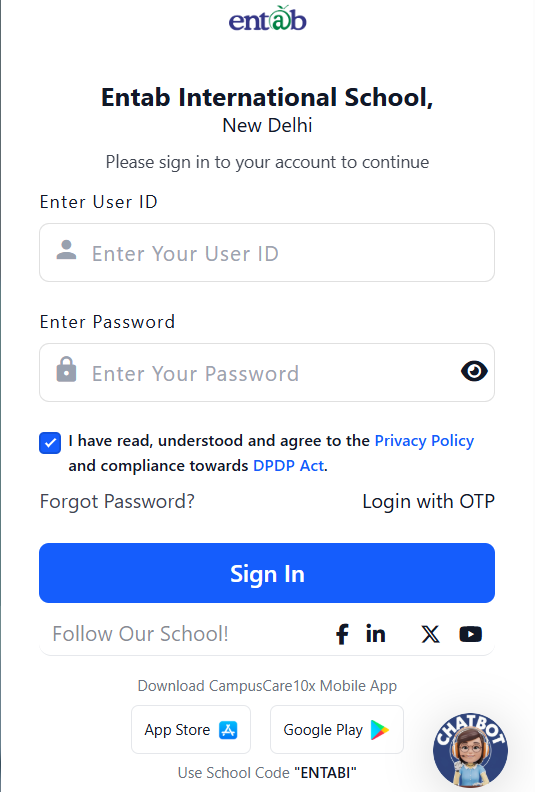
Feature 3: Password Criteria Display in Reset Password Screen
Purpose
To guide users in creating valid passwords and reduce reset failures, the password criteria note has been added to the Reset Password screen, ensuring users are aware of the required format while entering a new password.
Functionality Added
- Added a password criteria note in Master Setting → Reset Password screen.
- The note displays the same validation rules as available in the Change Password screen.
-
The criteria message includes:
- Minimum character length requirement
- Requirement of:
- At least one numeric character
- One lowercase letter
- One uppercase letter
- One special character
- The note is displayed below the password fields during password entry/reset.
- Ensures consistency of validation messaging across both Change Password and Reset Password flows.
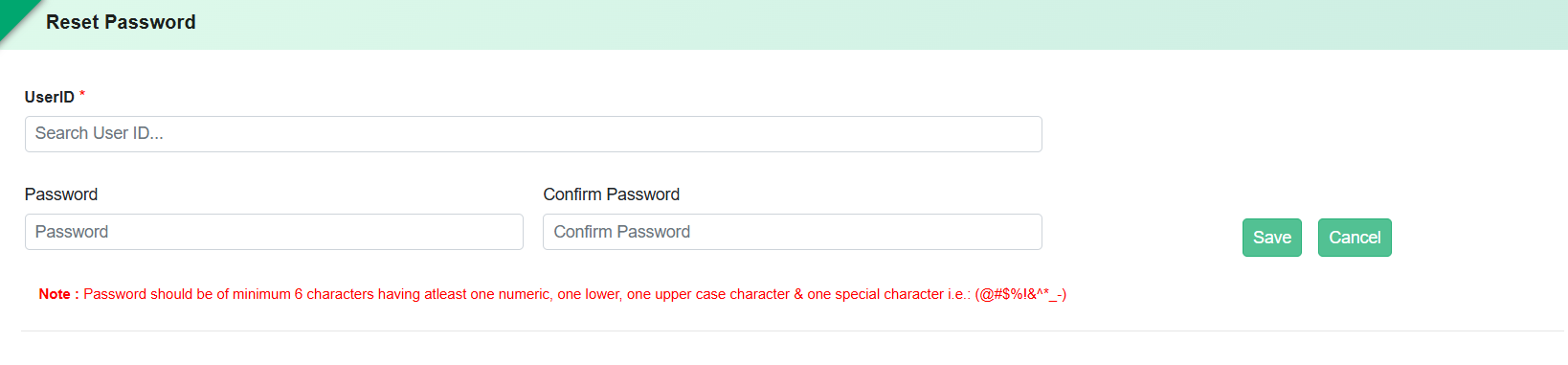
Benefits
- Improved User Guidance: Users clearly understand password requirements while entering details.
- Reduced Errors: Minimizes failed attempts due to incorrect password format.
- Consistency: Same validation rules displayed across all password-related screens.
- Better User Experience: Eliminates confusion during password reset.
- Enhanced Security Awareness: Encourages users to create strong and compliant passwords.
Feature 4: Login Page UI & Branding Enhancements
Enhanced the login page with improved customization and UI consistency, including dynamic button color configuration, fixed minimum button width, left panel background/image settings, uppercase display for User ID and School Code, conditional visibility of “Follow Our School” section, and corrected motto text alignment for a cleaner single-line display.
Feature 5: Utilisation Dashboard
The Utilisation Dashboard (Beta) has been expanded to include analytics across key modules, providing centralized visibility of system usage and activity. The dashboard now covers the following modules:
- Student Information
- Registration
- Fee & Billing
- Transport Management
- Staff Information
- Payroll
- Library & User Login Details
- Student Attendance
- School Online
- Collaboration
- Examination & Assessment
- Time Table
- Calendar
Mobile App & Other
Feature 1: Unread Notification Badge on Mobile App Icon- 1960338
Implemented a notification badge on the CampusCare mobile app icon across all mobile applications, including Parent, Staff, Principal, and other applicable user apps.
Key Features
- Displays the count of unread items/notifications directly on the CampusCare app icon on the device home screen.
- The unread count is synchronized with the user's notification/read status.
- Provides users with an immediate indication of pending/unread information without opening the application.
Feature 2: Form 16 Download in Staff Mobile App – 1954339
Implemented a provision in the Staff Mobile App to allow staff members to view and download their Form 16.
Key Features
- Added a dedicated option to access Form 16 from the Staff Mobile App.
- Staff members can view and download Form 16 directly from the mobile application.
- Form 16 will be available for the applicable financial/assessment year as maintained in the system.
Feature 1: Online Registration → Mobile Browser
Updated the Mobile Browser login page to display the Online Registration message prominently above the school logo. This ensures the registration information is immediately visible to new parents, helping them understand that they must complete the Online Registration process before receiving or accessing their User ID, thereby reducing confusion and unnecessary support queries.
Feature 2: Feedback & Survey – iOS Parent Mobile App
The Feedback & Survey module is now available in the iOS Mobile App, allowing users to conveniently access and participate in feedback and survey activities from their iOS devices.
Key Features
- View active feedback forms and surveys.
- Submit feedback and survey responses directly from the app.
- Support for both anonymous and identified feedback, (as configured by the school).
- View survey instructions and questions in a mobile-friendly interface.
- Receive a seamless and consistent user experience across iOS and other supported platforms.
Feature 3: Staff Mobile App – Gate Pass History
Added a dedicated Staff Gate Pass tab in the Staff Mobile App to provide quick access to all gate passes generated by the logged-in staff member.
Key Features
- View the complete history of generated gate passes.
- Preview previously generated gate passes directly within the app.
- Access gate pass details anytime without requiring regeneration.
- Display gate passes in chronological order for easy tracking.
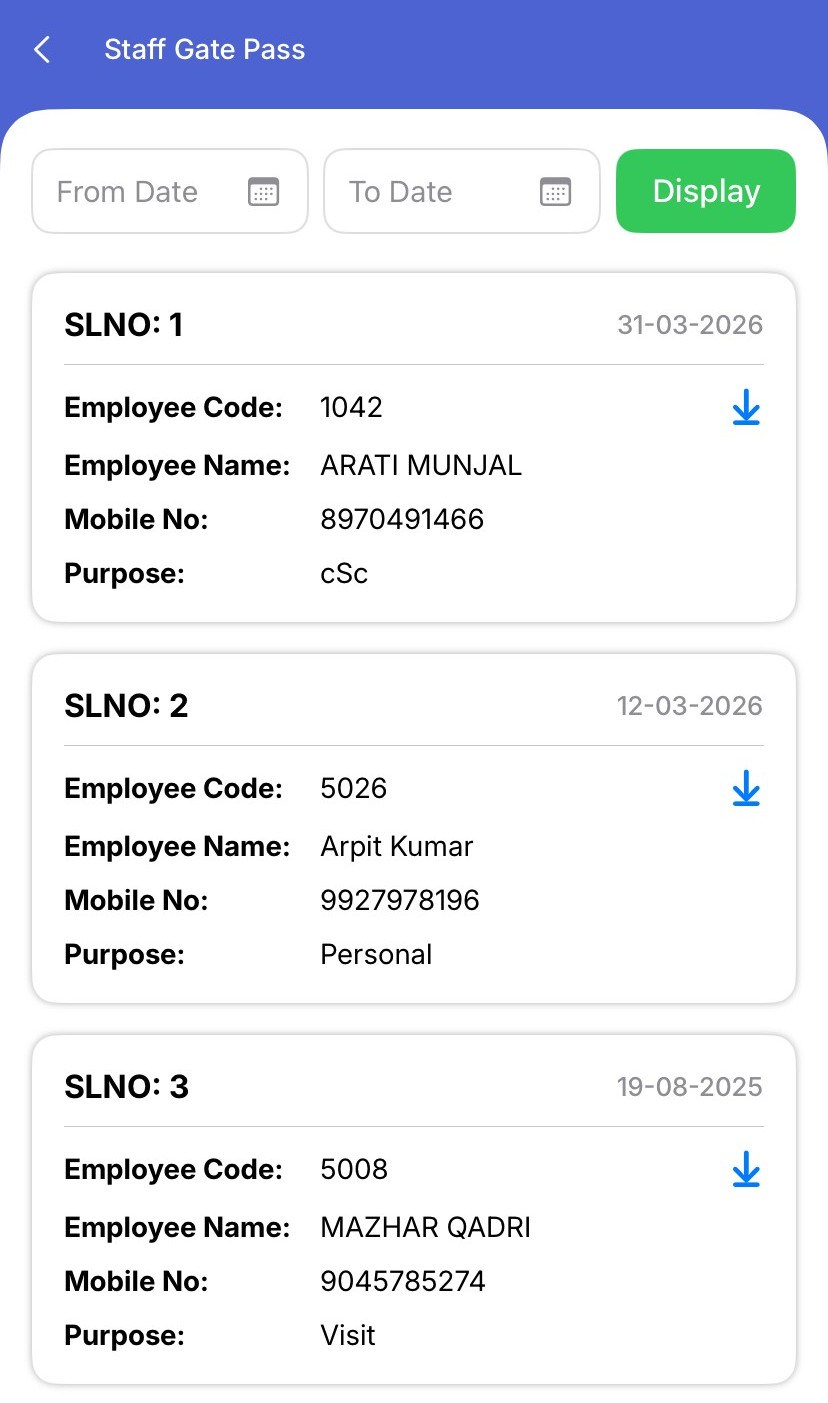
Feature 4: Library Management – Stock Verification (Mobile App)
Introduced a dedicated Stock Verification in the Mobile App to simplify library stock verification using barcode scanning.
Key Features
- After selecting library, multiple books will be listed.
- Select any book and scan the barcode or QR code affixed to the library book.
- Automatically mark scanned books as Stock Verified/Checked.
- Perform quick and accurate physical stock verification using mobile devices.
- Synchronize verification status with the Web Application.
- Continue using the existing stock verification controls and reports available in the Web Portal for review and further processing.
Key Benefits
- Significantly reduces manual effort during stock verification.
- Improves accuracy by eliminating manual book identification.
- Speeds up the physical verification process for large book inventories.
- Ensures real-time update of stock verification status between the Mobile App and Web Application.
Feature 5: Lesson Plan Module
The Lesson Plan module is now available in the Mobile App, enabling teachers to create, manage, update, and track lesson plans directly from their mobile devices.
Key Features:
- Complete Lesson Plan functionality is now available in the Mobile App.
- Create, edit, update, delete, and save lesson plans as Draft.
- Select Teacher, Class, Subject, Chapter, Topic, Sub Topic, and Domains while creating lesson plans.
- Add Homework, Classwork, and Assessment with support for file attachments.
- Create new topics directly from the lesson plan screen.
- Import previously created lesson plans for faster planning.
- Print lesson plans directly from the Mobile App.
- Search and filter lesson plans by Teacher, Class, Subject, and Date.
- View lesson plan approval status, execution status, and approver remarks.
- Manage lesson plans anytime, anywhere through a mobile-friendly interface.
Create Lesson Plan
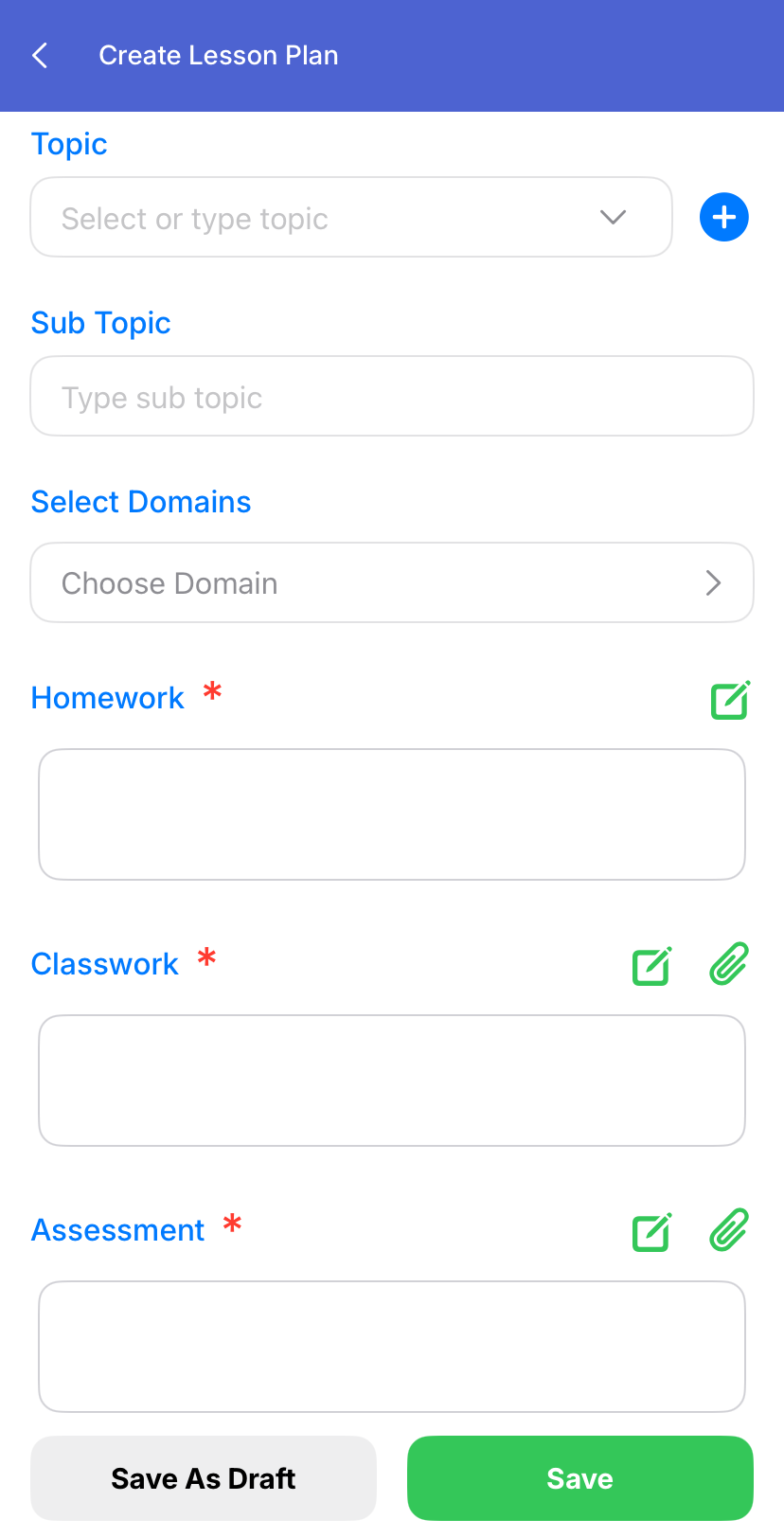
History Logs & Edit Lesson Plan
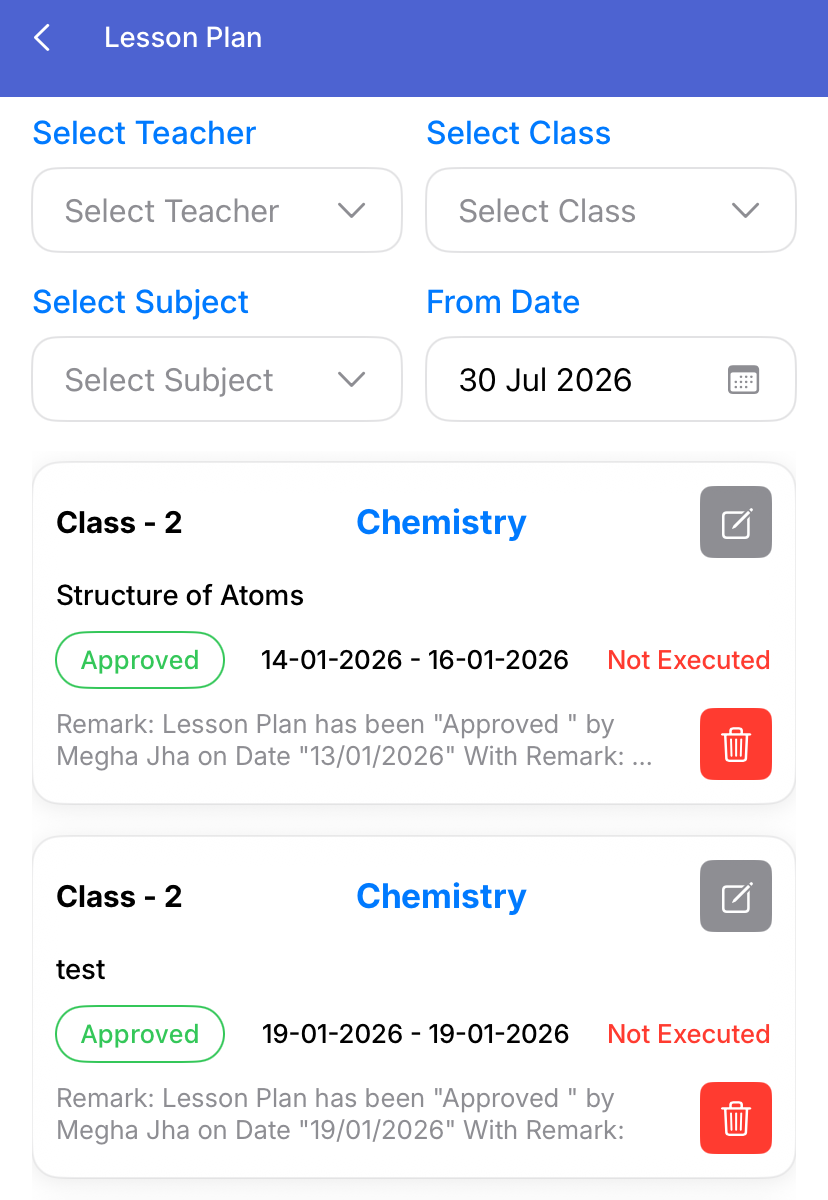
Feature 6: Assignment Description Font Size Control
Key Functionality
- Added a font size adjustment (Zoom In/Zoom Out) option for Assignment Descriptions in the Mobile App.
- Allows parents and students to increase or decrease the text size for better readability.
- Improves visibility of lengthy assignment descriptions without affecting the original content.
- Provides a reading experience similar to the Web Portal by enabling users to customize the text size as per their preference.
- Enhances accessibility and ensures important assignment instructions can be read comfortably on mobile devices.
Feature 1: Subject-wise Resource Folder Management in Parent Mobile App
Purpose
To improve the organization and accessibility of learning resources by displaying them in subject-wise folders within the Parent Mobile App.
Key Functionality
- Enhanced Parent Mobile App → Resources to support subject-wise sub-folders. .
- Resources will be automatically categorized and displayed under their respective subject folders.
- Parents can navigate through subject folders to view and track all available learning resources.
- Ensures resources are organized in a structured hierarchy for easy access.
Feature 1: Internal Gallery Management from Portal
Purpose
To provide schools with the ability to upload and manage Internal Gallery content directly from the web portal, reducing dependency on the mobile application.
Key Functionality
- Added provision in the Portal to upload content for: Mobile Application → Gallery → Internal Gallery.
- Users can upload images/videos directly through the web interface.
- Uploaded content will automatically reflect in the Internal Gallery section of the mobile application.
Key Benefits
- Reduces dependency on staff mobile devices for gallery uploads.
- Simplifies media management through desktop/web access.
- Improves operational convenience for schools.
- Enables faster and easier bulk content handling.
- Provides centralized control over Internal Gallery updates.
Feature 2: Font Size Adjustment for Assignment Description in Mobile App
Purpose
To improve readability of assignment descriptions in the mobile application by allowing users to adjust font size as per their preference.
Key Functionality
- Added Zoom In / Zoom Out (Font Size Increase/Decrease) option for assignment descriptions in the mobile app.
- Users (parents/students) can increase text size for better readability of lengthy assignment content.
Key Benefits
- Enhances user experience and accessibility.
- Improves readability of detailed assignment descriptions.
- Reduces misunderstanding of assignment instructions and dependency on school staff for clarification.
- Ensures effective communication between teachers, students, and parents.
Feature 3: Add "Both" Option in Gender Selection for Staff Circulars
Purpose
To allow staff circulars to be sent to Male, Female, or Both genders when creating class-wise circulars in the mobile application.
Key Functionality
- Added a "Both" option in the Gender dropdown under: Mobile App → Staff → Circular → Type: Class Wise → Gender.
- Circulars will be sent to all employees when Both is selected, while existing Male and Femalefilters remain unchanged.
Key Benefits
- Provides flexibility for targeted or common communication.
- Reduces duplicate circular creation for multiple gender groups.
- Improves communication efficiency and ease of use for staff users.
Feature 4: Employee Gallery for Principal & Management Mobile App
Purpose
To provide Principals and Management users with centralized access to all images uploaded and shared by school employees through the mobile application.
Key Functionality
- Added a new Employee Gallery icon in the Principal and Management Mobile Apps.
- Display all images uploaded/shared by school employees in a consolidated gallery view.
- Provides Class-wise and Employee-wise filters to easily search and view images.
- Allow users to open images in full view and browse employee-uploaded content based on selected filters.
Key Benefits
- Enhances visibility and monitoring of activities shared by staff members.
- Enables Principals and Management to review class-wise events and classroom activities from a single location.
- Reduces manual follow-ups with staff for activity updates.
- Improves transparency and engagement in school operations.
Feature 5: ATOM POS & Payment Mobile Application
To provide a dedicated mobile application for ATOM POS and Payment transactions, enabling seamless fee collection, payment processing, and transaction management through a unified platform.
Feature 1: Helpdesk Accessibility Enhancement
Updated the UI by removing the “?” help icon from the left menu panel and introducing a Helpdesk option at the top of the page, ensuring better visibility and easier access to support for users.
Feature 2: Student Performance Tab in Mobile Apps (Principal & Management)
The Student Performance tab, which includes year-wise exam analysis, has now been extended to both the Principal and Management Mobile Apps. This enables users to view detailed academic performance trends of students directly on mobile devices, similar to the portal. With this enhancement, school leadership can monitor student progress, analyze performance over multiple academic years, and make informed decisions anytime, anywhere, without needing to access the web portal.
Feature 3: Profile Update Provision in Mobile Apps (Parent & Staff)
Enabled profile detail update functionality in both Parent and Staff Mobile Apps, allowing users to edit and update profile information directly from mobile devices.
-
Parent Mobile App
- Parents can update student profile details.
- Access is controlled through Student Profile Edit Permission and Student Pack Date configured in Institutional Information.
-
Staff Mobile App
- Staff can update their profile details via the mobile app.
- Controlled through Staff Profile Edit Permission and Staff Pack Date settings.
This enhancement improves accessibility and ensures real-time profile updates with controlled permissions.
Feature 4: Post-Attendance Leave Application in Parent Mobile App
Enhanced the Student Leave functionality in the Parent Mobile App to allow parents to apply for leave even after attendance has already been marked. Upon approval, the student’s attendance will be automatically updated to Leave in the Attendance Entry form; if disapproved, the status will remain Absent. This ensures flexibility for genuine cases while maintaining controlled approval-based attendance updates.
Tuckshop
Feature 1: Inventory & Sale Process Enhancements
Purpose
To improve usability, compliance, and operational efficiency in inventory and sales workflows.
Key Functionality
-
Purchase Entry Form Enhancements
-
Field Navigation Improvement
- Cursor flow updated to:
- Quantity → Rate → Next Fields
- Ensures smoother data entry using Tab / Enter keys.
- Cursor flow updated to:
-
Bill Number Character Limit Increase
- Increased Bill No. field limit to 20 characters.
- Supports longer vendor invoice numbers.
-
Round-Off Configuration
- Added setting:
- “Purchase Entry Round Off on Grand Total – Yes/No”
- Default value:Yes
- Behaviour:
- Yes: Grand Total is mathematically rounded off (no decimals).
- No: Grand Total displays decimal values.
- Added setting:
-
Field Navigation Improvement
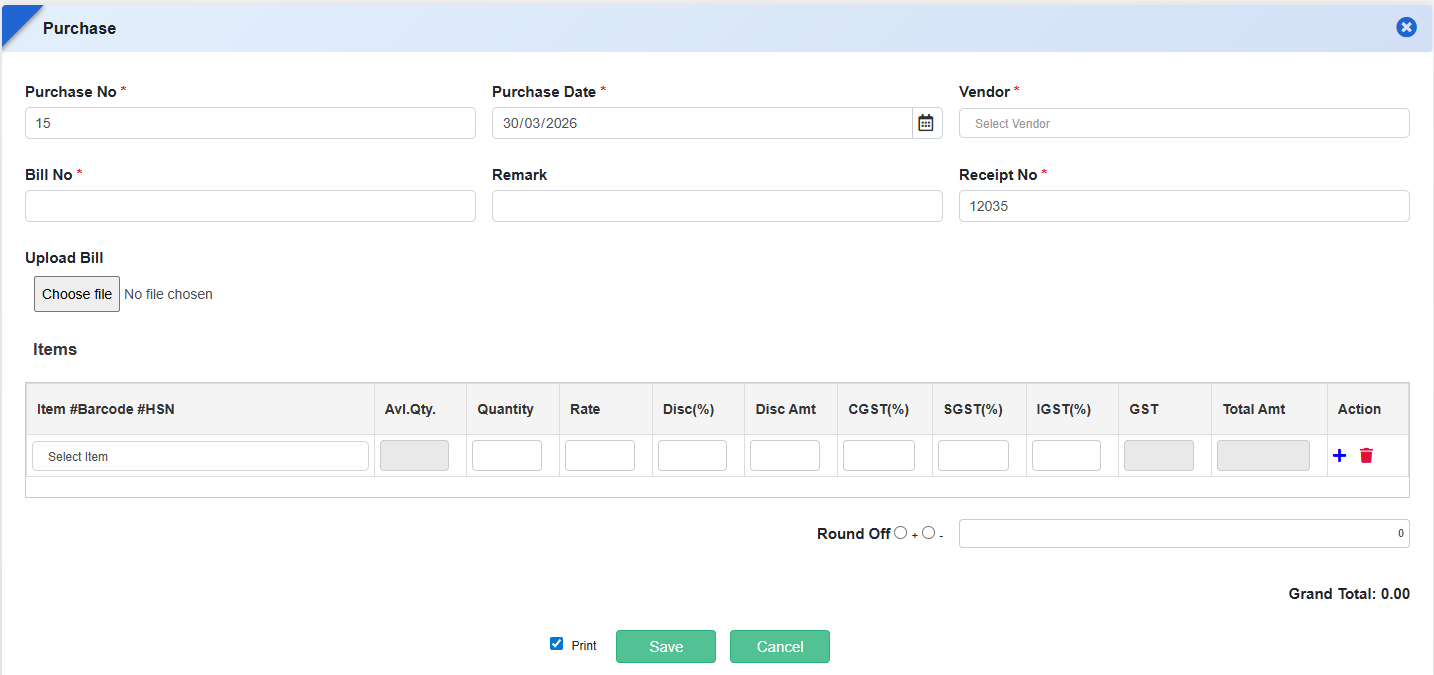
What's New in Tuckshop
This release improves flexibility and accuracy in Tuckshop operations by allowing schools to remove or modify previously assigned kits for students and classes. Administrators can now correct allocations instantly without workarounds, ensuring kit records always reflect the current requirement. The enhancement simplifies day-to-day management, reduces errors, and supports smoother handling of student movement or policy changes.
Feature 1: Provision to Remove Assigned Kits in Kit Assigner
Purpose
To provide greater flexibility in managing student and class-wise kit assignments, the Kit Assigner feature has been enhanced to allow removal of already assigned kits. This ensures schools can correct or update kit allocations without system restrictions, supporting accurate tuckshop operations.
Key Functionality:
- Enables users to unassign/remove kits in Student-wise and Class-wise Kit Assigner.
- Users can now untick an already assigned kit and save changes successfully.
- Supports smooth updates when a kit is no longer applicable to a student or class.
When kit is assigned
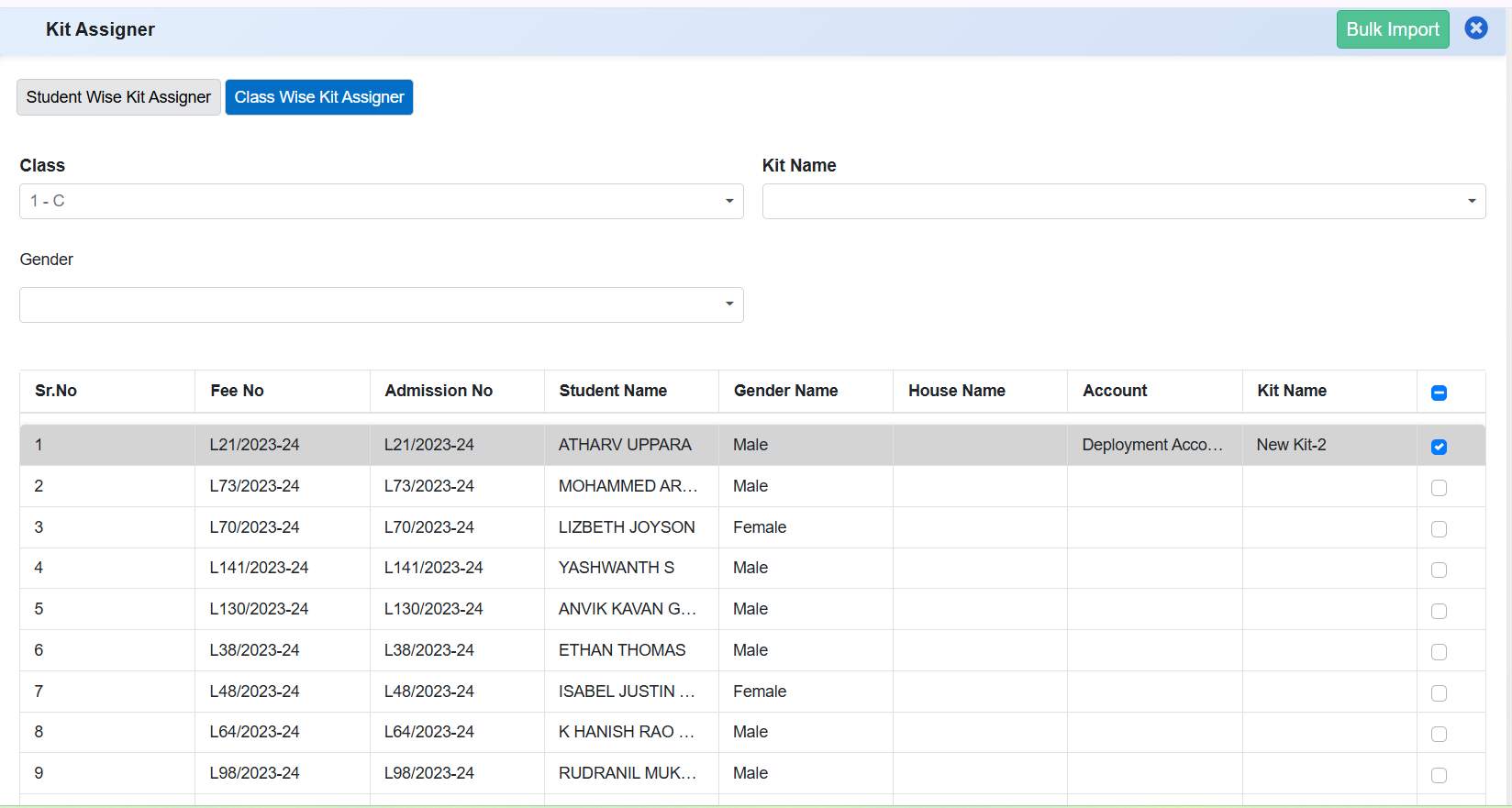
When kit is unassigned
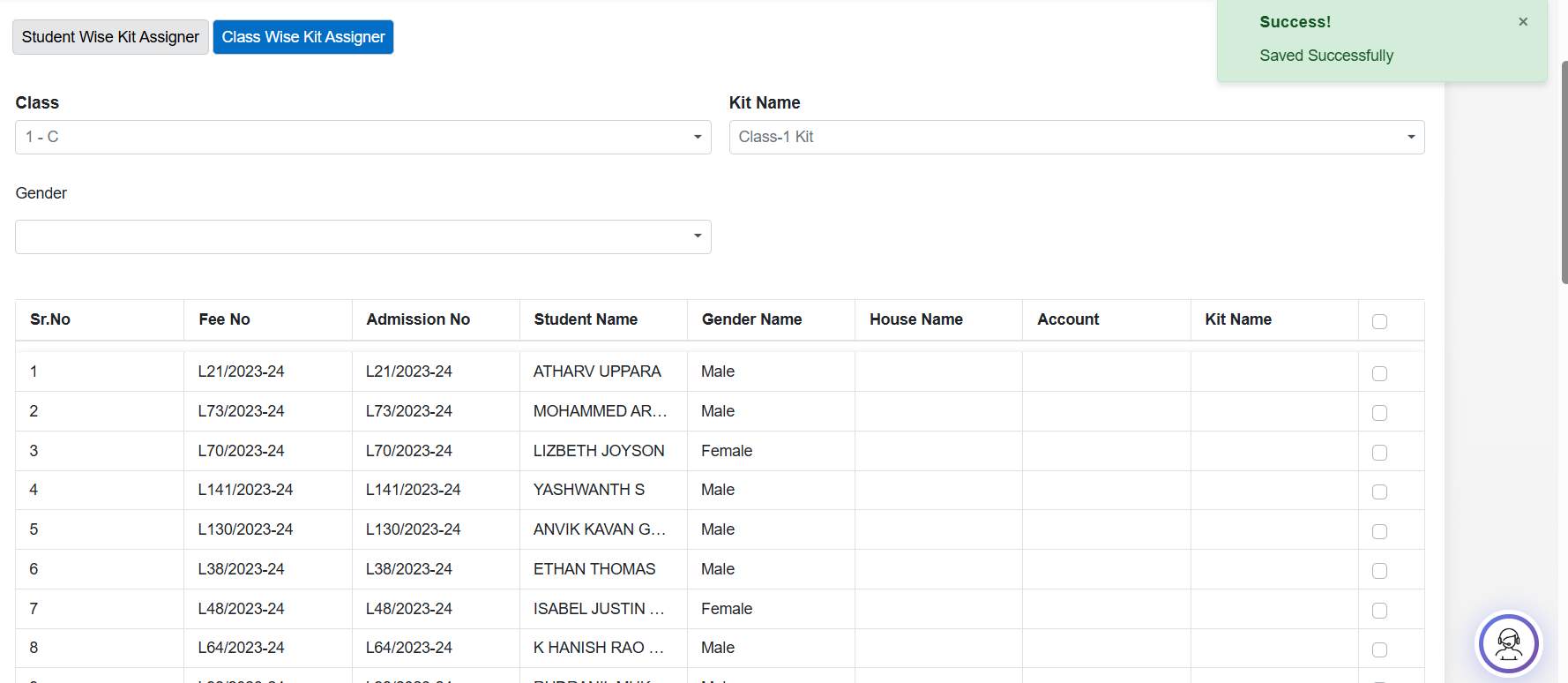
Benefits:
- Greater Control: Schools can easily correct or modify kit assignments.
- Improved Accuracy: Prevents incorrect or outdated kit allocations.
- Reduced Dependency on Workarounds: Eliminates the need to reassign kits just to remove existing ones.
- Operational Flexibility: Supports changes due to student movement, policy updates, or kit revisions.
Enquiry
What's New in Enquiry
This release improves the quality and usability of lead management by enabling richer data capture and flexible viewing controls. Counsellors can now record essential student details at the enquiry stage and customize the Leads grid to match their working preferences. These changes enhance data accuracy, speed up follow-ups, and allow schools to generate reports that reflect exactly what users see on screen, leading to more effective admission tracking.
Feature 1: Enhanced Lead Data Capture & Customizable Lead Grid
Purpose
To improve lead information completeness and give schools greater control over how lead data is viewed and reported, the Leads module has been enhanced with additional data fields and a customizable grid layout. These updates help counsellors capture accurate student details early and tailor the Leads view to their operational needs.
Key Functionality:
- Additional Fields in Lead Form
- Added Date of Birth and Father's Name fields in the Lead form.
- Enables schools to capture more accurate and relevant student information at the enquiry stage.
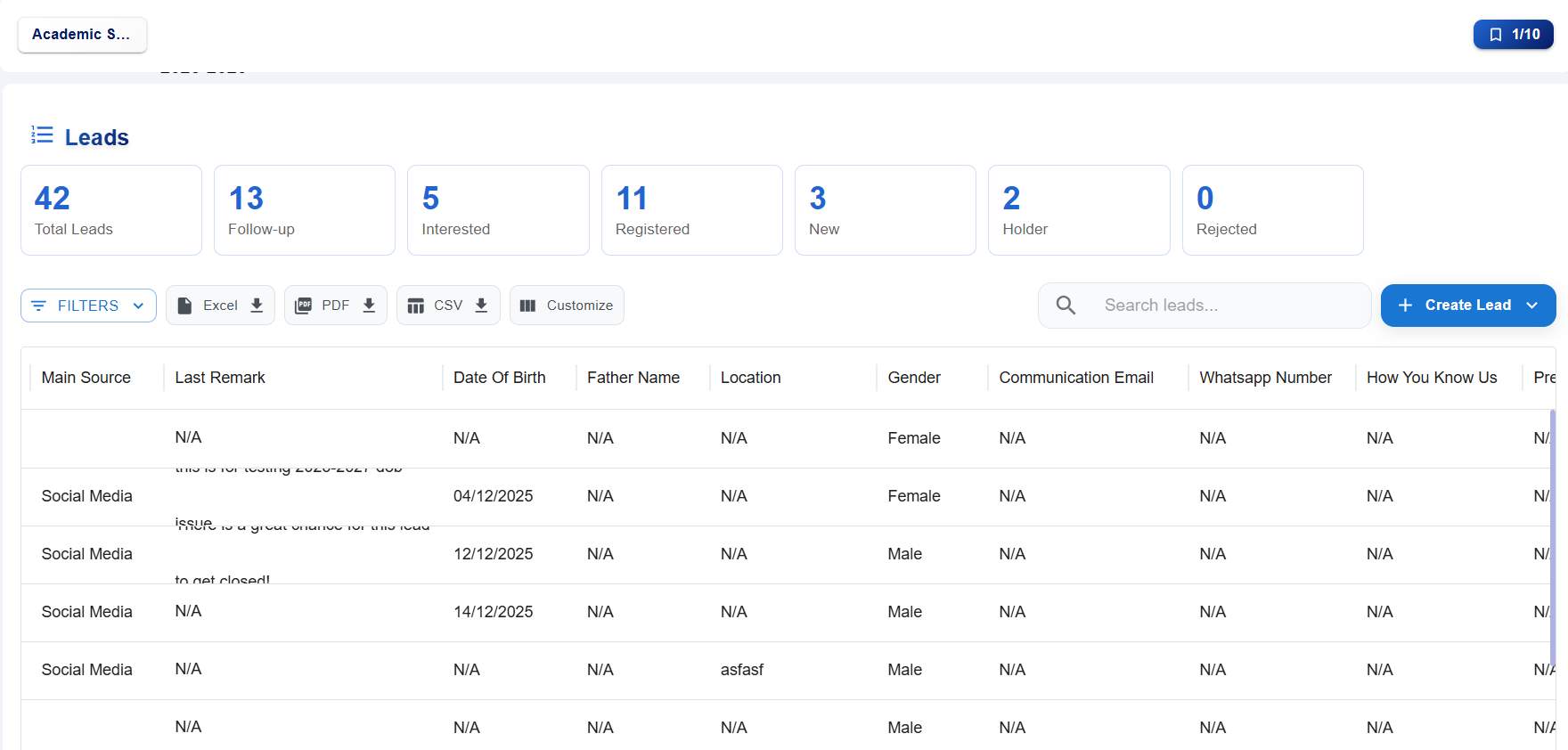
- Customizable Leads Grid (CUSTOMIZE Button)
- Introduced a CUSTOMIZE button on the Leads page.
- Allows users to:
- Drag and drop columns to reorder them.
- Show or hide columns using checkboxes.
- Lead reports are generated based on the currently visible columns, ensuring consistency between on-screen data and reports.
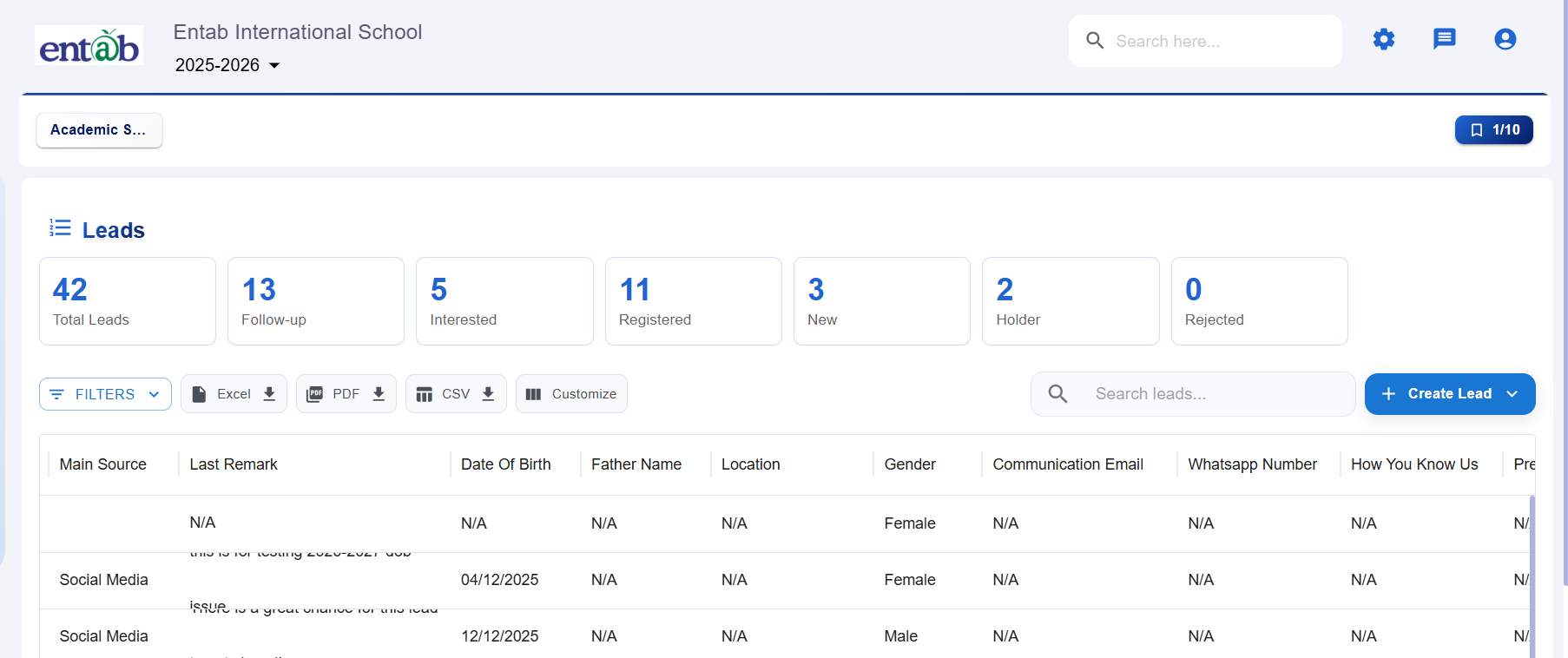
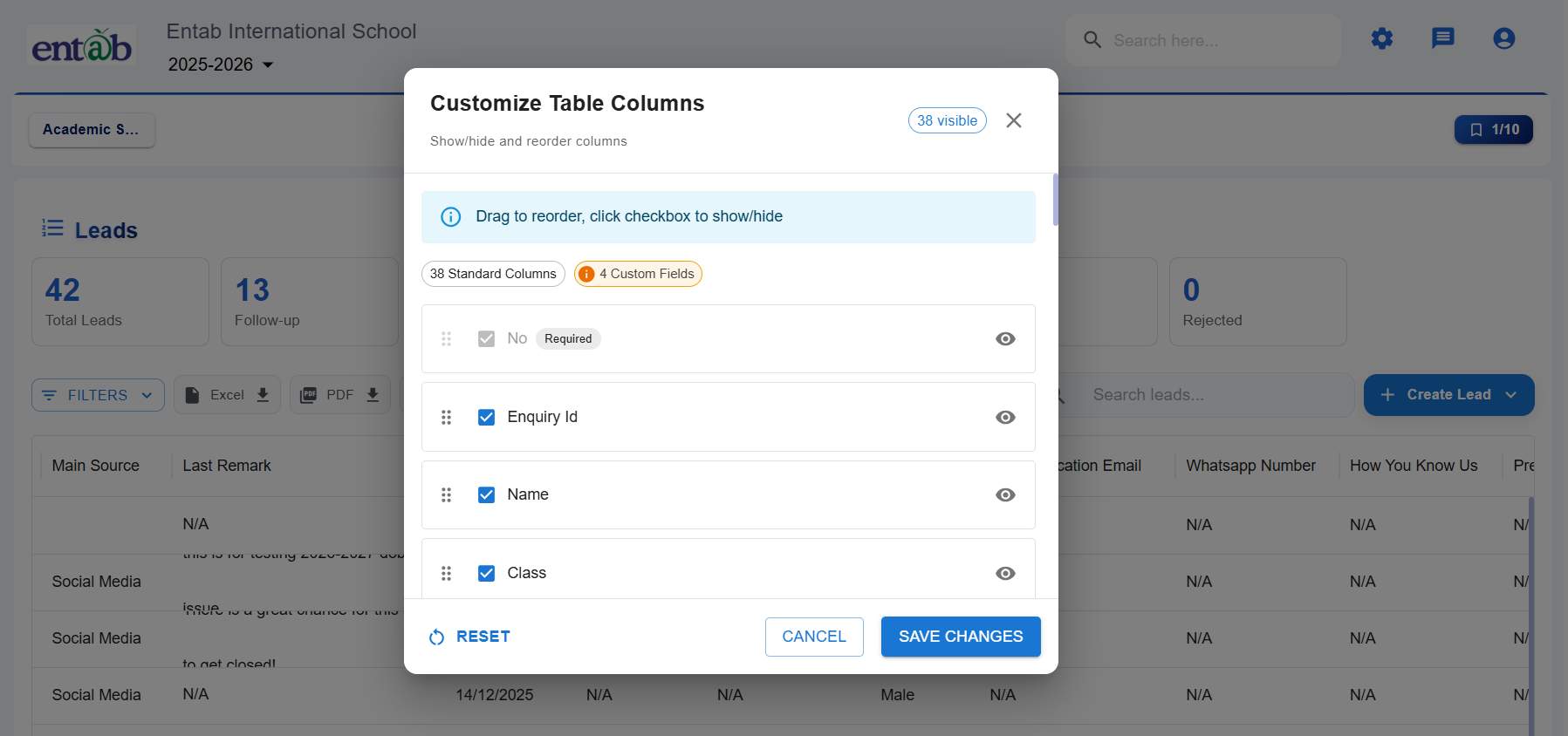
Benefits:
- Improved Data Accuracy: Early capture of DOB and Father's Name reduces follow-up and correction effort.
- User-Controlled View: Counsellors can tailor the Leads grid to focus on the most relevant information.
- Flexible Reporting: Reports align with the customized grid, eliminating unnecessary columns.
- Better Productivity: Faster access to required data improves daily enquiry handling efficiency.
- Enhanced User Experience: Drag-and-drop customization makes the system more intuitive and adaptable.
Admission Counsellor
Feature 1: Admission Counsellor Payment Integration
Purpose
To enable schools to collect Admission Counsellor fees/paymentsthrough the online payment gateway and provide complete payment tracking, verification, and settlement management within the ERP.
Key Functionality
- EnableAdmission Counsellor Module + Payment option underAdmission Counsellor → Settings → Form Type & Features.
- Integrate Admission Counsellor payments with Online Payment Settings for payment gateway configuration.
- Link Admission Counsellor transactions with:
- Online Payment Status
- Online Payment Verify
- Online Payment Settlement
- Display Admission Counsellor payment transactions in:
- Online Transaction Detail
- Online Settlement Detail
- Maintain payment status, transaction reference, settlement status, and reconciliation details like Online Fee and Registration Fee modules.
Key Benefits
- Enables online collection of Admission Counsellor fees.
- Provides end-to-end payment tracking and reconciliation.
- Reduces manual fee collection and verification efforts.
- Ensures consistency with existing online fee payment workflows.
Staff PMS
Feature 1: Performance Matrix Form in PMS Module
Enables structured and automated evaluation of staff performance based on defined KRAs, KPIs, competencies, and weightages. Defined a standard calculation to evaluate performance better.
Lesson Plan
Feature 1: Approval & Execution Status Columns in Lesson Plan Summary Report
Purpose
To provide better monitoring and insights into lesson plan progress, the Lesson Plan Summary Report has been enhanced with additional status indicators. These updates help schools track whether lesson plans are approved and whether they have been executed in the classroom.
Navigation
Lesson Plan → Reports → Lesson Plan Summary Report
Key Functionality
-
Approval Status Column
- Displays the approval state of each lesson plan.
- Possible values:
- Approved
- Not Approved
- Helps identify lesson plans pending review or approval by coordinators or management.
-
Execution Status Column
- Indicates whether the planned lesson has been conducted.
- Possible values:
- Executed
- Not Executed
- Reflects the actual execution of lesson plans against the planned schedule.
-
Report Enhancement
- Both columns are displayed alongside existing lesson plan details in the summary report.
- Enables quick identification of lesson plans that are approved but not executed, or executed without approval.
Key Benefits
Improved Academic Monitoring: Provides clear visibility of lesson plan approval and execution status.
Better Compliance Tracking:Helps management ensure lesson plans are reviewed and followed.
What’s New in Lesson Plan
This update enhances transparency and accountability in lesson planning by introducing clear visibility of the actual creator of each lesson plan. Schools can now easily distinguish between the assigned teacher and the user who prepared the plan, improving coordination, monitoring, and ownership across academic workflows.
Feature 1: “Created By” Column in Lesson Plan Review
Purpose
To provide better clarity on lesson plan ownership and improve review accuracy, a new column has been introduced to identify the actual creator of each lesson plan.
Key Functionality
- Added a new “Created By” column in the Lesson Plan Review grid.
- Displays the name of the user who created the lesson plan, irrespective of the assigned teacher.
- Example: If Coordinator A creates a lesson plan for Teacher B, the Created By column will show Coordinator A.
-
Appears alongside existing fields such as:
- Chapter
- Class
- Topic
- Review
- Status
- From Date
- To Date
- LP Review
- EP Review
Benefits
- Improved Transparency: Clearly identifies who created each lesson plan.
- Better Accountability: Ensures ownership of academic content.
- Enhanced Monitoring: Helps management track planning responsibilities.
- Streamlined Review Process: Provides complete visibility in a single grid.
LMS Link 1 Details
Details about LMS Link 1.
LMS Link 2 Details
Details about LMS Link 2.
Mobile Link 1 Details
Details about Mobile Link 1.
Mobile Link 2 Details
Details about Mobile Link 2.
Chatbot Link 1 Details
Details about Chatbot Link 1.
Chatbot Link 2 Details
Details about Chatbot Link 2.